




How to Host a Virtual Summit People Actually Show Up For
On this page
Decide who the summit is for and what they'll leave with, then build a short, mostly live program around it. Label recorded sessions honestly, let speakers broadcast from their own locations, give attendees breakouts and a way to be seen and heard, and plan the replays before the first session starts.
Key Takeaways
- A virtual summit is a focused online event. Several speakers, one theme, one to three days, built for a specific audience.
- Live sessions are the reason to show up. Recorded interviews fill a library; live sessions fill a calendar. Label each one honestly.
- Speakers don't need a studio of their own. A remote virtual stage takes a speaker's camera feed and broadcasts it as a full interactive event.
- Attendance means taking part. Breakout rooms, live call-ups and real-time translation turn an audience into attendees.
- One system beats five tools. Plan registration, the branded event environment, streaming and replays together.
A great virtual summit feels like an event people show up for, not a library they mean to get to someday. Build it around a few live moments worth attending in real time, give attendees ways to take part rather than only watch, and let speakers join from wherever they are. When registration, the event environment, the broadcast and the replays work as one system, a summit with thousands of attendees still feels personal to each one, and it becomes a true virtual event instead of a playlist.
What Is a Virtual Summit?
A virtual summit is an online event where several speakers address one theme for a defined audience, usually over one to three days. Sessions can be keynotes, interviews, panels or workshops, and attendees join from anywhere with a screen. Some summits are free and funded by sponsors or offers made during the event; others are ticketed like any conference.
Summits are easy to confuse with the formats around them.
| Format | Typical shape | How attendees take part | Best for |
|---|---|---|---|
| Webinar | One presenter, one session, often under an hour | Watch and type questions | A single topic or demo |
| Virtual summit | Several speakers, one theme, one to three days | Live sessions, Q&A, breakouts | Building an audience around a topic |
| Virtual conference | Many tracks and a broad program, often an extension of an in-person brand | Sessions, networking, exhibitors | Associations and large industry events |
| Interactive broadcast | A produced live event inside a branded environment | Live call-ups, breakouts, in-event offers | Any of the above, when the audience should take part, not just watch |
Most summits stop at the second row. The ones people remember borrow from the fourth.
Should a Virtual Summit Be Live or Pre-Recorded?
Make the core of it live. Many summits are a stack of recorded interviews released on a schedule. The model is easy to produce, and it's just as easy to skip: attendees register, plan to watch later, and the summit slips down their list.
Live sessions give people a reason to be there at a set time. Build the program around a few anchors that only work live, such as the opening keynote, a headline conversation, open Q&A and the closing session. Use recorded content where it truly helps, such as a speaker in a far-off time zone or a tightly edited product demo.
Our rule on the studio floor is simple: live is live, and recorded is recorded. Introduce a recorded session as recorded, keep the host live around it, and never invite questions to a speaker who isn't there to answer them. When the World's Hottest Menopause Party ran from the studio, Halle Berry, Jenny McCarthy and Naomi Watts all appeared live, not pre-recorded, alongside leading menopause doctors from around the world, and the event streamed free to women everywhere.
For how to split a program between the two, see live vs. pre-recorded virtual events.
How Do You Plan a Virtual Summit?
Start with the audience and work outward. These seven steps cover most summits:
- Define the audience and the promise. Write one sentence: who the summit is for and what they'll leave with. Every speaker and session should serve it.
- Choose the length. One focused day suits most first summits. Two or three days suit a bigger program or an audience spread across time zones.
- Book speakers early and brief them together. Share the theme, each session's format, the technical check-in dates and how audience questions will work.
- Set up registration and tickets. Decide what's free, what's paid and what each tier includes before you announce. INCREDEVENT, the event-management and ticketing platform built into the studio's model, runs registration and ticketing as part of the production rather than as one more vendor.
- Design the event environment. Every event at the studio gets its own virtual dashboard, branded as yours. Attendees log into your world, with breakout rooms, segmentation that routes each attendee into the sessions they chose, and shopping carts for in-event offers.
- Write the run of show. Times, segment owners, transitions, and what happens if a speaker's feed drops.
- Rehearse with every speaker. A full technical rehearsal, not just a sound check.
You don't plan it alone. From contract to event day, our production team meets with clients weekly or every other week, whether the summit is two weeks or ninety days out.
What Does a Virtual Summit Agenda Look Like?
Short and shaped. A screen holds attention for less time than a room does, so keep each day to about four hours of programming, with short breaks between blocks. Here's a sample agenda for a one-day live summit.
| Time | Segment | What happens |
|---|---|---|
| 0:00–0:40 | Welcome and opening keynote (live) | The host sets the theme; the first speaker delivers the summit's main idea |
| 0:45–1:25 | Headline conversation (live) | The guest most attendees registered to see, interviewed by the host |
| 1:30–2:10 | Breakouts (live) | Small face-to-face sessions by topic, region or ticket tier |
| 2:15–3:05 | Expert sessions (live or labeled as recorded) | Two or three focused sessions that deliver the summit's practical takeaways |
| 3:10–3:40 | Open Q&A (live) | Attendees called up on screen to ask speakers their own questions |
| 3:45–4:00 | Close (live) | The host recaps, shares replay details and points attendees to what comes next |
For a multi-day summit, repeat the shape each day and open each morning with a short live recap. Put the strongest session early on day one; it sets attendance for everything that follows.
How Do Speakers Join a Virtual Summit From Anywhere?
Most summit speakers won't fly in, and they don't need to. With our Remote Virtual Stage, a speaker sends a camera feed from wherever they are, and the studio broadcasts it out as a full interactive event, with the branded dashboard, the breakouts and the live audience around it. The studio can run multiple virtual stages at the same time.
Matthew McConaughey led a multi-hour session on his book and road trip from a private studio with no remote capability of its own. His feed came to the studio and went out as a fully interactive event, breakout rooms included, to an audience at roughly 90,000-attendee scale. Here's how the McConaughey broadcast was built.
A few habits keep remote speakers sharp:
- Fix the eyeline. Set the speaker's camera at eye level and ask them to look into the lens, so they meet the audience instead of their notes.
- Rehearse the whole session. Run the speaker's open and a sample Q&A exchange, not just a sound check.
- Keep the conversation natural. Our system is engineered for true one-on-one conversation without satellite-style delay, so a host and a remote speaker can talk without stepping on each other.
- Agree on a fallback. Decide in advance what the host does if a feed drops, so a pause never becomes dead air.
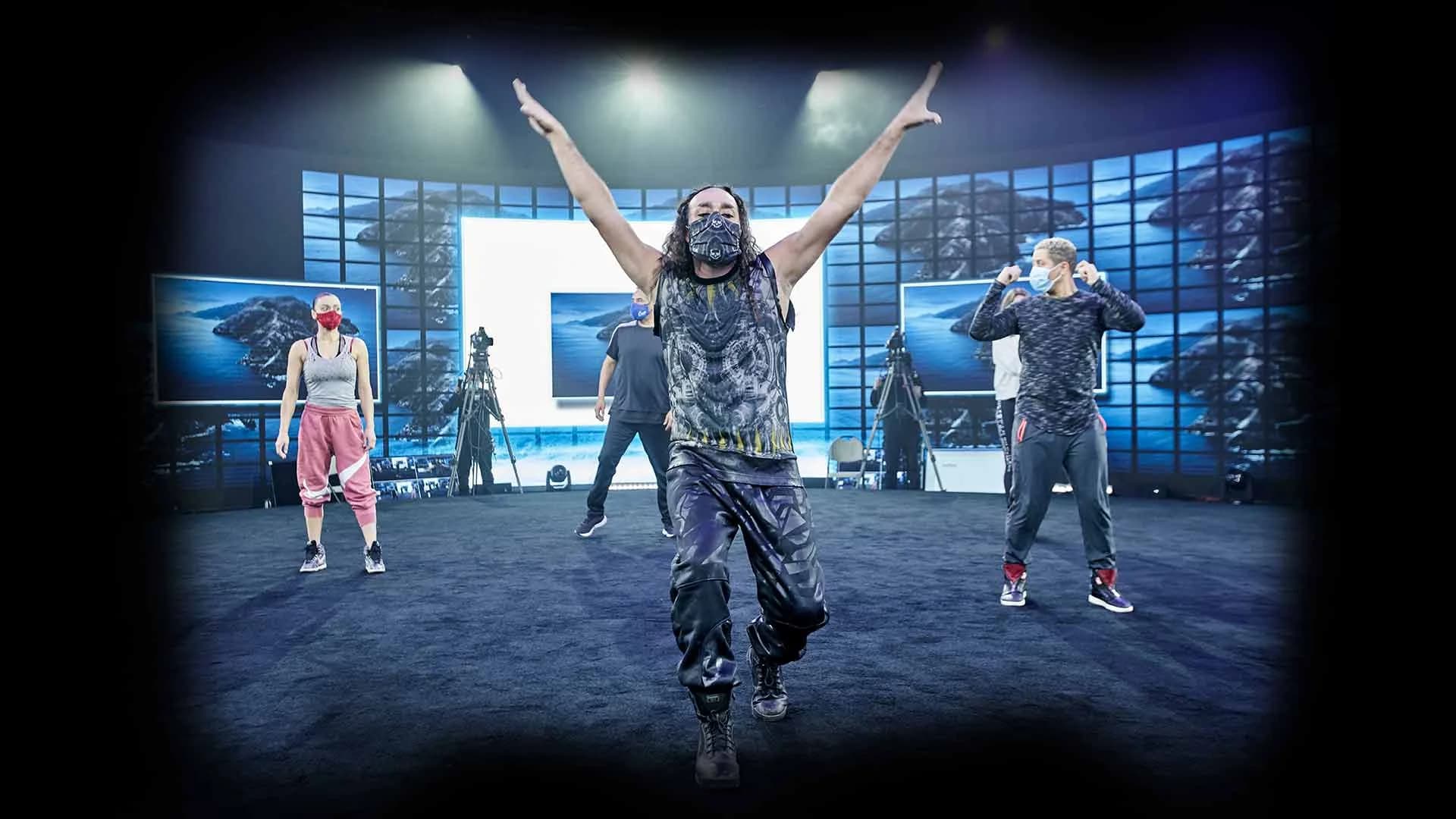
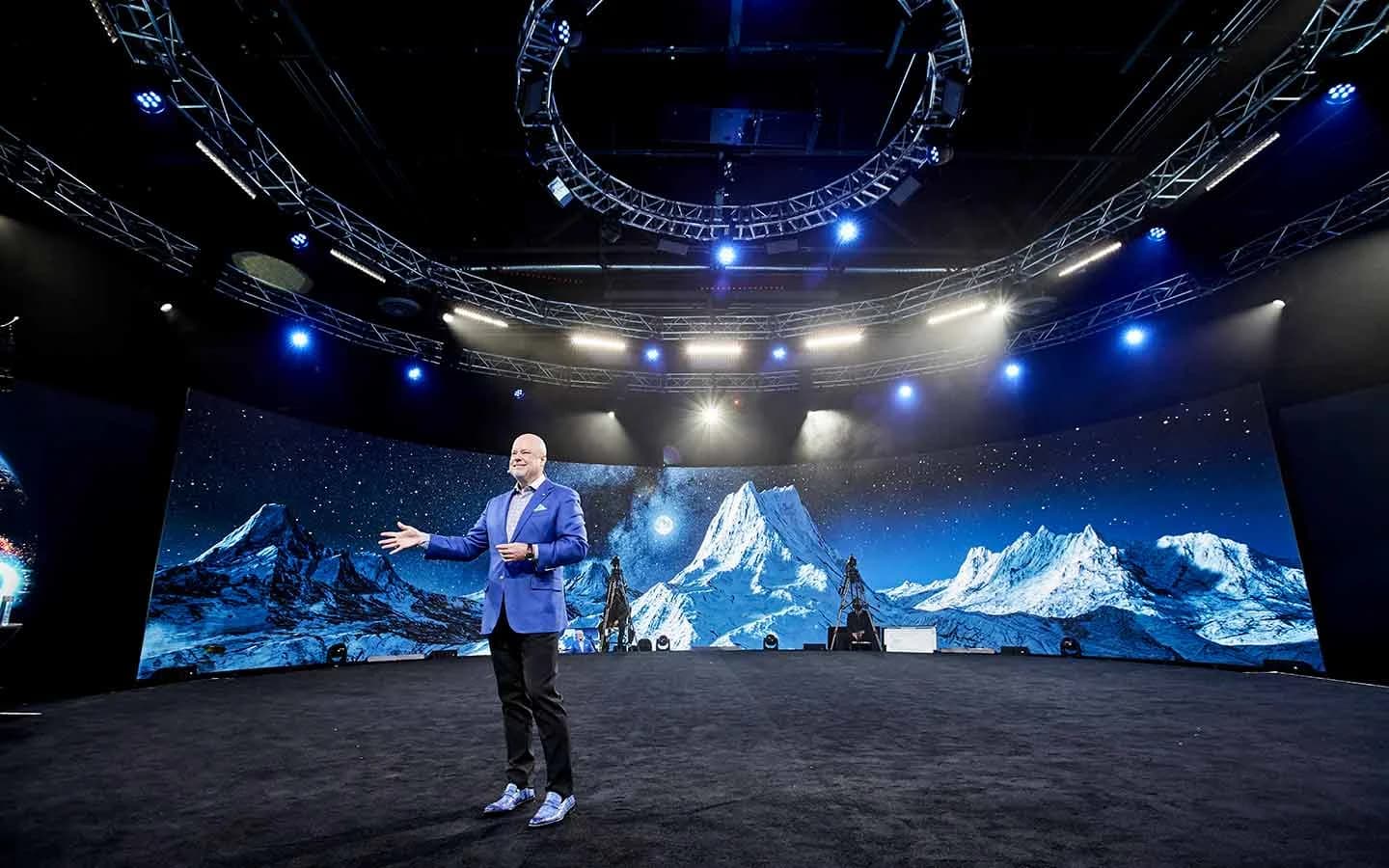
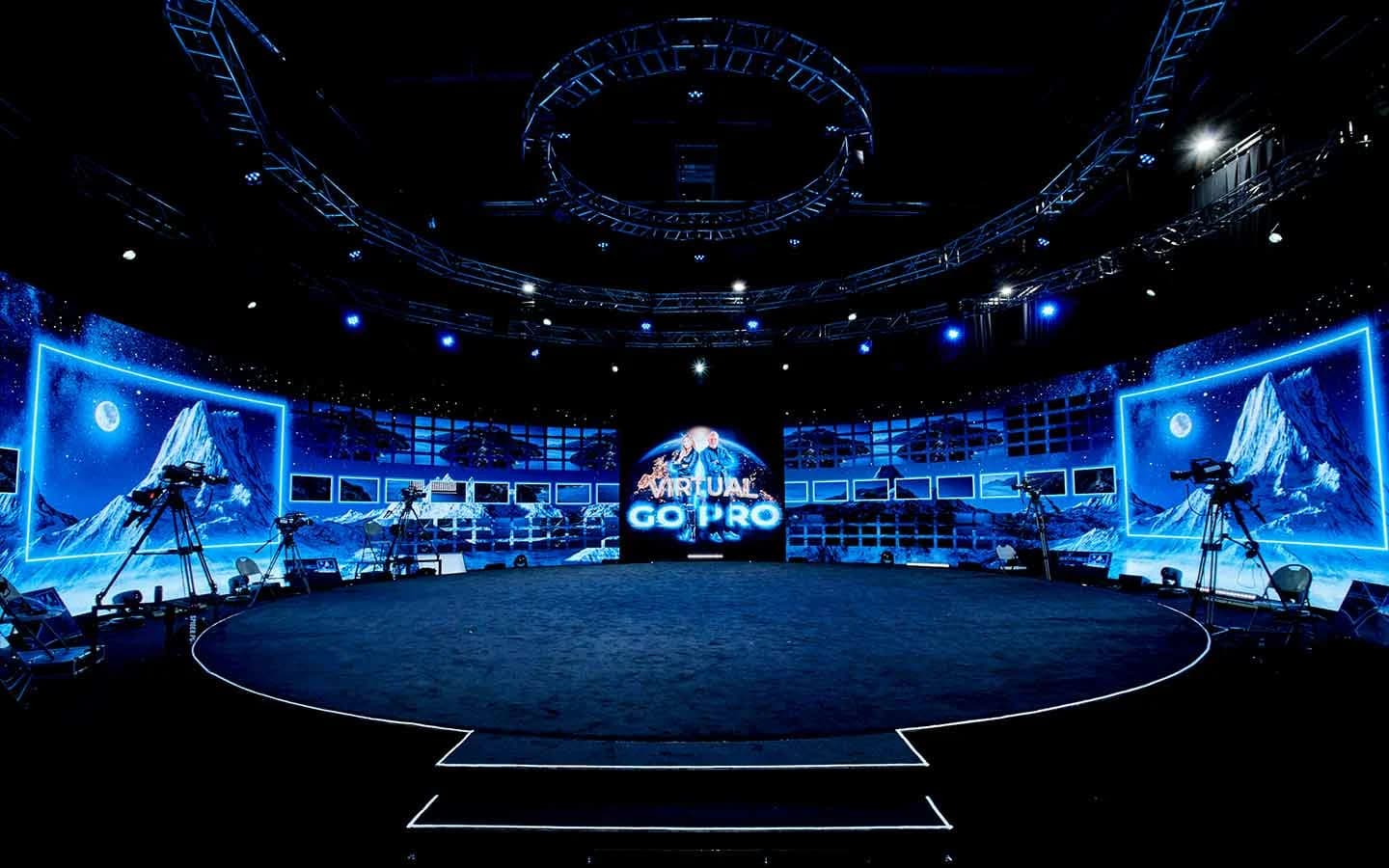
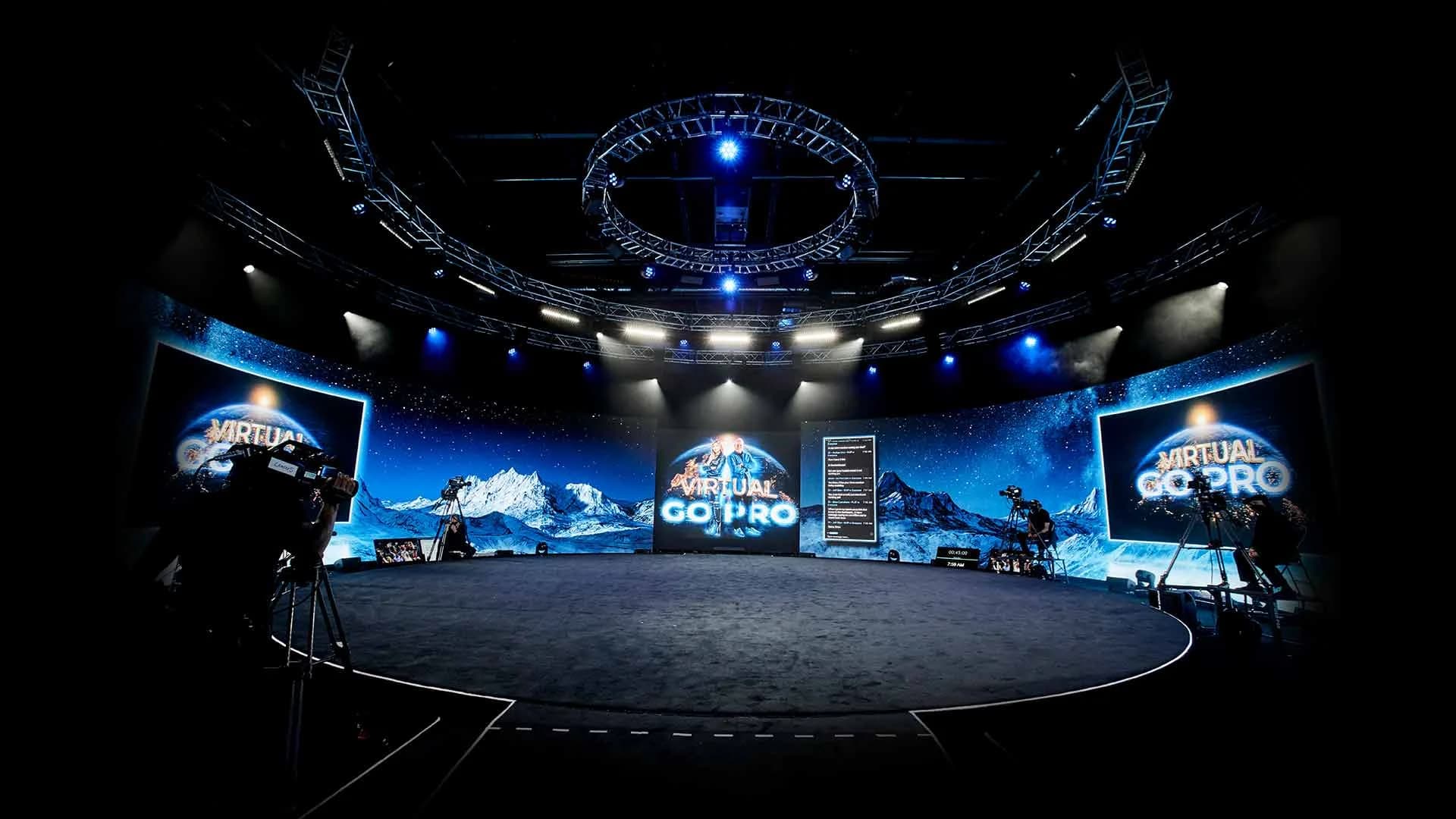
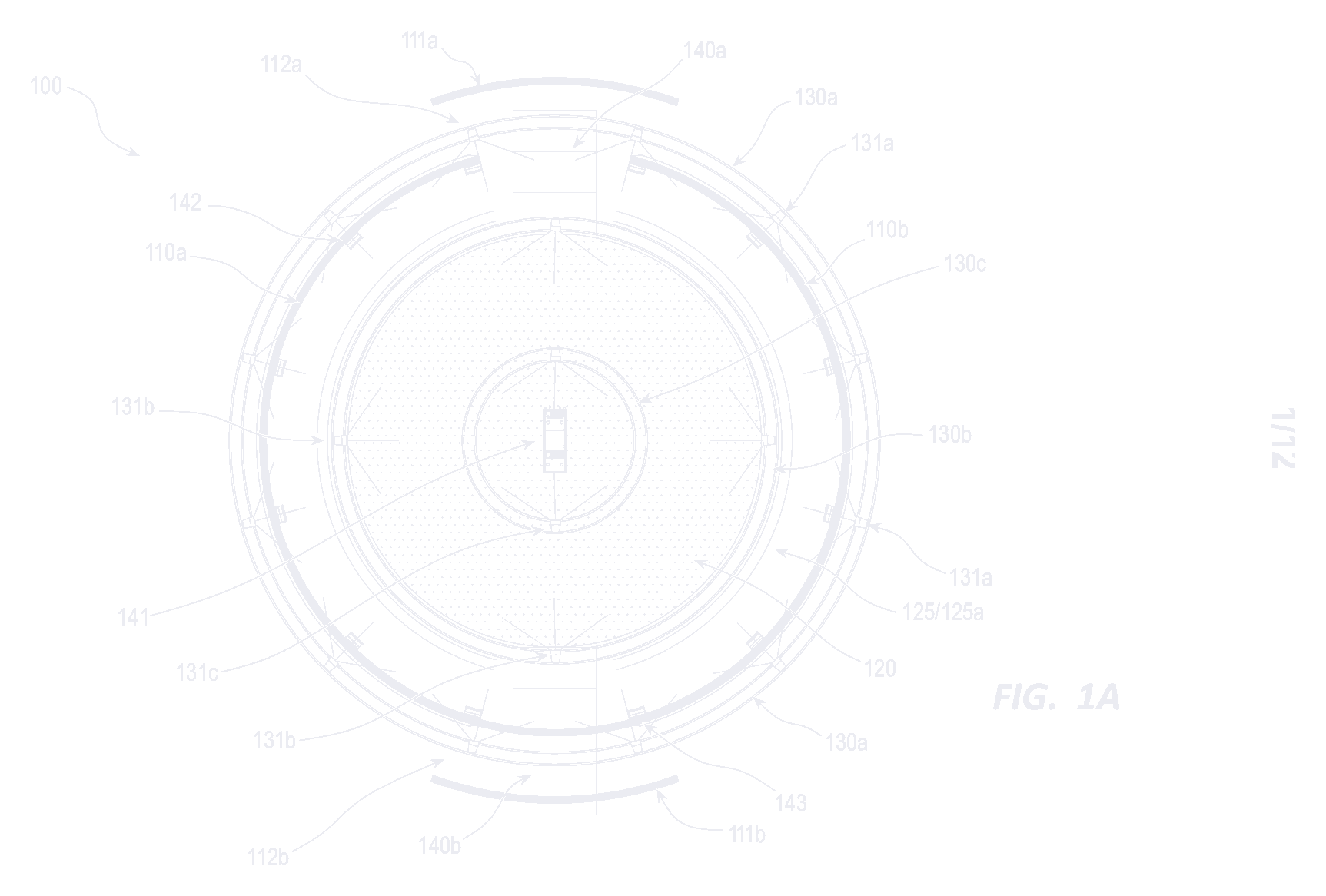
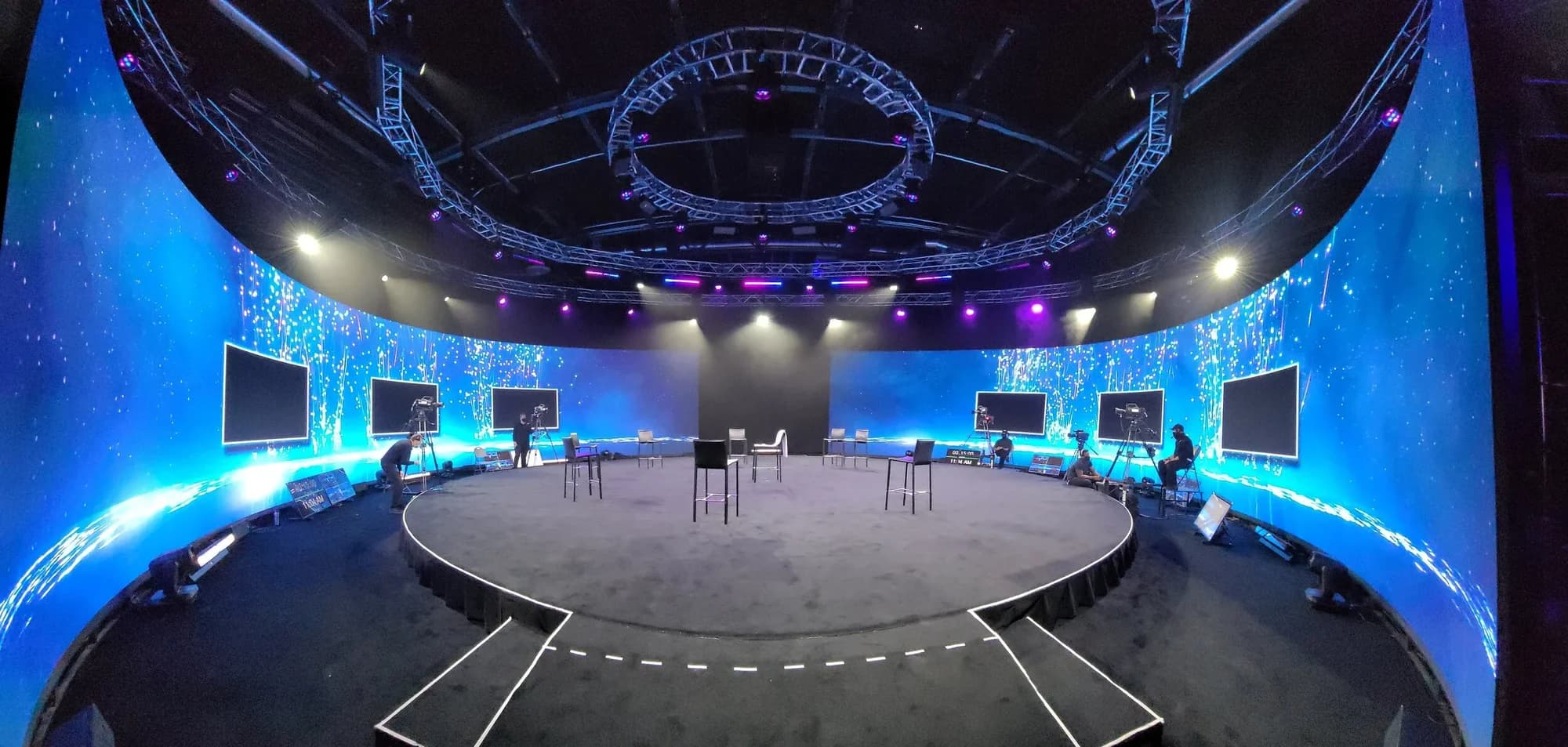
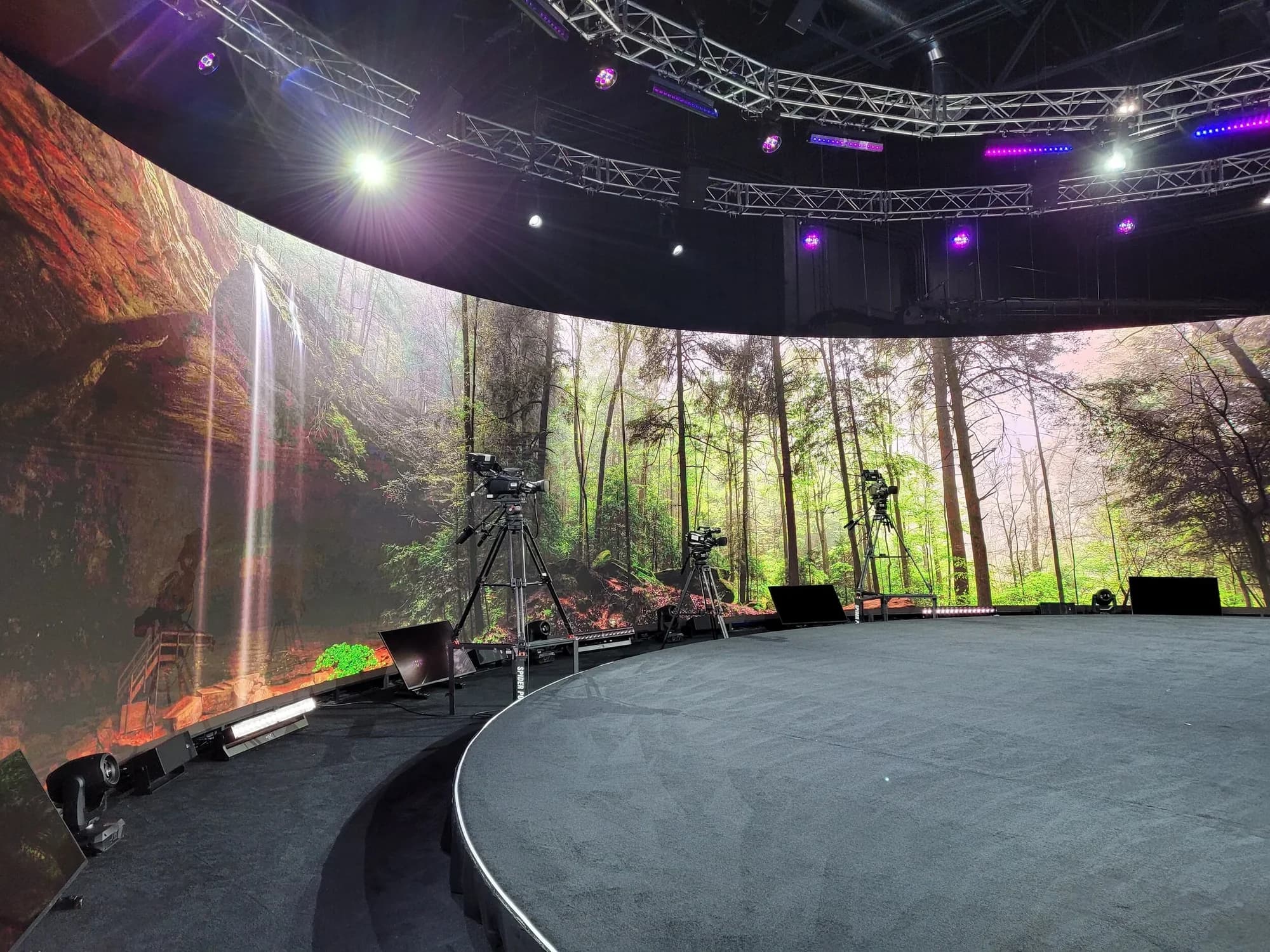
Speakers who come to Las Vegas get a stage built for the moment. On our 360° stage of 12K LED, environments rendered in Unreal Engine 5 on a custom-built system can give each session its own look, and a producer can change the scene live from an iPad. Custom environments take months of lead time, so brief them early. Here's how rendered environments run during a live event, and every system is listed in the studio's full technology specification.
How Do You Keep Virtual Summit Attendees Engaged?
Give attendees something to do in every block, not just something to watch.
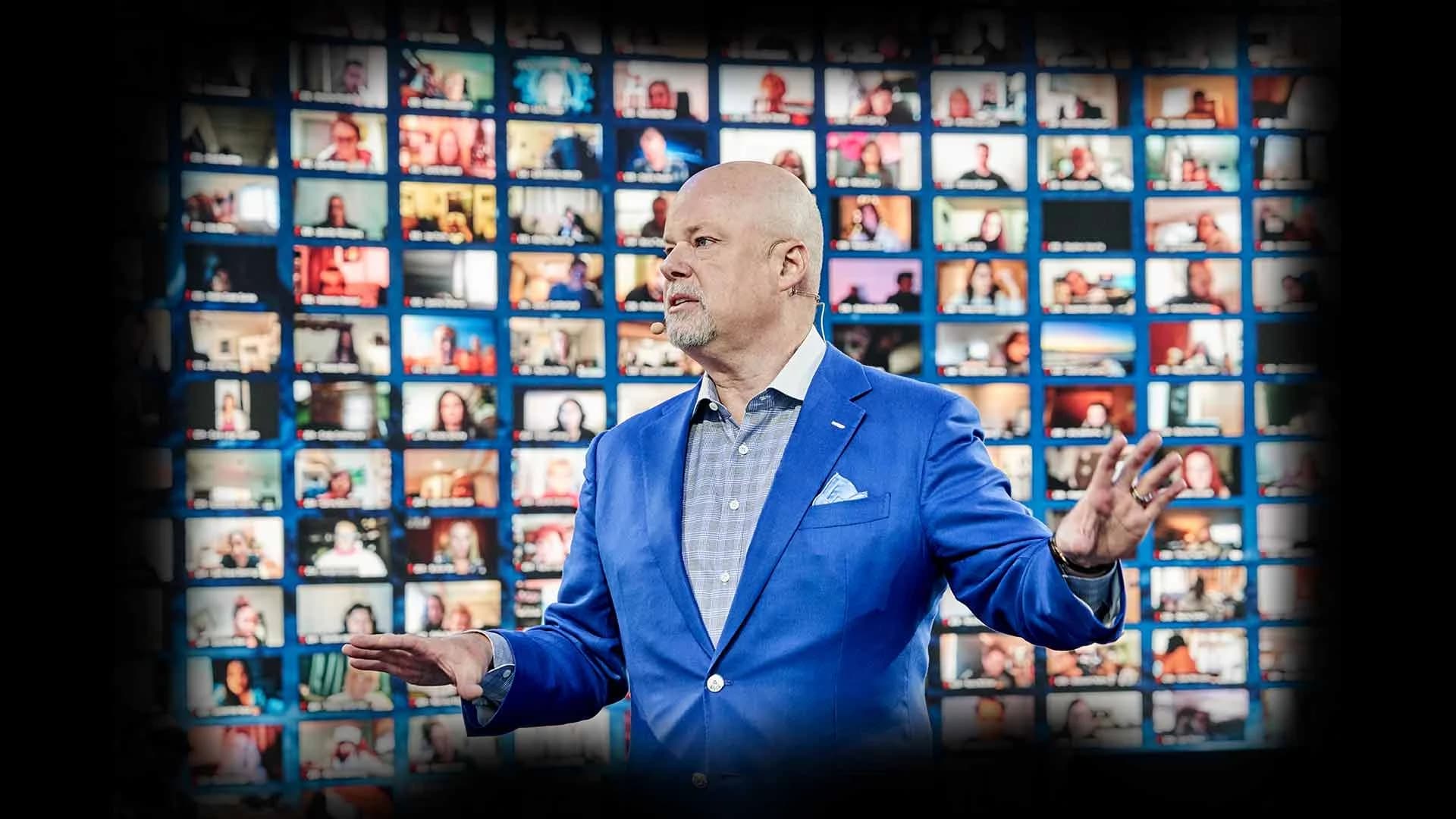
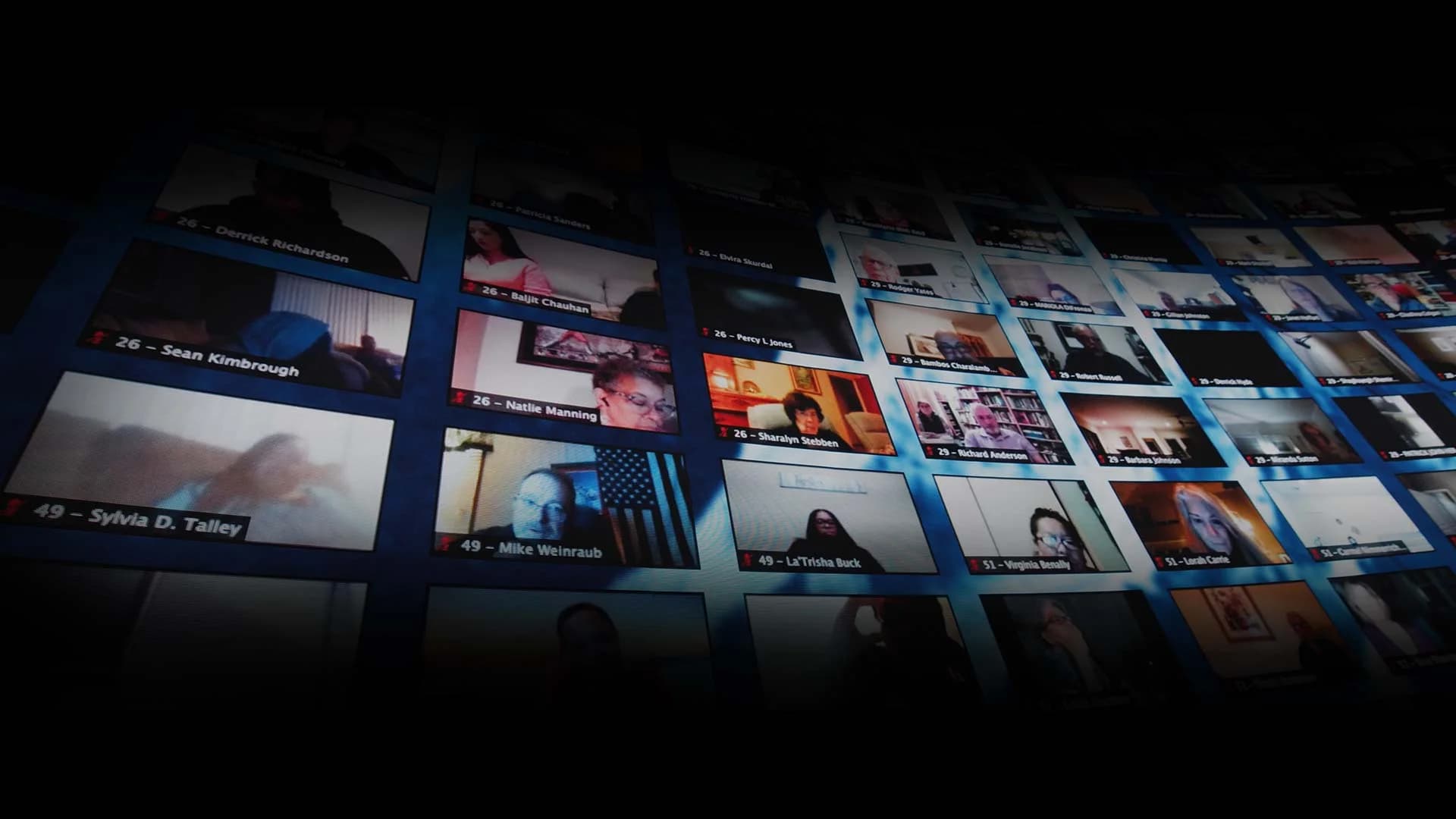
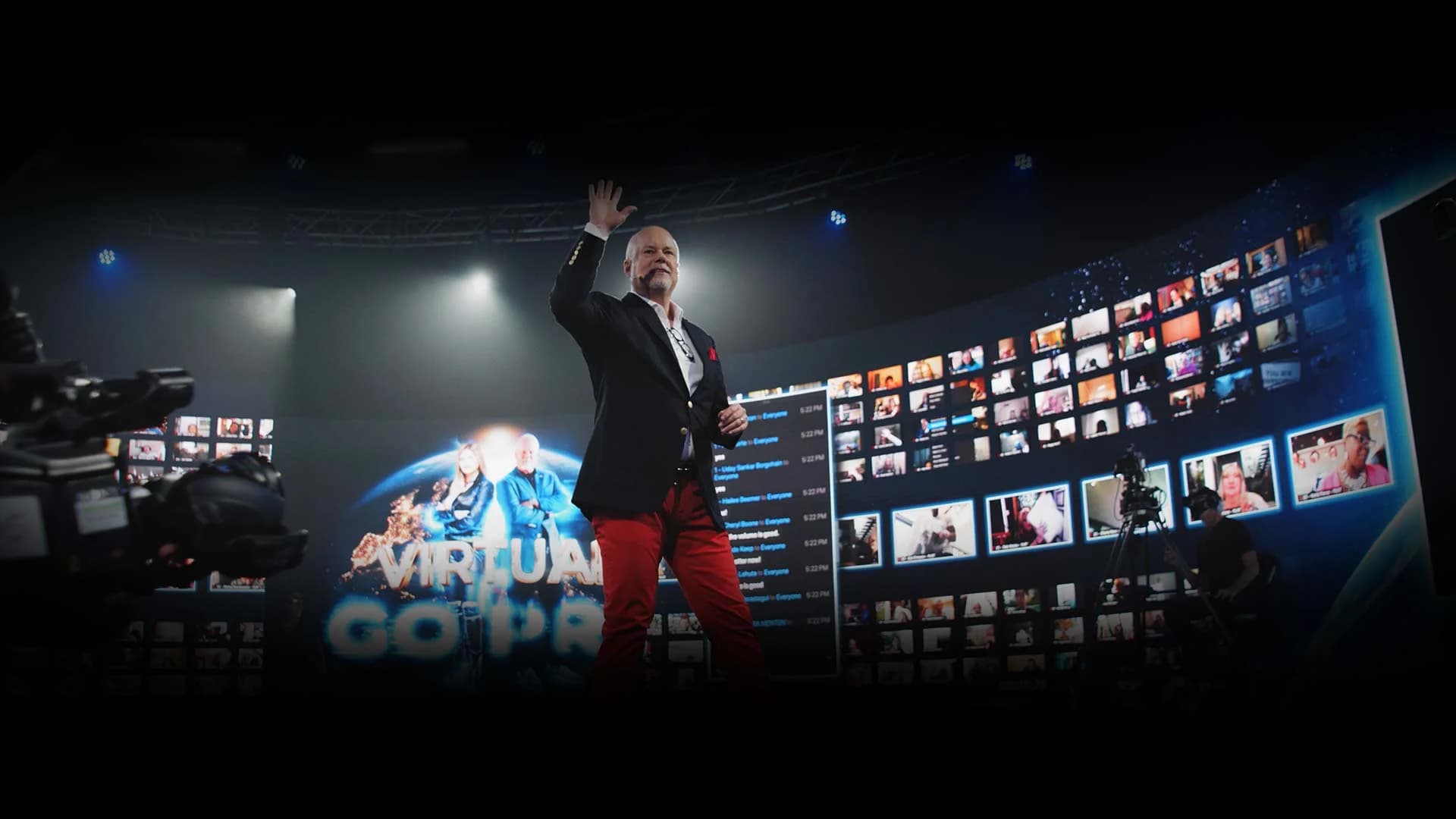
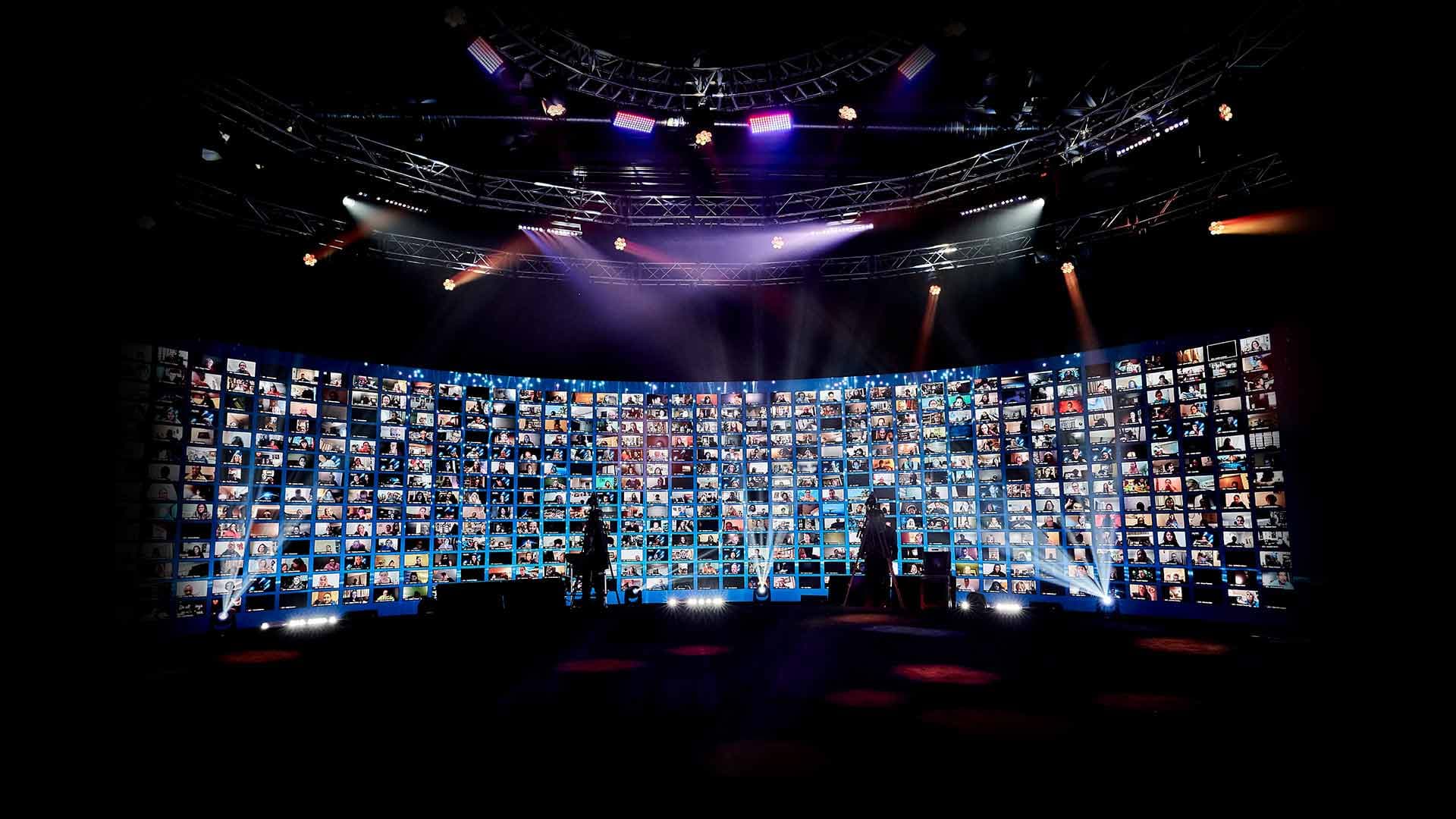
- Let attendees be seen. In an interactive broadcast, an attendee can be pulled up live, face to face with a speaker, to ask a question in their own voice. Up to 2,744 remote attendees can be displayed on our 360° LED wall at once, so speakers see the audience they're talking to.
- Use breakouts on purpose. Schedule them right after the sessions that spark the most discussion, and group attendees by topic, region or ticket tier.
- Speak every attendee's language. Real-time translation in 100+ languages gives each attendee closed captions plus a translated voice track, with the music and sound of the event layered underneath. Here's how real-time translation works at global events.
- Keep a live host between sessions. A host who recaps, reads questions and welcomes attendees by name ties a day of sessions into one event.
- Give the chat a job. Ask a question at the start of each session and answer the best replies on air.
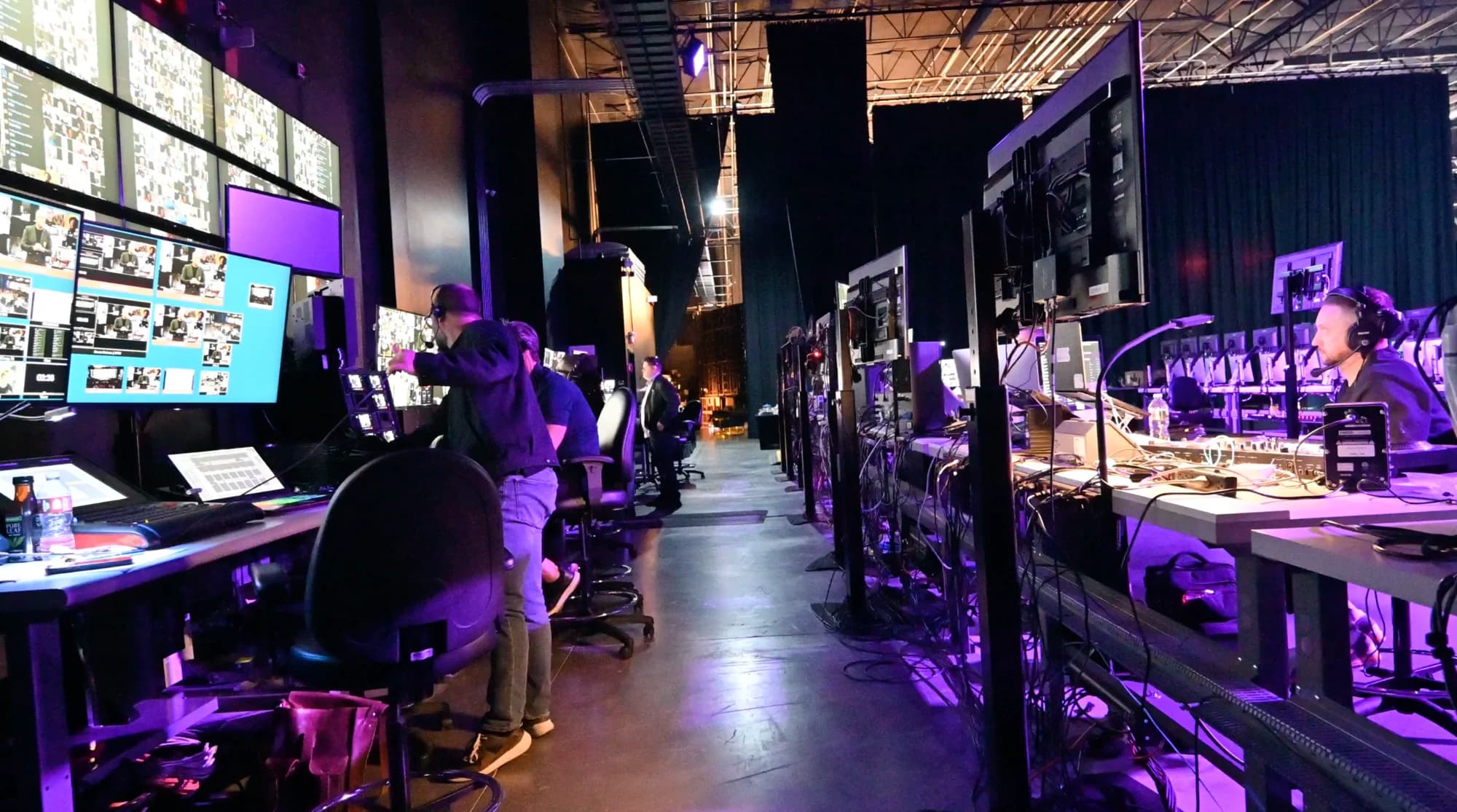
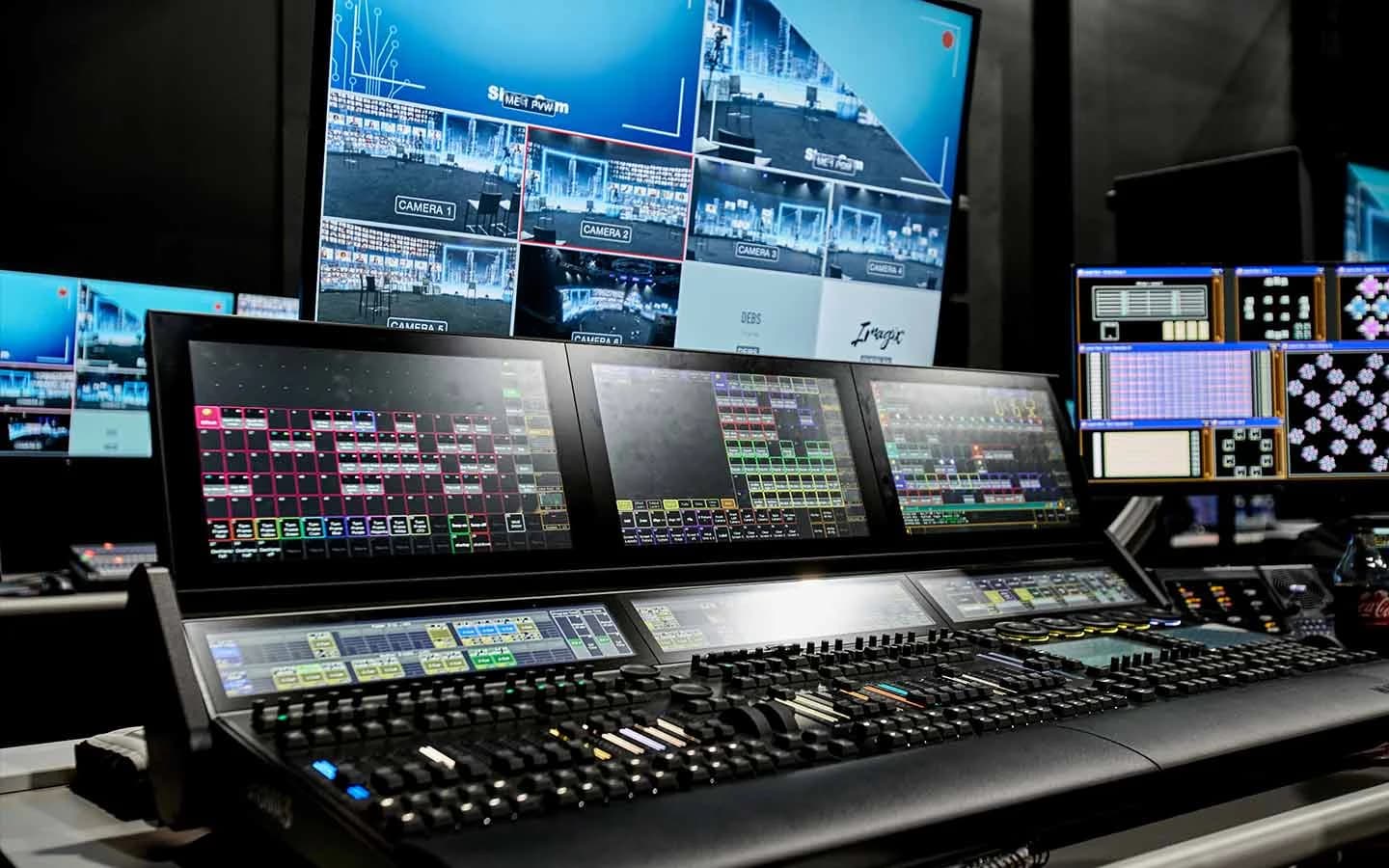
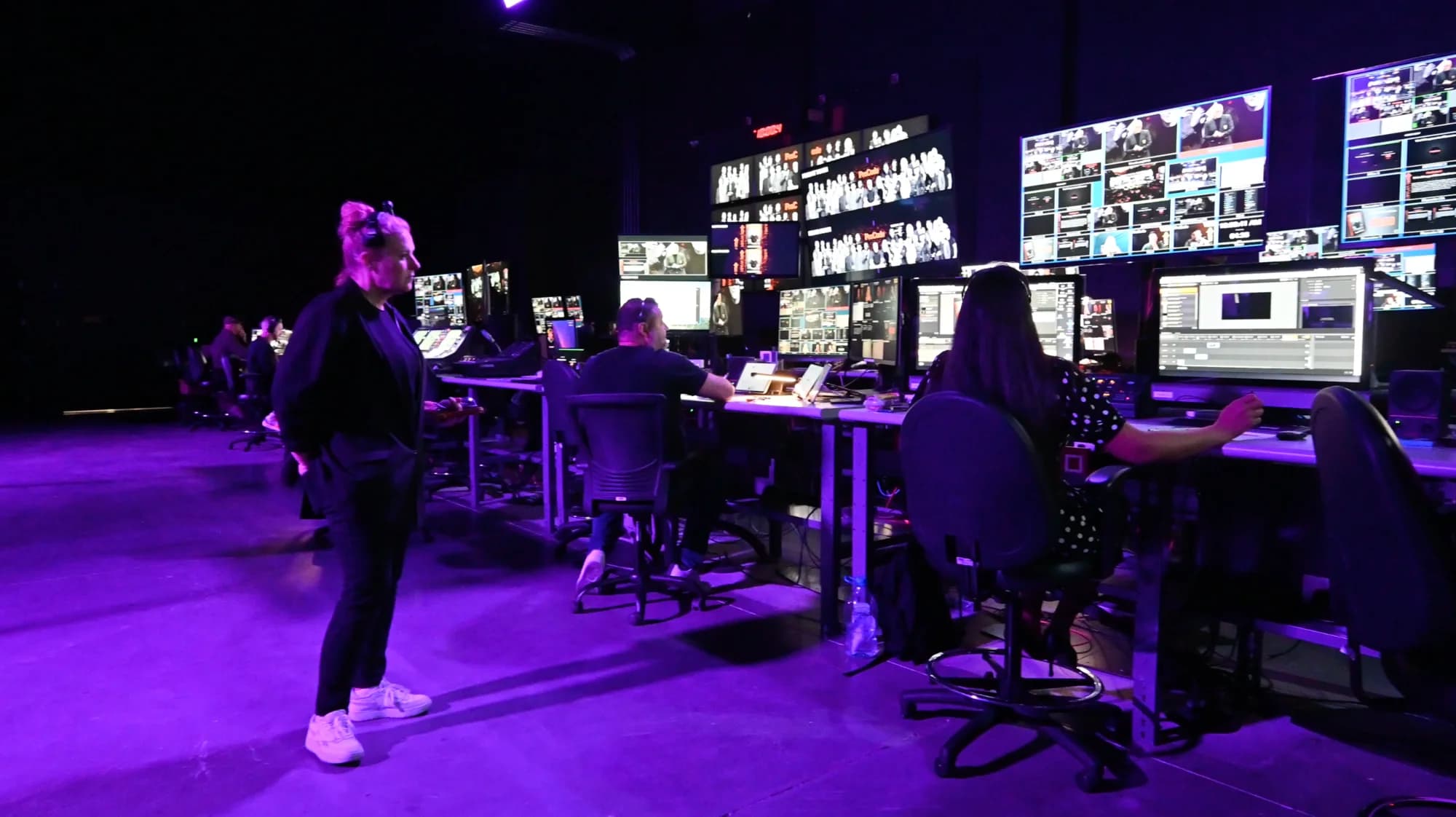
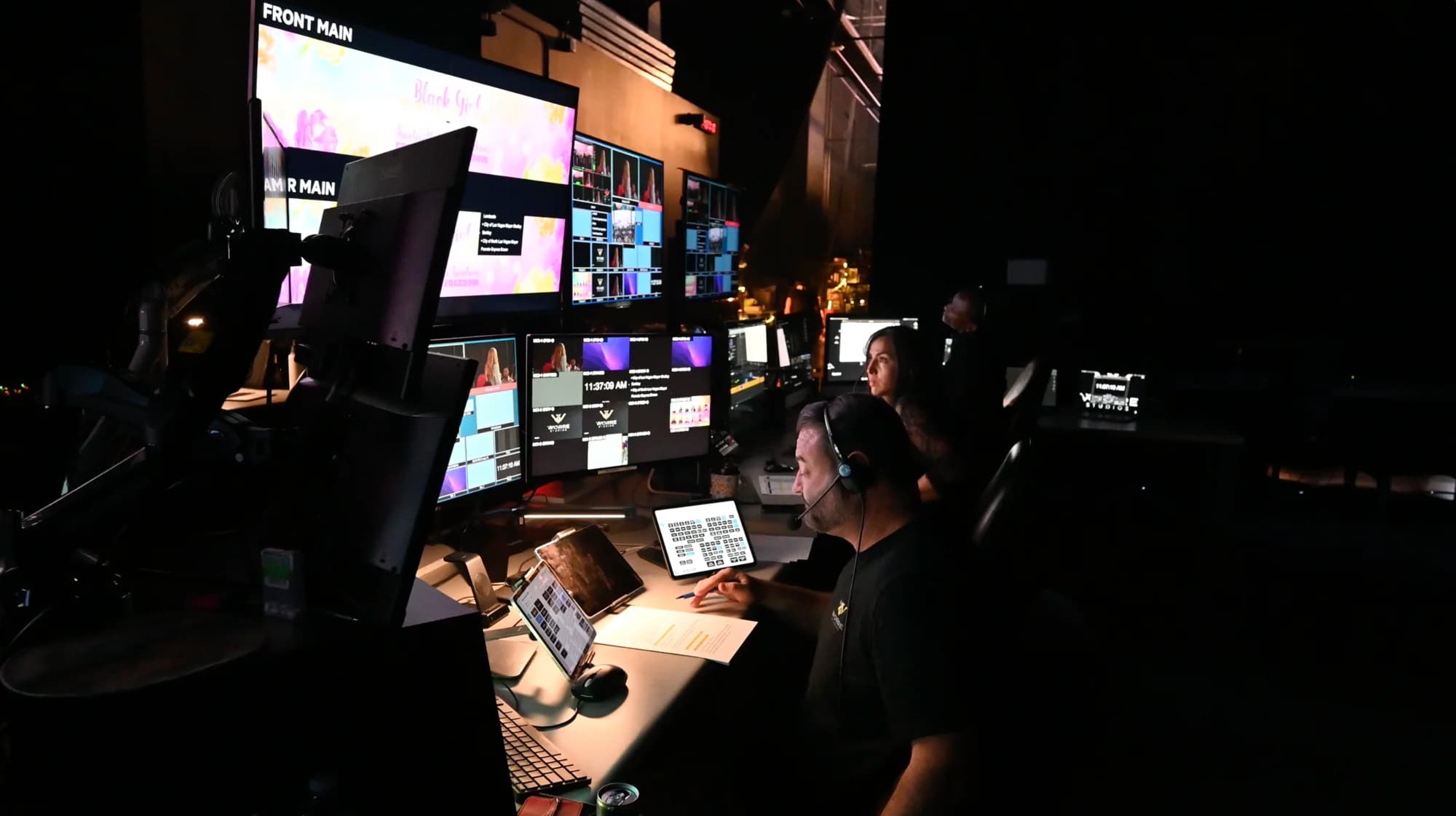
Behind the screen, our Media Village of 50+ workstations manages the remote audience while the show runs. For more tactics, see these virtual event engagement ideas that go beyond polls and chat.

How Do Virtual Summits Make Money?
Most summits are funded by ticket tiers, sponsors, offers made during the event, or a mix of all three. Tiers usually work best as a ladder: broadcast access at the base, paid interactive access with breakouts and Q&A in the middle, and premium tiers with small-group time with speakers at the top. Our guide to pricing tickets when your event isn't limited by seats walks through the structure.
During the summit, the branded dashboard keeps working. Multiple shopping carts can run inside one event, so different segments see different offers, alongside captive downloads and lead capture. Revenue depends on your offer and your audience, and no studio can promise it. What the right setup gives you is room to sell where attention is highest: inside the event itself.
Should You Stream a Virtual Summit to YouTube or LinkedIn Too?
Often, for the sessions you want the widest reach on. One production can push to up to 24 platforms at once while the interactive summit runs inside its branded dashboard. A common split is to stream the opening keynote publicly and keep breakouts and Q&A for registered attendees.
Keep the numbers apart. Platform views measure reach; the dashboard is where attendance happens. Our guide to streaming an event to multiple platforms at once covers the setup.
What Happens After a Virtual Summit?
A summit keeps working after the last session ends:
- Replays. Publish sessions on demand, labeled as recordings, for attendees who missed them and for buyers of a replay tier.
- Clips. Have your team cut the strongest answers into short videos for social posts and the follow-up email.
- The next summit. Open the presale while interest is high, ideally from inside the event.
Plan extra content while your speakers are in the room. A booked production day often runs ten hours while the live program runs about three, so teams use the remaining hours to record evergreen content on the same stage, such as course modules, sponsor spots or answers to common questions.
When Does a Virtual Summit Call for a Studio?
When the summit is a flagship: a big-name speaker, a large or global audience, or a program attendees should take part in rather than watch. A studio brings the stage, the broadcast, the event environment, registration and the crew together, with the walls and systems already standing. Here's why an interactive broadcast isn't a webinar.
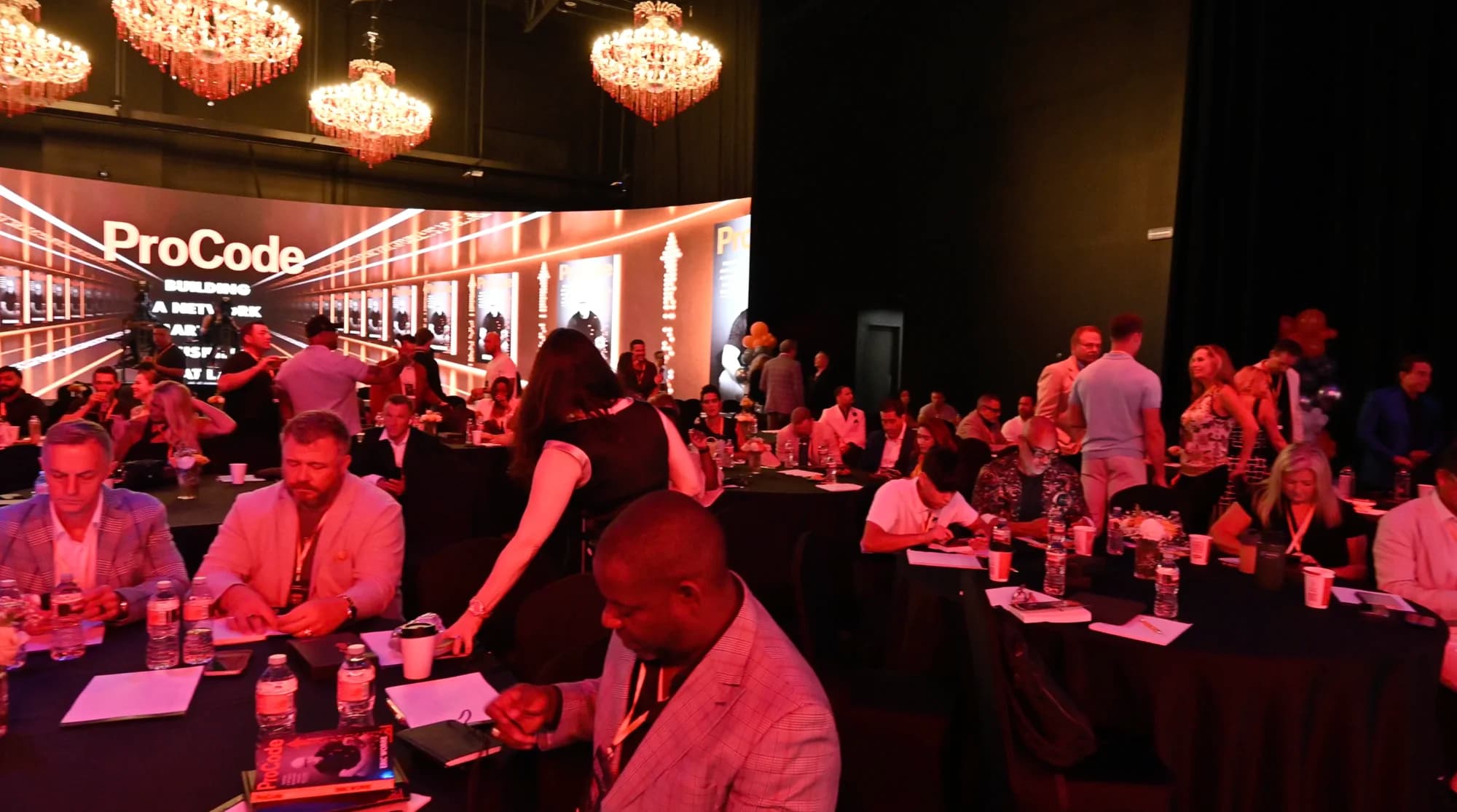
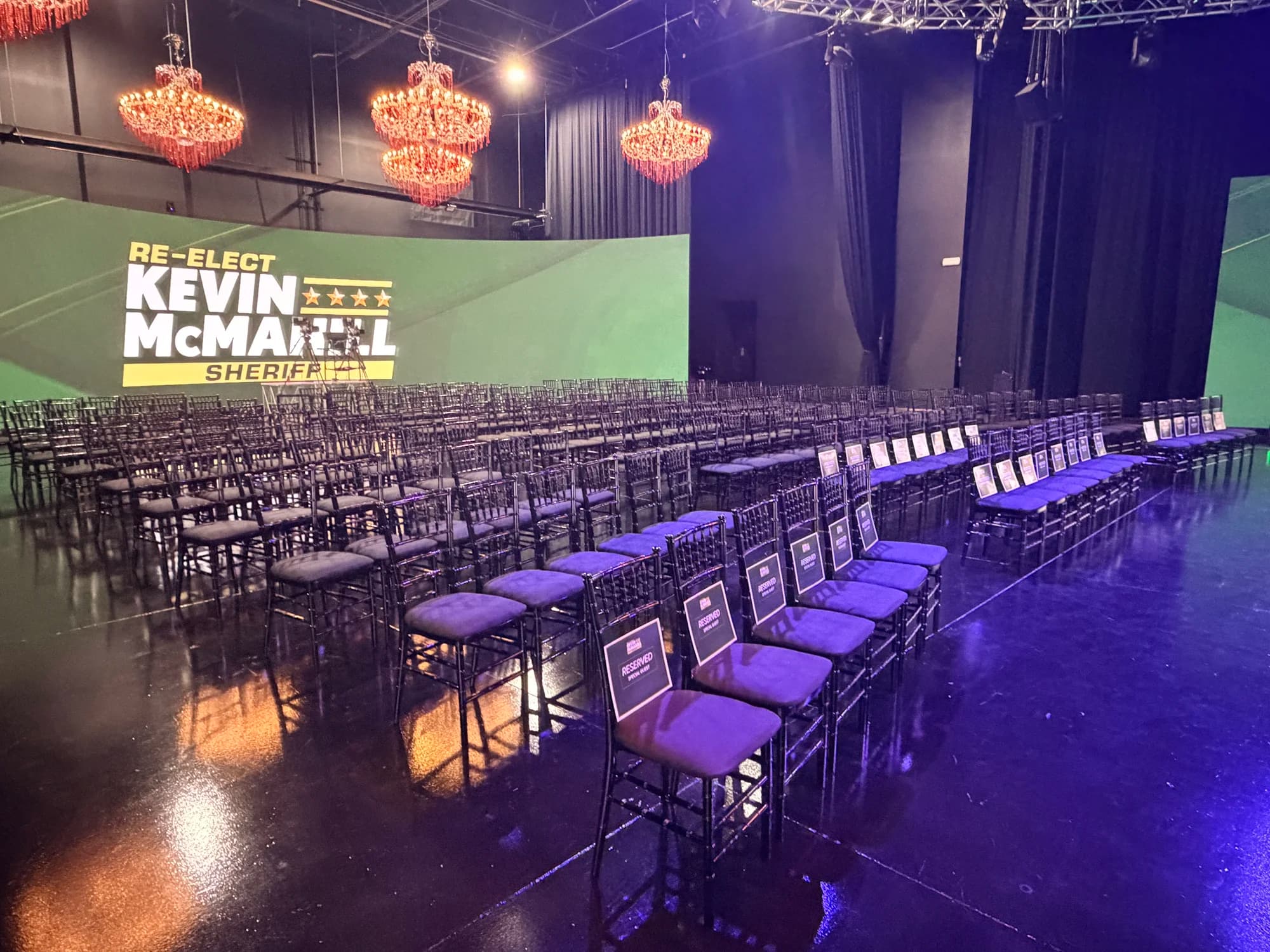
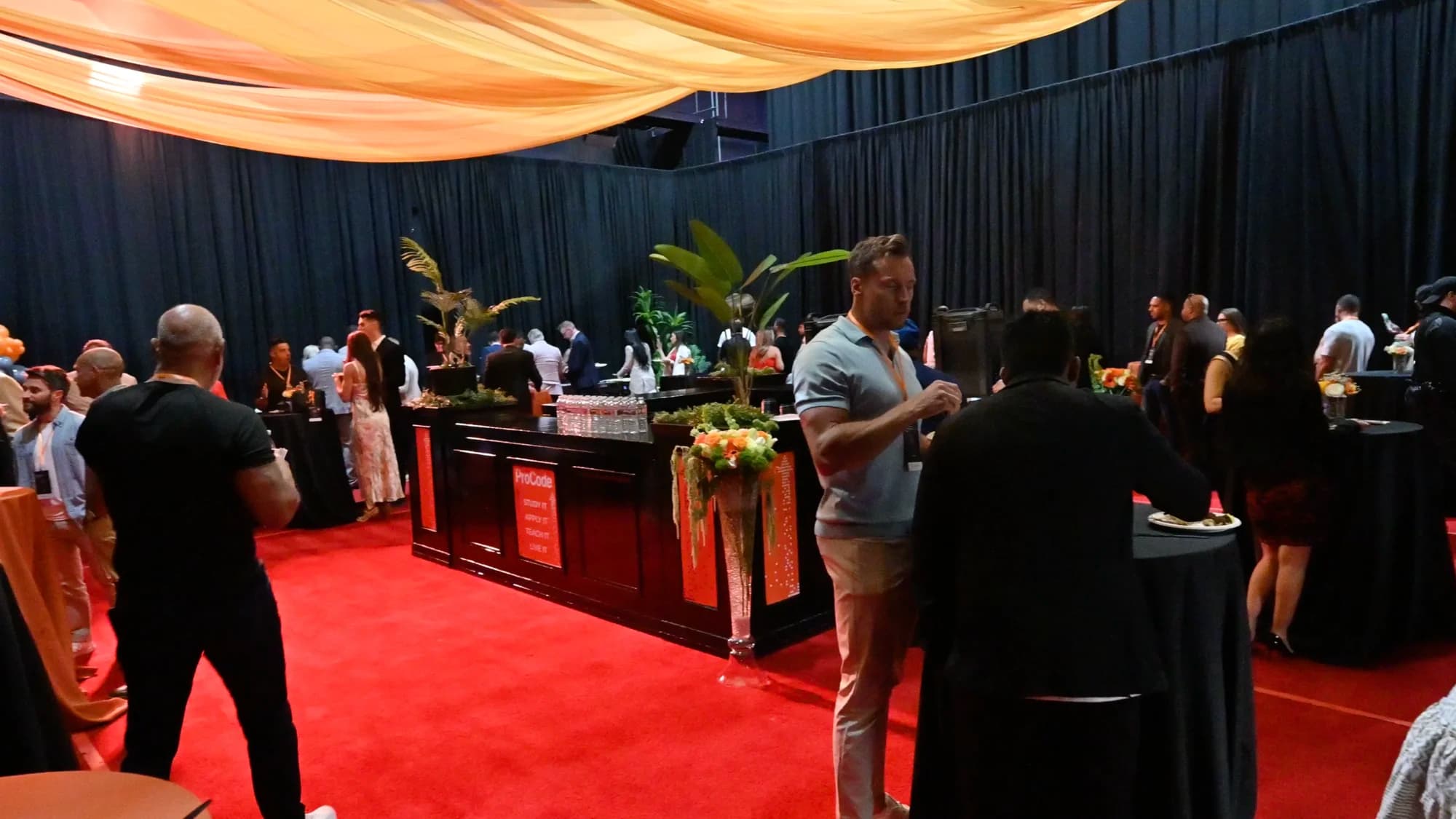
We work two ways. A Premium Event stages the summit in the studio: hosts and speakers on the 360° stage with the audience fully remote, or a room of up to 350 plus the remote audience as one hybrid event, with reach to hundreds of thousands. IndyFest, The Nevada Independent's multi-day politics and policy conference, was hosted at the studio as a hybrid event with in-person and virtual attendance. If the summit is hosted somewhere else, our Remote Virtual Stage takes the camera feed from wherever you are and broadcasts it as a full interactive event. Here's how the two ways to work with Worre Studios compare.
If you're comparing rooms, start with the questions to ask any venue before you book. When you're ready, start a studio inquiry and we'll build the summit around your audience.
Frequently Asked Questions
What is a virtual summit?
A virtual summit is an online event where several speakers address one theme for a defined audience, usually over one to three days. Sessions can be keynotes, interviews, panels or workshops. Some summits are free and funded by sponsors or in-event offers; others are ticketed.
How long should a virtual summit be?
One focused day suits most first summits, and two or three days suit bigger programs or audiences across time zones. Keep each day to about four hours of programming with short breaks, because a screen holds attention for less time than a room.
How is a virtual summit different from a webinar?
A webinar is usually one presenter and one session that attendees watch. A virtual summit brings several speakers together around one theme over one or more days, with live sessions, Q&A and breakouts. Run as an interactive broadcast, attendees can be pulled up live to take part.
How many speakers does a virtual summit need?
Enough to deliver the promise without repeating the theme. A one-day summit often works with six to ten sessions; multi-day summits run more. A few strong, well-briefed speakers hold an audience better than a long list.
Should virtual summit sessions be live or pre-recorded?
Keep the core live: the opening, the headline conversation, Q&A and the close. Use recorded sessions where they truly help, introduce them as recorded, and keep the host live around them. Never present a recording as live.
Can speakers present from their own location?
Yes. With a remote virtual stage, a speaker sends a camera feed from wherever they are, and the studio broadcasts it as a full interactive event with breakouts and a live audience. Latency engineered for one-on-one conversation keeps the exchange with the host natural.
How do you make money from a virtual summit?
Through ticket tiers, sponsors, offers made during the event, or a mix. A ladder of tiers works well, from broadcast access to interactive and premium access. Multiple shopping carts inside the event dashboard let different segments see different offers.
How many people can attend a virtual summit?
At the studio, a summit can reach up to hundreds of thousands of attendees, with real-time translation in 100+ languages. Up to 2,744 remote attendees can be displayed on the LED wall at once, and the room seats 350 for a hybrid summit.
Can a virtual summit be broadcast from outside Las Vegas?
Yes. With Remote Virtual Stage, the summit's host sends a camera feed from wherever they are, and the studio broadcasts it as a full interactive event inside a branded dashboard, with breakouts and live call-ups. Remote Virtual Stage is scoped separately and quoted per inquiry.
Written by the Worre Studios Content Team and reviewed by Ben Groen, Ticketing & Interactive Platform Lead. Studio capabilities reflect installed infrastructure and the delivered events named above; summit planning practices are described at the category level. Reach capability is not a guarantee of attendance or revenue for any specific event. Last reviewed November 10, 2026.
More from The Front Row
Build a Summit People Show Up For, Live.
Tell us who's speaking and who's tuning in. We'll walk you through the studio, virtually or in person, and plan a summit your audience takes part in, not just watches.