



How to Stream an Event to Multiple Platforms at Once
On this page
Send one live production to every platform at once, through a cloud relay or dedicated broadcast outputs. Both widen discovery. Neither turns viewers into attendees; that takes an interactive layer.
Key Takeaways
- Multistreaming (also called simulcasting) sends one live production to several platforms at the same time, so YouTube, LinkedIn, Twitch, X and others all carry the event without running it twice.
- There are two working models: a cloud relay service that copies one upload to each destination, or dedicated outputs from a broadcast control room.
- At event scale, three things decide whether the stream holds: upload capacity, a backup for every failure point, and each platform's own rules.
- Platform views are impressions, not attendance. Multistreaming fills the top of the funnel; an interactive environment is what turns viewers into participants.
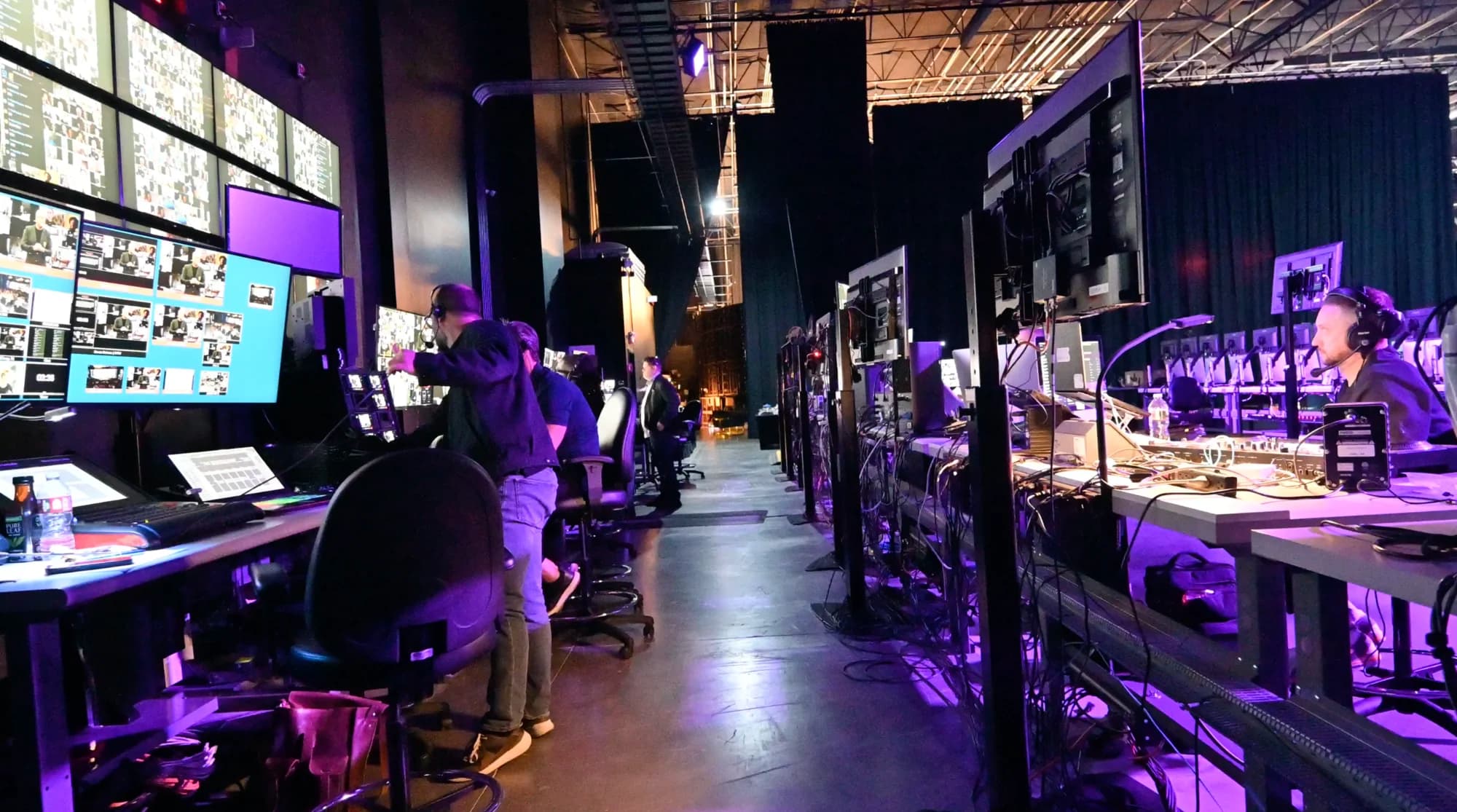
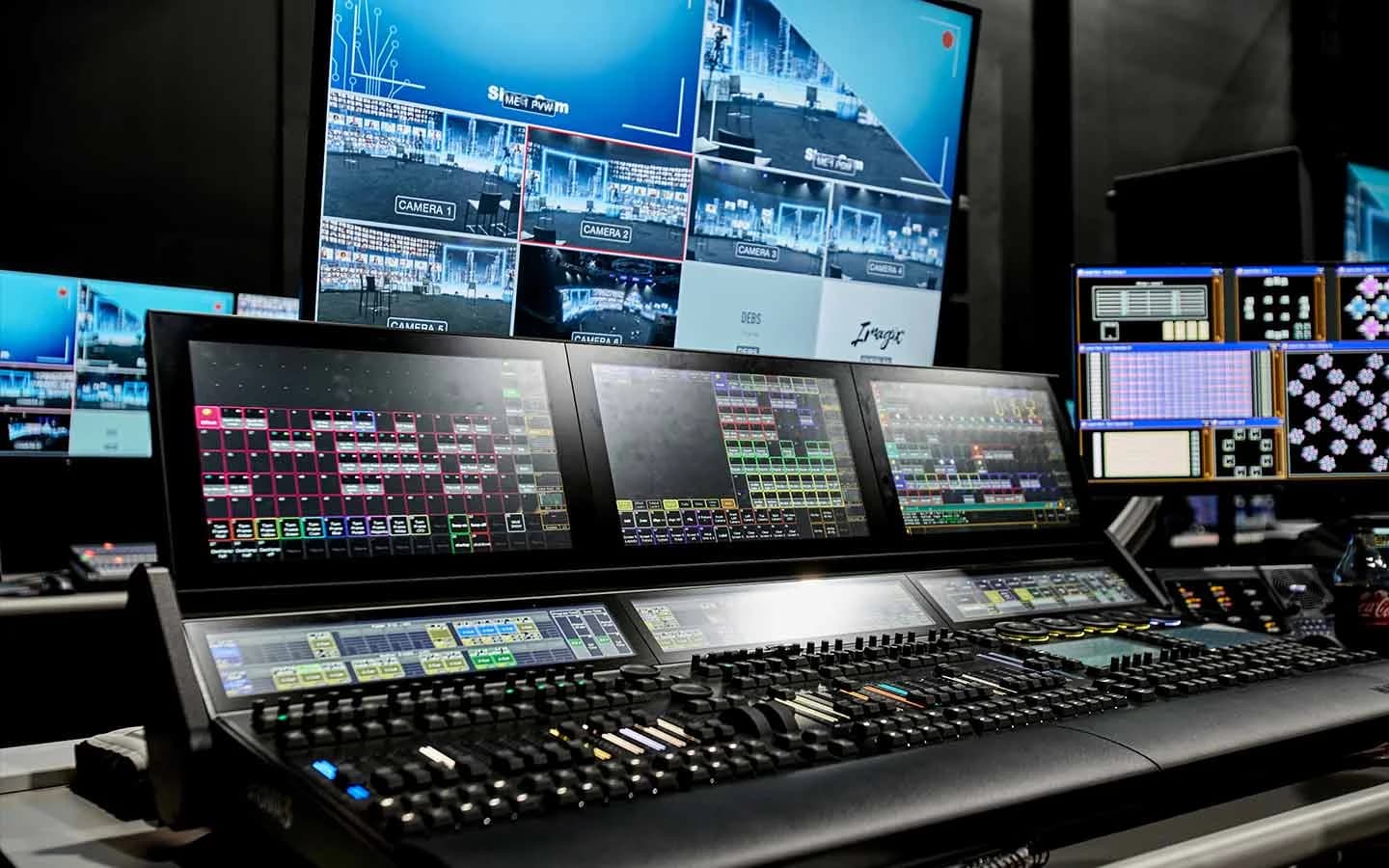
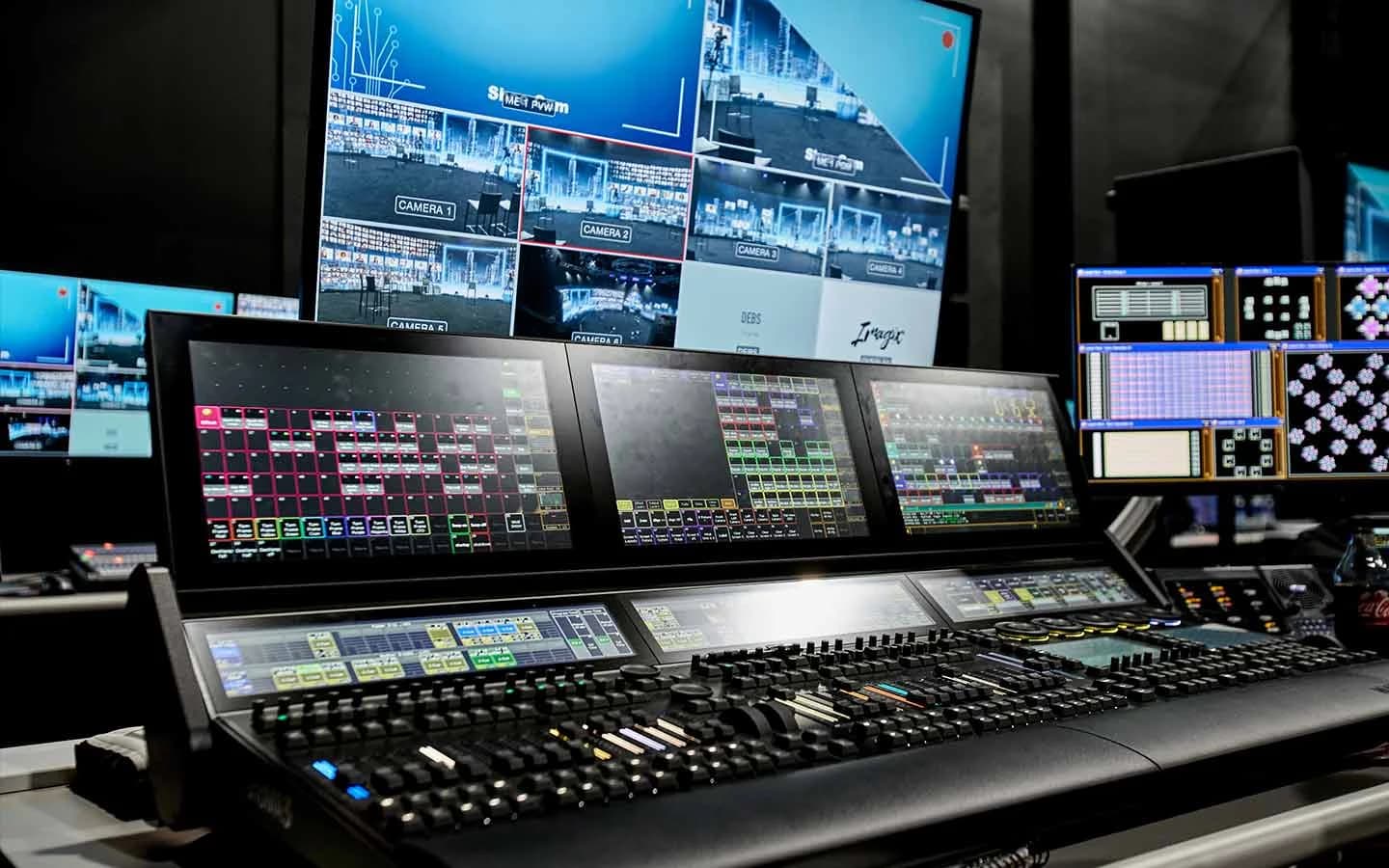
- The studio's control room can push one production to up to 24 platforms at once, the setup behind a product launch that totaled 17.2 million views.
To stream an event to multiple platforms at once, you send a single live production to every destination at the same time, either through a cloud relay that copies your feed to each platform or through dedicated outputs from a broadcast control room. It's called multistreaming, and for hybrid events built for broadcast reach, it's the fastest way to meet audiences where they already watch.
The setup is the easy part. The harder questions are what breaks at scale, what each platform allows, and what a view count actually tells you. Most event streams go sideways on those.
What Is Multistreaming?
Multistreaming is broadcasting one live video feed to two or more platforms simultaneously. You'll also see it called simulcasting or restreaming. For event purposes, the terms mean the same thing: one show, one moment, many front doors.
It matters because audiences are scattered. A gaming crowd lives on Twitch, a B2B audience on LinkedIn, a general audience on YouTube and Facebook. A single-platform stream asks everyone to come to you. A multistream goes to them.
Two Ways to Stream to Multiple Platforms
There are two working models: a cloud relay service, or dedicated outputs from a broadcast control room. The right one depends on how many destinations you need and what a dropped feed would cost you.
| Cloud relay service | Broadcast control-room outputs | |
|---|---|---|
| How it works | Your encoder sends one stream to a service, which copies it to each connected platform | The control room sends the production out to each platform directly |
| Upload from your location | One stream | Typically one stream per destination, so connectivity has to be built for it |
| Destination limit | Set by the service and your plan | Set by the broadcast hardware |
| Failure points | Your encoder, your connection, and a relay you don't control | Engineered with redundant hardware and network paths |
| Best fit | Webinars, creator streams, smaller events | Flagship launches, keynotes, and broadcasts where a dropped feed isn't an option |
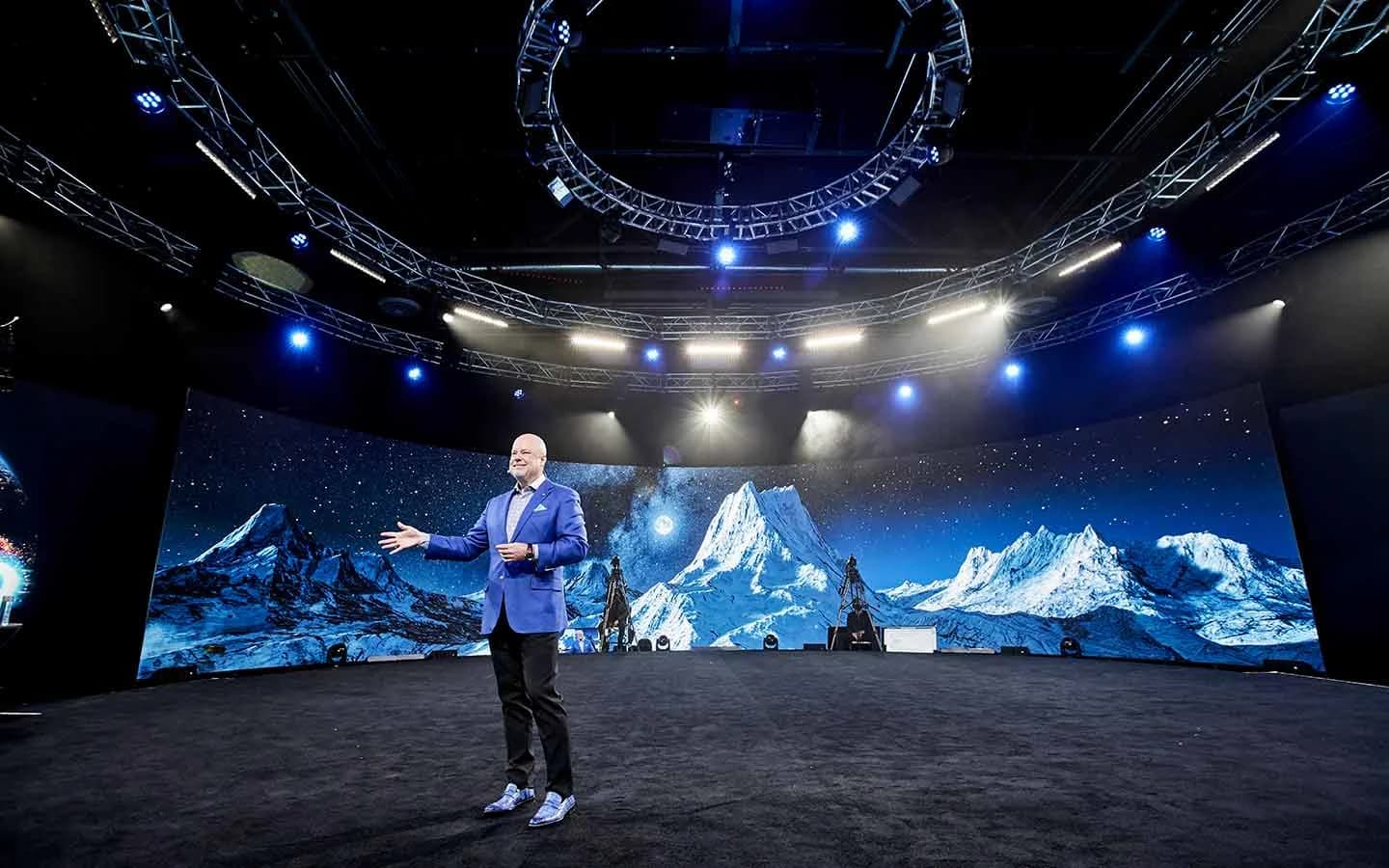
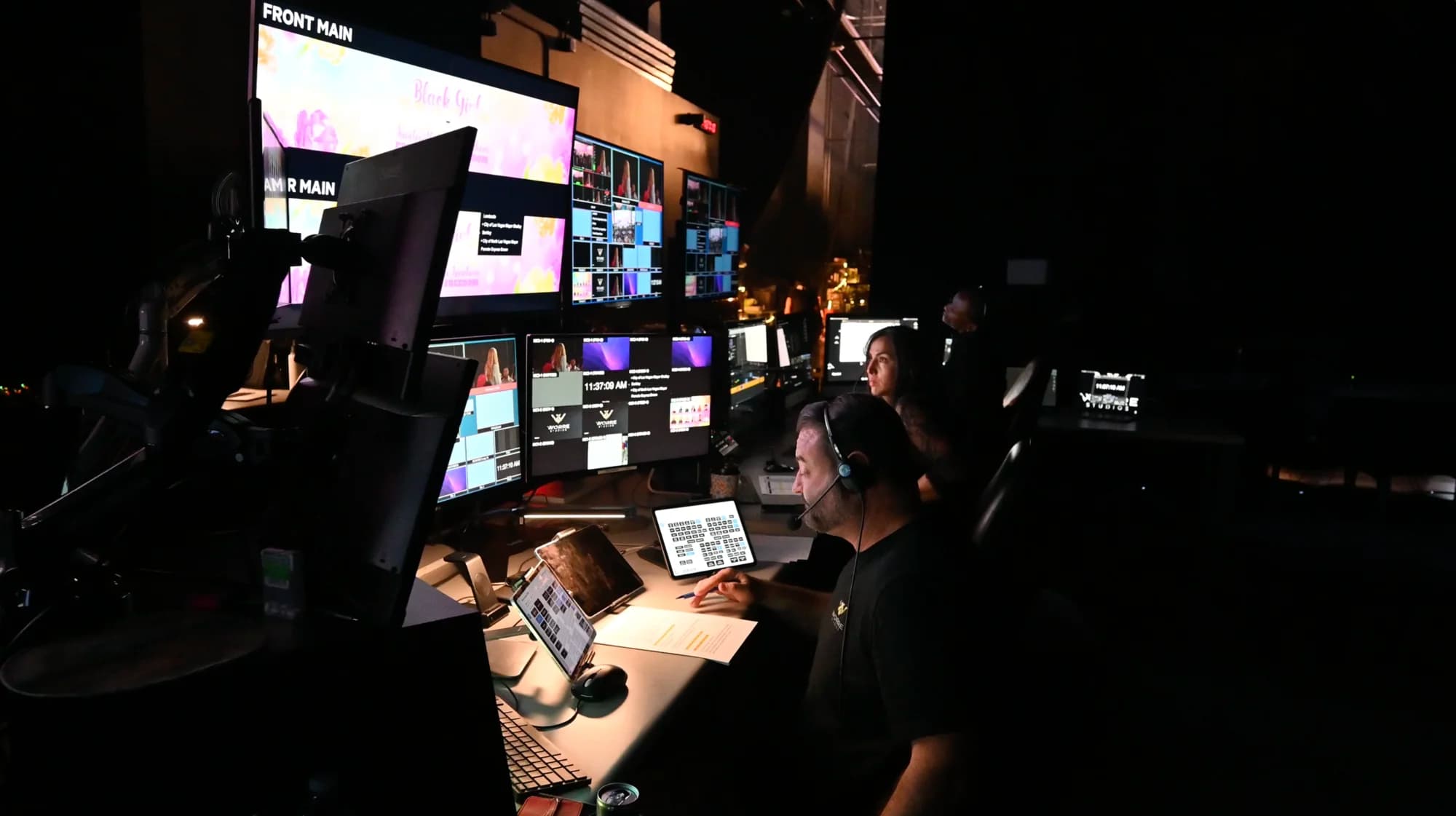
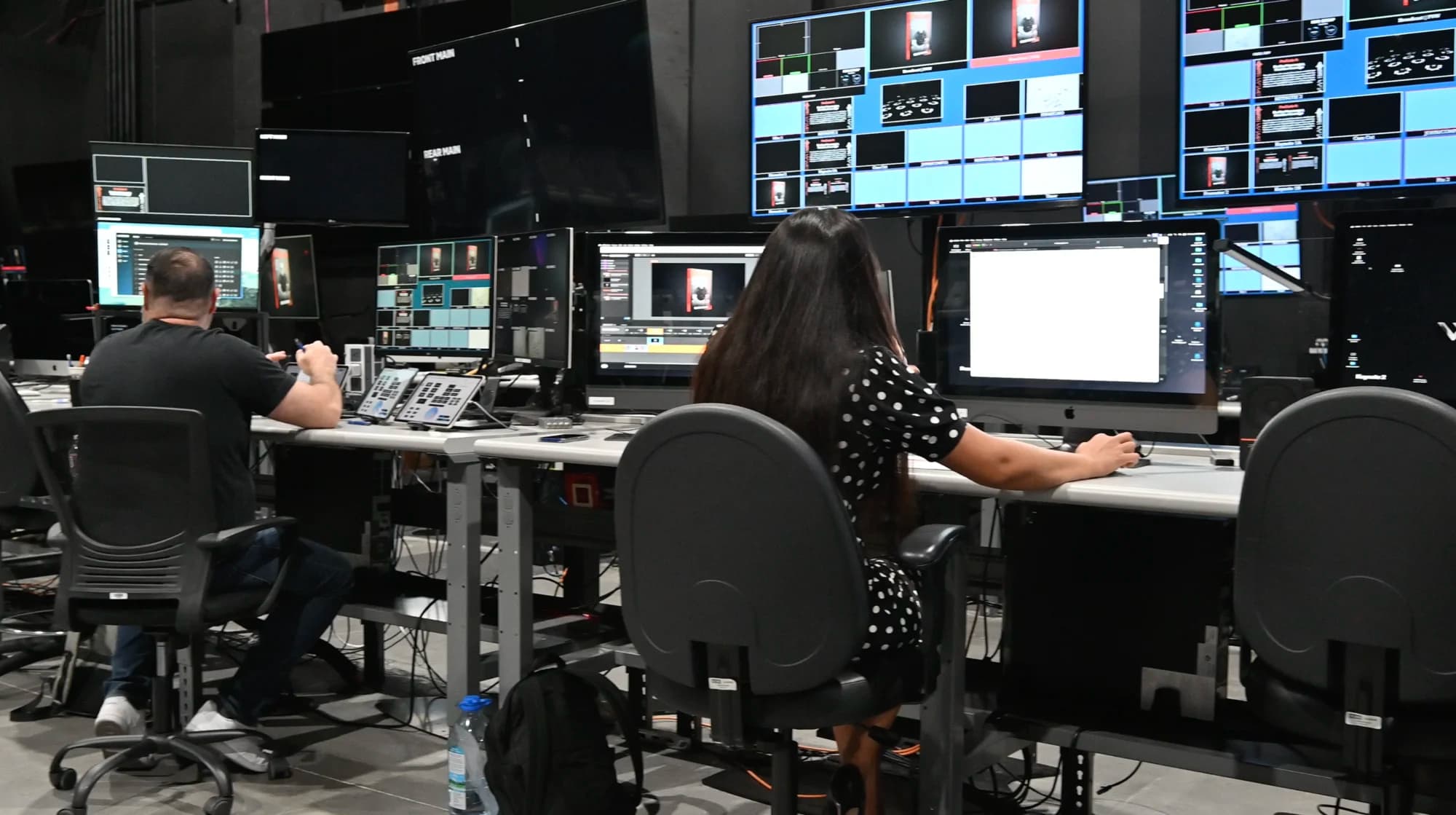
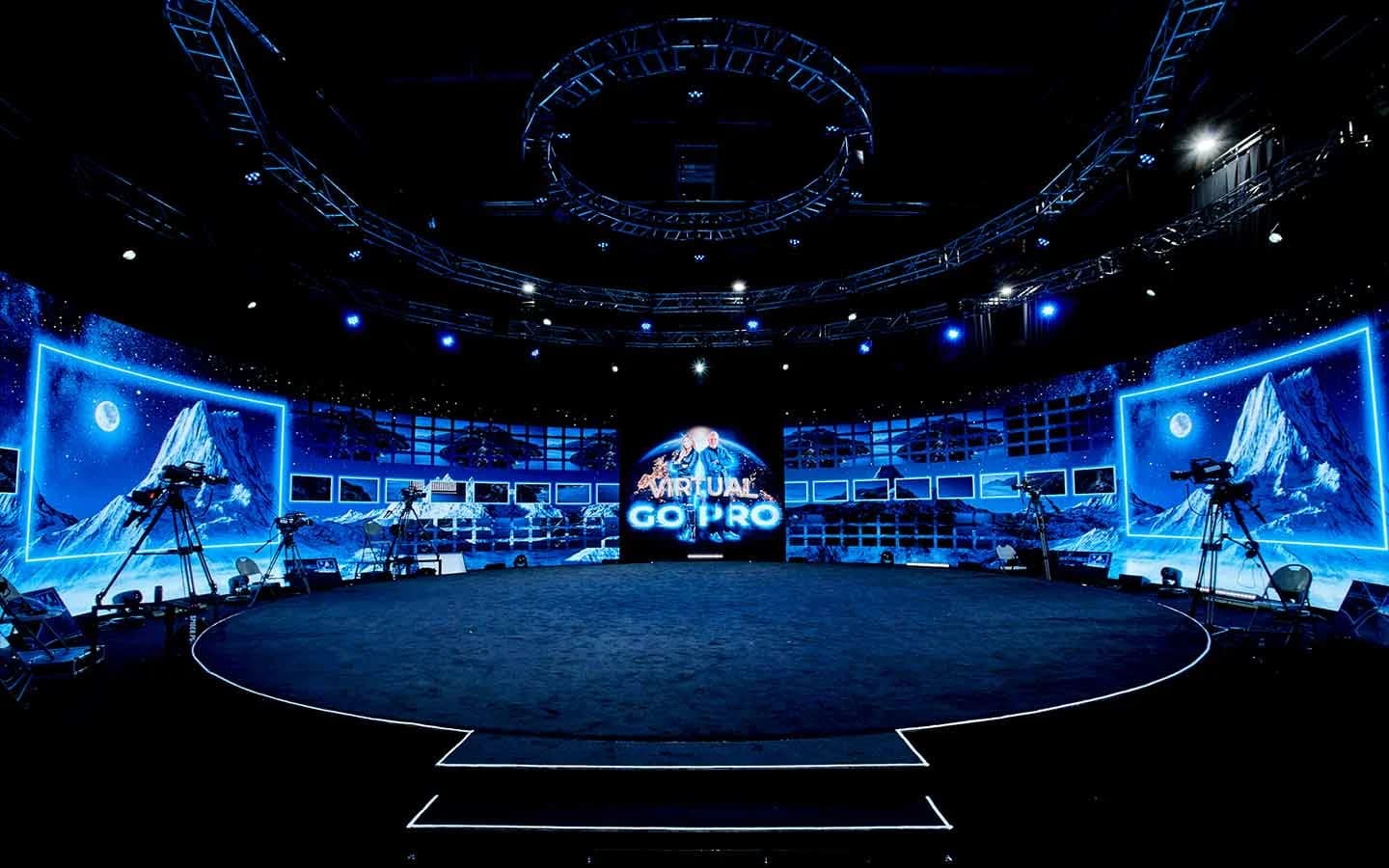
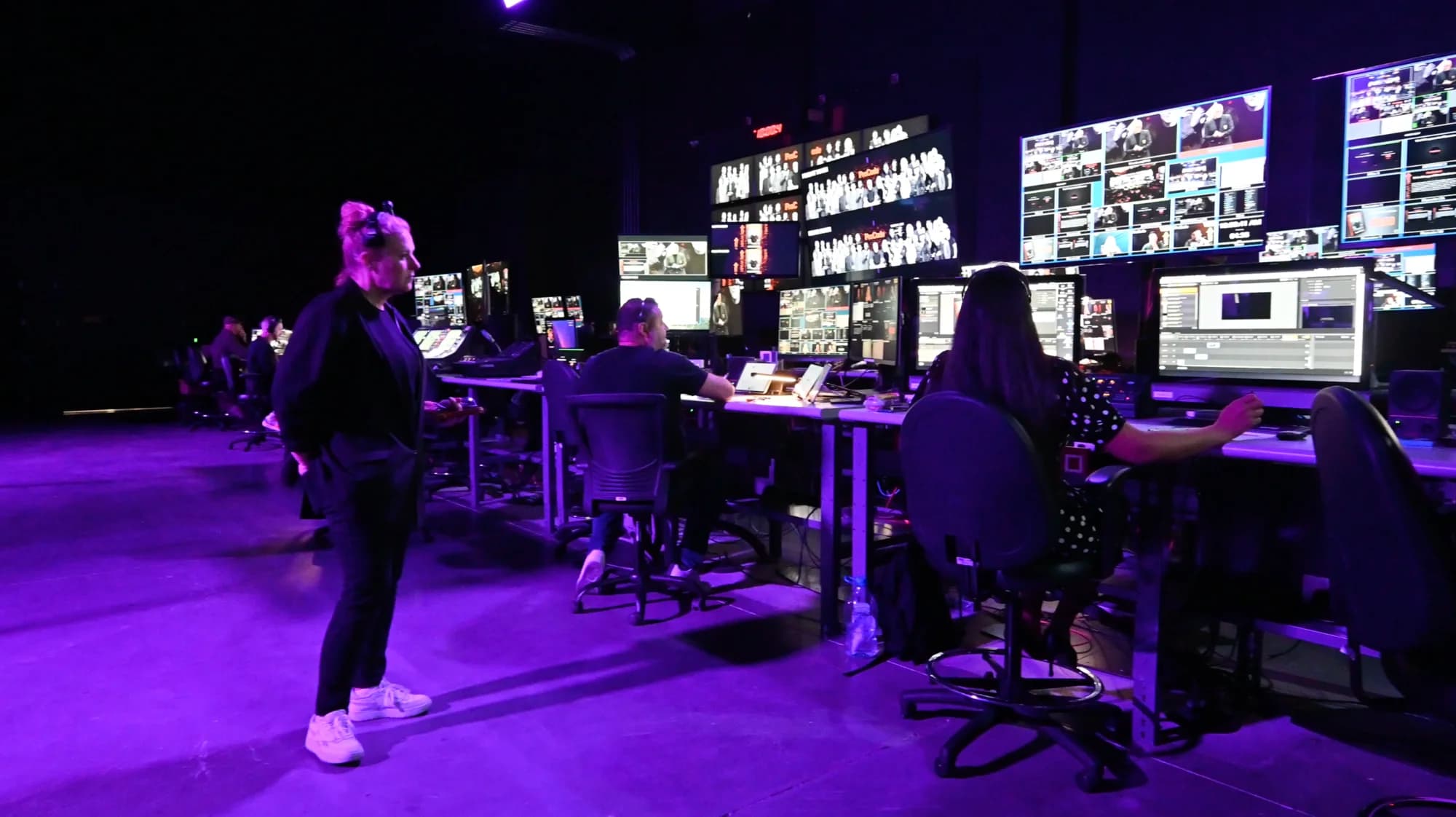
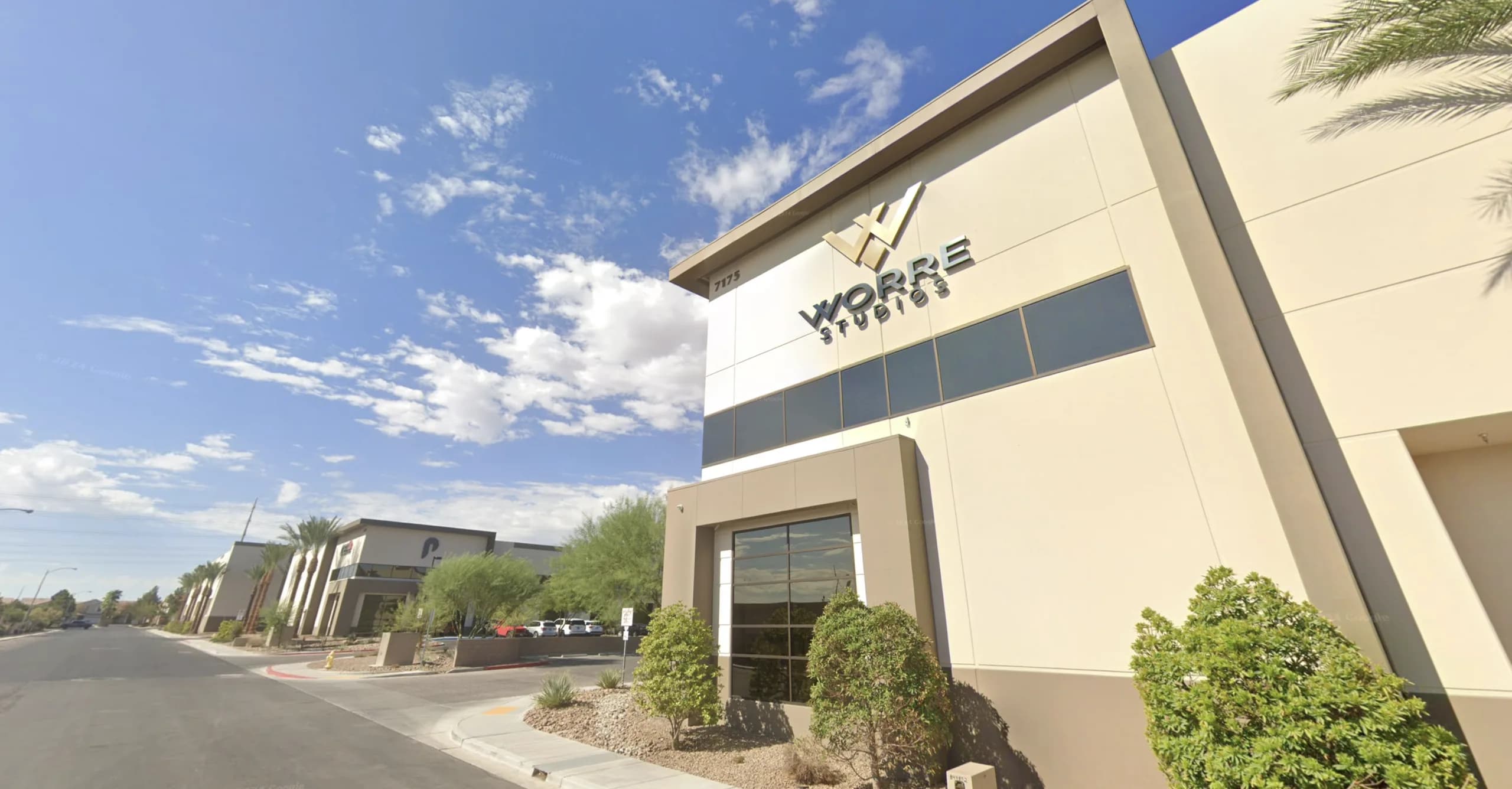
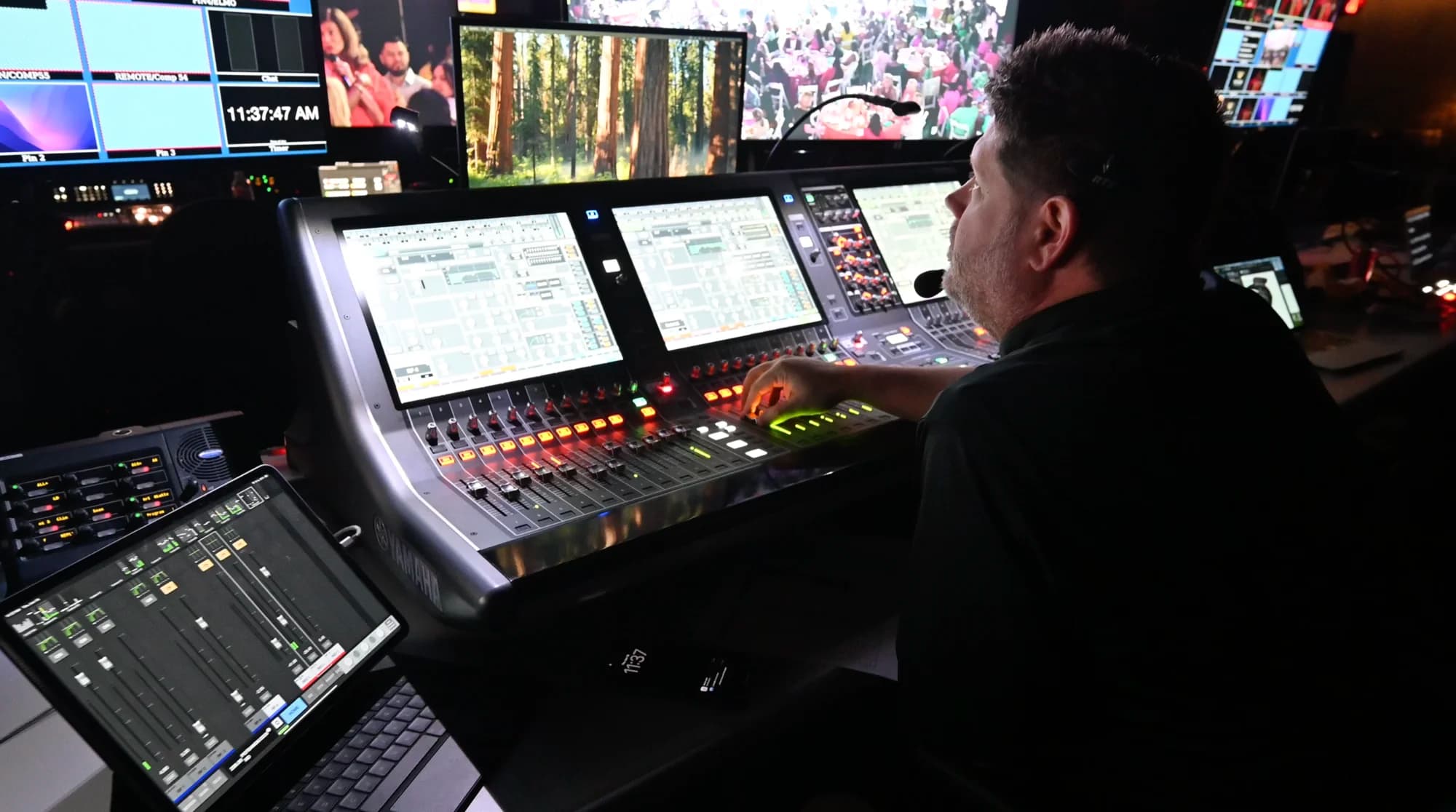
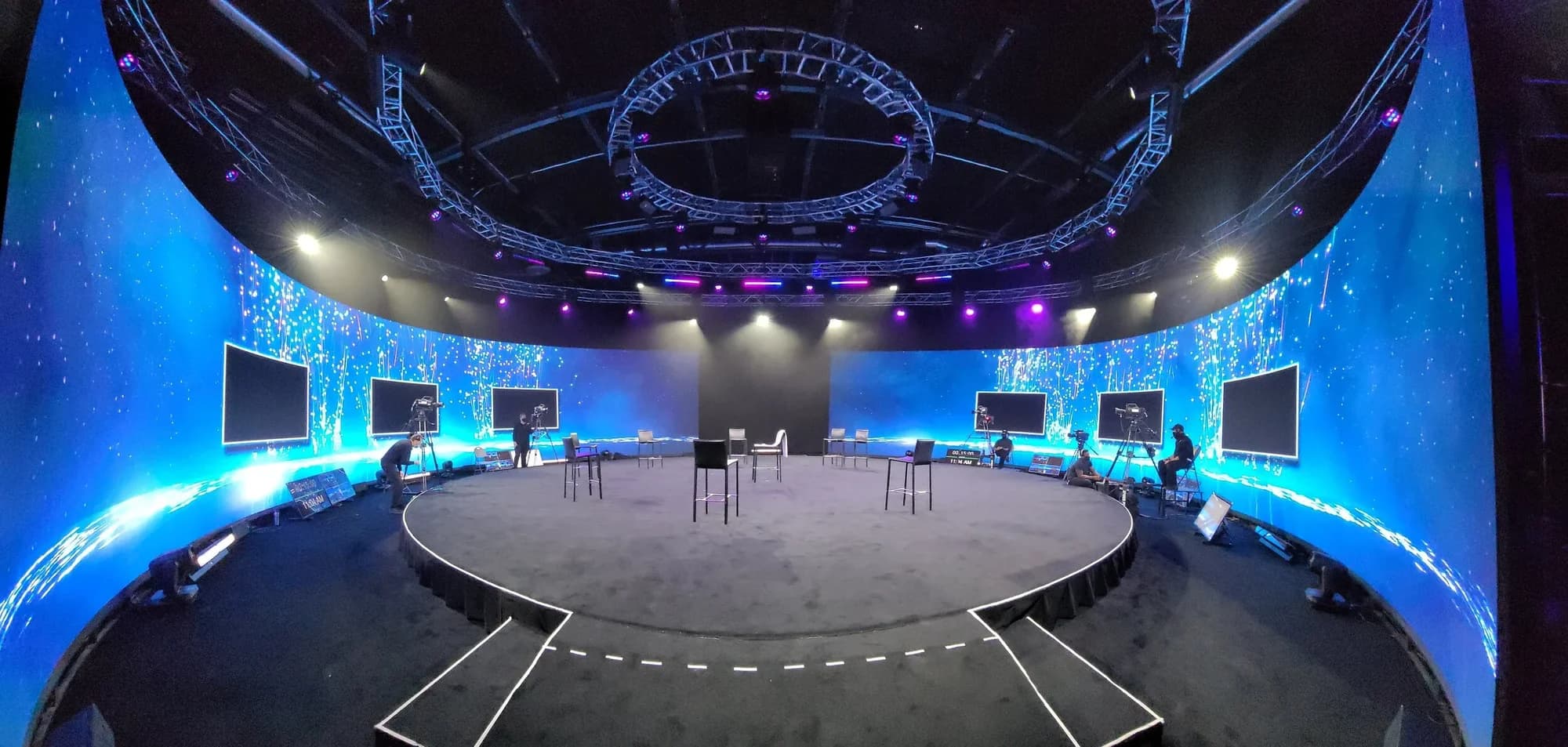
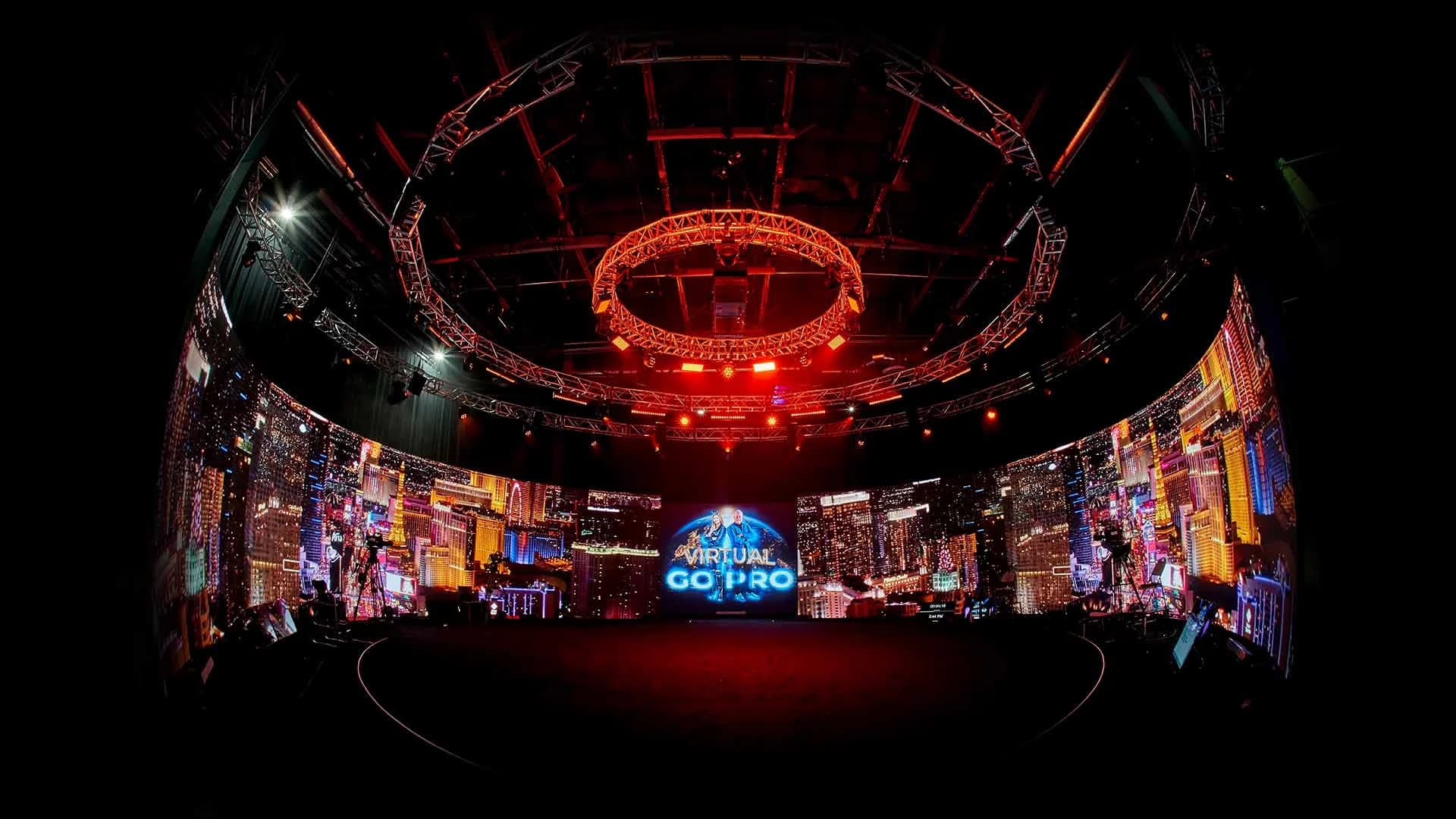
At Worre Studios, multi-platform output runs through the control room: two AJA Bridge Live units running fully redundant, able to push one production to up to 24 platforms simultaneously, backed by dual 5G networks.
What Changes When the Stream Is an Event
A creator can restart a dropped stream. An event can't. Three things decide whether a multistream holds up on the day, plus a fourth most teams forget until the chat fills up.
Upload Capacity
Every platform re-encodes what you send, but it can only work with what arrives. YouTube's own guidance is to test your upload speed and choose a quality your connection can reliably sustain. Pushing to several destinations directly multiplies the upload you need. A relay keeps it to one stream but adds a dependency outside your control.
Redundancy
Ask what happens if one piece fails mid-keynote: the encoder, the connection, the relay. For a flagship event, the answer should be "a backup takes over," not "we restart." A backup encoder, a second network path, and someone watching every destination's health in real time are the baseline.
Platform Rules
Each platform sets its own terms, and they change. Twitch, for example, allows simulcasting with conditions: its viewers should get an experience at least as good as other platforms, you shouldn't steer them to your other streams, and merged cross-platform chat shouldn't appear on the Twitch stream. Read the Twitch simulcasting guidelines and every other destination's current rules before you lock the plan.
Chat and Moderation
Every destination brings its own comment stream. Assign someone to each one, or decide up front which conversation you'll answer live and which you'll only monitor. An unanswered chat on one platform reads like an empty room.
How to Stream an Event to Multiple Platforms, Step by Step
- Pick destinations by audience, not habit. List where your attendees already watch, and drop any platform you can't staff.
- Create the live event on each platform ahead of time. Schedule it, write a title and description for each audience, and collect every stream key and ingest URL.
- Choose your distribution model. A cloud relay for a handful of destinations; control-room outputs when the destination count or the stakes go up.
- Match your settings to each platform's specs. Confirm resolution, bitrate, and upload capacity against each destination's published requirements.
- Build the backup path. A second encoder, a second network, and a decision on which feed takes over.
- Staff every chat. One moderator per major platform, with quieter platforms shared.
- Rehearse to every destination. Push a private or unlisted test to each platform and watch it on a phone, not just the control-room monitor.
- Report views and attendance separately. Platform views tell you reach. Registrations and participation tell you attendance.
Views Aren't Attendees: Where Multistreaming Stops
Multistreaming solves discovery. It doesn't solve participation.
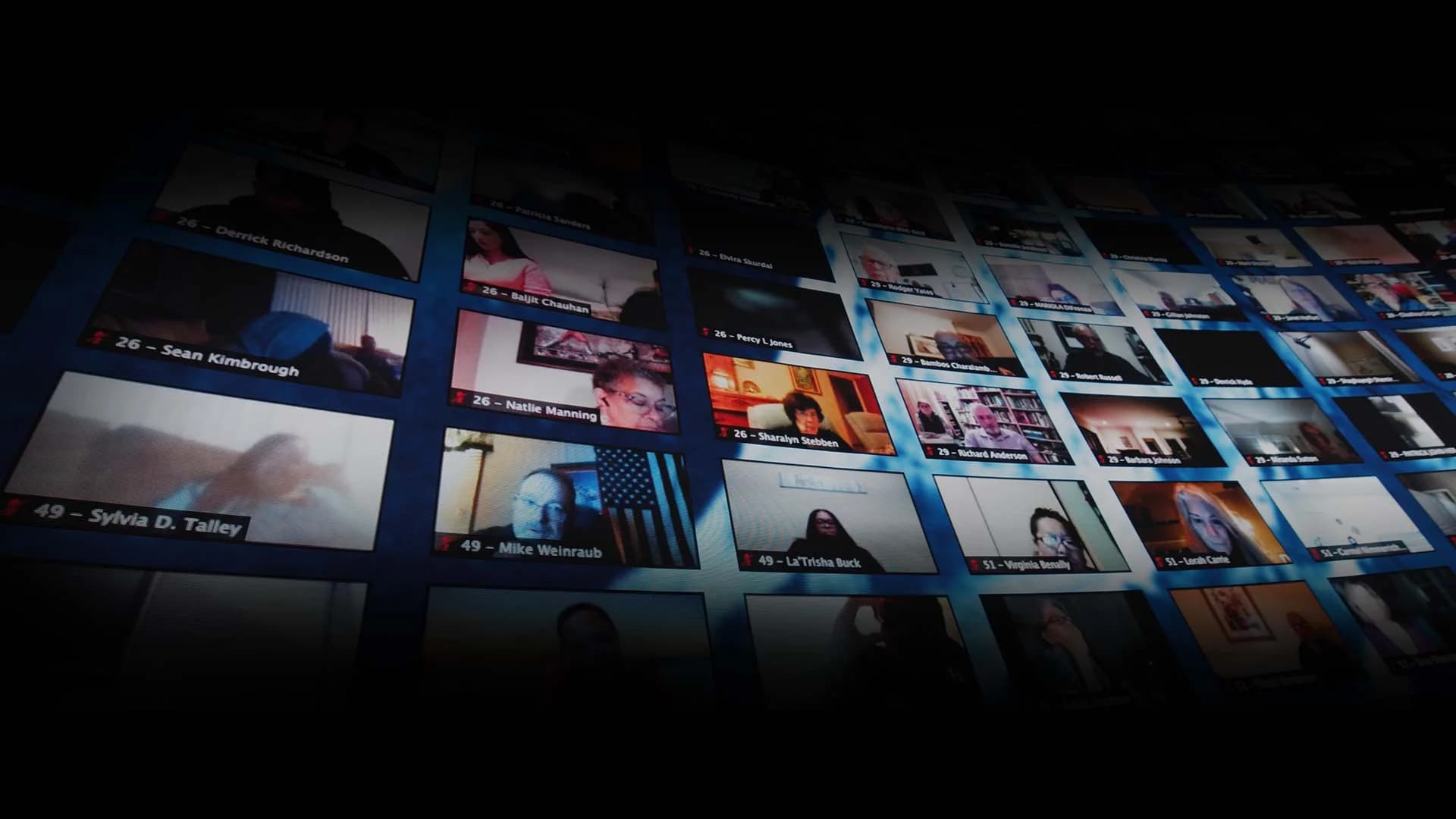
Platform counters measure impressions. Someone who scrolled past your keynote and someone who registered, joined, and stayed are both "reached," but only one attended. Social chat lets people comment; it doesn't let them step up on screen with your host, break into a session, or buy without leaving.
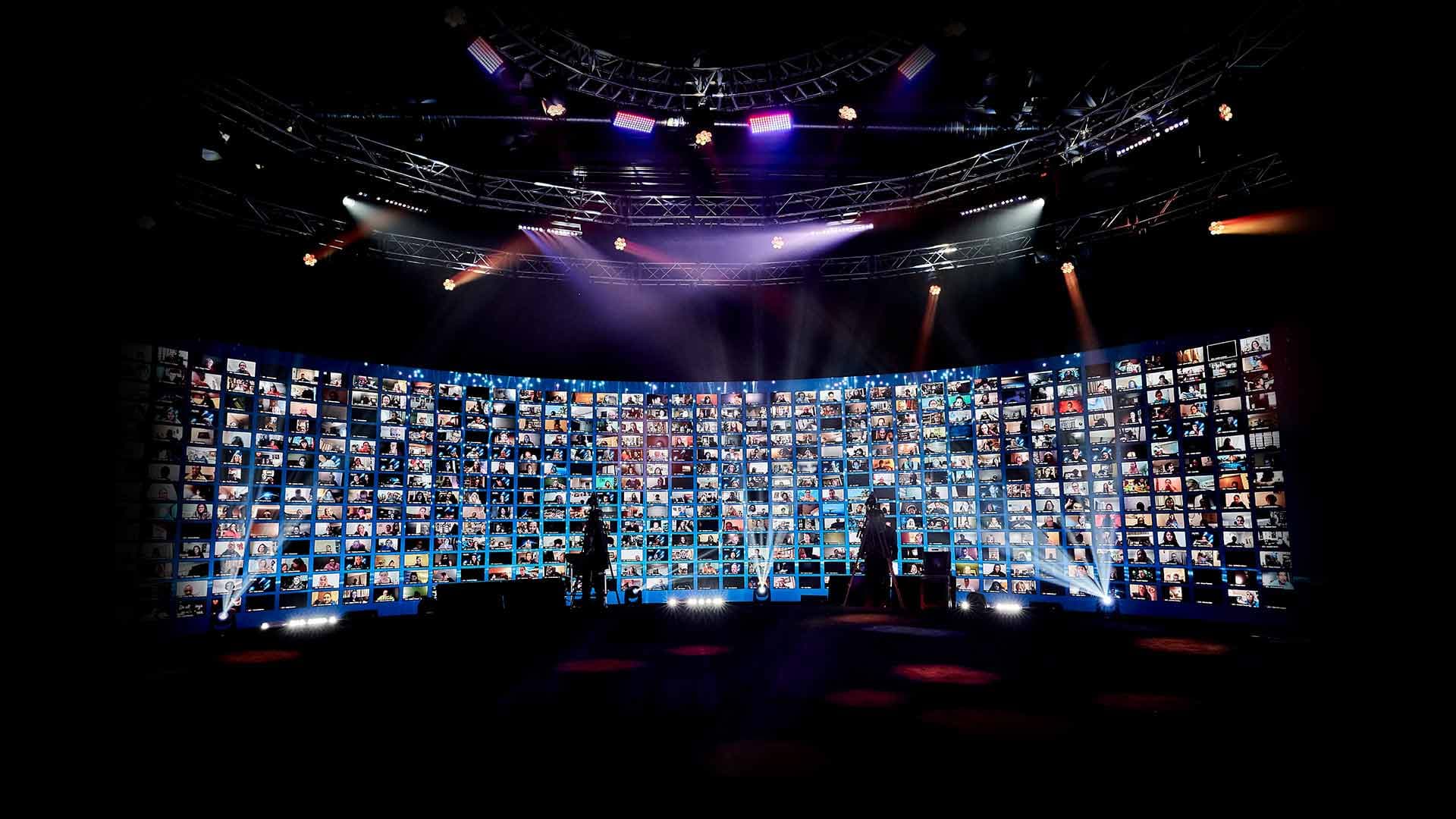
Participation is what an interactive broadcast is built for: a virtual dashboard branded as the client's own, breakout rooms, audience segmentation, multiple shopping carts, and real-time translation in 100+ languages. The difference between a webinar and an interactive broadcast goes deeper on where that line sits.
For planning, treat them as two separate jobs. Multistreaming fills the top of the funnel. The interactive environment is where attendance, and revenue, actually happen. You don't have to pick one: a single production can stream to public platforms while the full interactive event runs inside its own branded dashboard. For ways to turn remote viewers into participants, see these virtual event engagement ideas that go beyond polls and chat.
One Control Room, 24 Platforms: The Dell Alienware Launch
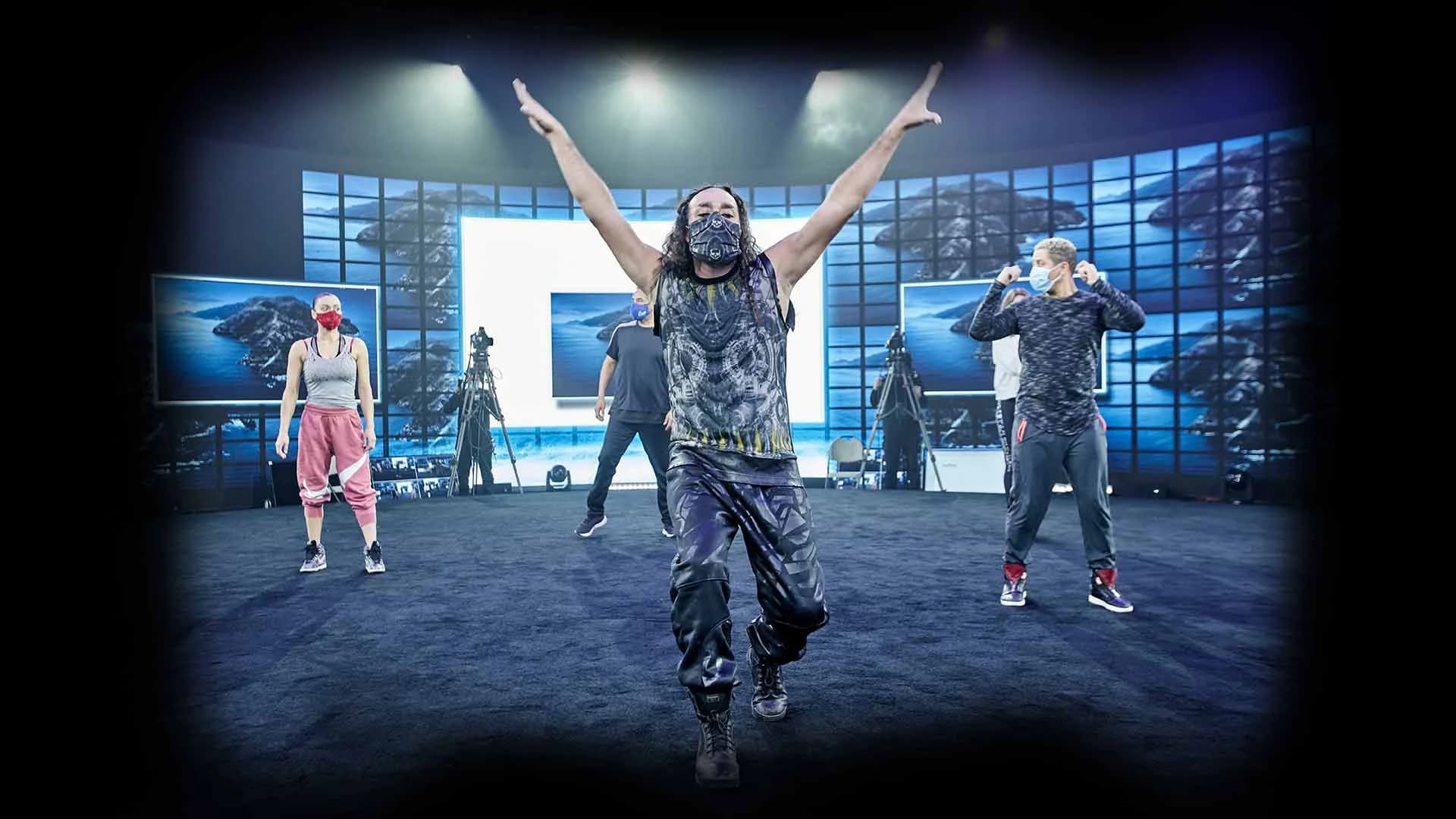
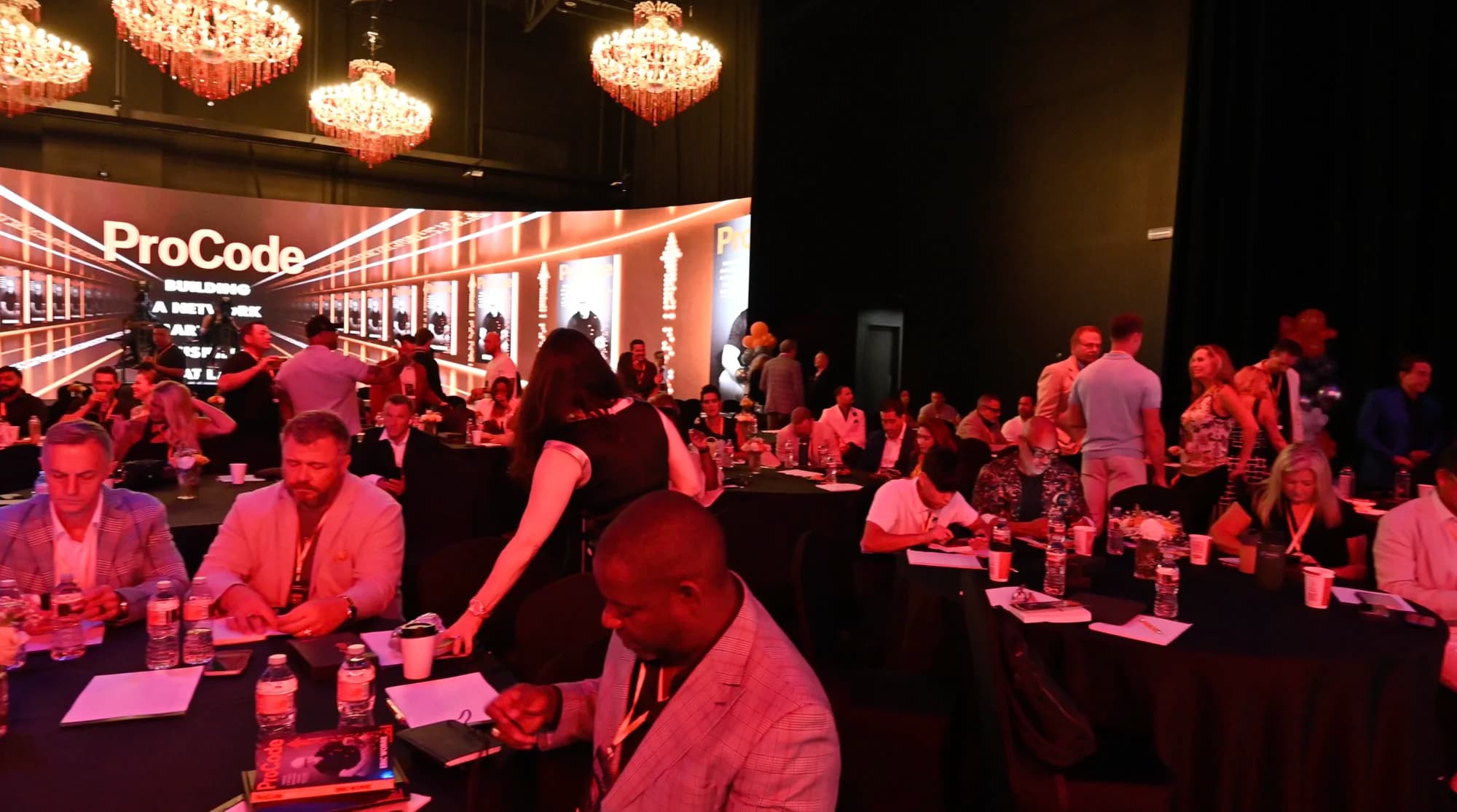
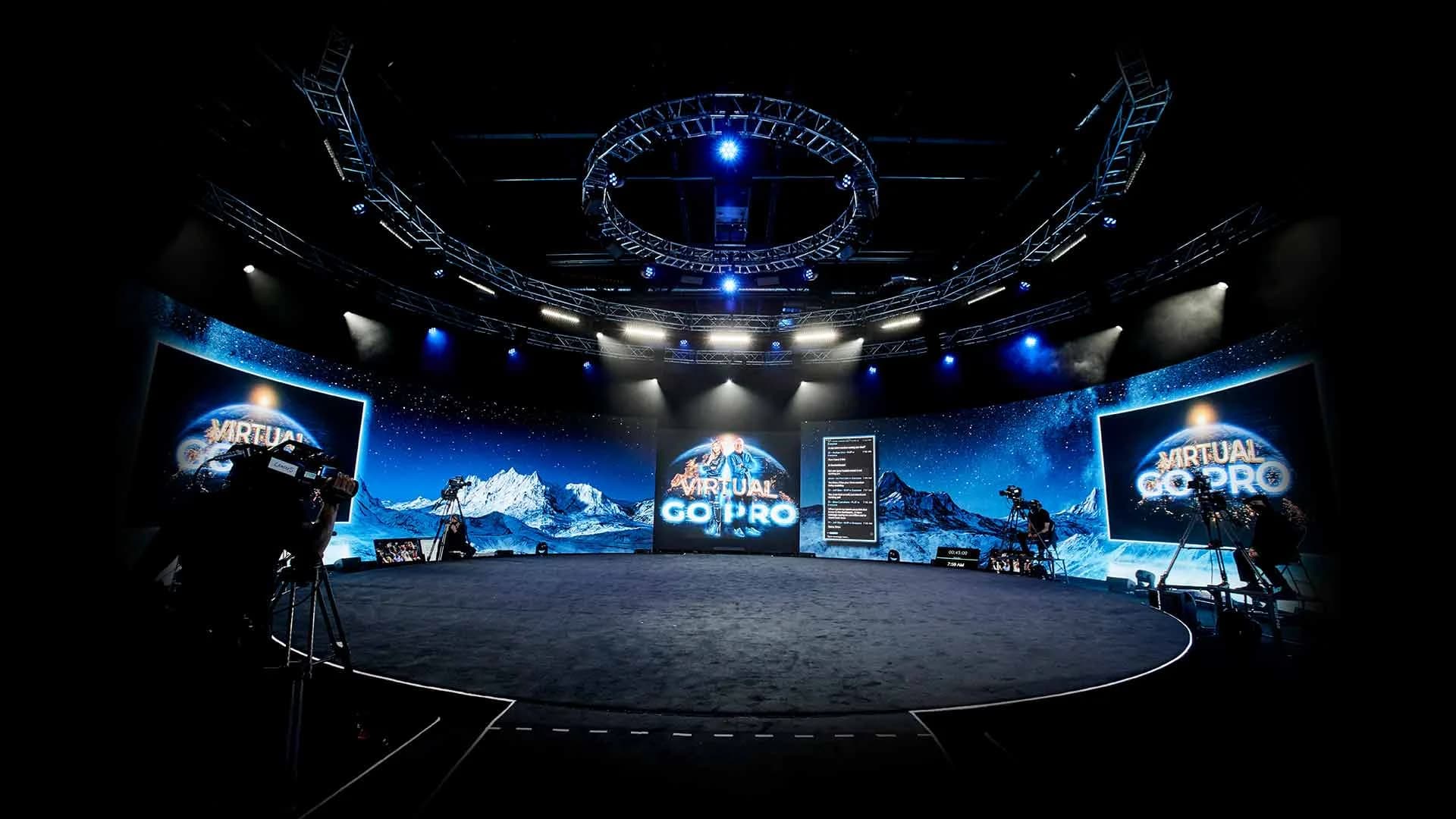
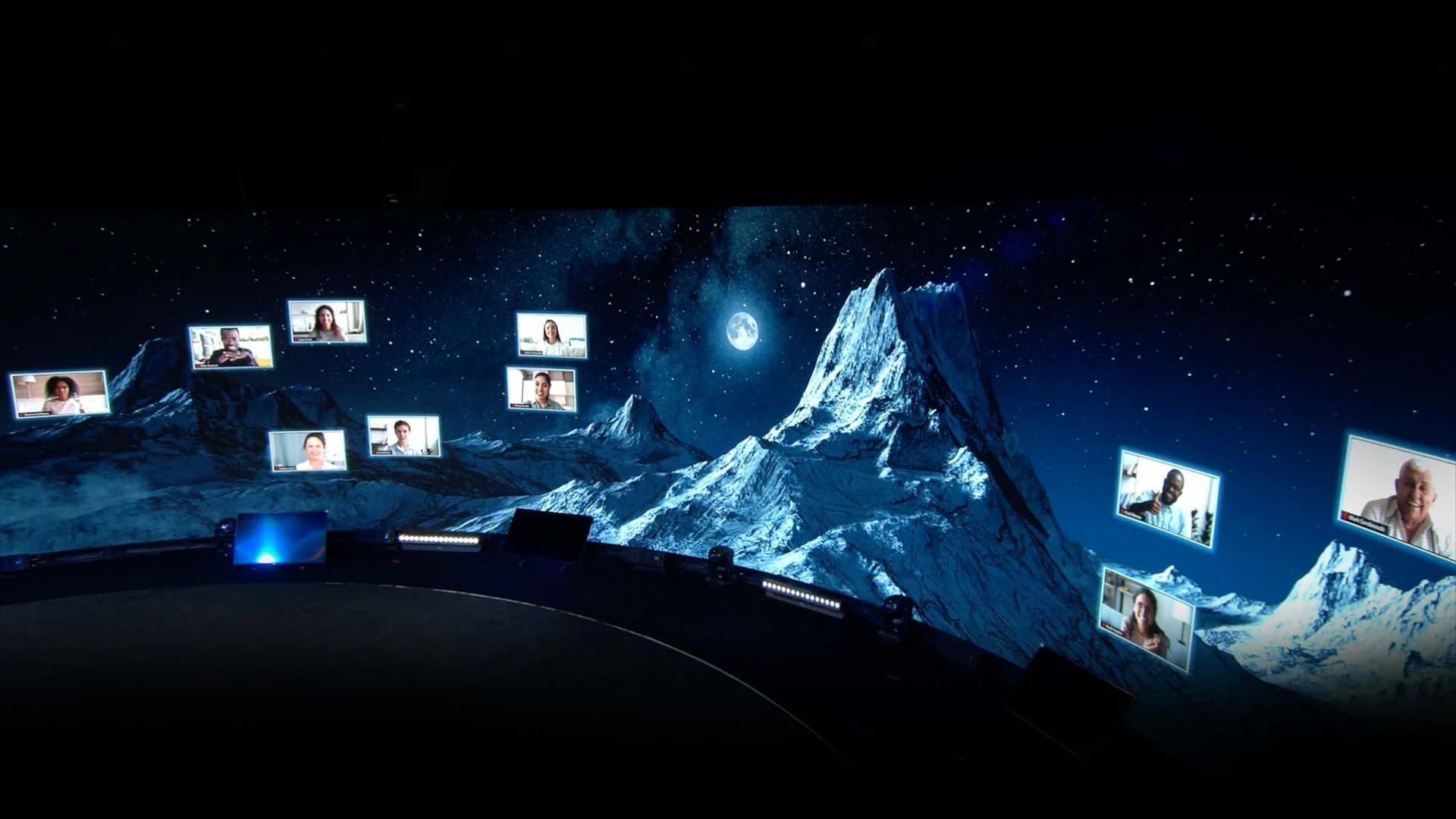
When Dell launched the Alienware 15 and 17 gaming laptops from the studio floor, its audience was spread across platforms, so the broadcast went to all of them. Hosts ran the launch live in the round, Chance the Rapper streamed in playing Fortnite on the new hardware, and the production pushed to 24 platforms at once, Twitch and X among them.
The result was 17.2 million views across live and social, and the biggest stage Dell had used for a computer launch. Read the number precisely: those are platform views, not attendees, which is exactly the line drawn above. The full Dell Alienware launch story covers how the moment was built.
Which Approach Fits Your Event?
Match the distribution to the stakes.
- A recurring webinar or internal update: a cloud relay to two or three platforms is plenty. For company-wide updates, see how to run a global company town hall.
- A public launch or keynote where reach is the goal: control-room outputs with redundancy, staffed chats, and a full rehearsal. Planning a launch? Start with how to plan a product launch event.
- A paid or participation-driven event: keep the core experience inside a ticketed, interactive environment, and use public streams to drive registration rather than replace it. Start with pricing tickets when seats aren't the limit.
- You have a stage but no broadcast capability: the Remote Virtual Stage service takes your camera feed and broadcasts it out at scale as a fully interactive event.
If your next event needs to be everywhere at once, start a studio inquiry and we'll build the distribution around your audience.
Frequently Asked Questions
Yes. A multistream sends one live feed to both, and to other platforms, simultaneously, through a cloud relay service or a broadcast control room. Create the live event on each platform first, then check each one's current account requirements and terms before the day.
For event purposes, yes. Multistreaming, simulcasting, and restreaming all describe broadcasting one live feed to several platforms at the same time. What changes between setups is how the feed gets distributed, not what your audience sees.
Yes, unless a creator has an exclusivity agreement with Twitch. The conditions: Twitch viewers' experience must be at least as good as on other platforms, you shouldn't direct them to your other streams, and merged cross-platform chat shouldn't appear on the Twitch stream. Rules change, so check Twitch's current guidelines before you go live.
It depends on the quality you send and how you distribute it. Sending directly to several platforms multiplies your upload; a cloud relay sends one stream and fans it out. YouTube recommends testing your upload speed and choosing a quality your connection can sustain. Build in headroom beyond that for the day.
It depends on the setup. Cloud relay services cap destinations by plan, and some event platforms allow only a handful. The studio's control room can push one production to up to 24 platforms simultaneously, on fully redundant hardware.
No. Views are platform impressions: people who saw some part of the stream. Attendance means people who registered, joined, and participated. Report the two separately. For how attendance itself scales, see how many people a hybrid event can actually reach.
Through platform chat, yes: comments and questions a moderator can bring to the host. Live, face-to-face participation, where remote attendees appear on screen with the host or join breakout rooms, happens inside an interactive broadcast environment rather than on social platforms.
Usually not the whole thing. A free public stream of paid content undercuts the ticket. A common approach is to stream an open segment, such as a keynote or a preview, publicly, and keep the full experience inside the ticketed event.
Inside the interactive event, yes. Events run with real-time translation in 100+ languages, live-interpreter or AI-driven, with the event's music and ambiance layered under the translated voice. Here's how real-time translation works at global events.

Written by the Worre Studios Content Team and reviewed by Ben Groen, Ticketing & Interactive Platform Lead. Studio capabilities described here reflect installed infrastructure. Dell Alienware figures reflect the launch's confirmed distribution and view totals, reported as platform impressions rather than attendance. Platform rules referenced are current as of publication and change often; check each platform's own guidelines before going live. Last reviewed October 10, 2026.
More from The Front Row
Need Your Event Everywhere at Once?
Tell us where your audience watches and what the event has to deliver. We'll walk you through the control room and build the distribution around it.