

How to Plan a Product Launch Event (and Livestream It)
On this page
Plan the launch around one moment: the reveal. Pick the format by who needs to see it live, build the reveal into the room, broadcast it everywhere at once, and shoot the campaign while the set is lit.
Key Takeaways
- A product launch event lives or dies on the reveal. Design that moment first, then build the agenda, guest list and broadcast around it.
- Choose in-person, livestreamed or hybrid by asking who must experience the reveal live, and where they already watch.
- A reveal built into a 360° LED environment, with scenes triggered live, lands harder than a product on a podium in front of a banner.
- The livestream is the launch for most of your audience. Send one production to every platform at once, on redundant infrastructure, and keep live guests truly live.
- Views measure reach, not attendance. An interactive layer, translation and a same-day content shoot turn one launch into lasting results.
To plan a product launch event, design the reveal first, choose the format by who needs to see it live, then build the production, broadcast and capture plan around that single moment. The venue shapes every one of those choices, which is why teams planning a flagship reveal look for a product launch venue built for live broadcast rather than a room with a screen in it.
Here's the full planning sequence we see work on the studio floor, from the first concept call to the morning after.
What Is a Product Launch Event?
A product launch event is a staged moment that introduces a new product, service or platform to the people who matter most: customers, press, partners and your own team. Done well, it turns an announcement into something people watched happen.
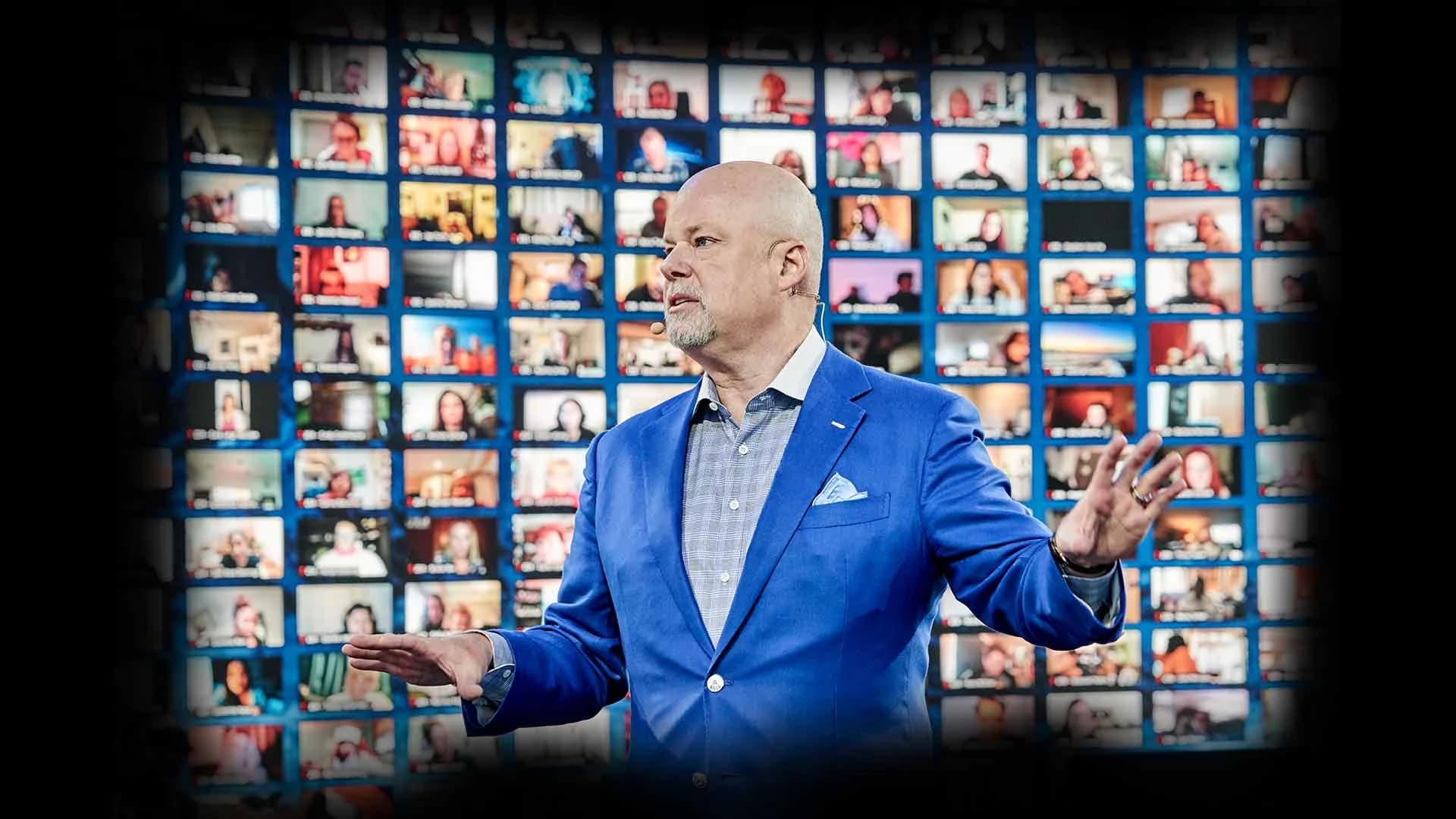
Today that moment rarely lives in one room. The audience in the house might be a few hundred people. The audience on the livestream, across platforms and countries, can be many times larger. Plan for both from day one.
Start With the Reveal, Not the Agenda
Most launch plans start with a run of show and slot the product in somewhere. Flip it. Decide what the audience sees, hears and feels in the exact second the product appears, then build everything else to protect that second.
Answer three questions before anything else:
- What is the reveal? A product on a pedestal, a world the audience is dropped into, a live demo, a guest using the product in real time.
- Who has to experience it live? Press, buyers, partners, employees, fans. Each group points to a different format and different platforms.
- What should exist afterward? A hero film, social cutdowns, a demo library, sales assets. Plan the capture now, not after the event.
Choose the Format: In-Person, Livestreamed or Hybrid
Pick the format by who needs the reveal live and where they already are.
| In-person only | Livestream only | Hybrid (in-room + broadcast) | |
|---|---|---|---|
| Who it serves | Press, VIPs and partners in the room | A remote audience on their own platforms | The room plus everyone watching remotely |
| Reach | Capped by seats | Wide, but often passive | Wide, with a live room that gives the stream energy |
| What the reveal needs | Staging, lighting and sound for the room | Broadcast-quality cameras, switching and stable distribution | Both, designed together so the room and the camera see the same moment |
| Main risk | Small reach for the spend | A launch that feels like a webinar | Two shows competing if they aren't produced as one |
| Best fit | Private dealer or partner previews | Software and digital launches with a dispersed audience | Flagship launches where reach and spectacle both matter |
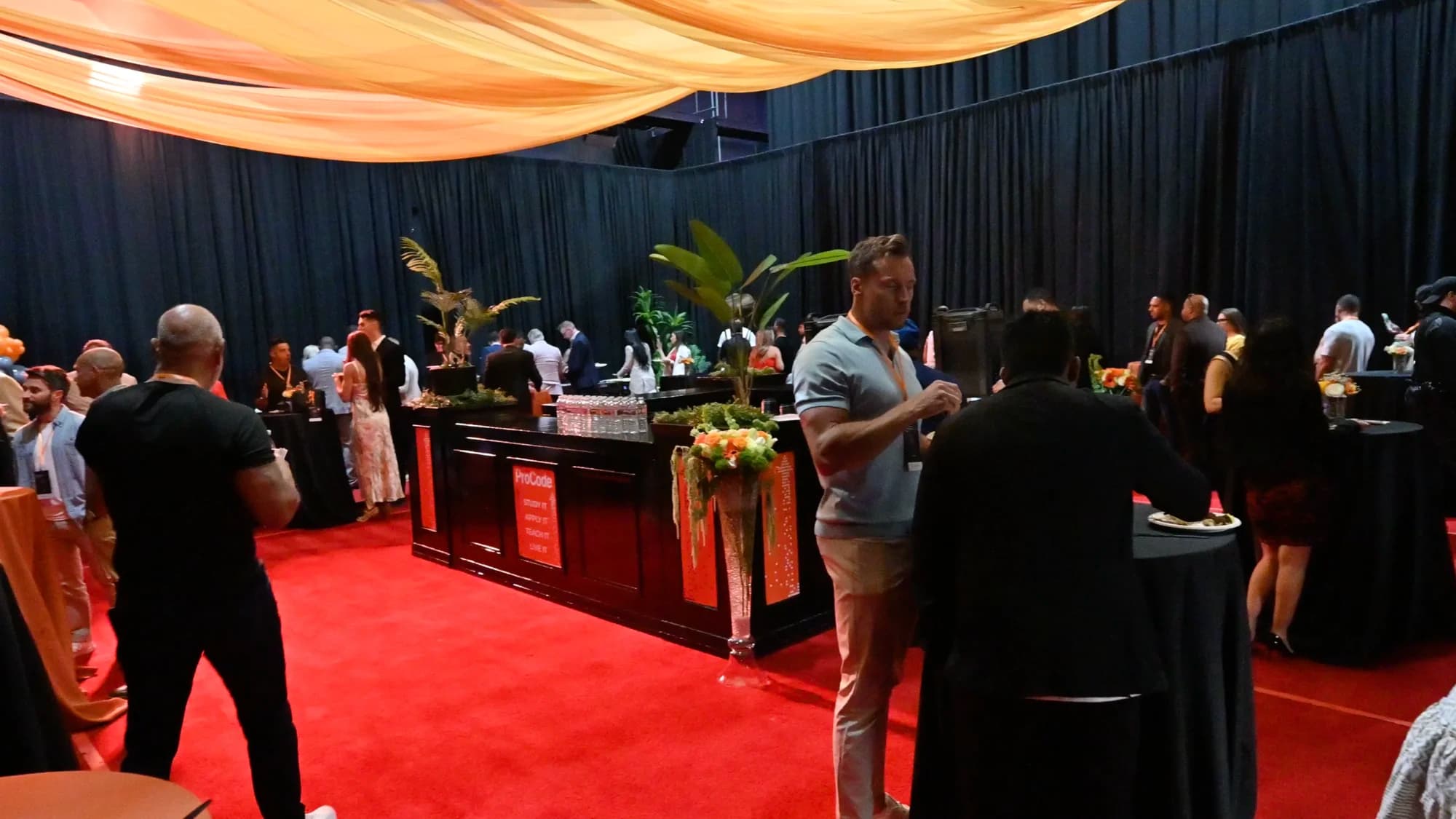
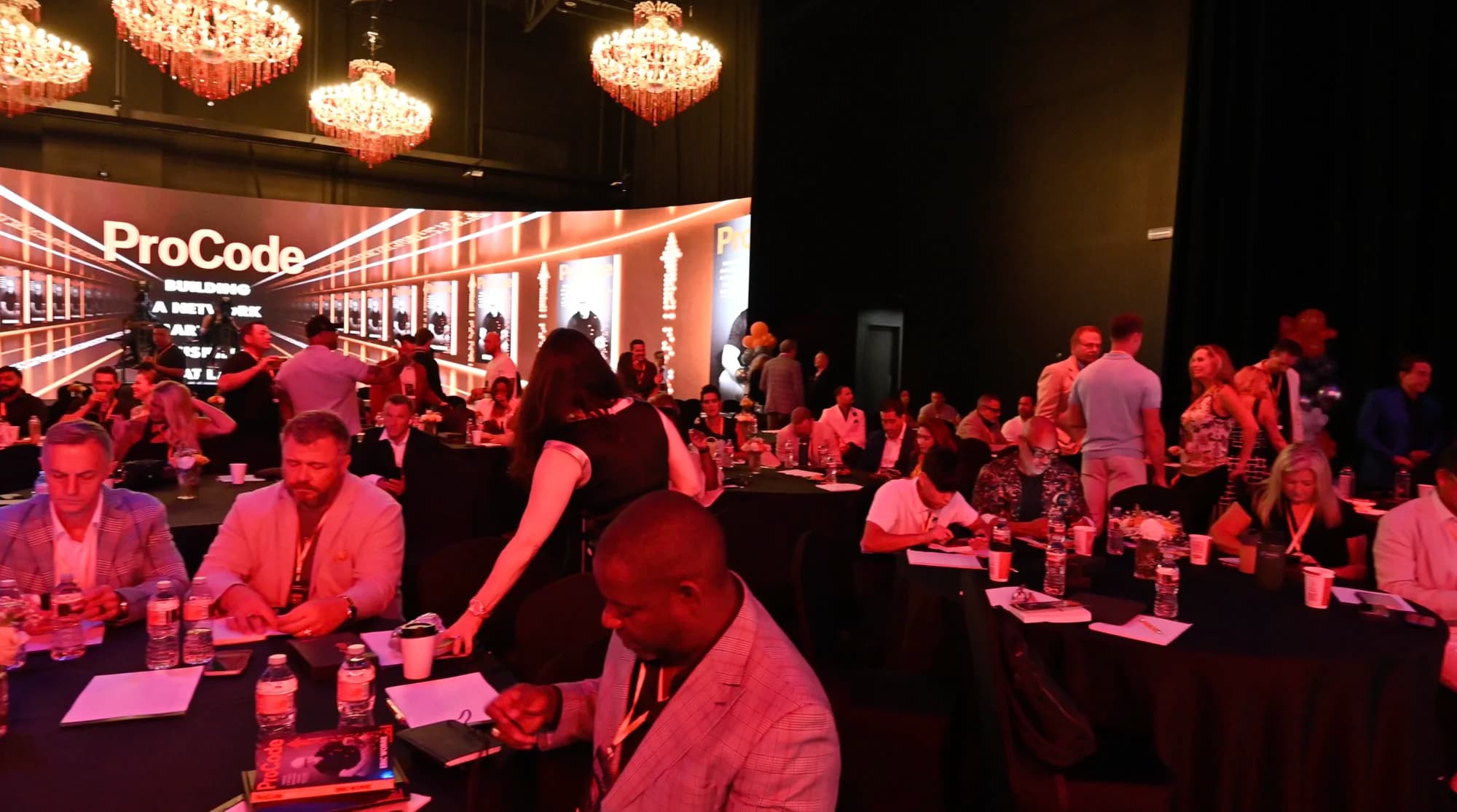
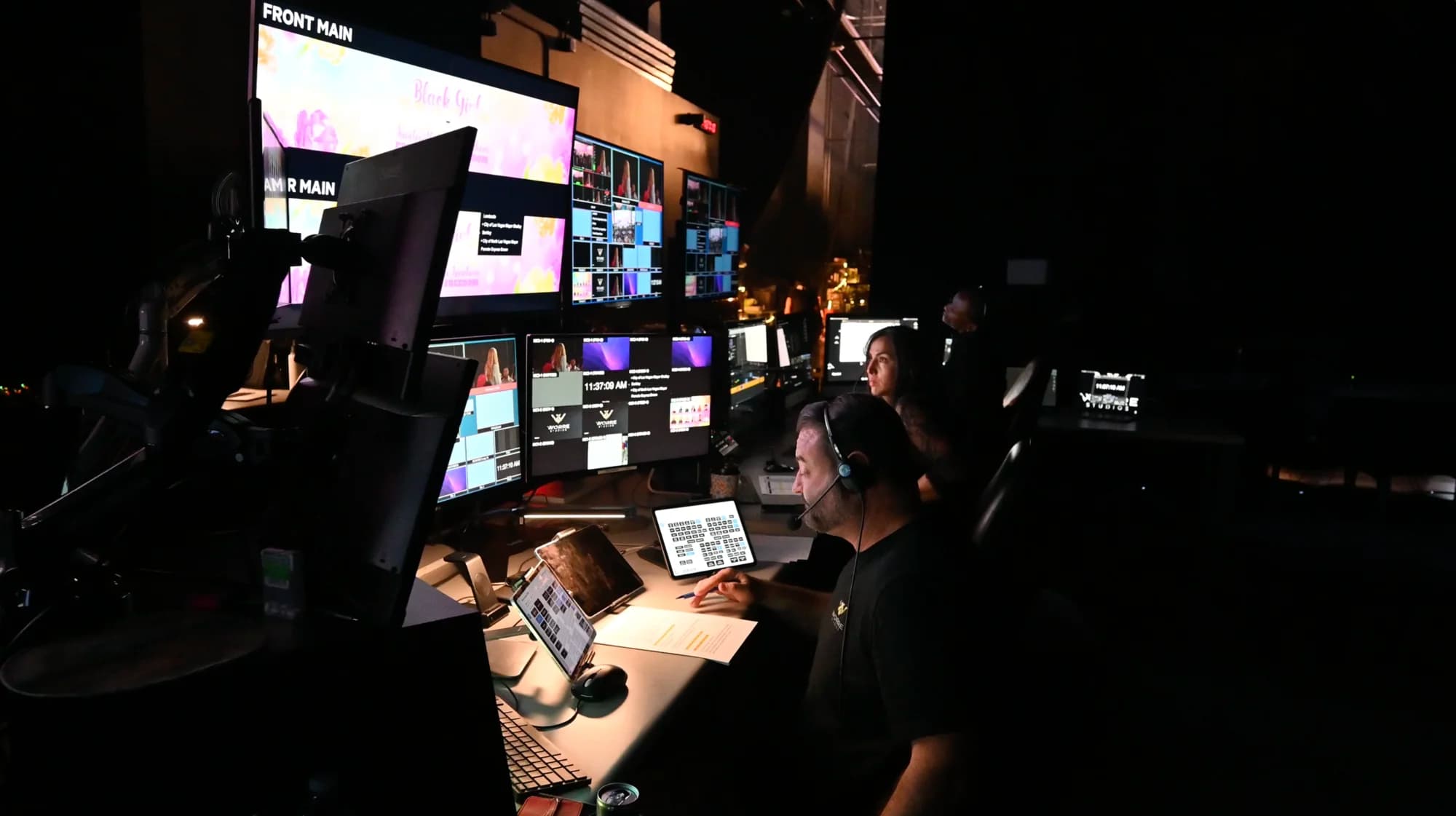
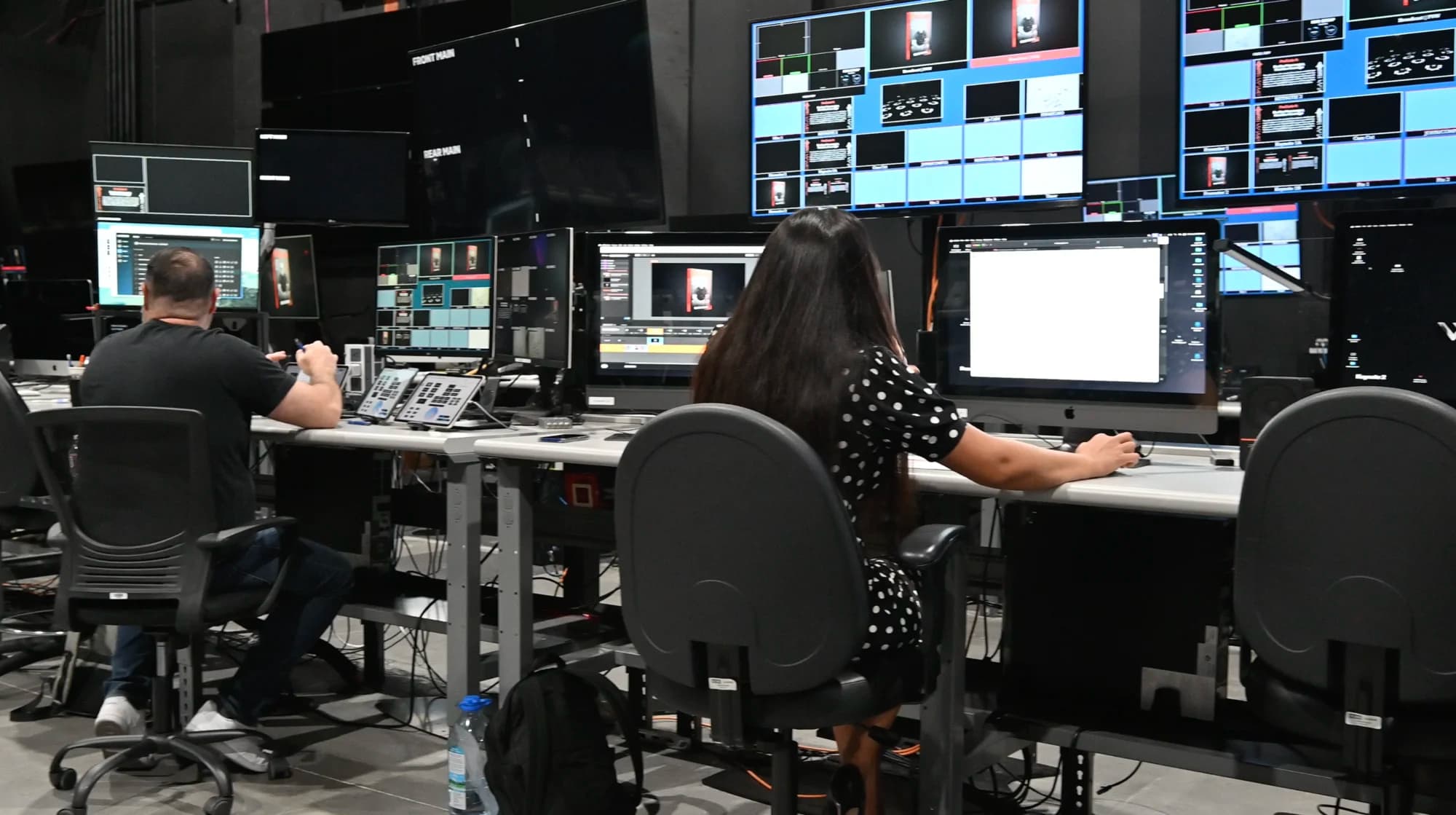
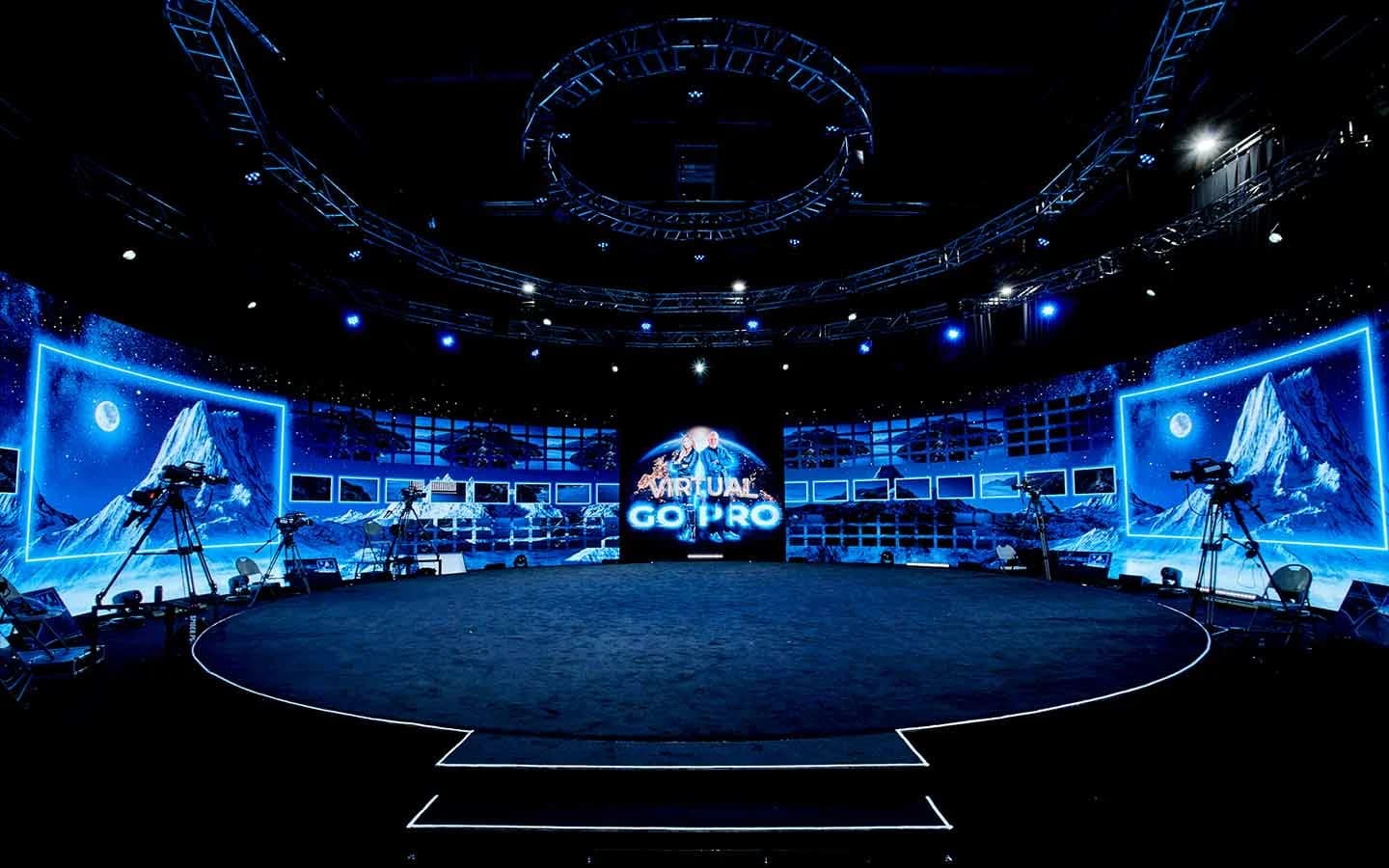
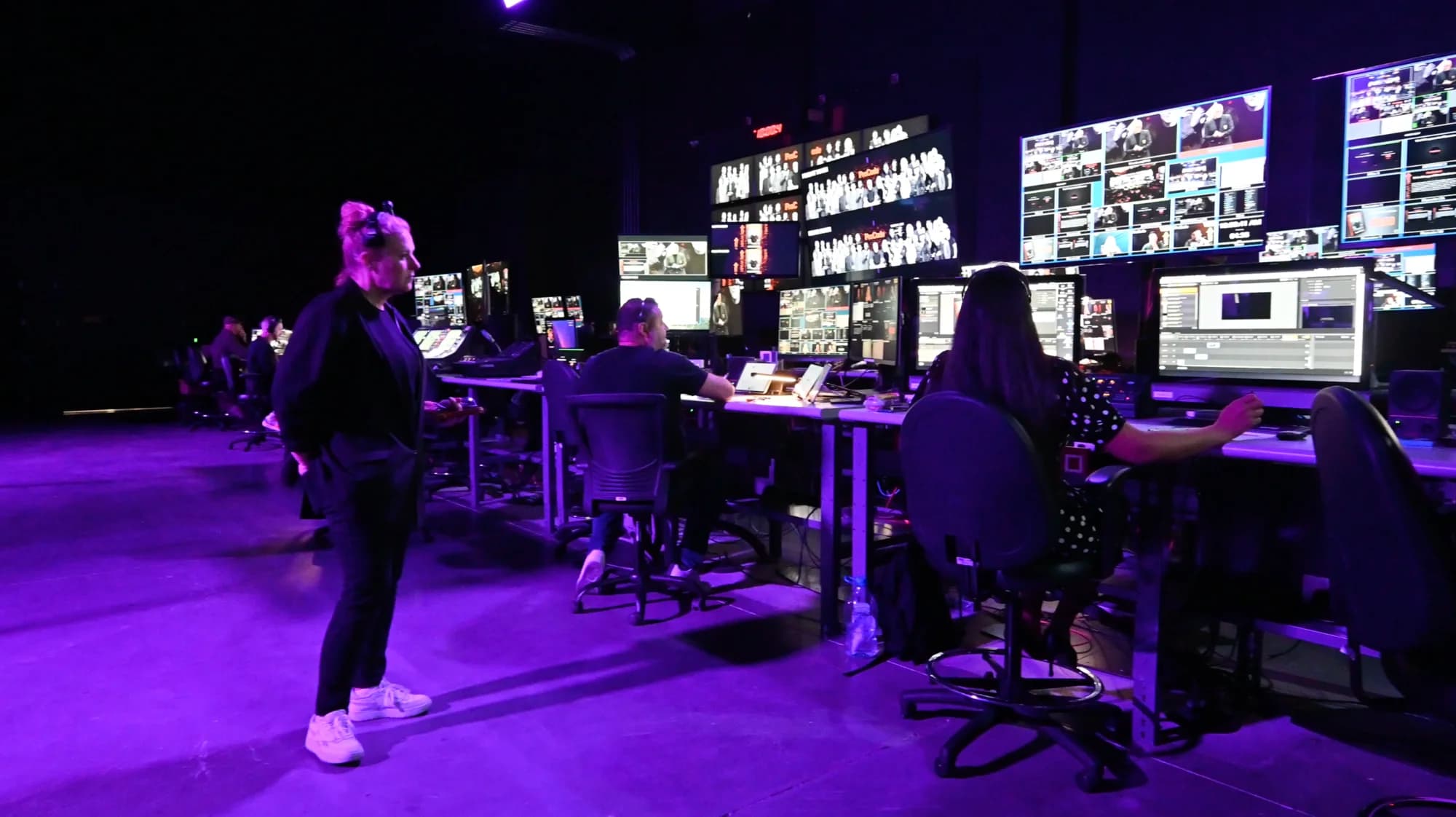
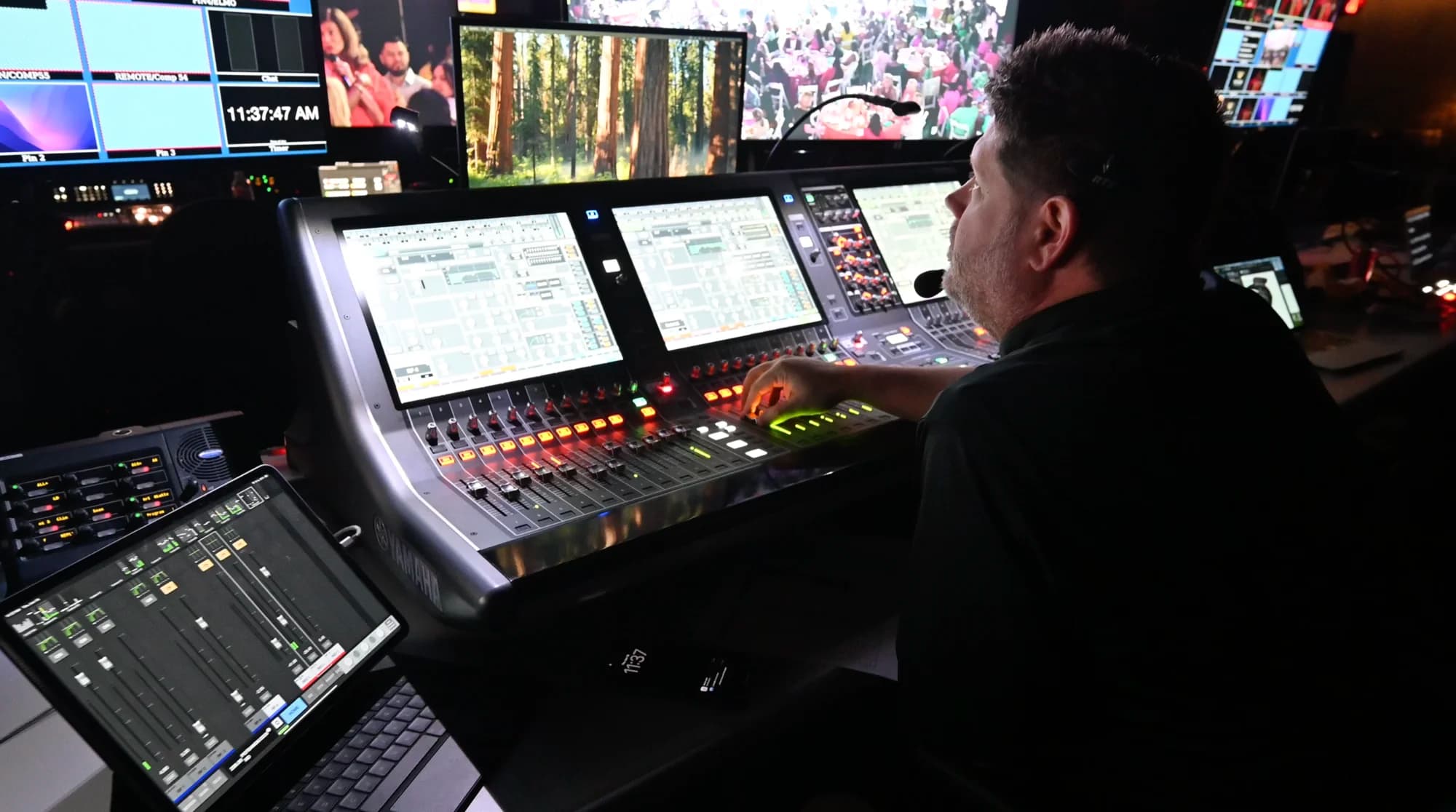
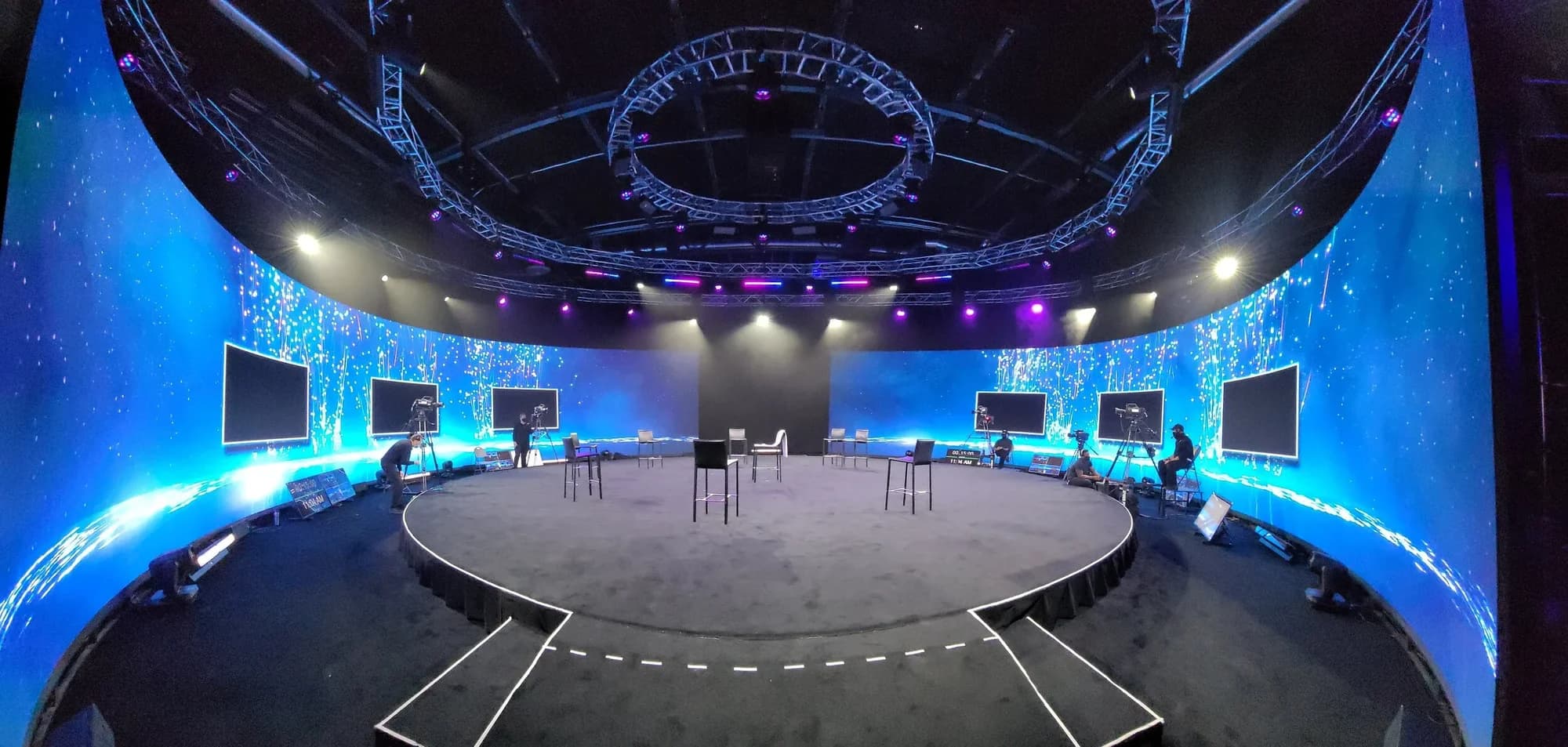
At Worre Studios most launches run hybrid: a live audience in the round and a broadcast going out to the world from the same control room.
How to Plan a Product Launch Event, Step by Step
- Set the goal and the audience. Write one sentence on what the launch has to achieve and who it has to reach. Every later decision gets checked against it.
- Lock the reveal concept early. Custom rendered environments for live events carry months of lead time, so the reveal is the first creative decision, not the last.
- Choose the format and the platforms. Decide in-person, livestream or hybrid, and list every platform where your audience already watches.
- Book the venue and production team together. A room with permanent broadcast infrastructure and an in-house crew removes the build, the strike and a stack of separate vendor contracts.
- Build the run of show around the reveal. Rehearse the reveal more than anything else. Script the minutes before and after it as carefully as the moment itself.
- Plan the broadcast. Set up each platform's live page in advance. YouTube's own guidance is to share your live stream link at least 48 hours before you go live, and the same habit works for every destination.
- Plan the capture. Schedule the hero film, product shots and social content for the hours around the event, while the set is built and lit.
- Rehearse on every output. Run a full technical rehearsal to every platform, and watch it on a phone as well as on the control-room monitor.
- Follow up within a day. Publish the replay, send highlights to registrants, and report reach and attendance separately.
Design the Reveal for the Room
The fastest way to make a launch forgettable is a product on a podium in front of a logo. A reveal works when the environment changes with the product, and the audience feels the moment instead of watching it on a screen.
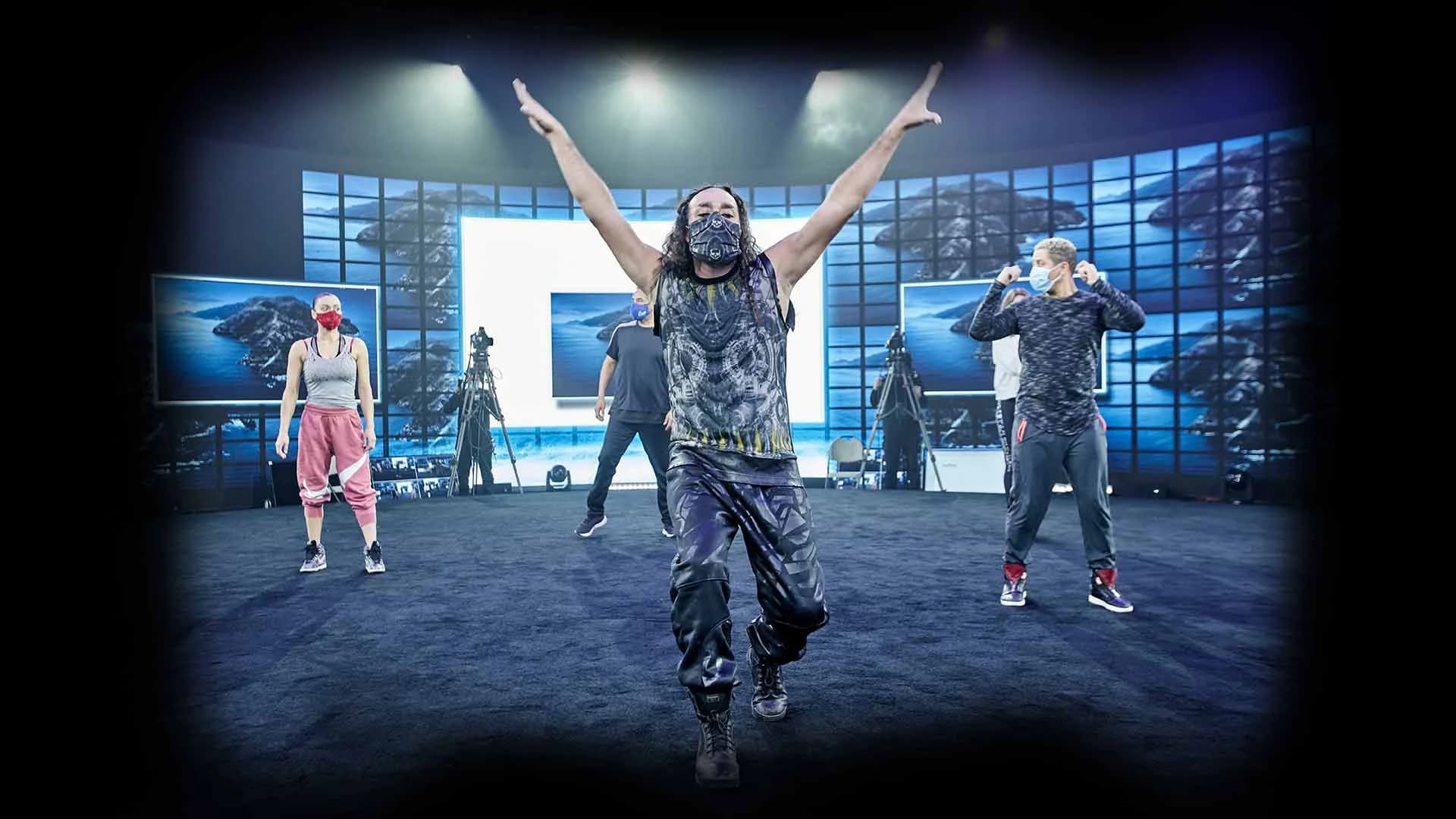
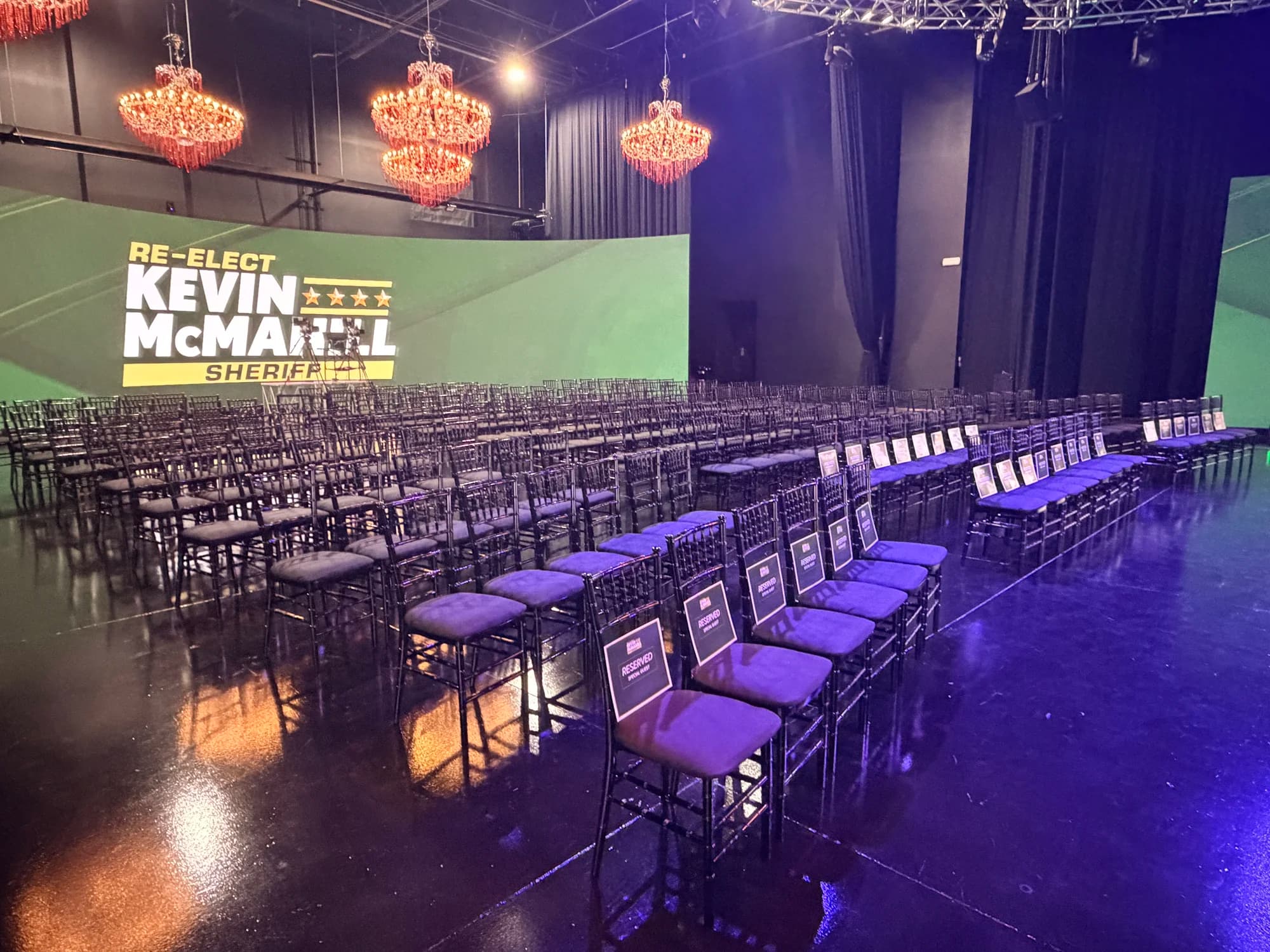
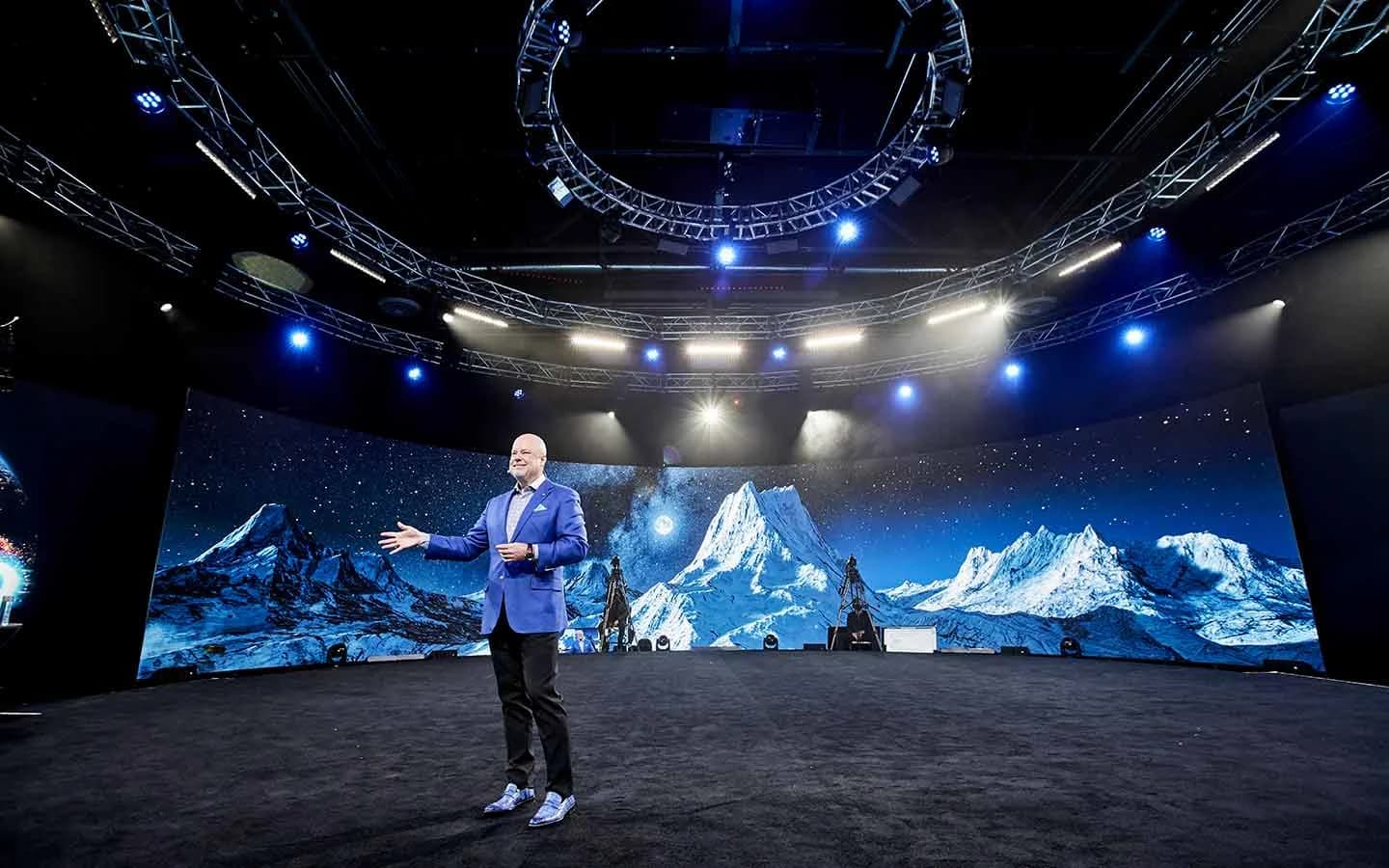
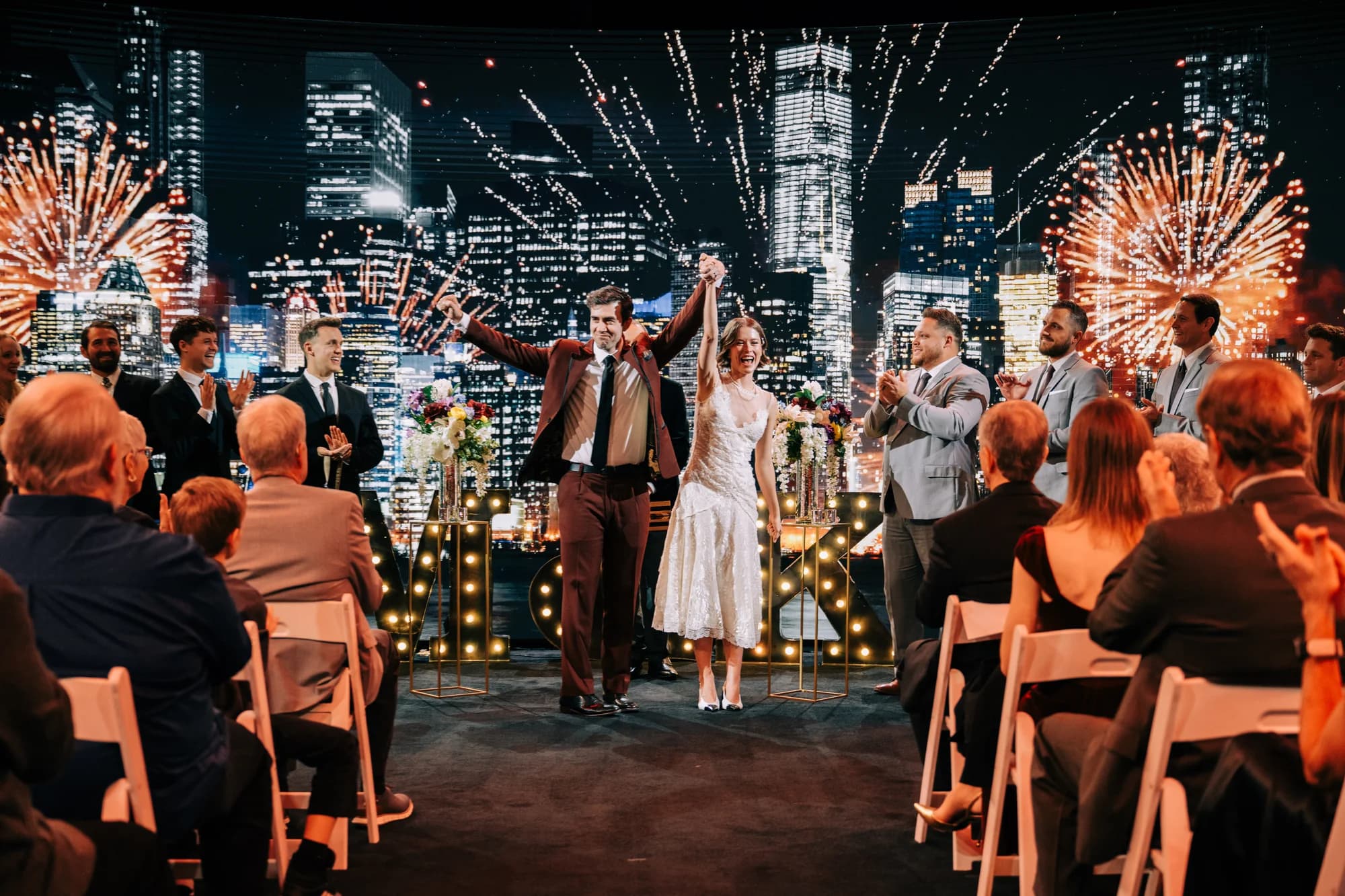
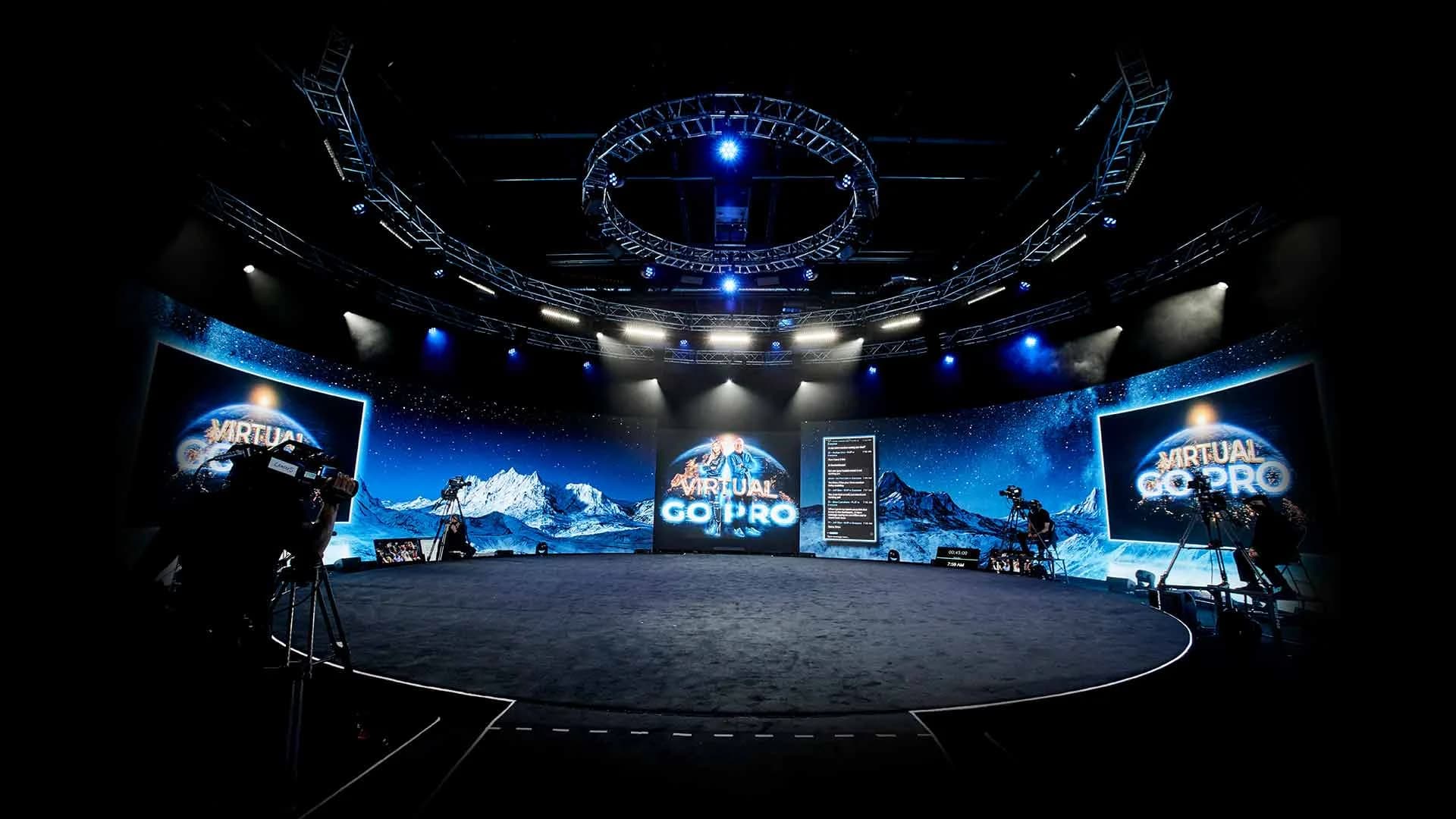
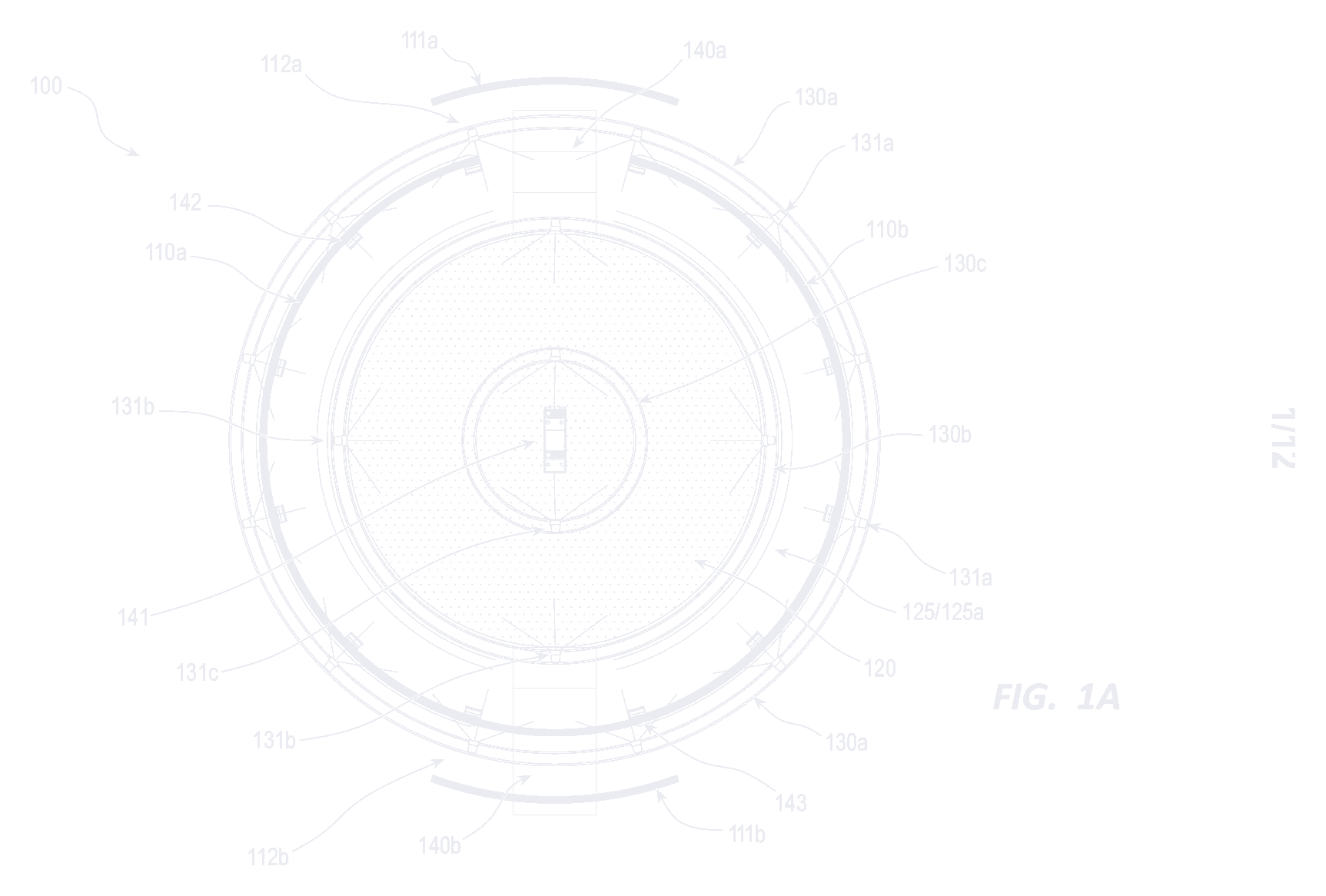
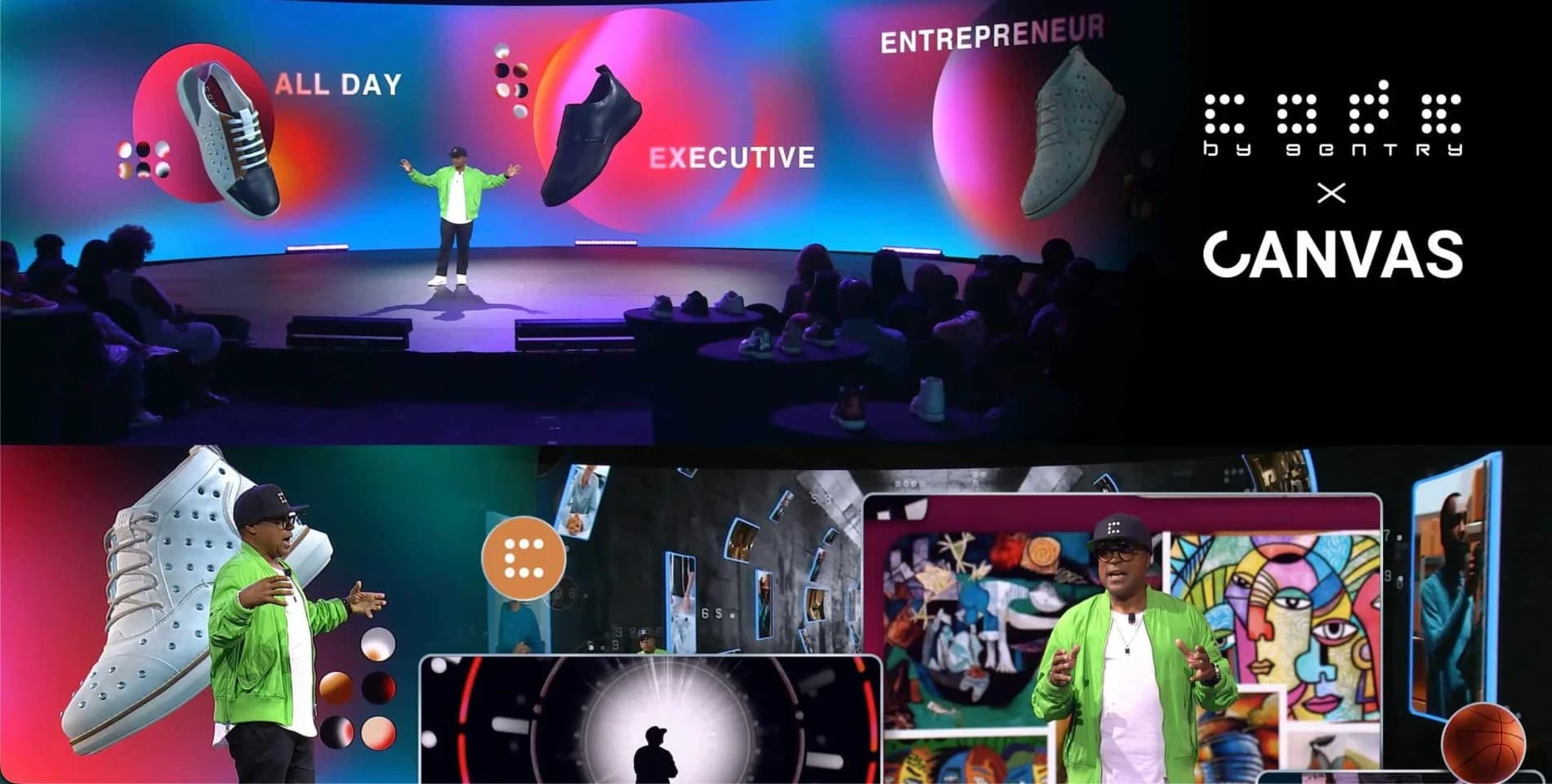
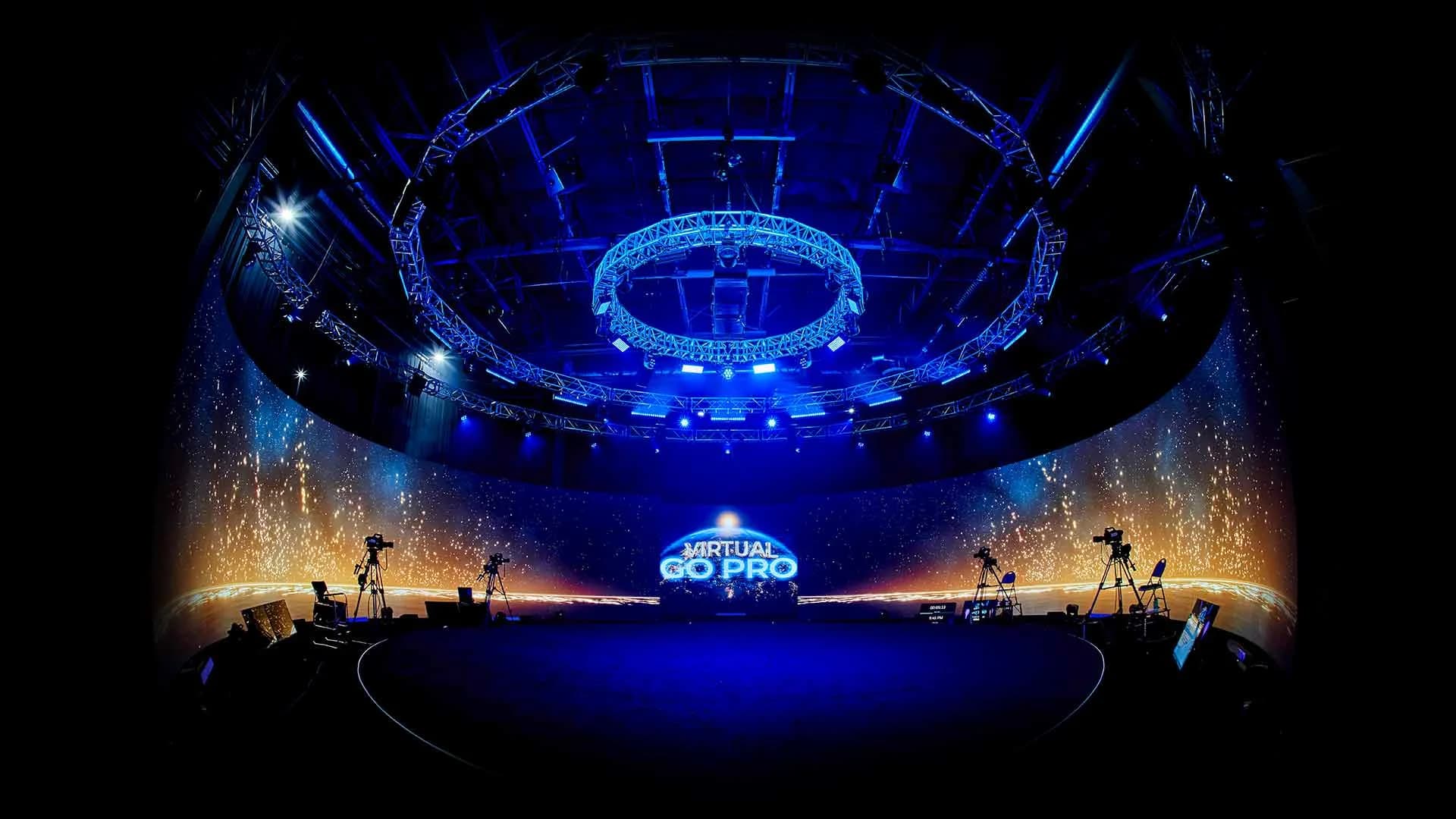
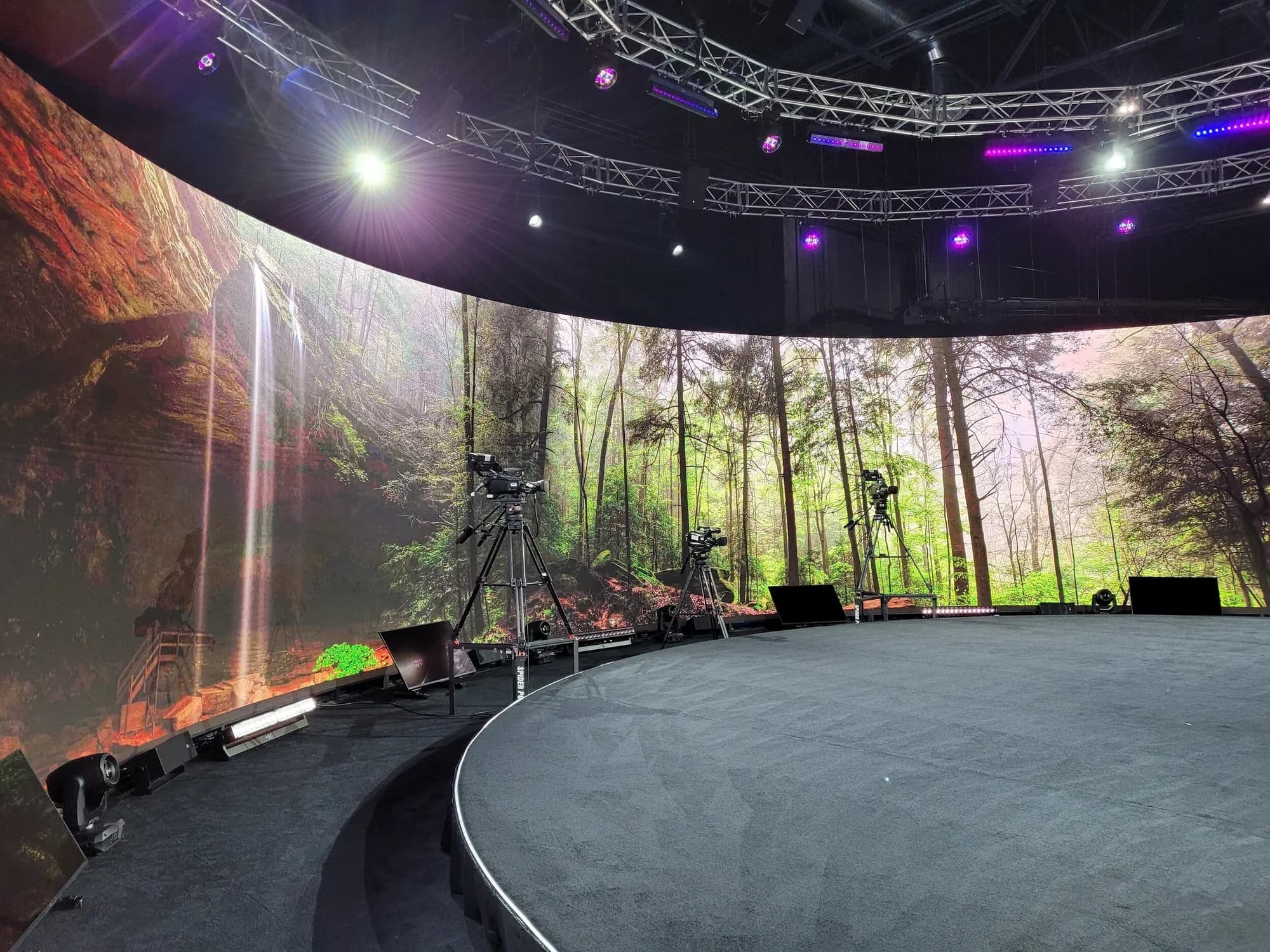
Inside the studio's 360° volume, curved 1.9mm 12K LED wraps the stage, so the reveal can happen all around the audience: a logo built and exploded across the full circle, a world that swaps in the second the product appears, motion that sweeps from in front of the crowd to behind it. Environments run on Unreal Engine 5 on a custom-built system and trigger live from an iPad, so the reveal cue is a button press, not a render wait. What the 360° LED volume can actually do goes deeper on designing for the geometry.
Two habits keep the reveal on track:
- Design for the camera and the room at once. The livestream audience should feel the same moment the room feels. Plan camera positions with the reveal, not after it.
- Give each segment its own world. The studio has built 8–10 distinct environments for a single production, so the keynote, the reveal and the demo don't all have to happen in the same place.
Livestream the Launch Without Losing the Moment
For most of your audience, the livestream is the launch. Three decisions decide whether it holds.
Go Where the Audience Already Watches
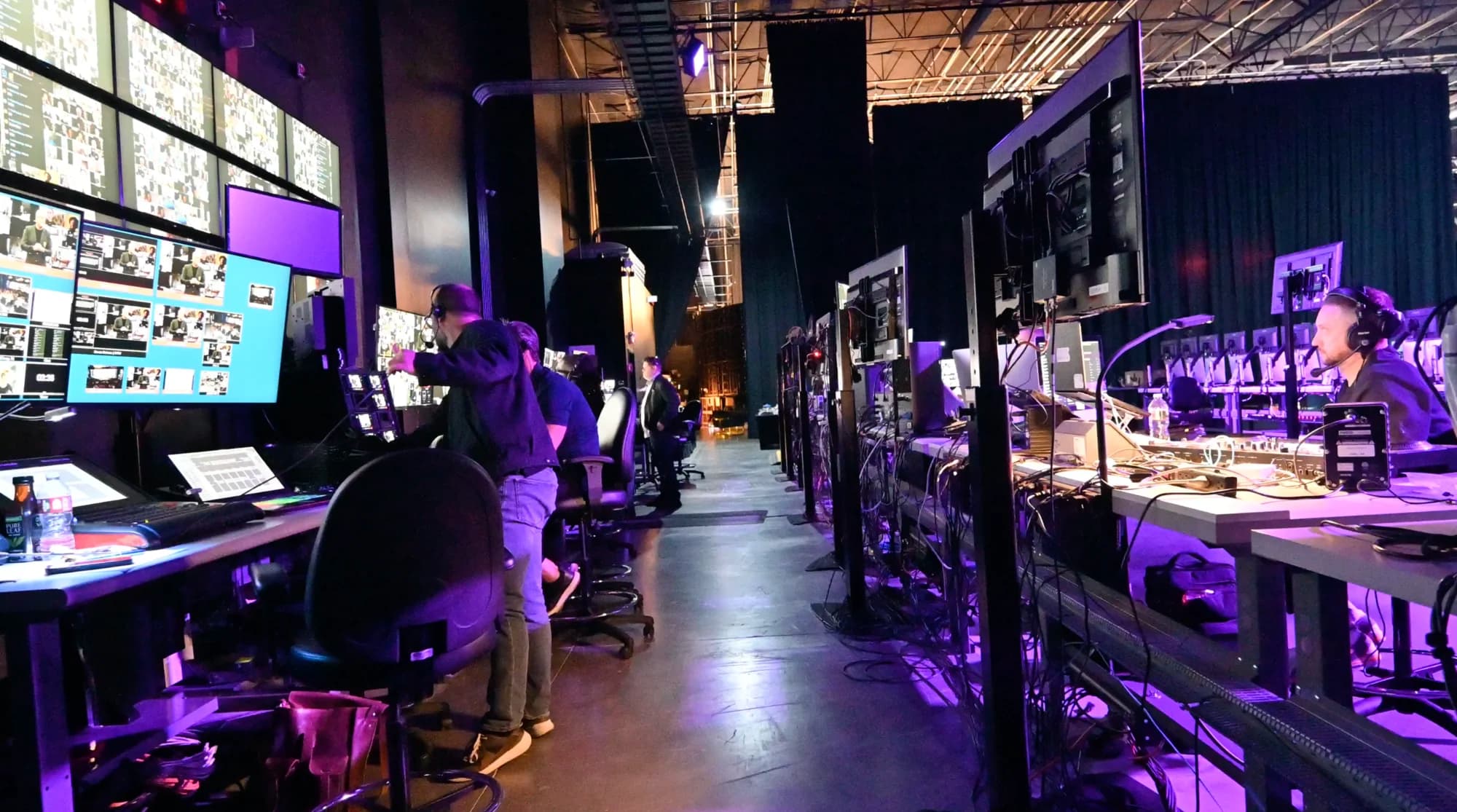
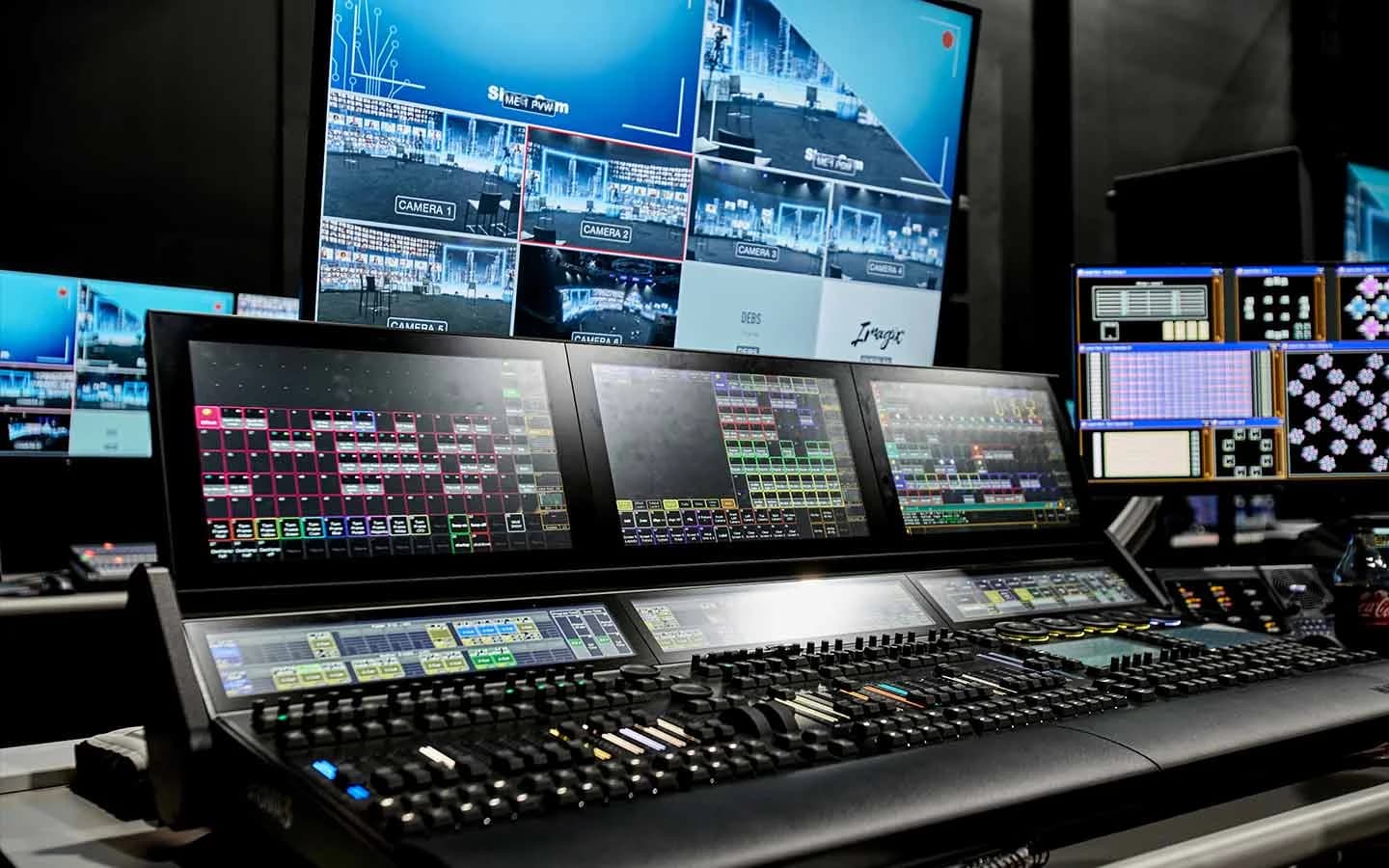
Gaming fans live on Twitch, B2B buyers on LinkedIn, general audiences on YouTube and social. Send one production to every platform at once rather than asking everyone to come to you. The studio's control room runs two AJA Bridge Live units, fully redundant, able to push one production to up to 24 platforms simultaneously, backed by dual 5G networks.
Build in Redundancy
A launch can't restart. Ask every venue and production partner what happens if a piece fails mid-reveal. The right answer is "a backup takes over," not "we go again."
Keep Live Guests Live
A guest streaming in live, using the product, beats any taped segment, and audiences can tell the difference. The studio's remote infrastructure is engineered for true one-on-one latency, so a guest can talk and react in real time. If something has to be recorded, introduce it as recorded. Live is live, and recorded is recorded; audiences trust a launch that keeps that line.
Turn Viewers Into Attendees
A view count tells you how many people saw part of the launch. It doesn't tell you who attended, asked a question or bought.
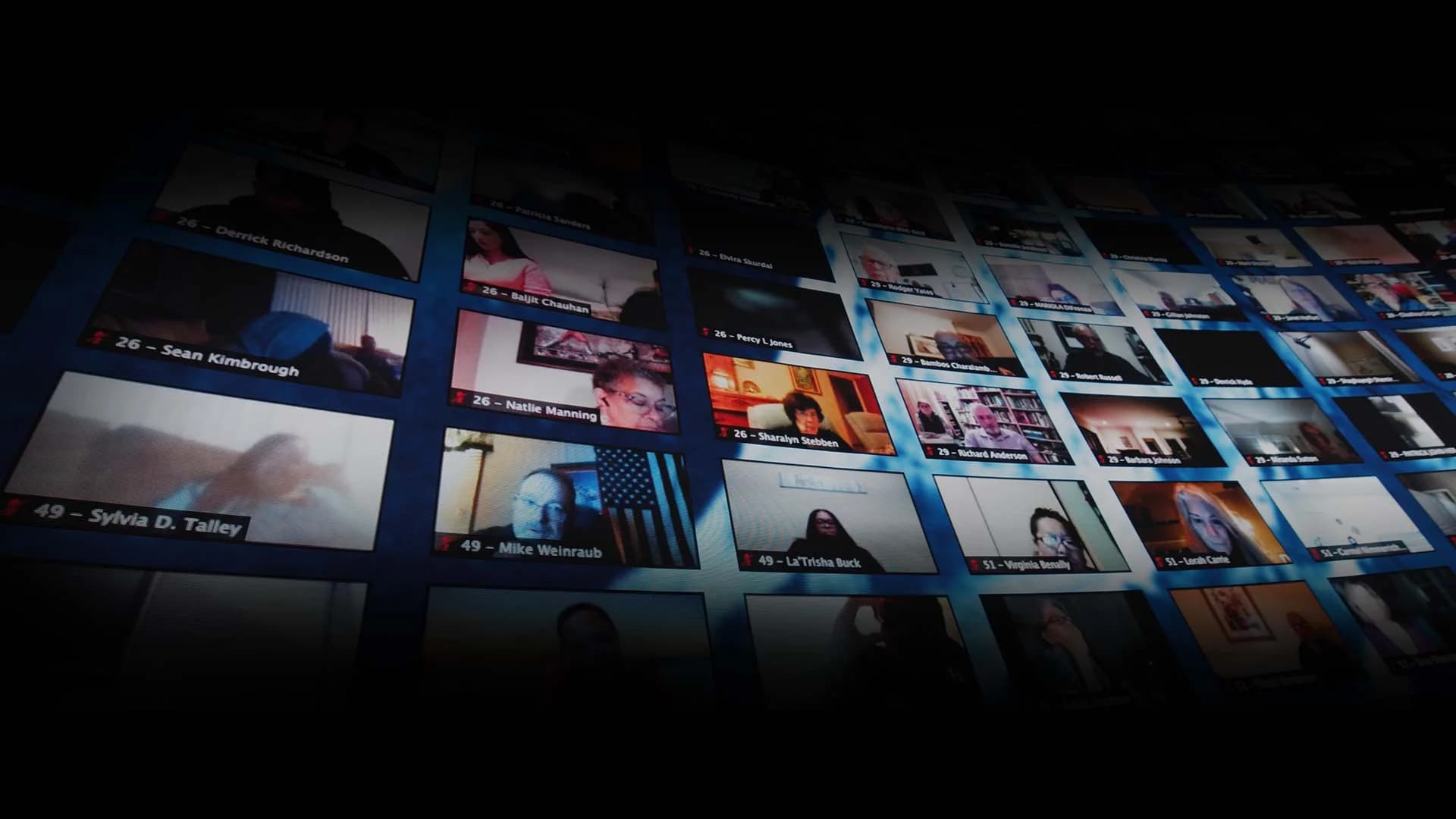
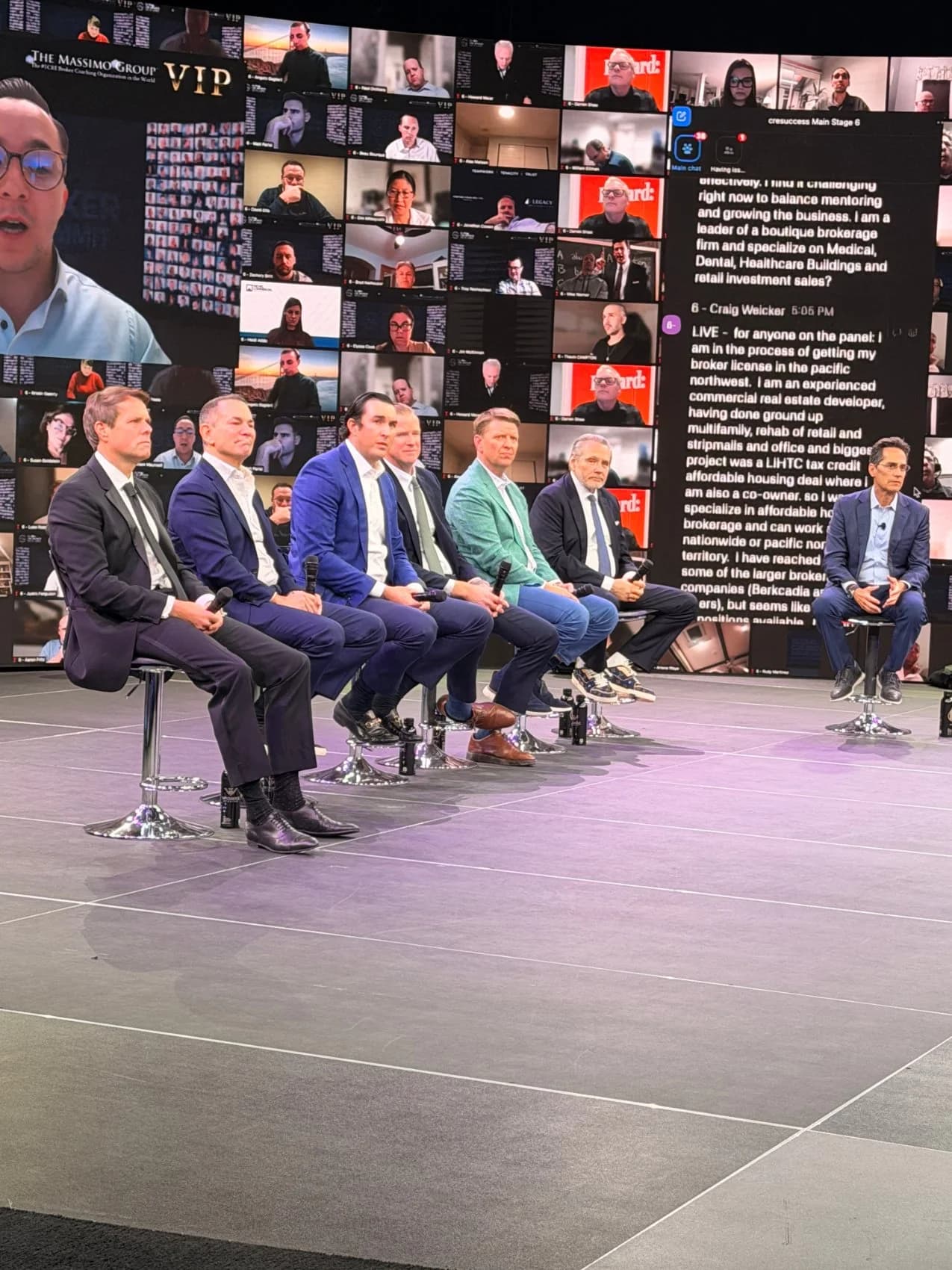
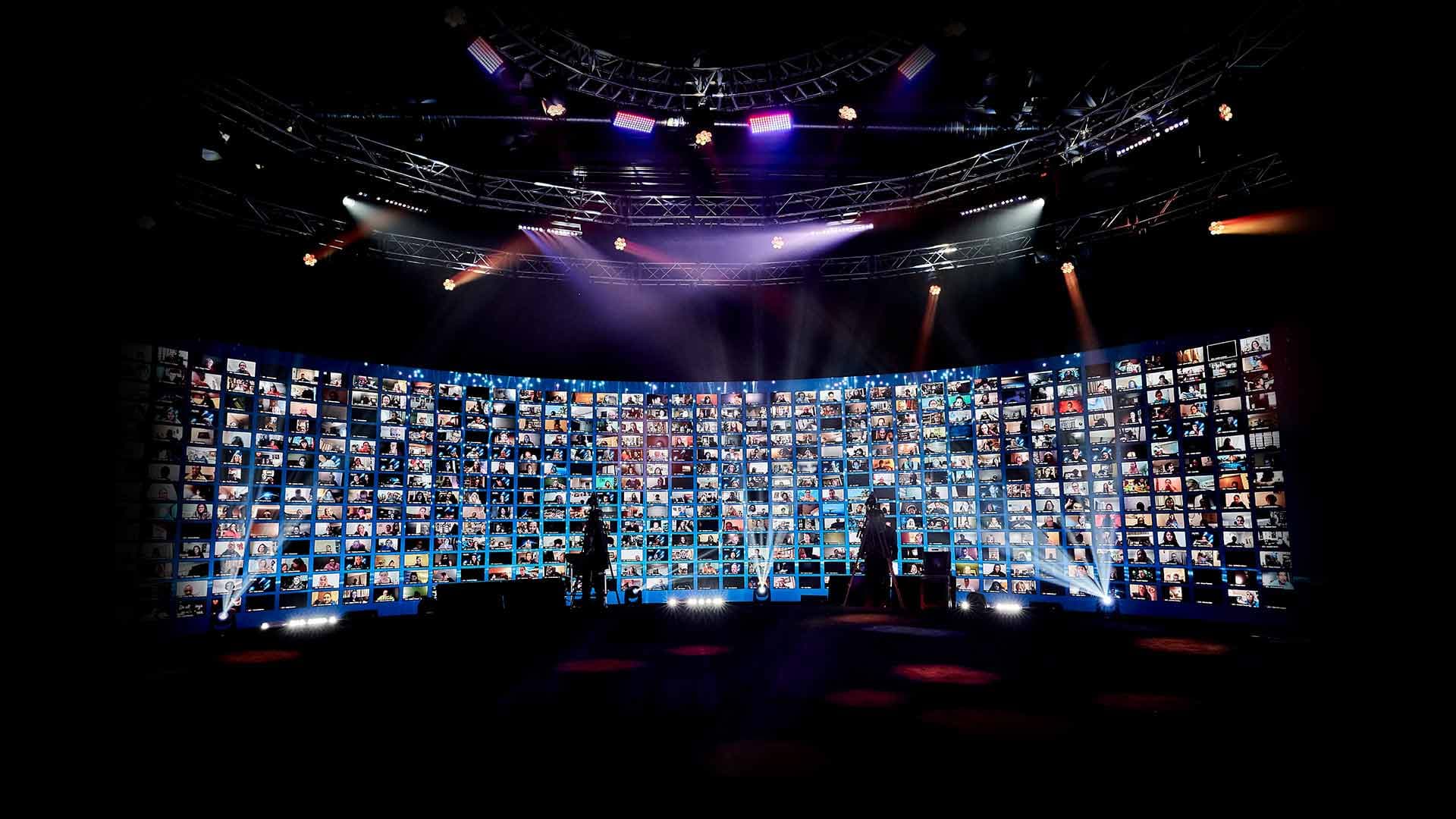
An interactive broadcast closes that gap. Every event at the studio runs inside its own virtual dashboard, branded entirely as the client's, with breakout rooms, audience segmentation and multiple shopping carts, so pre-orders, demo sign-ups and partner sessions happen inside the launch itself. Remote attendees can be pulled up live on screen with the hosts. The difference between a webinar and an interactive broadcast explains why that matters for a launch.
A global launch adds one more layer. Real-time translation in 100+ languages, live-interpreter or AI-driven, carries one launch message to every market at once, with the event's music and ambiance layered under the translated voice. No staggered regional re-cuts, no leaks between them. Here's how real-time translation works at global events.
One production can do both at once: stream to public platforms for reach while the full interactive launch runs in its branded dashboard.
Capture the Campaign in the Same Booking
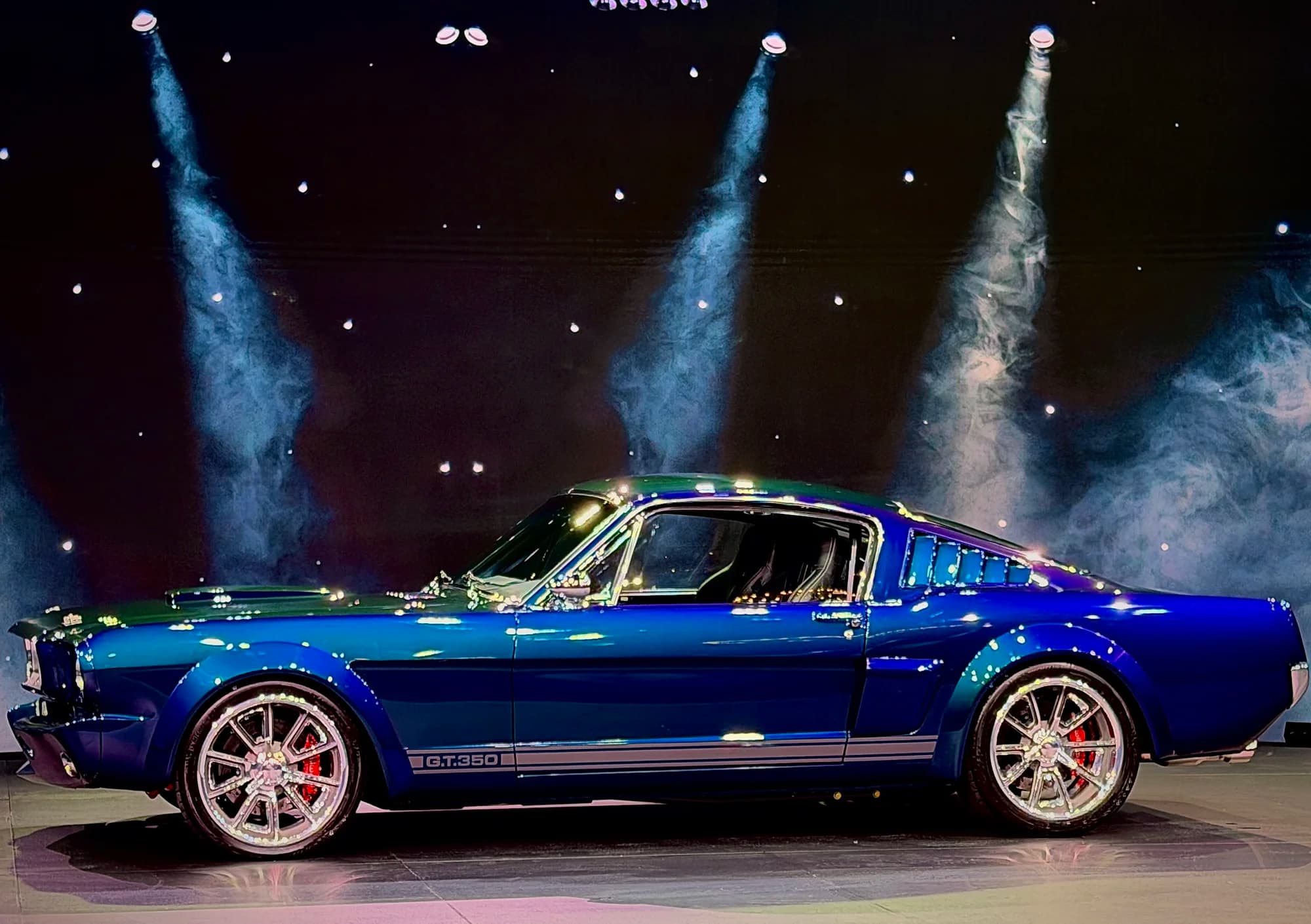
A launch day is usually booked for ten hours, while the event itself runs a fraction of that. The set is built, the lights are hung, the product is on stage and the talent is dressed. Shoot the campaign while all of it is ready: the hero film, product close-ups, executive messages and social cutdowns.
Rendered environments swap live, so a segment shot after the event can look like a completely different production. The studio's live-to-record approach for multiple deliverables lays out how teams plan the extra hours.
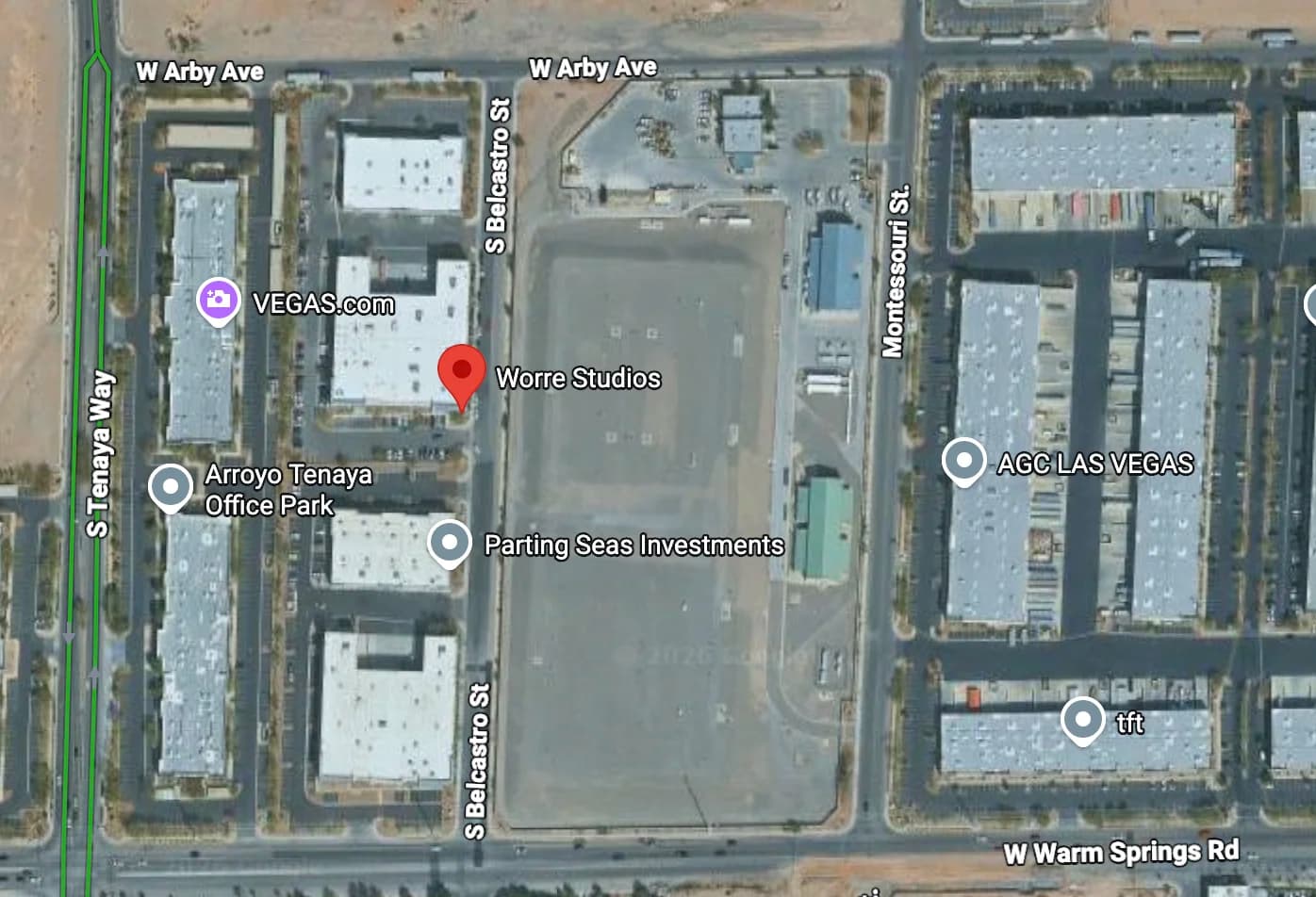
If the launch brings in press, VIPs and freight, the city matters too. Direct truck-to-floor load-in, room blocks at partner hotels and talent transportation are covered in planning a flagship event in Las Vegas.
A Reveal Built Like a Broadcast: The Dell Alienware Launch
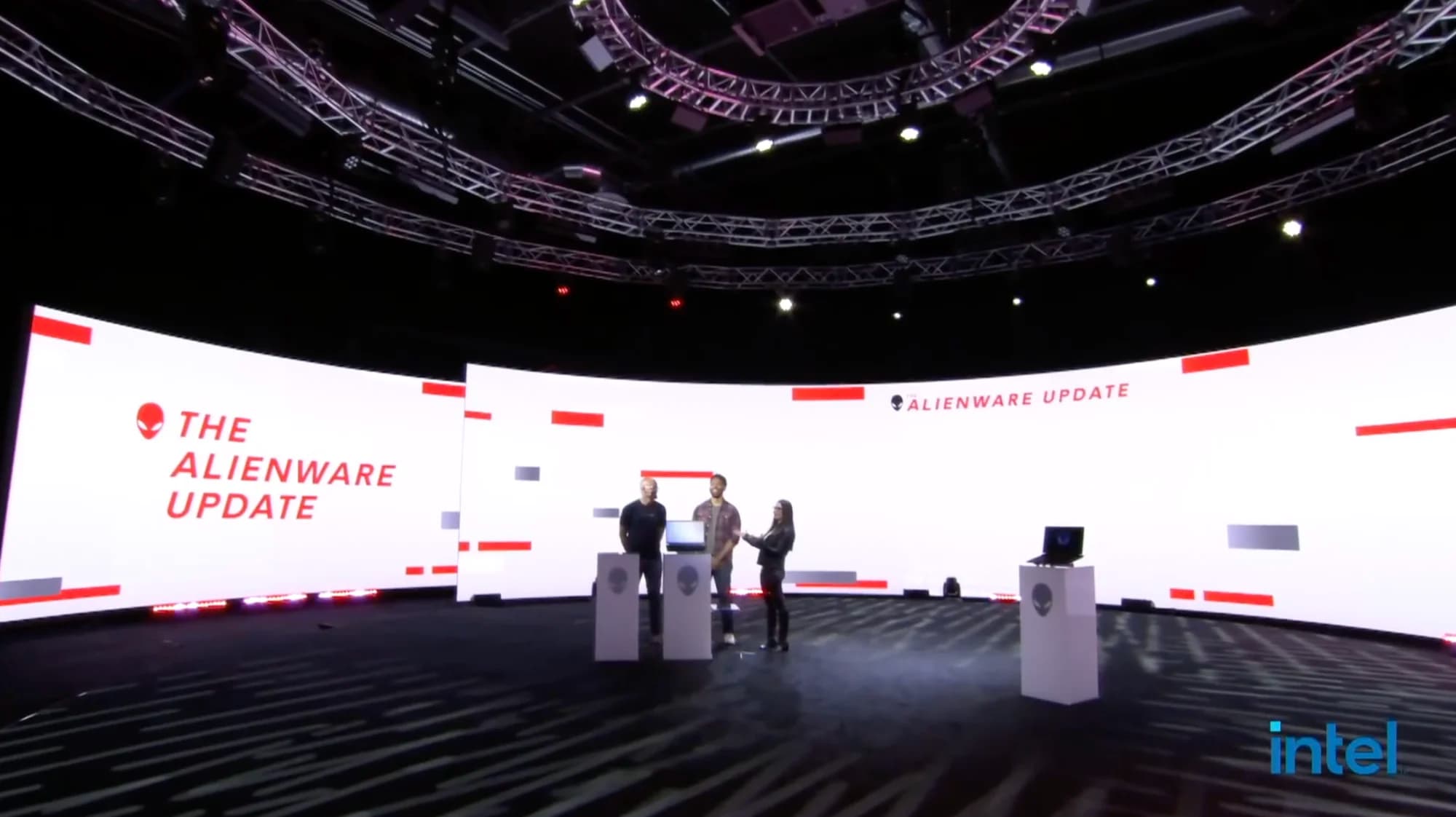
When Dell launched the Alienware 15 and 17 gaming laptops from the studio floor, the launch was staged as a broadcast. Hosts ran it live in the round. Chance the Rapper streamed in live, playing Fortnite on the laptops being launched, so the celebrity moment and the product demo were the same moment.
The production pushed to 24 platforms at once, Twitch and X among them, and totaled 17.2 million views across live and social. It was the biggest stage Dell had used for a computer launch. The full Dell Alienware launch story covers how the moment was built.
Measure What the Launch Actually Did
Report two numbers, not one. Platform views measure reach: everyone who saw part of the launch. Attendance measures the people who registered, joined, stayed and acted. Both matter, and mixing them hides what worked.
Track the follow-through as well: pre-orders, demo requests, partner sign-ups and replay views in the weeks after. For how attendance scales once seats stop being the limit, see how many people a hybrid event can actually reach.
If your next launch deserves more than a podium and a banner, start a studio inquiry and we'll build the reveal, the broadcast and the capture plan around your product.
Frequently Asked Questions
Start as soon as the launch date is set, and lock the reveal concept first. Custom rendered environments carry months of lead time, and venues, talent and travel all book against other events. Shorter timelines work when the reveal uses existing environments and a simpler production.
Choose by who needs to see the reveal live. In-person suits private previews for press or partners. Livestream-only suits digital products with a scattered audience. Hybrid suits flagship launches that need both a live room and broad reach, produced as one show.
Send one production to every platform at once from a broadcast control room or a relay service. The studio's control room can push one production to up to 24 platforms simultaneously on fully redundant hardware. Set up each platform's live page in advance and rehearse to every output.
A reveal works when the environment changes with the product. In a 360° LED volume, the whole room can transform the second the product appears, with scenes triggered live. A live guest using the product beats a taped segment every time.
Yes, inside an interactive broadcast. Each event runs in its own branded dashboard with breakout rooms, segmentation and multiple shopping carts, and remote attendees can be pulled up live on screen with the hosts. Public platform chat allows comments, but not live participation.
Yes. The Remote Virtual Stage service takes your camera feed from your own location and broadcasts it out at scale as a fully interactive event. Learn more about the Remote Virtual Stage service.
Yes. Book the day around both jobs: the live launch and a content shoot in the hours around it, while the set is built and lit. Rendered environments swap live, so recorded segments can look like a different production without a set change.
Report reach and attendance separately. Platform views show how many people saw part of the launch. Registrations, live participation, pre-orders and demo requests show who acted. Compare both against the one-sentence goal set at the start.

Written by the Worre Studios Content Team and reviewed by Ben Groen, Ticketing & Interactive Platform Lead. Studio capabilities described reflect installed infrastructure and delivered productions. Dell Alienware figures reflect the launch's confirmed distribution and view totals, reported as platform impressions rather than attendance. Platform guidance referenced is current as of publication; check each platform's own help pages before going live. Last reviewed October 10, 2026.
More from The Front Row
Make Your Next Launch the Moment
Tell us what you're revealing, who needs to see it, and when. We'll walk you through the room and build the reveal, the broadcast and the content plan around your product.