


Live vs. Pre-Recorded Virtual Events: How to Choose
On this page
Live wins whenever the audience needs to react, ask or take part. Pre-recorded wins when polish, editing or a guest's schedule matters more than the moment. Mix the two in one run of show, and never pass a recording off as live.
Key Takeaways
- Decide segment by segment, not event by event. Most strong events are live at the core with a few recorded pieces around it.
- Keep the moments people came for live: the keynote, the reveal, the headline guest and the Q&A.
- Pre-record what gains from polish: complex demos, edited story films, and messages from guests who can't be there.
- Label recordings as recordings. A recorded message introduced honestly plays well. A recording passed off as live costs trust the moment anything slips.
- Most reasons to pre-record are production fears. Redundant broadcast infrastructure, a full rehearsal and a remote stage for speakers who can't travel answer most of them.
Go live for every moment your audience came to react to or take part in: the keynote, the reveal, the headline guest, the questions. Pre-record only what's genuinely better polished, and introduce it as recorded. The strongest virtual events we produce are live at the core, with honestly framed recorded pieces around them, and the same rule holds when there's a full room in the studio too.
What's the Difference Between Live, Pre-Recorded and Simulive?
Three delivery models cover almost every session. The difference comes down to what the audience can do while it runs.
| Format | How it runs | What attendees can do | Best for |
|---|---|---|---|
| Live | Delivered in real time, from the stage or a remote camera feed | React, ask questions, come on screen, join breakouts | Keynotes, reveals, headline guests, Q&A |
| Pre-recorded | Shot and edited ahead, played during the event | Watch, and chat around it | Demos, story films, messages from guests who can't attend |
| Simulive | A recording played at a scheduled time, usually with a live host or chat around it | Watch, and talk with each other or a live moderator | Repeating a session across time zones |
Simulive works when it's billed as a premiere or a scheduled screening. It stops working the moment it's promoted as live, because attendees who try to reach a presenter who isn't there notice fast.
When Should a Session Be Live?
Run a session live when the audience's reaction is part of the content. If it only works because people can respond, ask, or watch something happen for the first time, it belongs in real time.
- The moment people registered for. The keynote, the announcement, the headline guest. Audiences give their full attention to what's happening now, and they can tell the difference.
- Anything two-way. Live Q&A, attendees pulled up on screen with the host, breakout rooms. A recording can't answer a question asked today.
- Reveals and news. A launch or an announcement lands once. Live, it's an event. Recorded, it's a video.
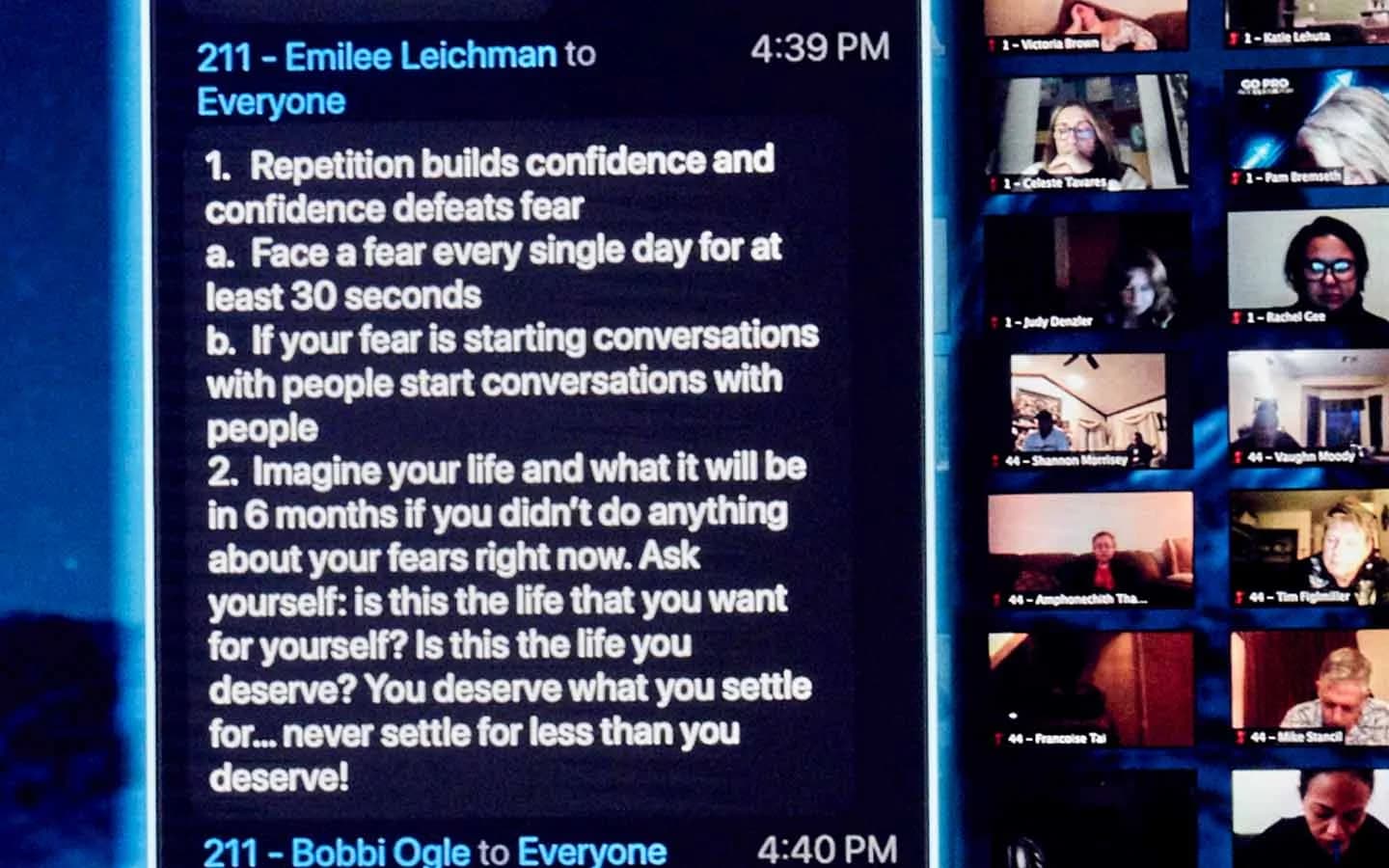
- Long sessions with a large audience. Interaction holds attention across hours in a way a playlist can't. Here are 12 more ways to get remote attendees taking part.
Live moments carry the events we're proudest of. When the World's Hottest Menopause Party ran from the studio, Halle Berry, Jenny McCarthy and Naomi Watts all appeared live, not pre-recorded, and the event streamed free to women around the world. When Dell launched its Alienware 15 and 17 laptops, Chance the Rapper streamed in live, playing Fortnite on the hardware being launched, and the launch drew 17.2 million views across live and social.
Live also scales. Through our Remote Virtual Stage service, Matthew McConaughey led a multi-hour, fully interactive session at roughly 90,000-attendee scale, breakout rooms included, from a private studio with no remote capability of its own. Here's how the McConaughey broadcast was built.
When Is Pre-Recorded the Better Call?
Pre-record when the polish matters more than the moment, or when live simply isn't possible.
- Complex demos. Product walkthroughs with many steps gain from edits, close-ups and graphics.
- Story films. Customer stories, case studies and sizzle reels are made in the edit.
- Guests who can't be there. A recorded message from someone who couldn't attend beats no message, as long as it's introduced that way.
- Content meant to outlive the event. Training modules, product explainers and on-demand sessions work best shot to be evergreen.
- Regions in other time zones. Labeled replays let every region watch at a sensible hour.
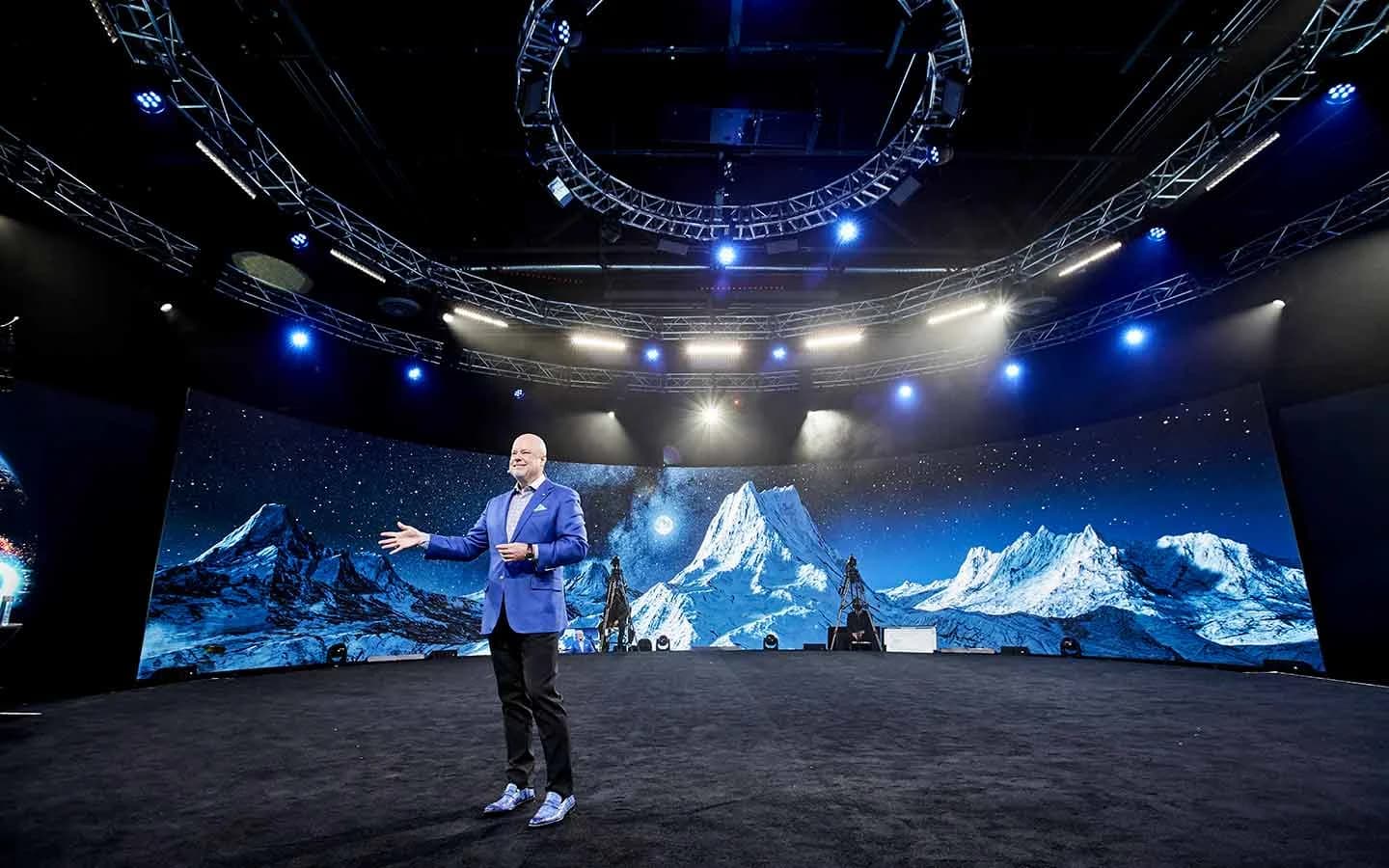
Recorded content doesn't need a separate shoot. A booked production day often runs ten hours while the event runs about three, with a couple more for rehearsal, so teams use the remaining hours to record evergreen segments on the same stage, with the same lighting, crew and environments. Rendered worlds on the studio's Unreal Engine 5 pipeline swap live from an iPad, so a segment shot after the show can look like a different production entirely.
Should You Ever Pass a Recording Off as Live?
No. Audiences forgive a recorded segment. They don't forgive being told something was live when it wasn't.
On our studio floor the rule is simple: live is live, and recorded is recorded. A recording run as live is one glitch away from exposing itself in front of the whole audience, whether it's a frozen frame, a reaction that doesn't match the chat, or a "live" guest who can't answer a question. Once attendees catch one, they start doubting everything else on the stage.
Framed honestly, the same recording plays great. "She couldn't be with us tonight, so she recorded this for you" earns goodwill instead of spending it. A few habits keep recorded segments honest:
- Introduce it on the way in. The host says it's recorded before it plays.
- Label replays and simulive sessions. Use "premiere" or "recorded earlier today" in the title, the invitation and on screen.
- Put a live host around it. Come back to a live person after every recorded segment, so the event keeps a heartbeat.
- Don't fake interaction. If the presenter isn't live, don't invite questions to them in chat. Route questions to a live host or answer them afterward.
Why Do Teams Pre-Record, and What Removes the Reason?
Most teams don't pre-record because recorded is better. They pre-record because live feels risky. Each of those fears has a production answer.
| The worry | What answers it |
|---|---|
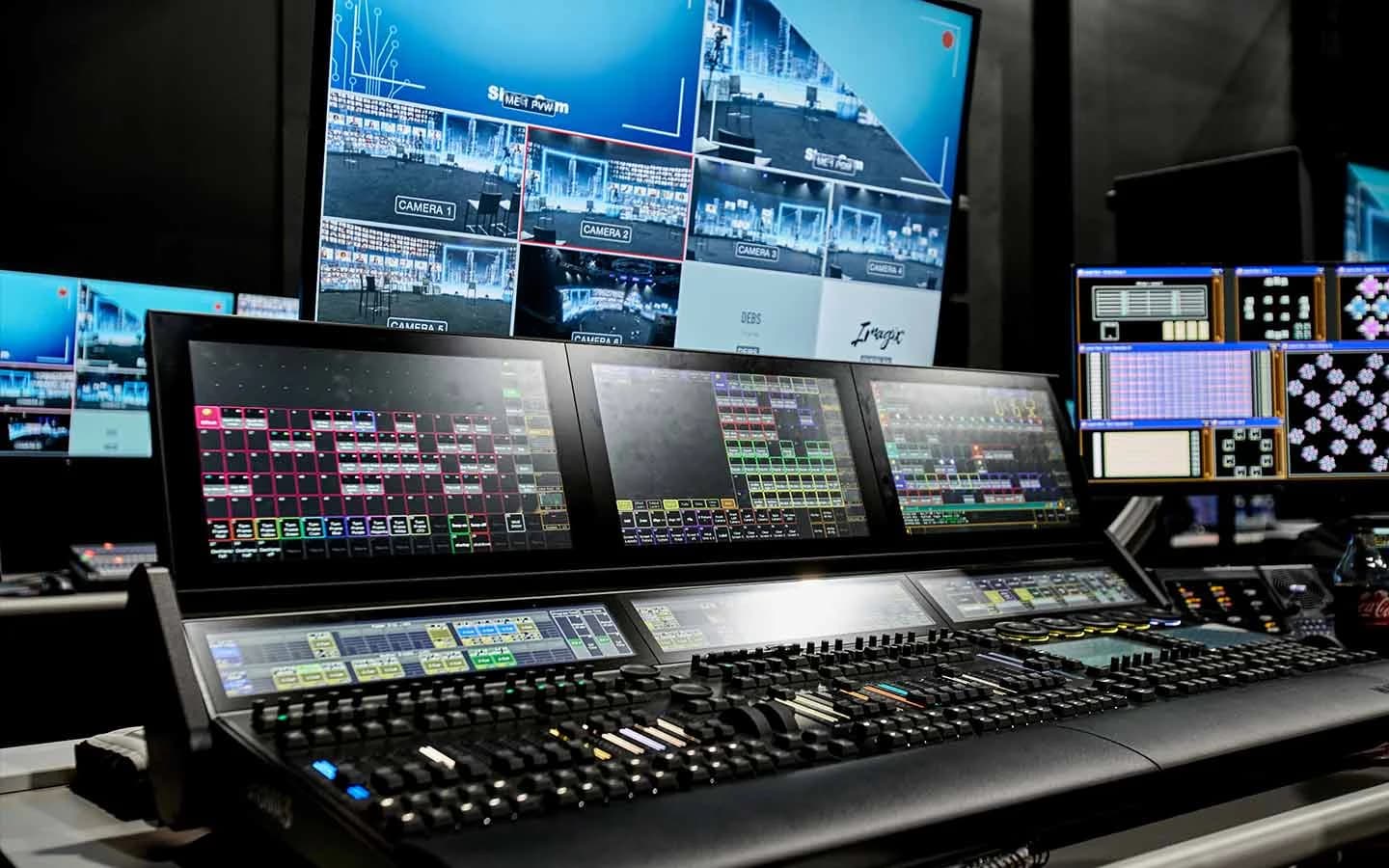
| The stream drops | Two AJA Bridge Live units running full redundancy, backed by dual 5G networks |
| A speaker freezes up | A full technical rehearsal, and a production crew running the show so speakers only have to speak |
| A remote guest lags or talks over the host | Latency engineered for true one-on-one conversation, with no satellite-interview delay |
| The keynote speaker can't travel | A remote virtual stage: they send a camera feed, and the studio broadcasts it as the full interactive event |
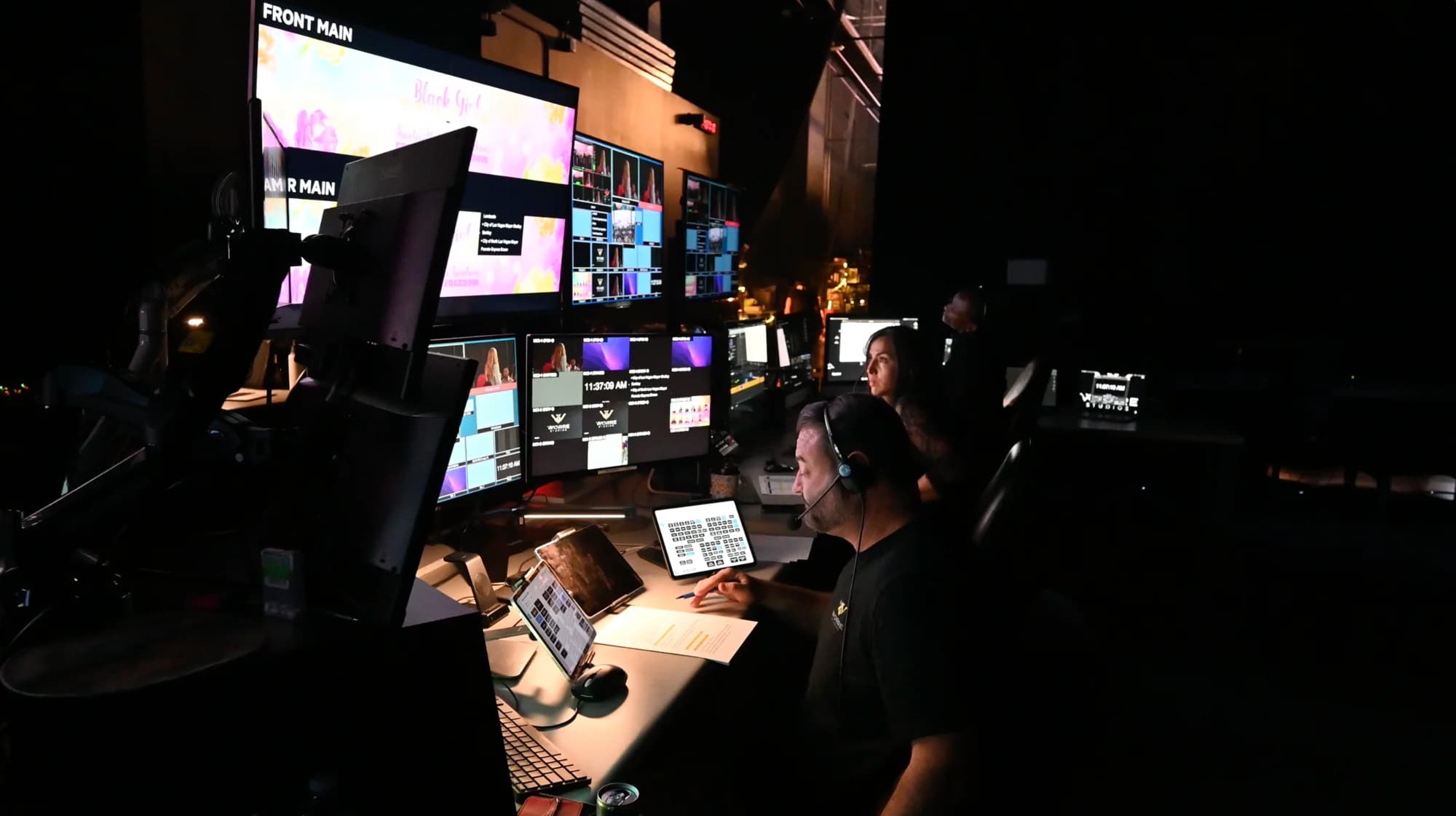
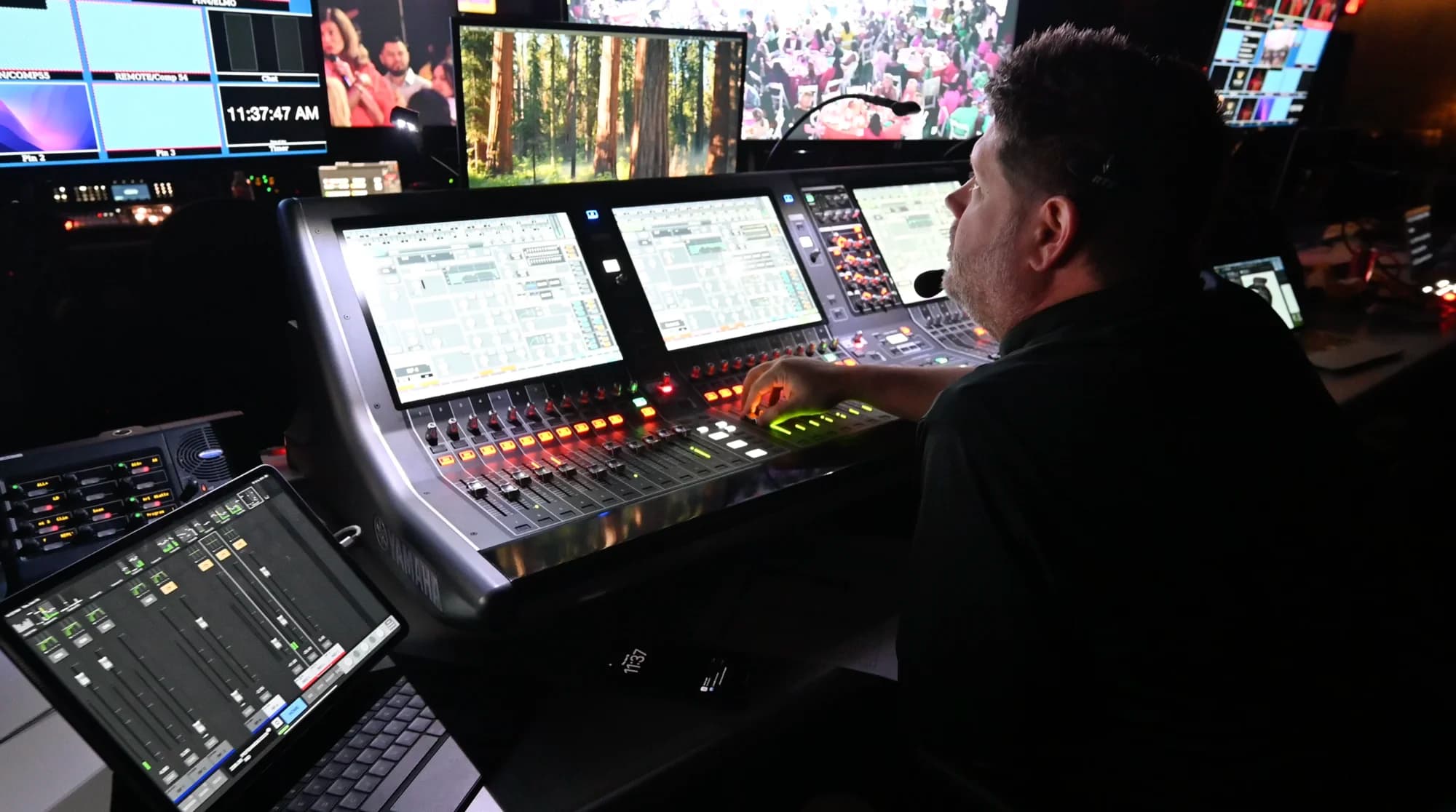
| Scene changes need a technician mid-show | Environments built and blended ahead, then triggered from an iPad with no code |
| The audience speaks many languages | Real-time translation in 100+ languages, live or AI-driven, layered over the live event audio |
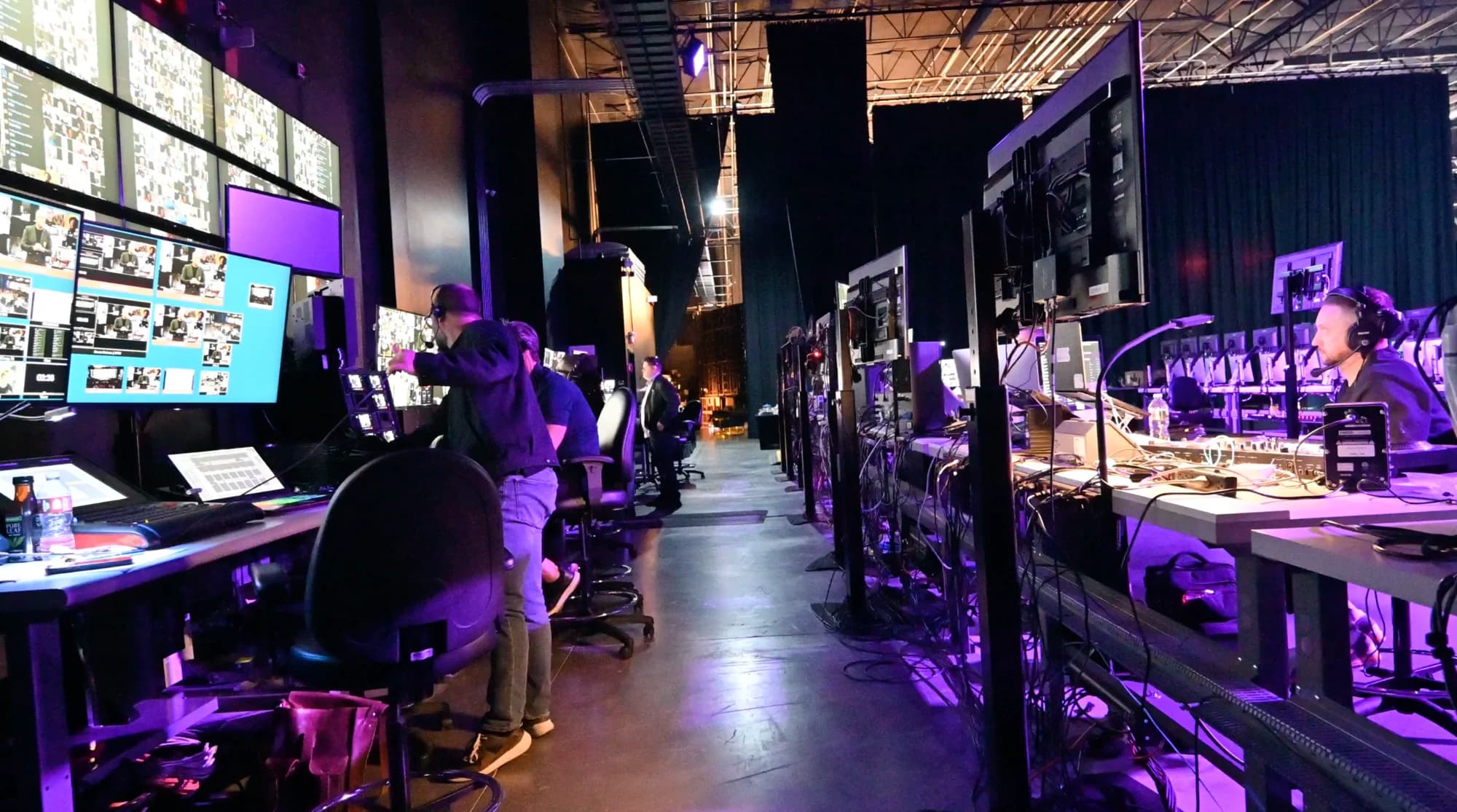
Nothing makes live risk-free, and we won't pretend otherwise. Good infrastructure and rehearsal turn live into a planned production rather than a gamble, which is usually enough to keep the moments that matter live. Every system behind that table is listed in the studio's full technology specification, and if you're comparing rooms, these are the questions to ask any venue about what happens if something fails mid-show.
For speakers who can't travel, our Remote Virtual Stage takes their feed from wherever they are. For multilingual audiences, here's how real-time translation works at global events.
How Do You Mix Live and Recorded in One Run of Show?
Anchor the show with live segments and place recorded pieces where they add polish, with a live host on both sides of every one.
| Segment | Live or recorded | Why |
|---|---|---|
| Walk-in and countdown | Recorded music and visuals | Sets the tone while everyone connects; nobody expects it to be live |
| Opening and welcome | Live | Tells the audience the event is happening now |
| Keynote or main address | Live | The moment people came for |
| Customer story or product film | Recorded, introduced by the host | Gains from editing; framed honestly |
| Message from a guest who couldn't attend | Recorded, introduced as recorded | Better than no message |
| Q&A with attendees on screen | Live | Can't be recorded |
| Breakout rooms | Live | Two-way by definition |
| Close and next steps | Live | Ends on a real voice |
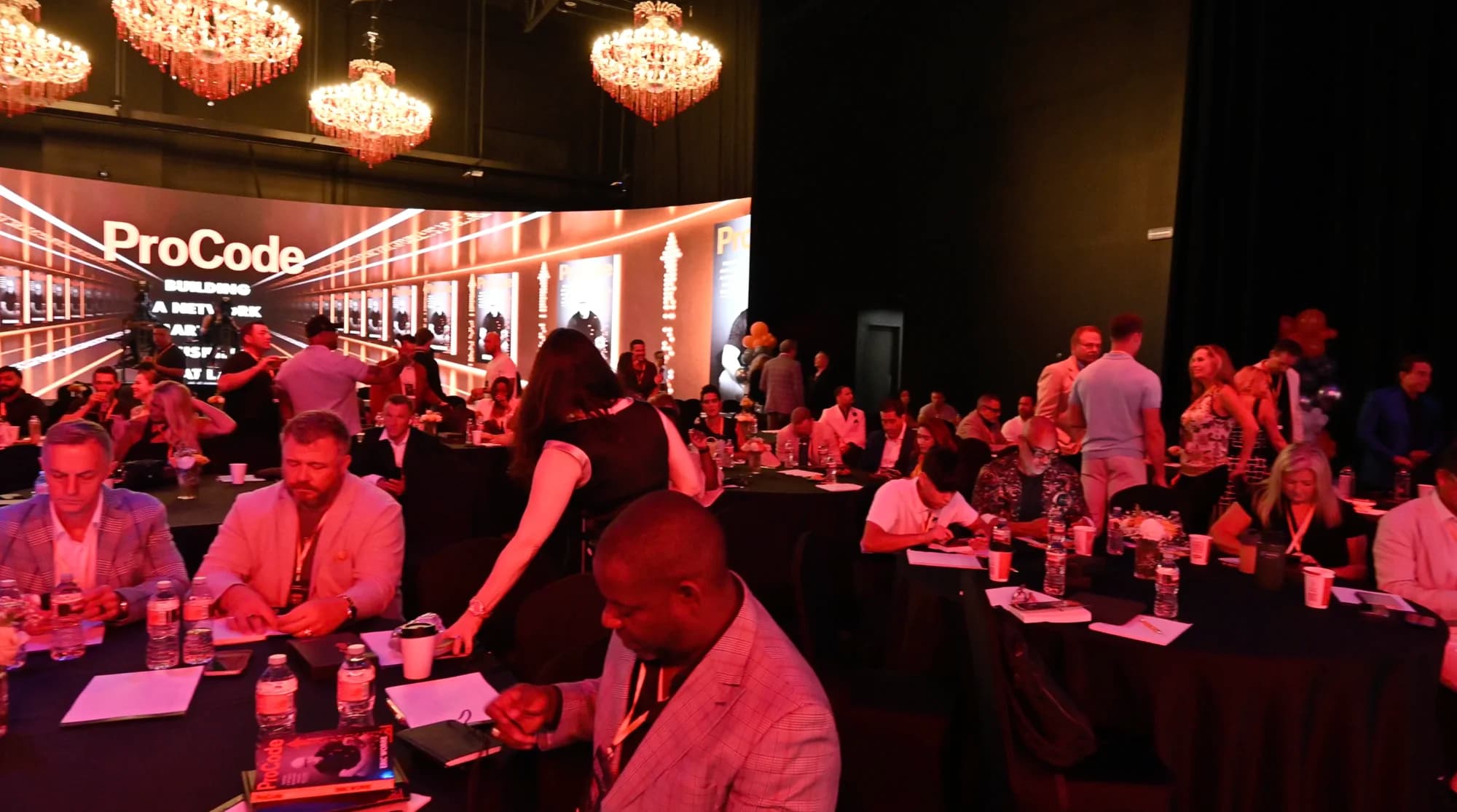
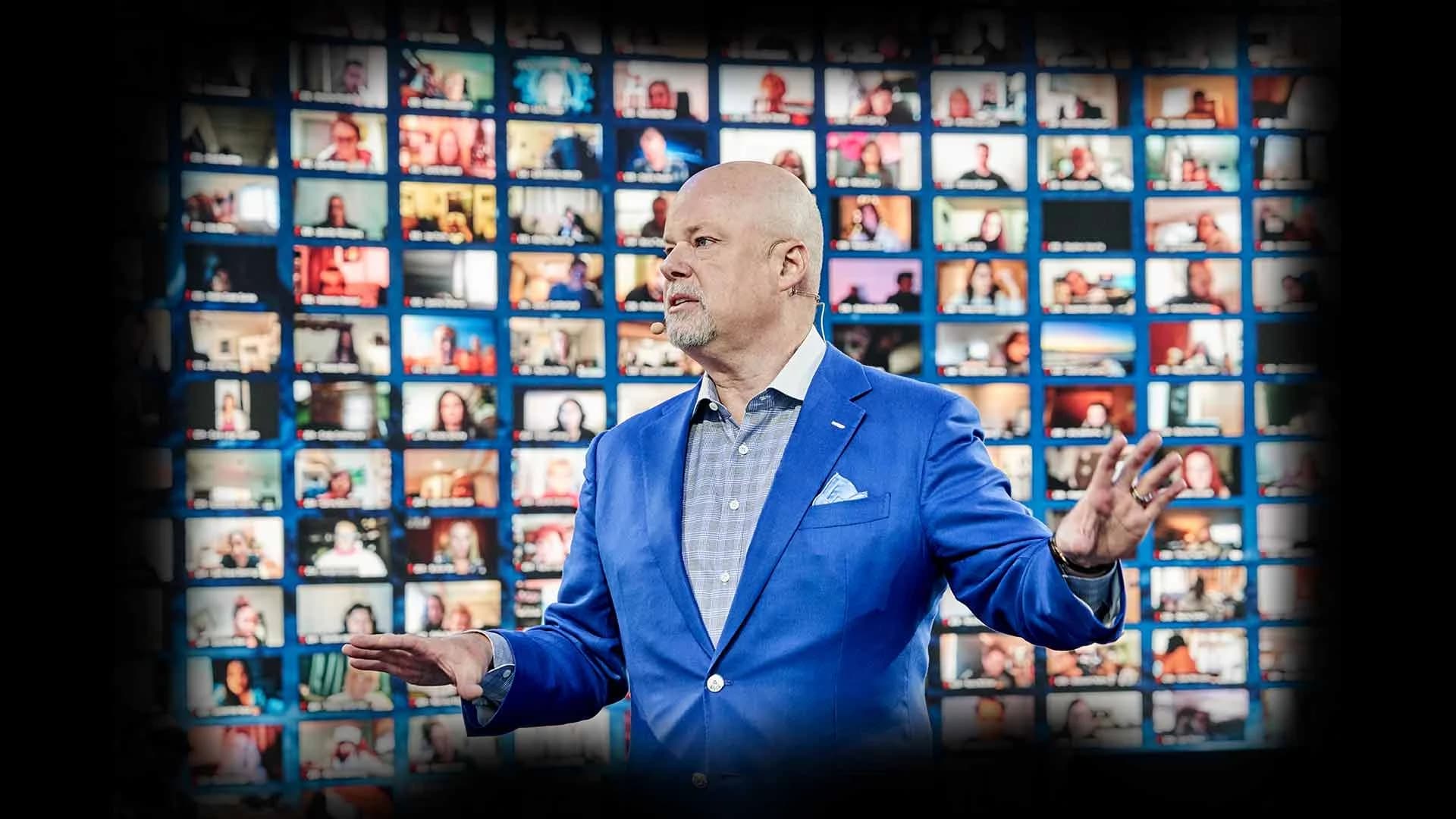
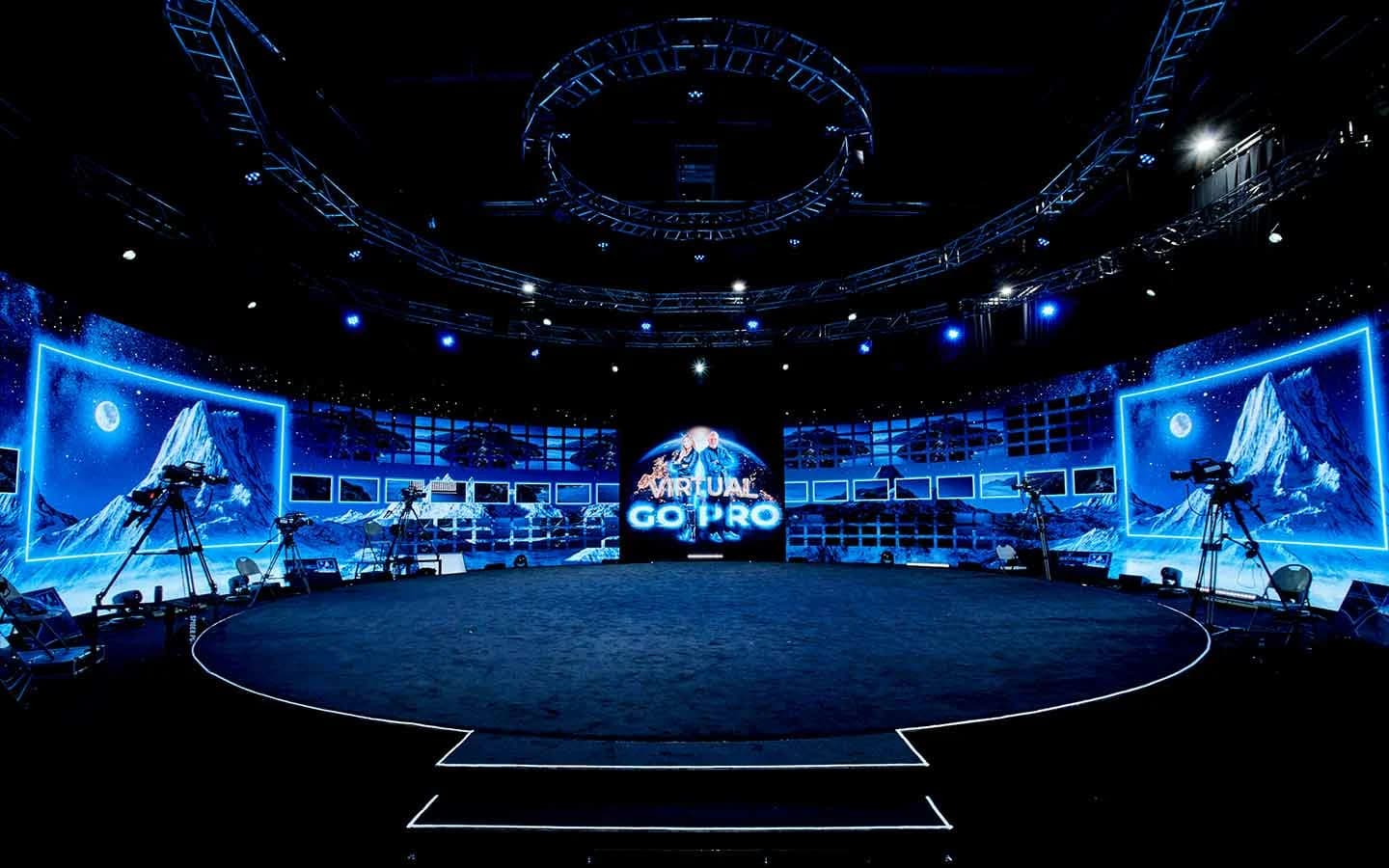
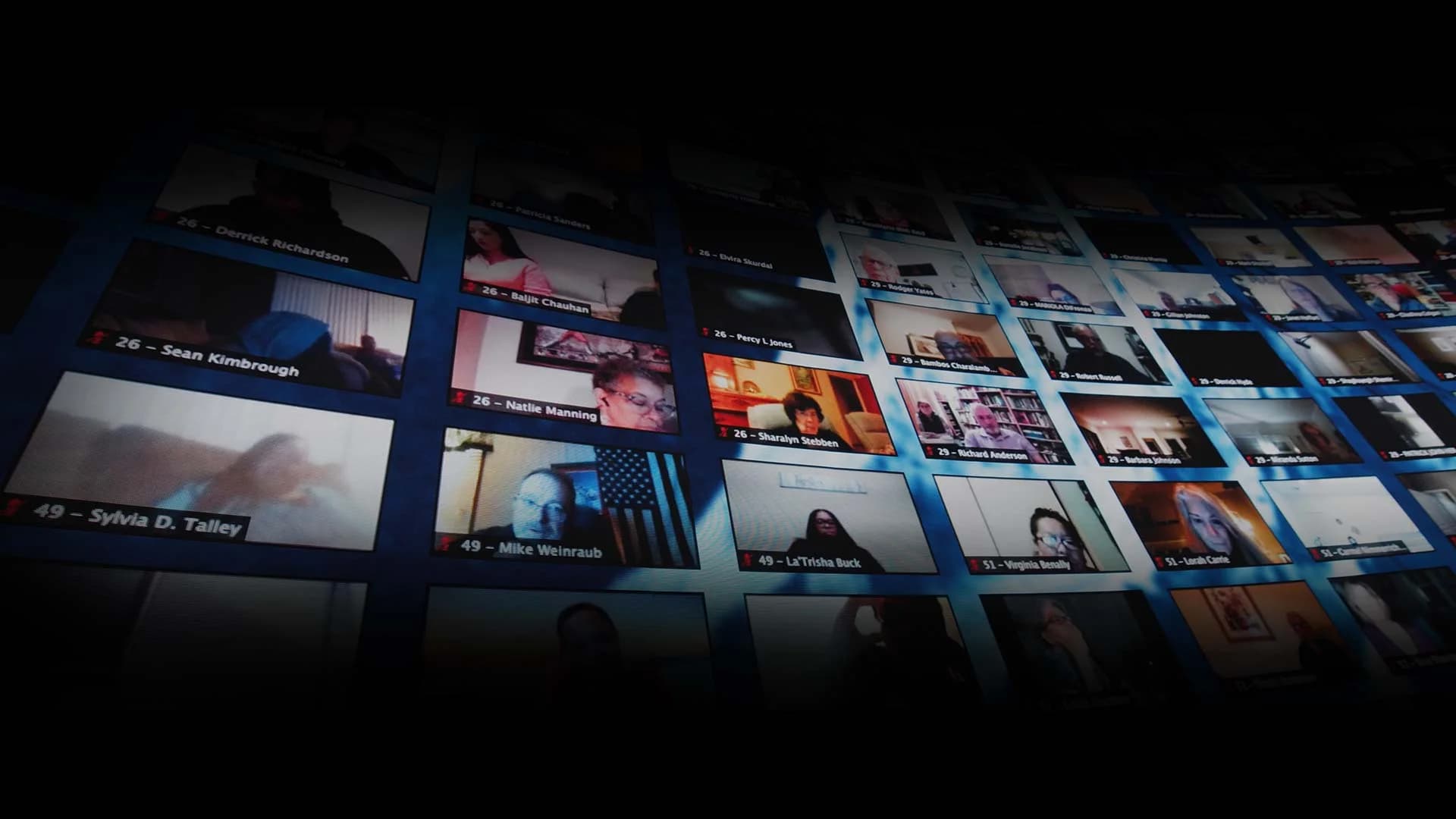
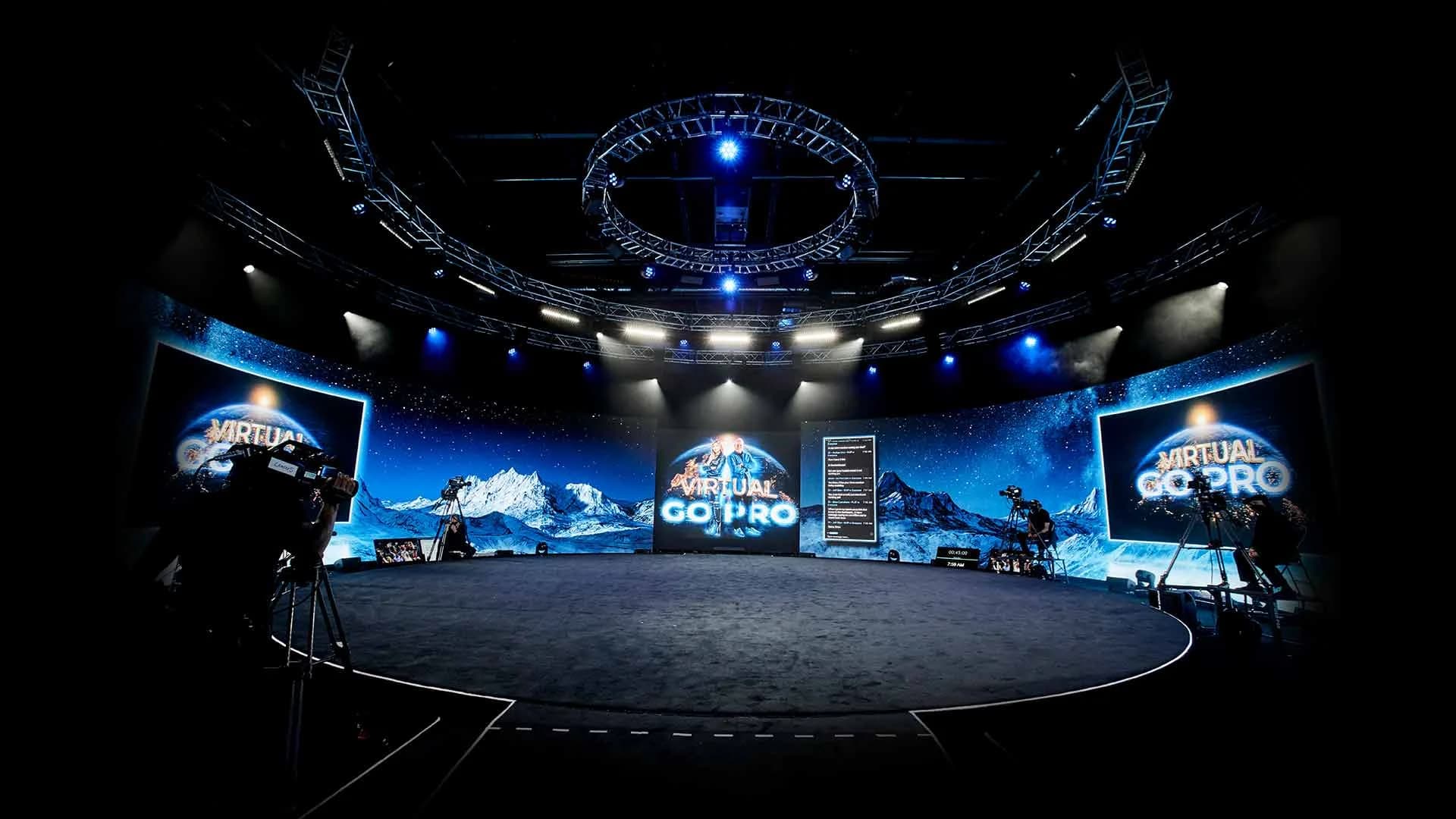
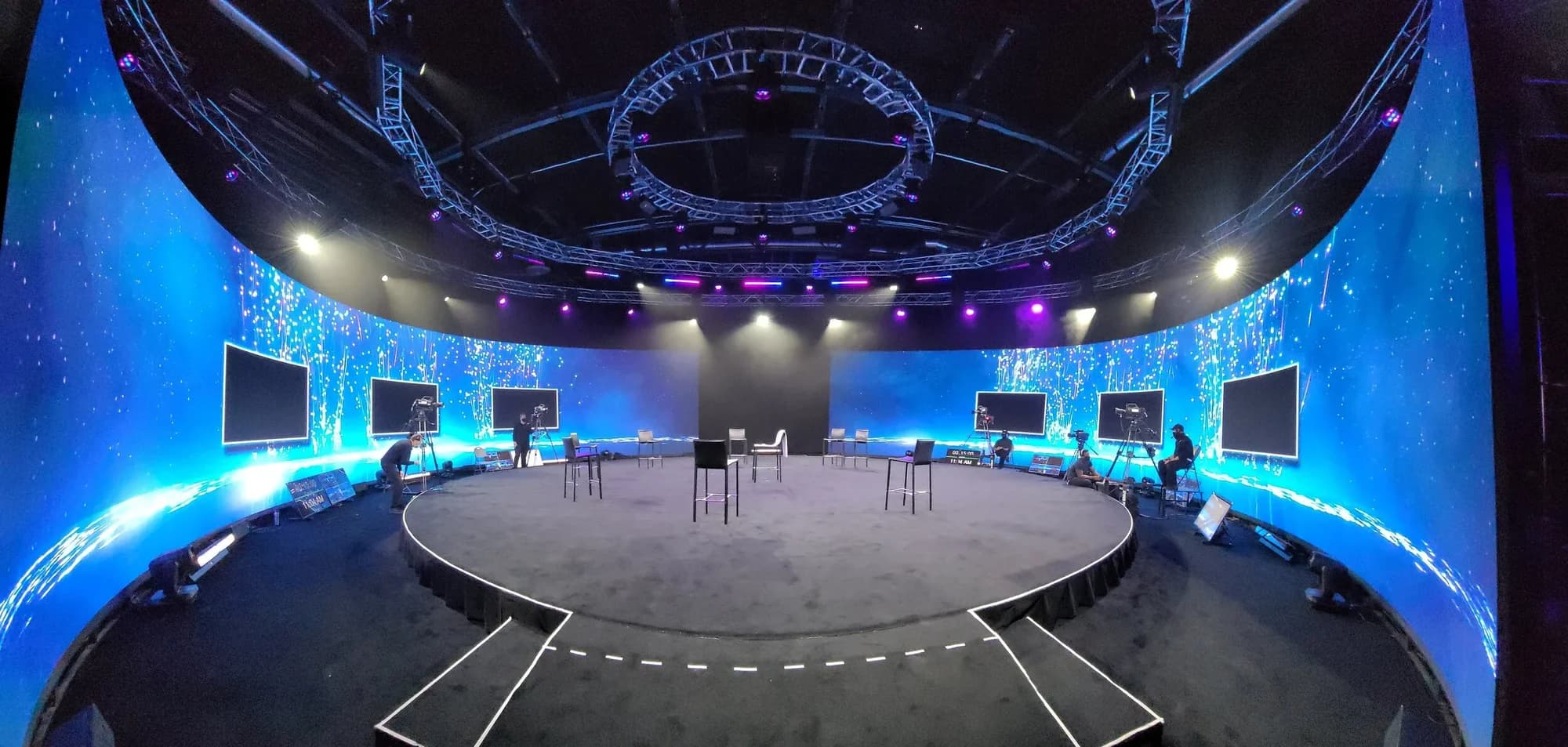
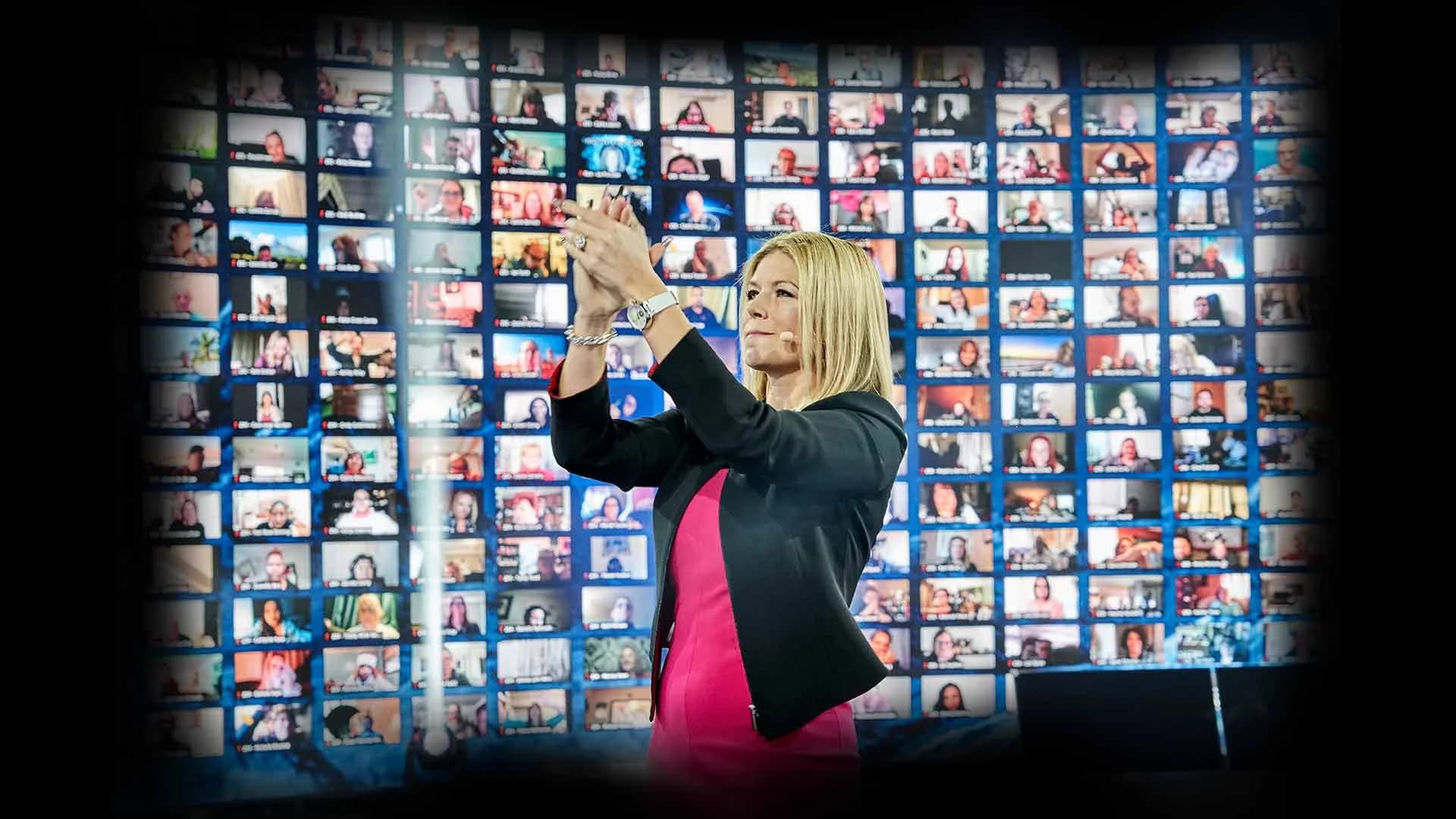
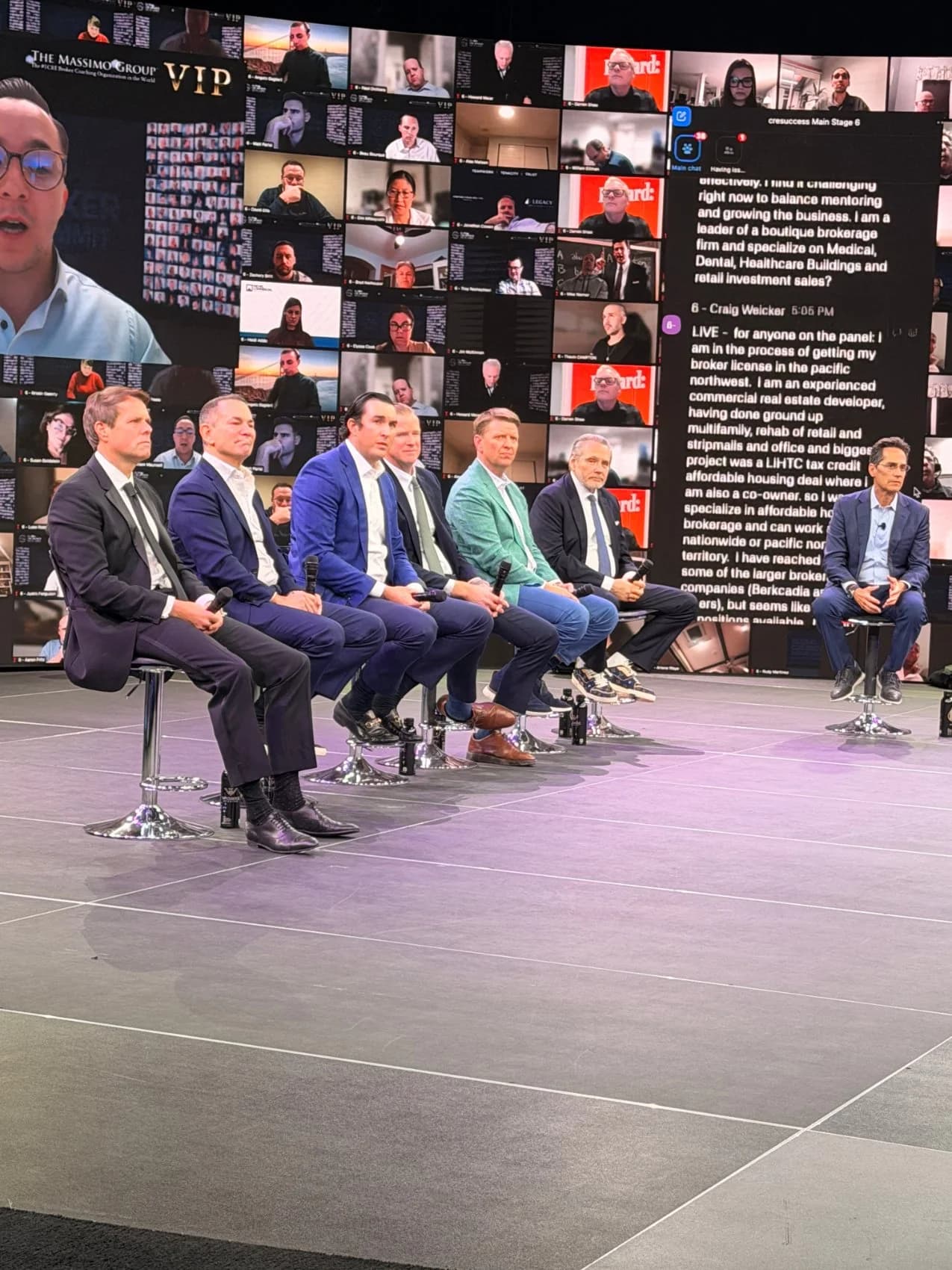
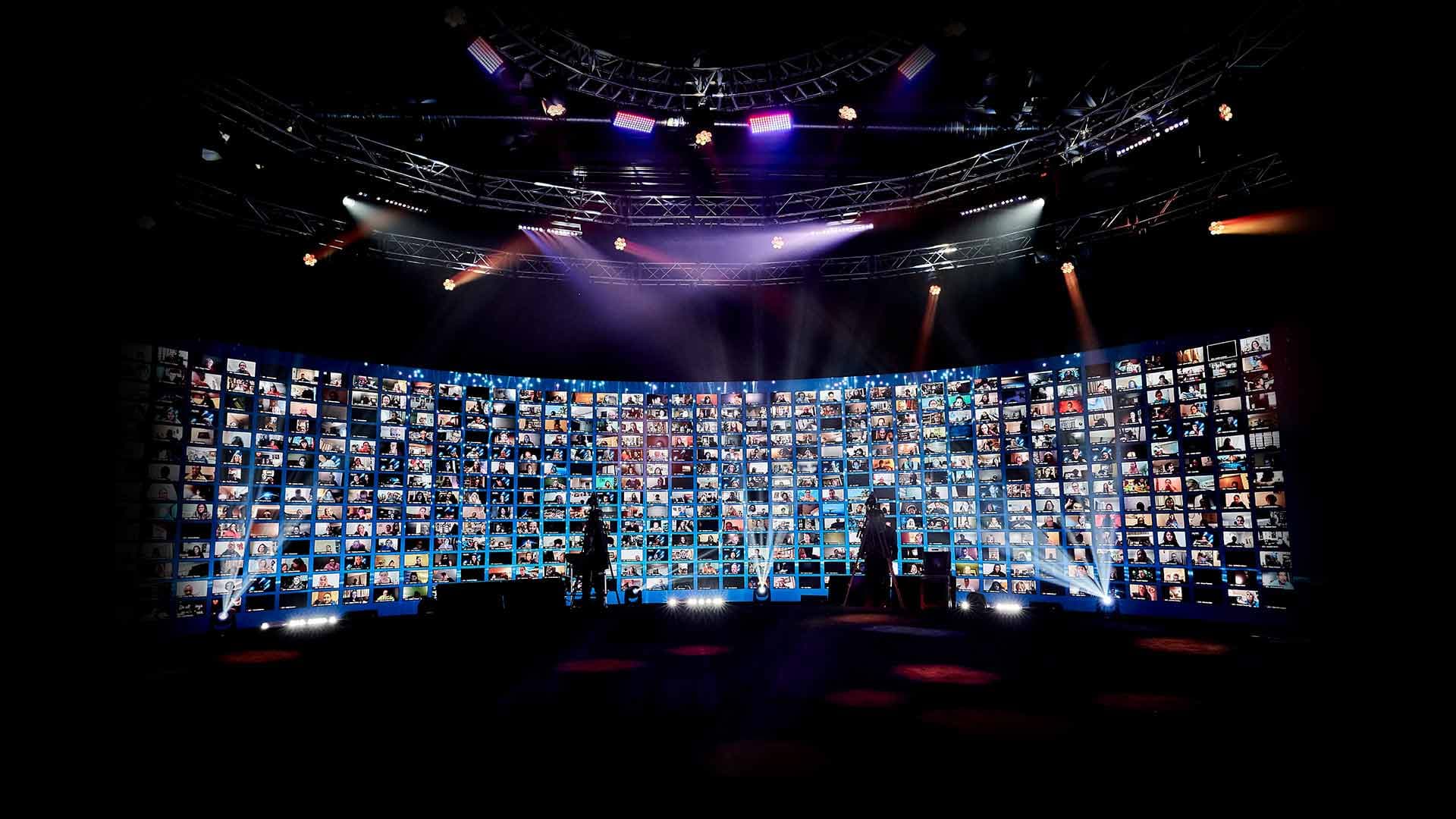
The same structure works for a hybrid event. The room gets the energy of the live segments, remote attendees appear on the LED wall with the host, and recorded pieces play to both audiences at once. Up to 2,744 remote guests can display live on the studio's 360° LED wall at the same time.
What Happens After the Live Event?
Capture everything as it runs, then give it a second life: labeled replays for other time zones, on-demand sessions for anyone who missed them, and clips for social.
If the event also streams to public platforms, keep the numbers apart. One production can push to up to 24 platforms at once while the interactive event runs inside its branded dashboard. Platform views measure reach; the dashboard is where attendance happens. Our guide to streaming an event to multiple platforms at once covers the setup, and running a global company town hall covers replays across time zones.
When Does Going Live Call for a Studio?
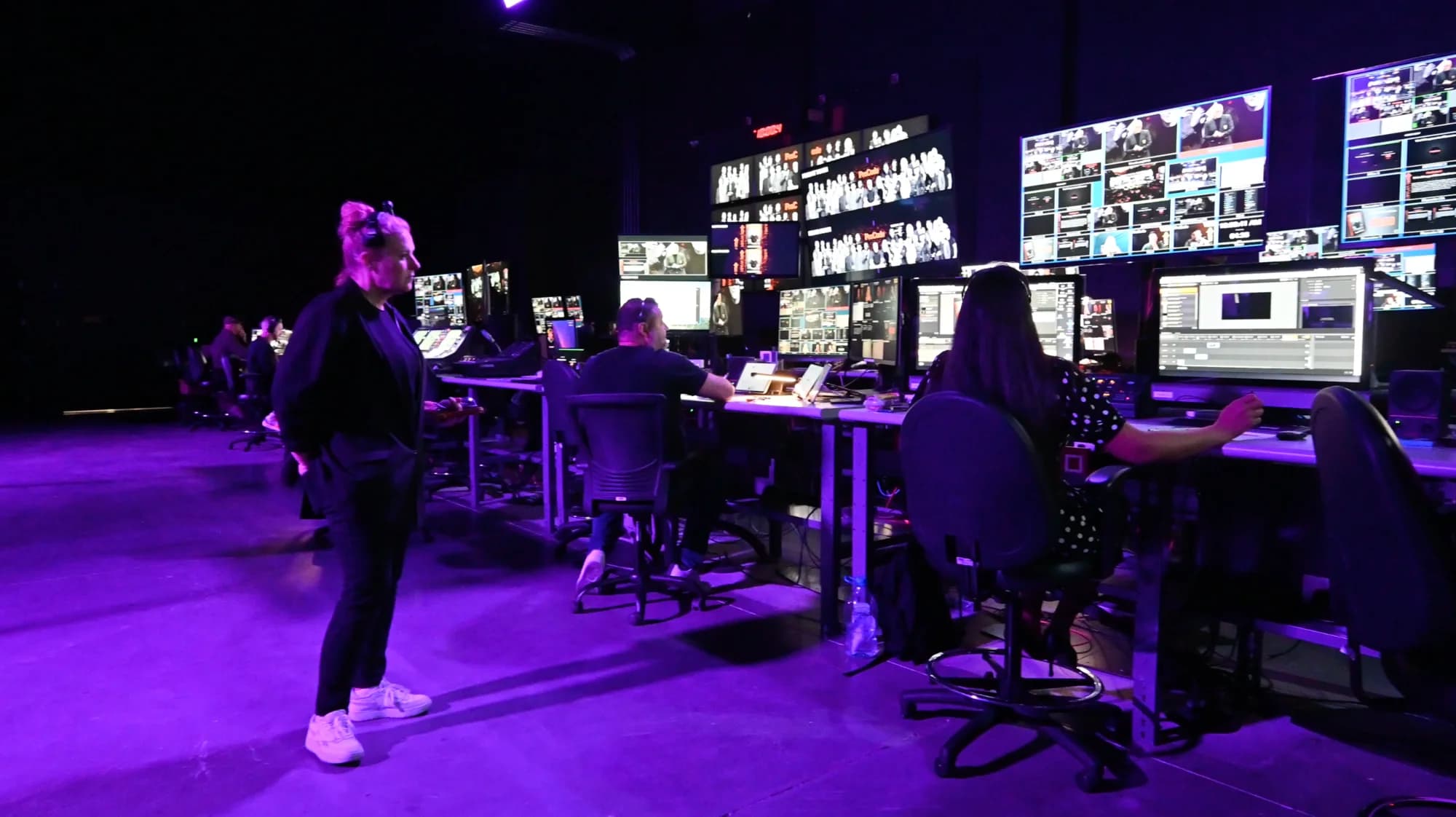
When the audience is large, the moment is high-stakes, or the guest list includes people who can't travel. A studio keeps the infrastructure standing: walls lit, crew in house, broadcast and redundancy built in, so live becomes the default instead of the risk.
We work two ways. A Premium Event puts your show inside the studio, live, hybrid or fully virtual, with reach to hundreds of thousands of attendees who take part rather than only watch. Remote Virtual Stage keeps your host wherever they are and broadcasts their feed as the full interactive event. Here's how the two ways to work with Worre Studios compare, and why an interactive broadcast isn't a webinar.
When you're ready to plan which moments run live, start a studio inquiry and we'll build the run of show with you.
Frequently Asked Questions
Is it better to pre-record or go live for a virtual event?
Go live for the sessions people came to react to or take part in: the keynote, reveals, headline guests and Q&A. Pre-record demos, story films and messages from guests who can't attend. Most strong events mix both, with a live host around every recorded segment.
What is a simulive event?
A simulive session plays a recording at a scheduled time, usually with a live host, moderator or chat around it. It works well for repeating a session across time zones, as long as it's billed as a premiere or screening rather than as live.
Is pre-recorded content cheaper than live?
Not necessarily. Pre-recording moves the work into shooting and editing rather than removing it, and the event still needs a host and a stream. At a studio, recorded segments can be shot in the spare hours of the same production day, so both come out of one booking.
Do audiences notice when a "live" session is pre-recorded?
Often, yes. A reaction that doesn't match the chat, a presenter who can't answer a question, or a technical glitch gives it away. Once attendees catch one, they start doubting the rest of the event, which is why recordings should always be introduced as recordings.
Can a celebrity or keynote speaker appear live without traveling?
Yes. With a remote virtual stage, the speaker sends a camera feed from wherever they are and the studio broadcasts it as a fully interactive event. Latency is engineered for real two-way conversation, so they can take live questions from the audience.
Can we play pre-recorded video during a live event?
Yes. Recorded segments work well inside a live show when the host introduces them as recorded and comes back live afterward. Keep the keynote, reveals and Q&A live, and use recordings where editing or a guest's schedule calls for them.
How do you reduce the risk of going live?
Rehearse the full show, run on redundant broadcast infrastructure, and keep live operation simple. At the studio, two AJA Bridge Live units run with full redundancy on dual 5G networks, and environment changes trigger from an iPad with no code. Nothing makes live risk-free, but planning turns it into a production rather than a gamble.
Can a live virtual event be recorded for on-demand viewing?
Yes. The broadcast is captured as it runs, so replays and on-demand sessions are ready afterward. Label them as recordings, and publish answers to any questions the live session didn't reach.

Written by the Worre Studios Content Team and reviewed by Ben Groen, Ticketing & Interactive Platform Lead. The productions and capabilities described reflect the studio's installed infrastructure and delivered events, including those named above. Platform views are reported as reach, not attendance. The guidance here is about production, not a guarantee of attendance or results for any specific event. Last reviewed November 9, 2026.
More from The Front Row
Keep the Moments That Matter Live.
Tell us what your audience is coming for. We'll walk you through the studio, virtually or in person, and plan which moments run live, which are recorded, and how both look their best.