


12 Virtual Event Engagement Ideas That Go Beyond Polls and Chat
On this page
Polls and chat don't hold a virtual audience on their own. Production does: attendees pulled up on stage, the crowd shown on the wall, live breakout rooms, every attendee's language, and a world that changes on cue.
Key Takeaways
- Virtual event engagement is what attendees do, not what they watch. A question answered live on stage beats a question typed into a queue.
- Polls, chat and swag are the floor every platform offers. The ideas that make an event memorable come from how it's produced.
- Make remote attendees visible: pull them up live with the host and show the audience on the wall, so the room and the remote crowd see each other.
- Keep people inside the event. Live breakout rooms, real-time translation and in-event offers mean nobody has to leave to take part.
- Measure participation separately from views. Reach tells you who saw the event; participation tells you who attended it.
The best virtual event engagement ideas give remote attendees something to do, not just something to watch: put them on stage with the host, break them into live rooms, speak to them in their own language, and change the world around the speaker as the show moves. Polls and chat help, but they can't carry an event alone. Engagement comes from how the event is produced, which is why virtual events produced as interactive broadcasts hold attention in ways a meeting link can't.
Below are 12 ideas, grouped into before, during and after the event, each drawn from how productions run on the studio floor.
What Is Virtual Event Engagement?
Virtual event engagement is how actively remote attendees take part in an event: speaking, choosing, joining, buying and staying to the end. A view isn't engagement. A question answered live on stage is.
Most advice treats engagement as a feature checklist: add a poll, open the chat, send swag. Those tools are fine. They're also the floor every platform already offers, so they rarely make anyone's event the one people talk about afterward.
Feature-Level vs. Production-Level Engagement
Every engagement idea answers something an attendee wants. The difference is whether the answer lives in a sidebar or in the event itself.
| What attendees want | Feature-level answer | Production-level answer |
|---|---|---|
| To be heard | Type a question into a moderator queue | Get pulled up live, face to face with the host |
| To be seen | A camera tile only other attendees notice | Appear on the LED wall the stage and the room can see |
| To connect | A chat thread or a networking lounge | Live, face-to-face breakout rooms |
| To stay interested | A slide deck and a poll every 20 minutes | Environments that change live around the speaker |
| To understand | One language, maybe auto-captions | Captions plus a translated voice over the live event audio |
| To act | A link out to another site | Offers, downloads and carts inside the event |
The 12 ideas below lean on the right-hand column. Most of them work at any scale; a few need a studio built for them.
Before the Event: Set Up the Audience to Take Part
1. Make Logging In Feel Like Arriving
The first thing a virtual attendee sees is a login screen, and it sets the tone for everything after it. Make it your event, not a software company's. Every event at the studio runs inside its own virtual dashboard, branded entirely as the client's, so attendees arrive in your world from the first click.
Registration belongs in the same experience. INCREDEVENT, the event-management and ticketing platform built into the studio's model, runs registration and ticketing as part of the production instead of as one more vendor handoff.
2. Route People Before Doors Open
Engagement drops fast when attendees land in sessions that weren't built for them. Segment the audience up front by region, team, role, language or ticket tier, and route each group into the tracks and rooms that fit. The dashboard's audience segmentation does the routing inside one event, so nobody has to hunt for a second link.
If you sell access in tiers, the routing is the product. Here's how teams approach pricing access tiers when seats aren't the limit.
3. Tell Attendees They Might End Up on Stage
People behave differently when they know they could be seen. Say it in the reminder emails and again in the opening minutes: cameras on, because anyone could be pulled up live with the host. Attendees who expect to participate show up ready to, and the ones who'd rather watch still feel the room is real.
During the Event: Bring Remote Attendees Into the Room
4. Pull Remote Attendees Up With the Host
Nothing changes a virtual audience's posture faster than watching one of their own appear on stage. At the studio, remote guests can be brought up live with the host in real time: face to face, eye contact, an actual conversation. The system is engineered for true one-on-one latency, so there's none of the satellite-interview delay where two people keep talking over each other.
Plan call-ups into the run of show rather than leaving them to chance: a question from a regional team, a customer story, an award winner who couldn't travel.
5. Put the Audience on the Wall
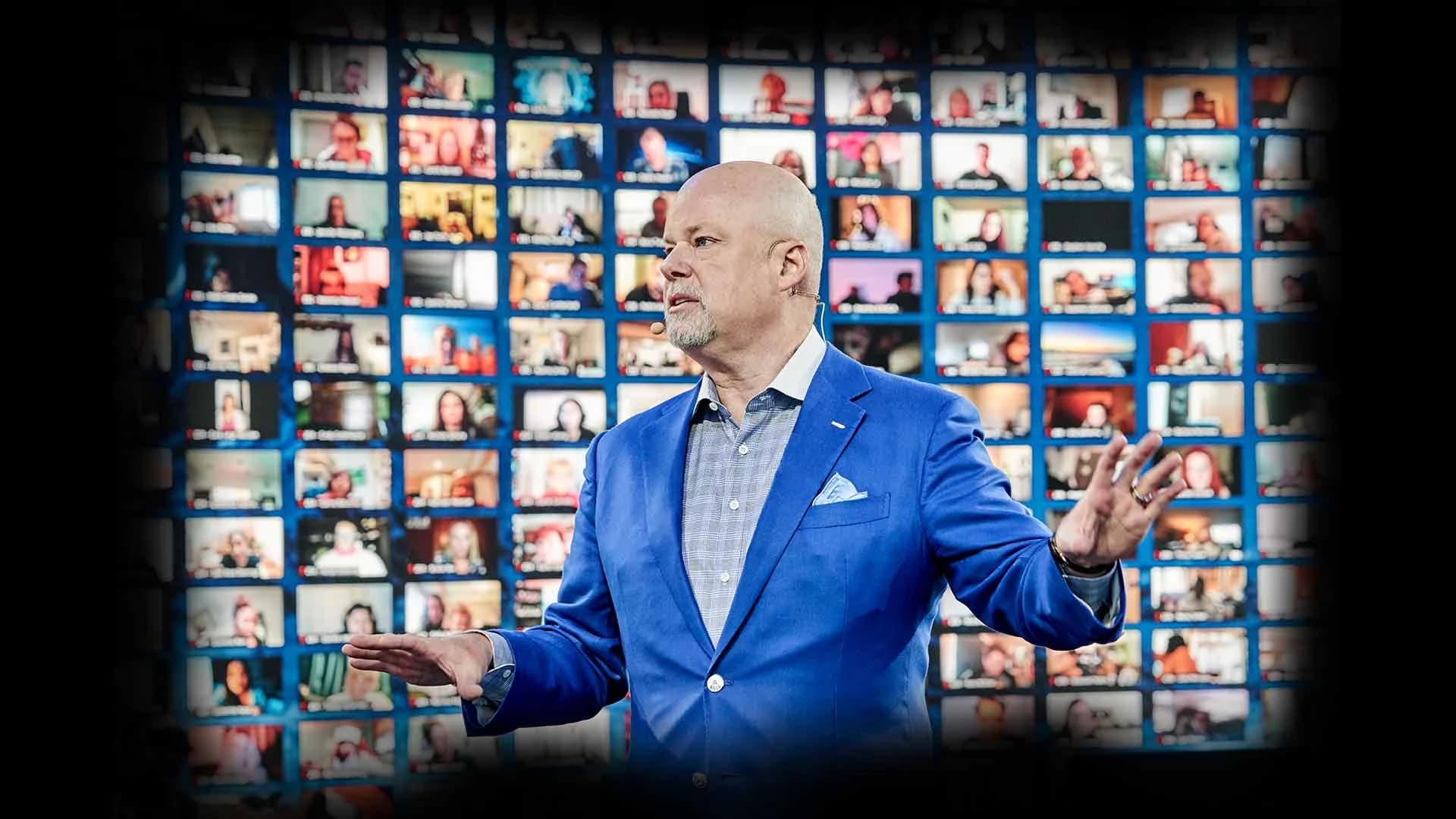
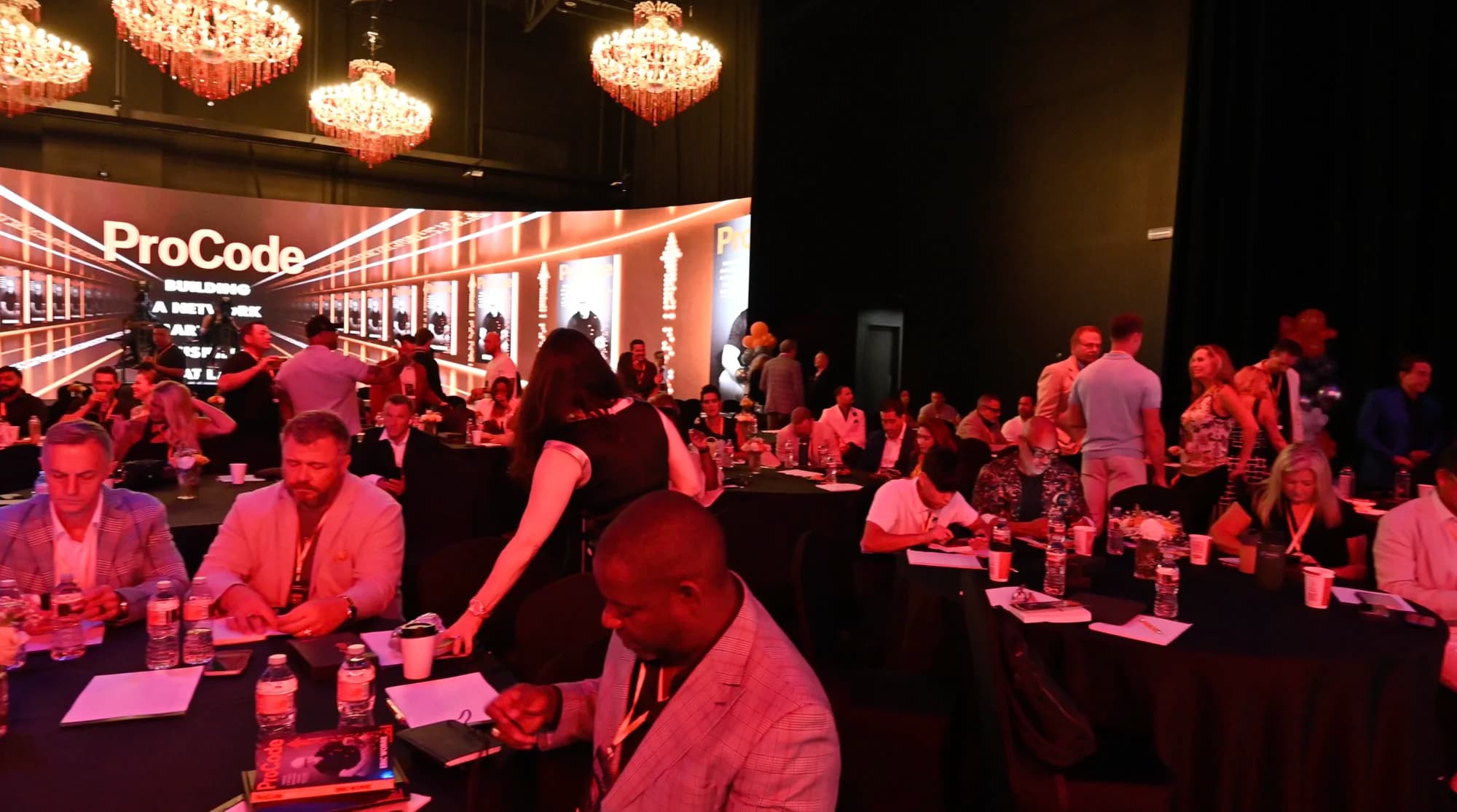
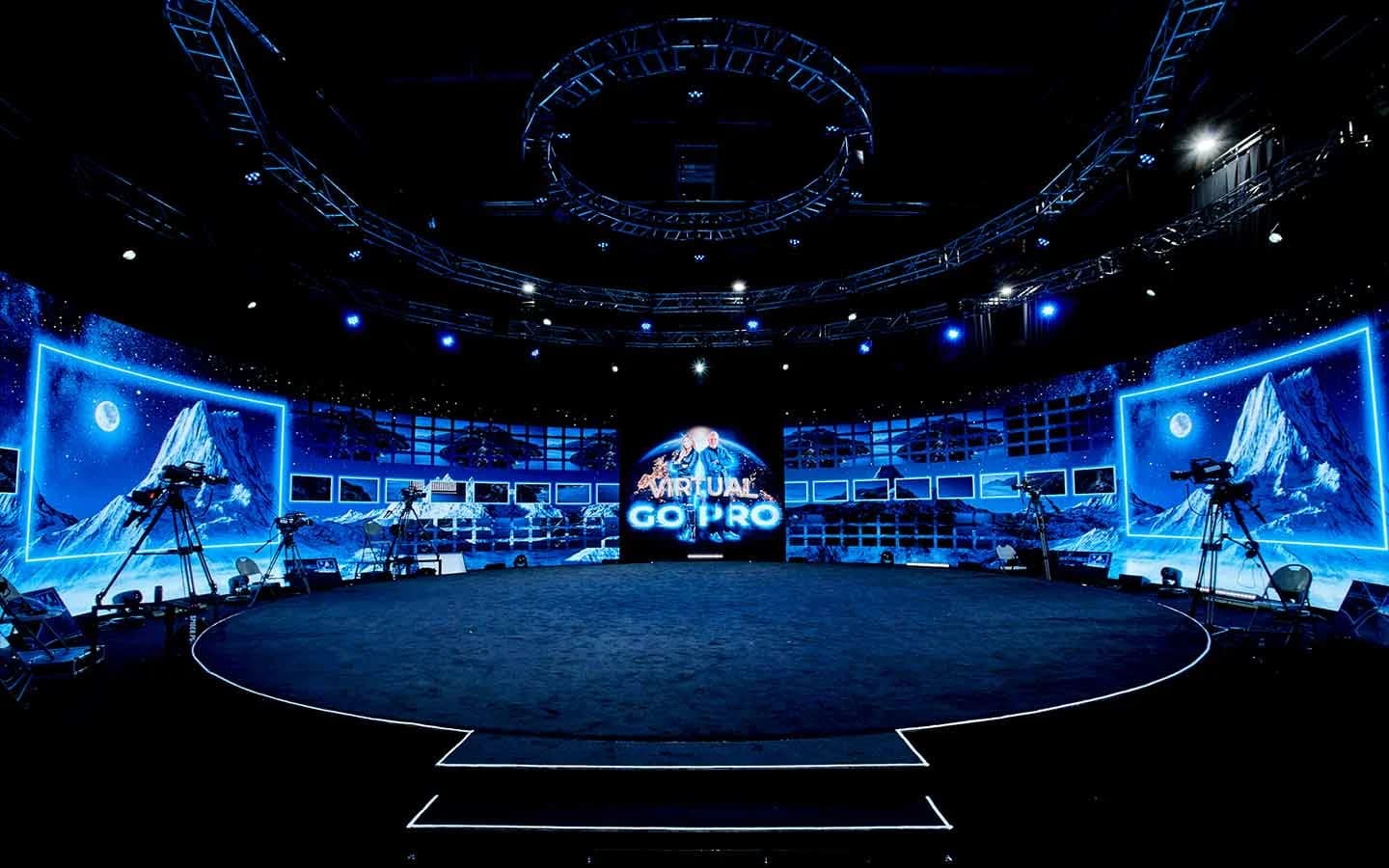
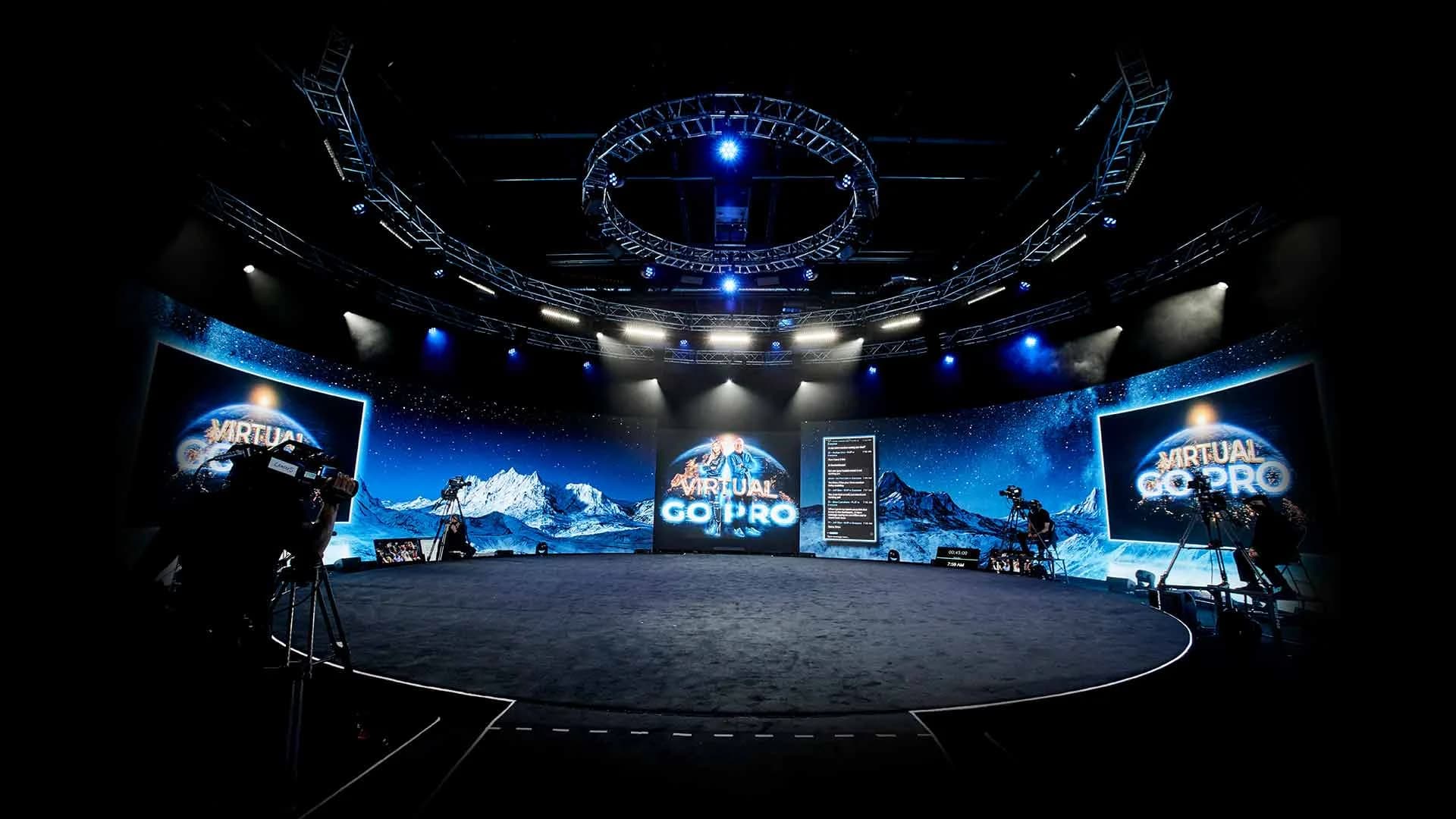
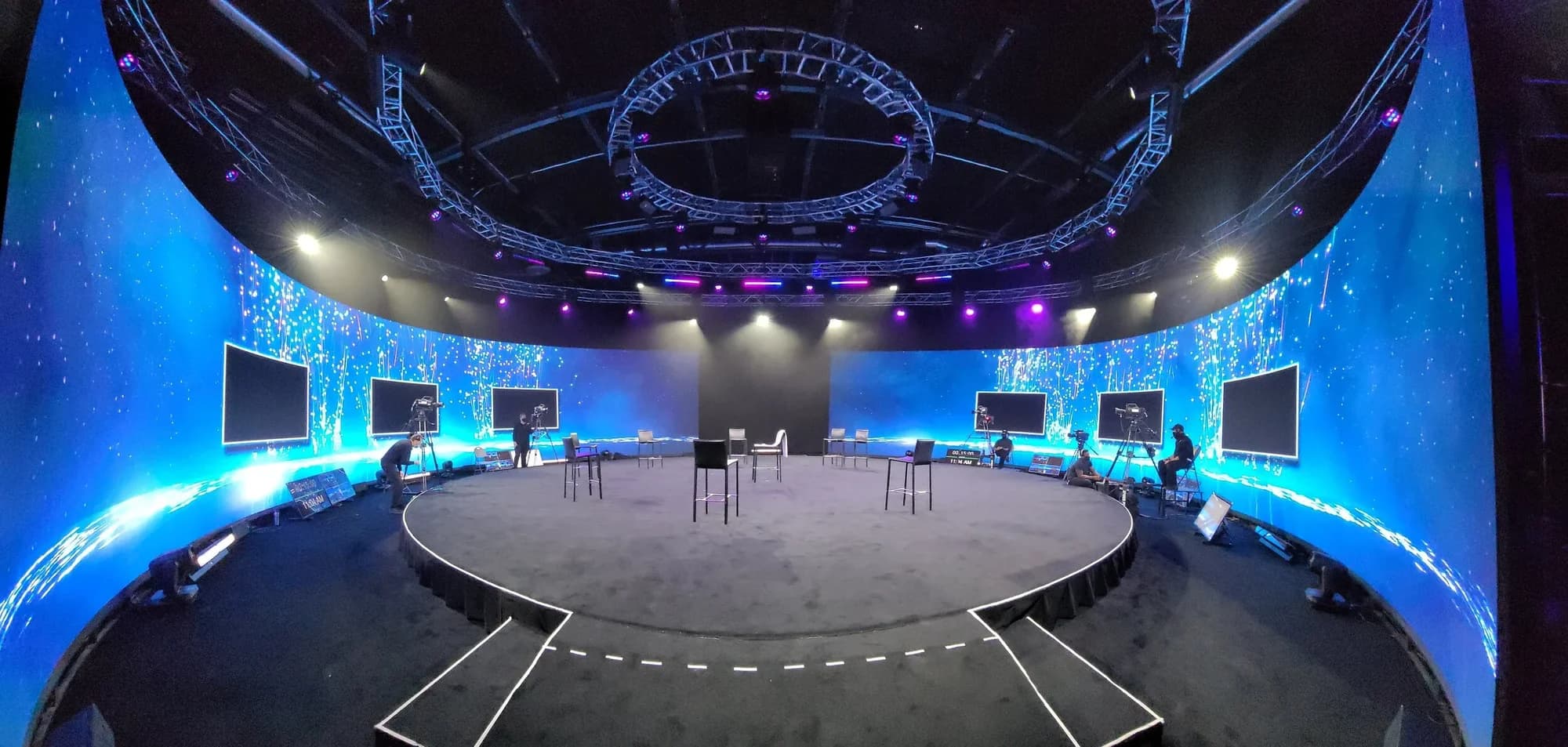
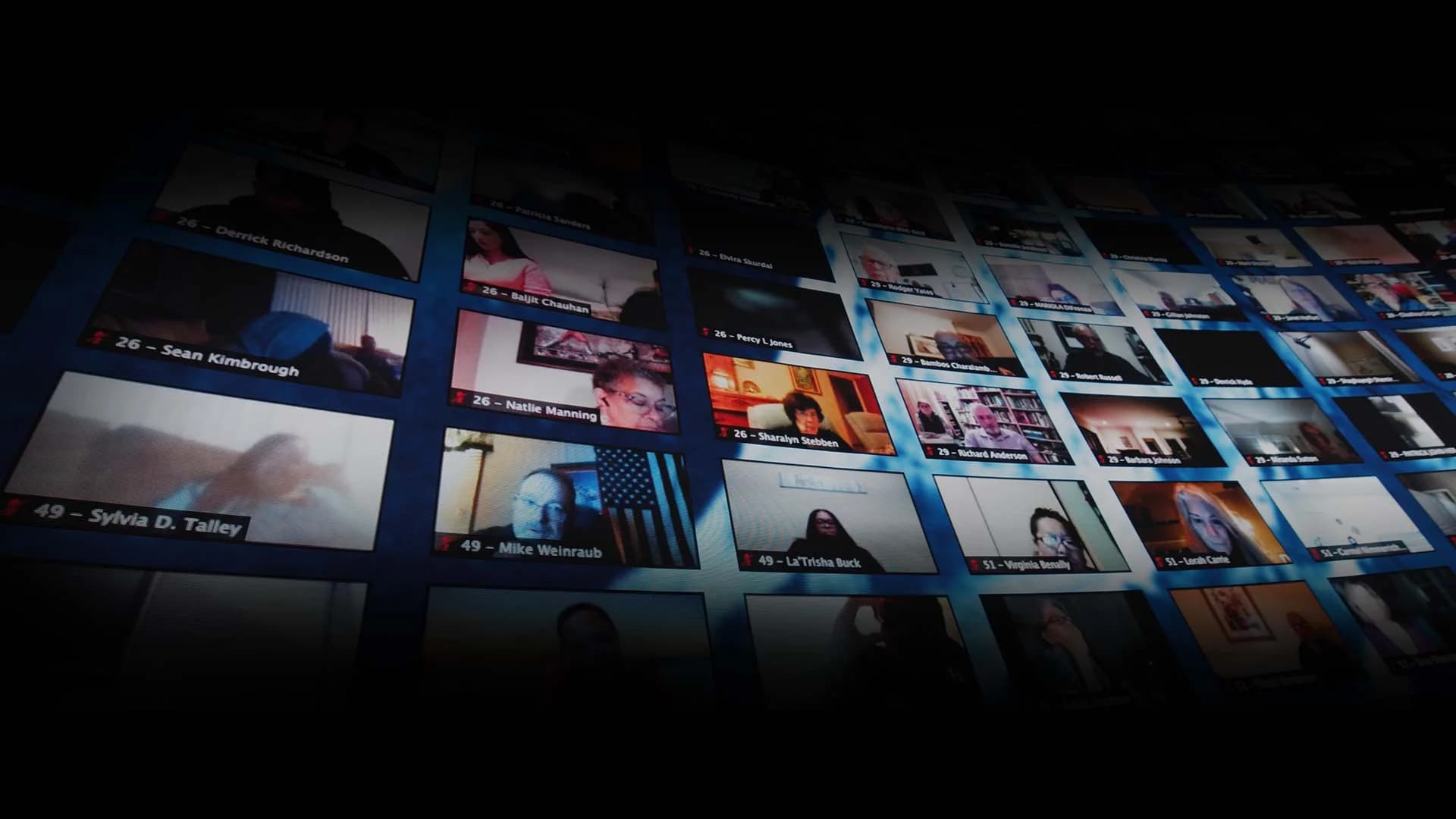
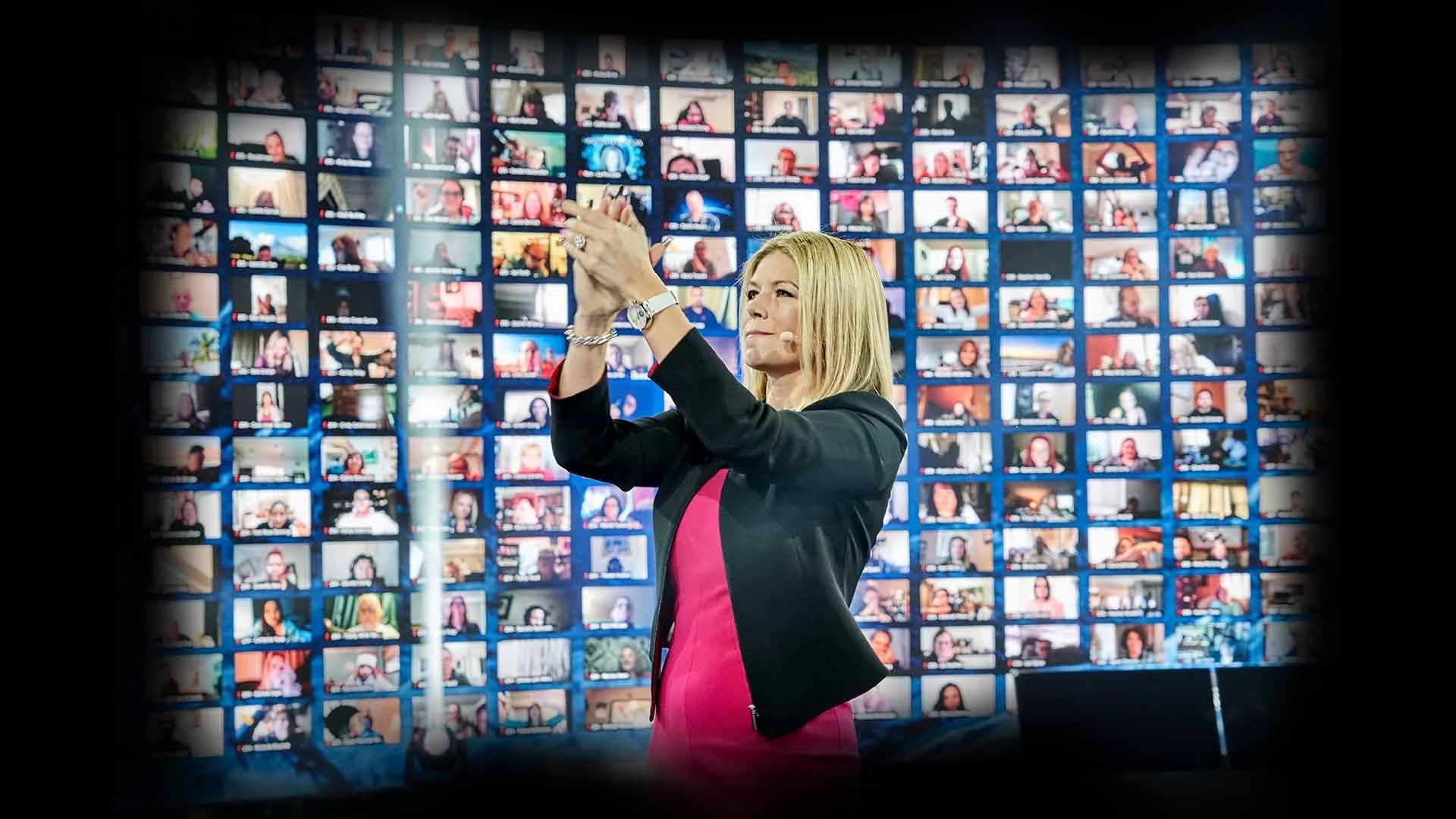
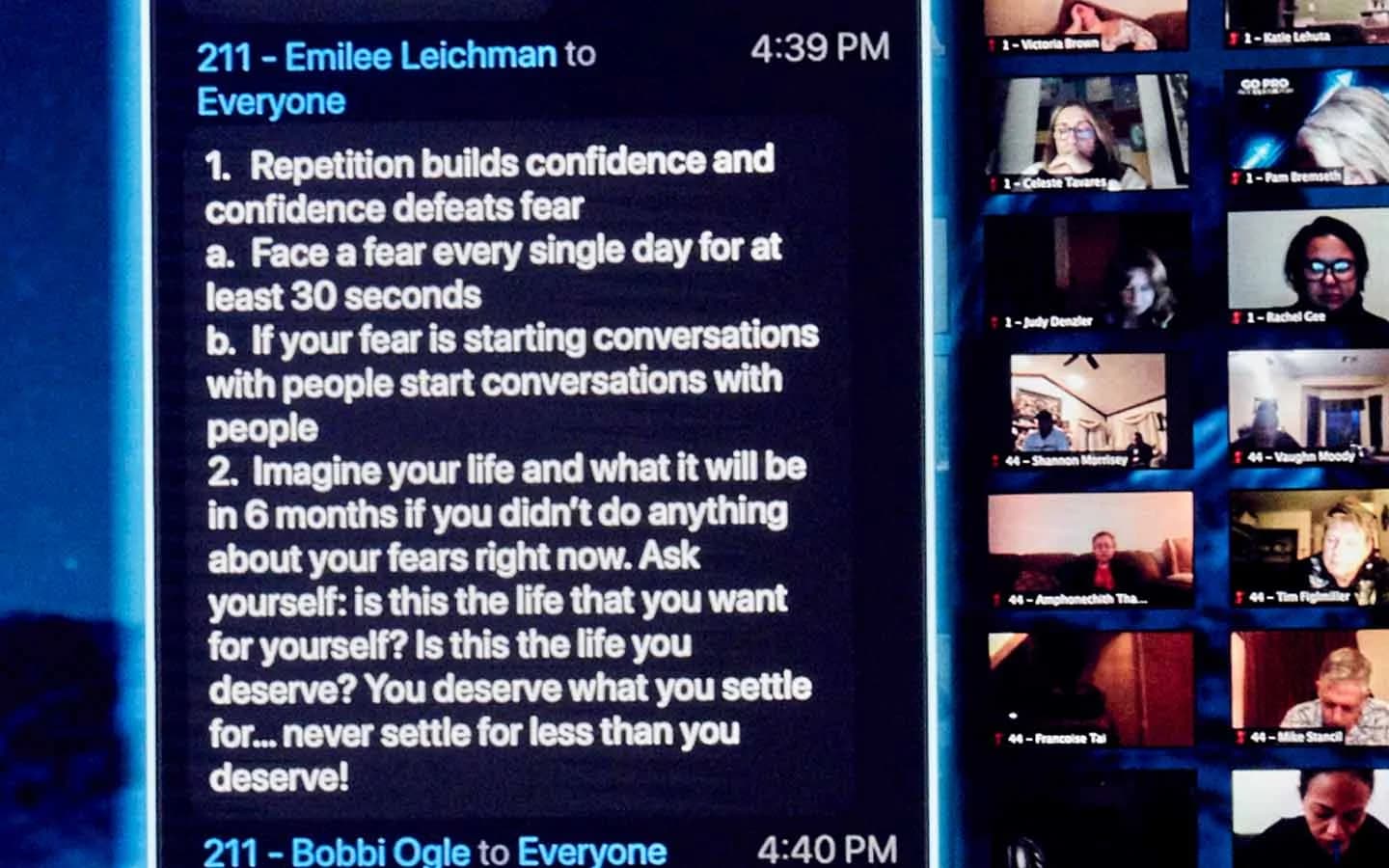
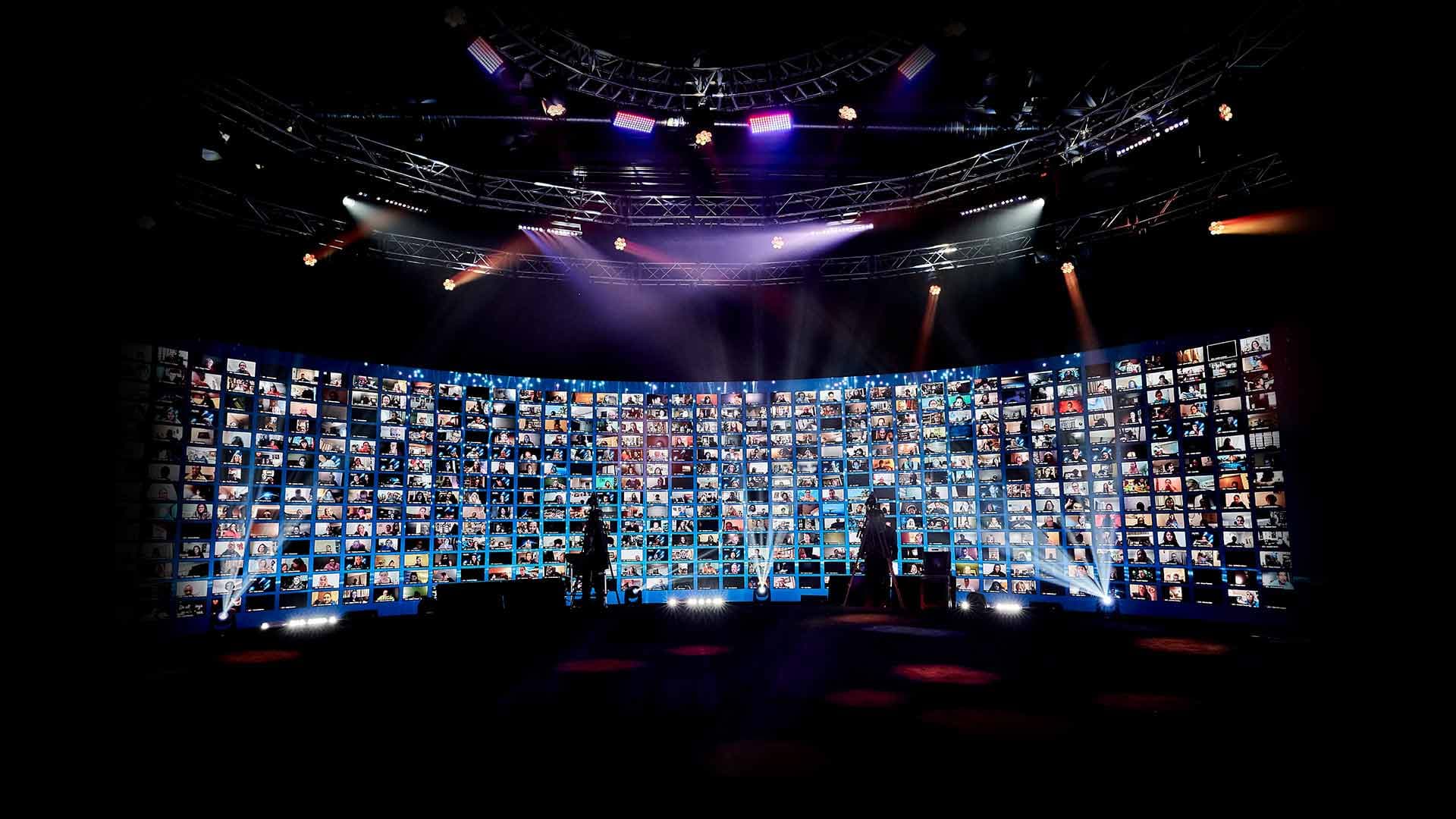
A remote attendee who can see the crowd knows they're part of one. Up to 2,744 remote guests can be displayed live on the studio's 360° LED wall at once, wrapping the stage, visible to the presenters, the people in the room and each other. In a hybrid event where the remote audience shares the stage, the wall becomes the second half of the crowd.
Coach presenters to play to it. A host who turns to the wall, reads a name and reacts gives every remote attendee a reason to stay on camera.
6. Change the World, Not Just the Slide
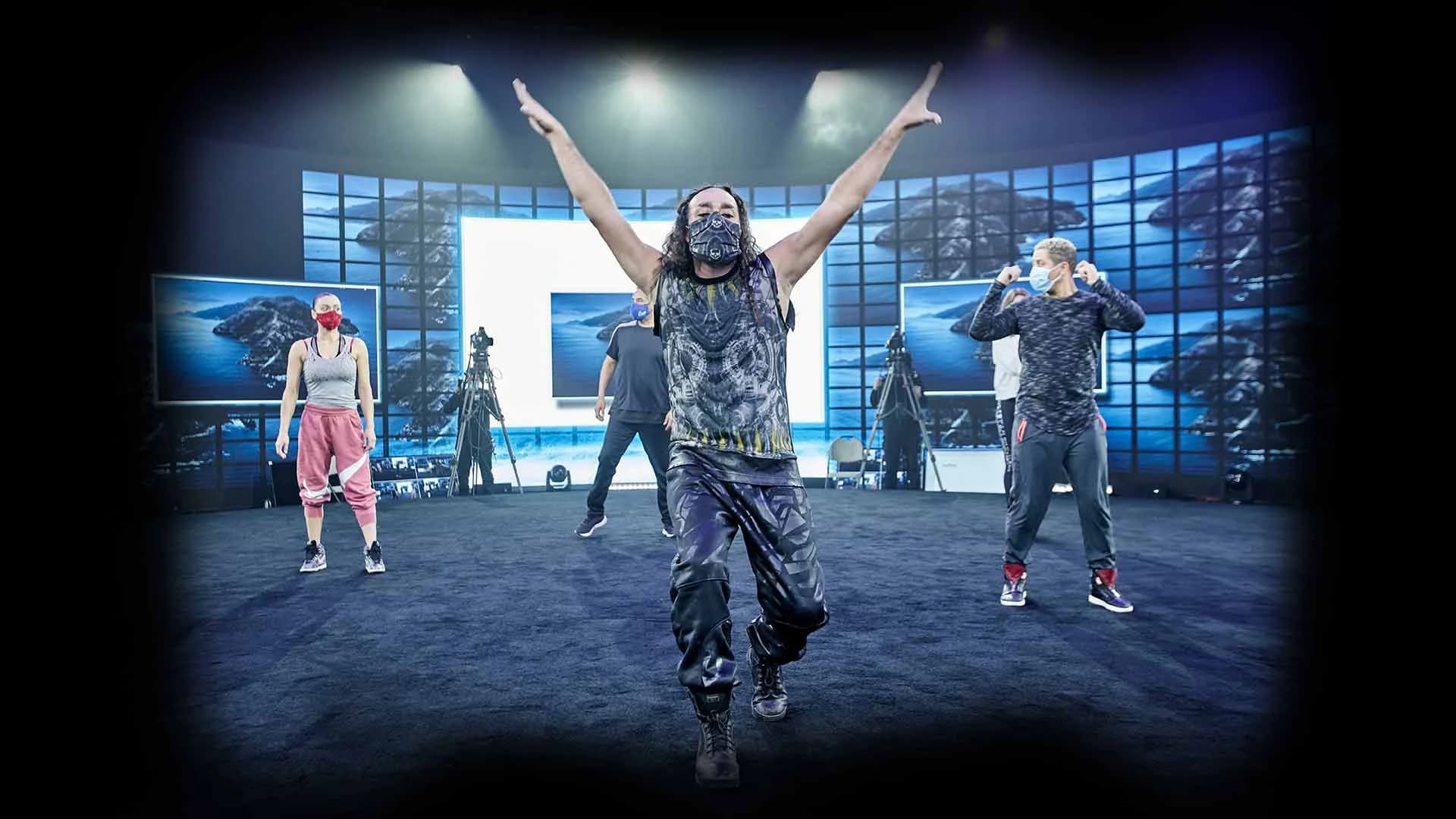
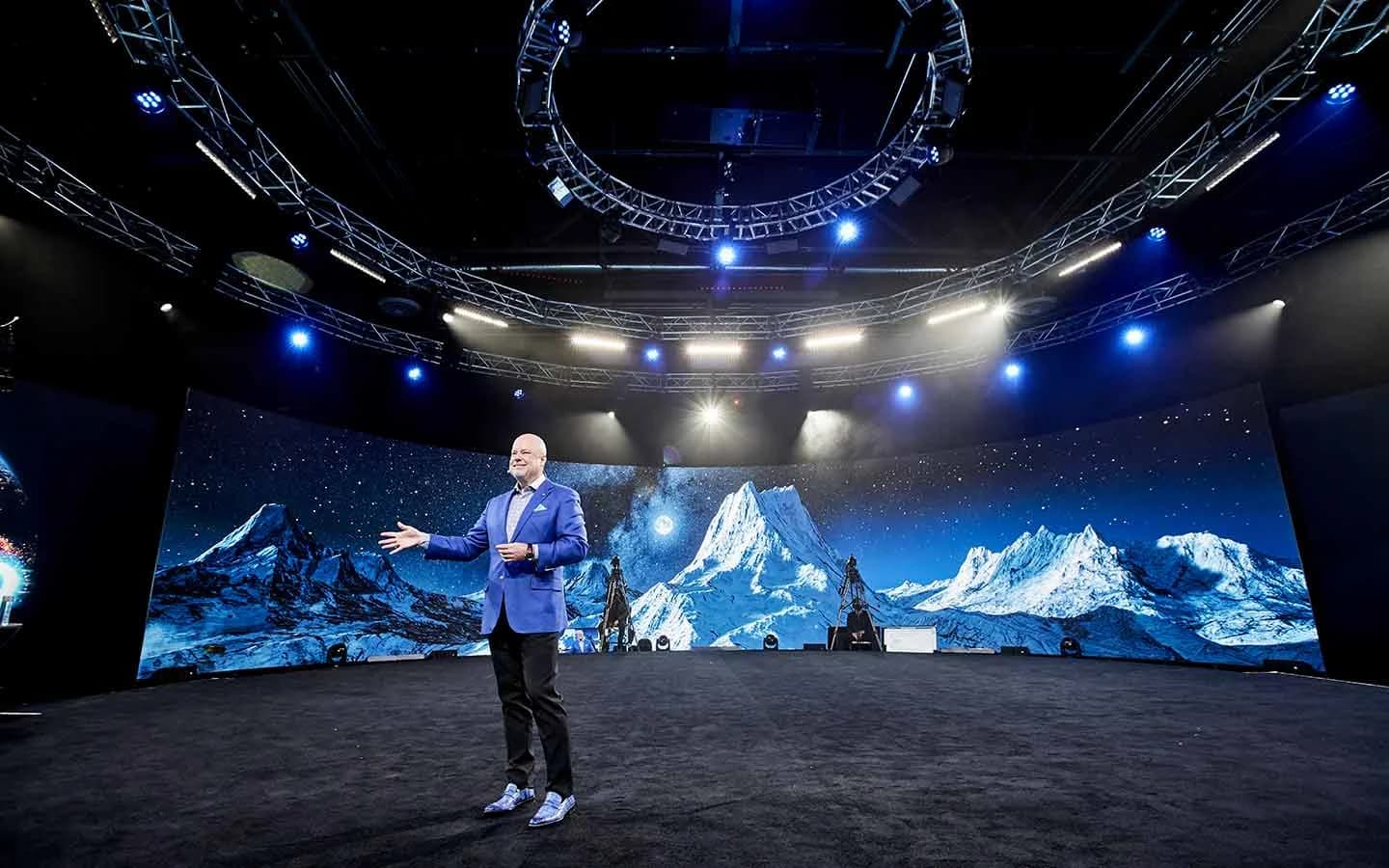
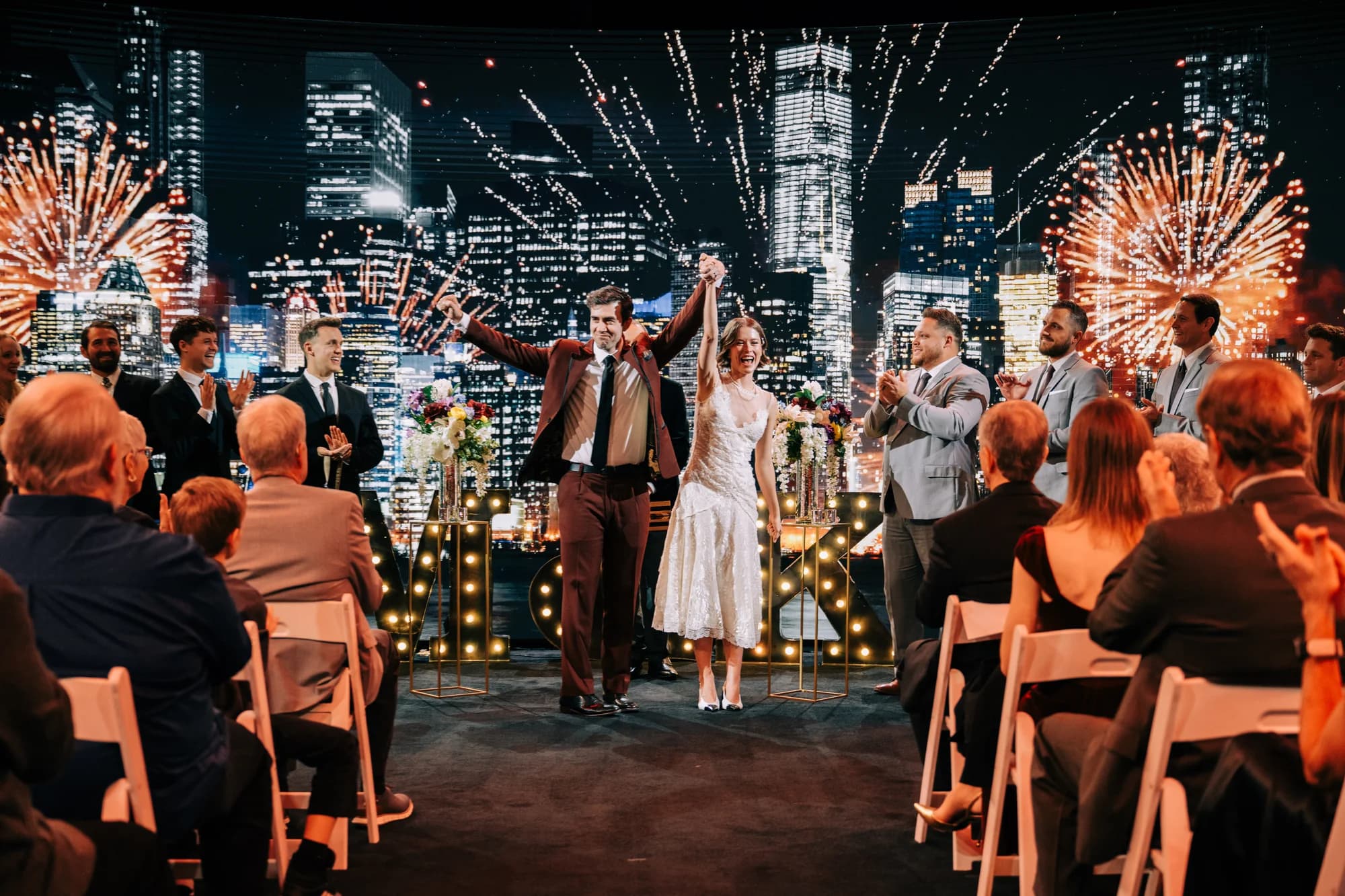
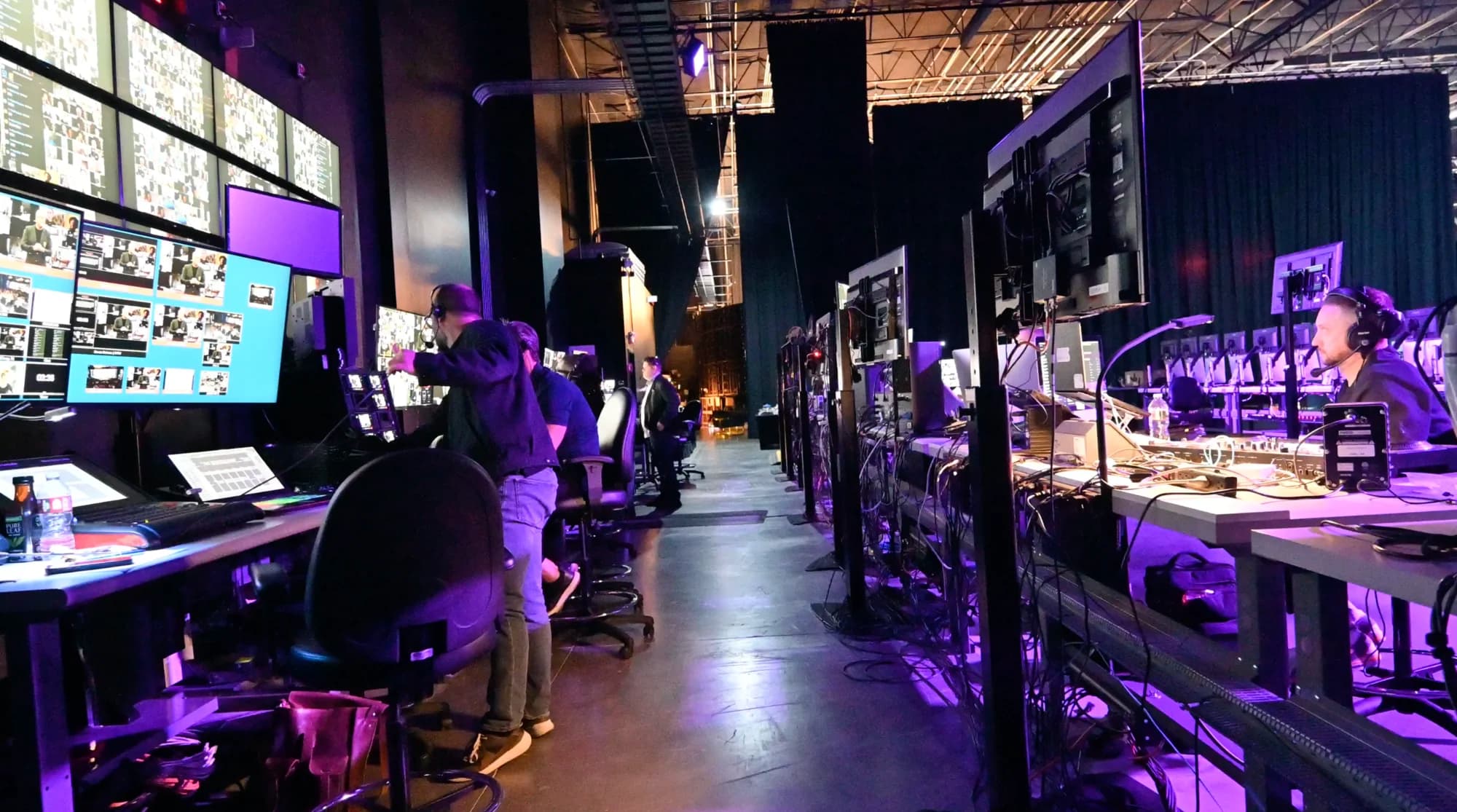
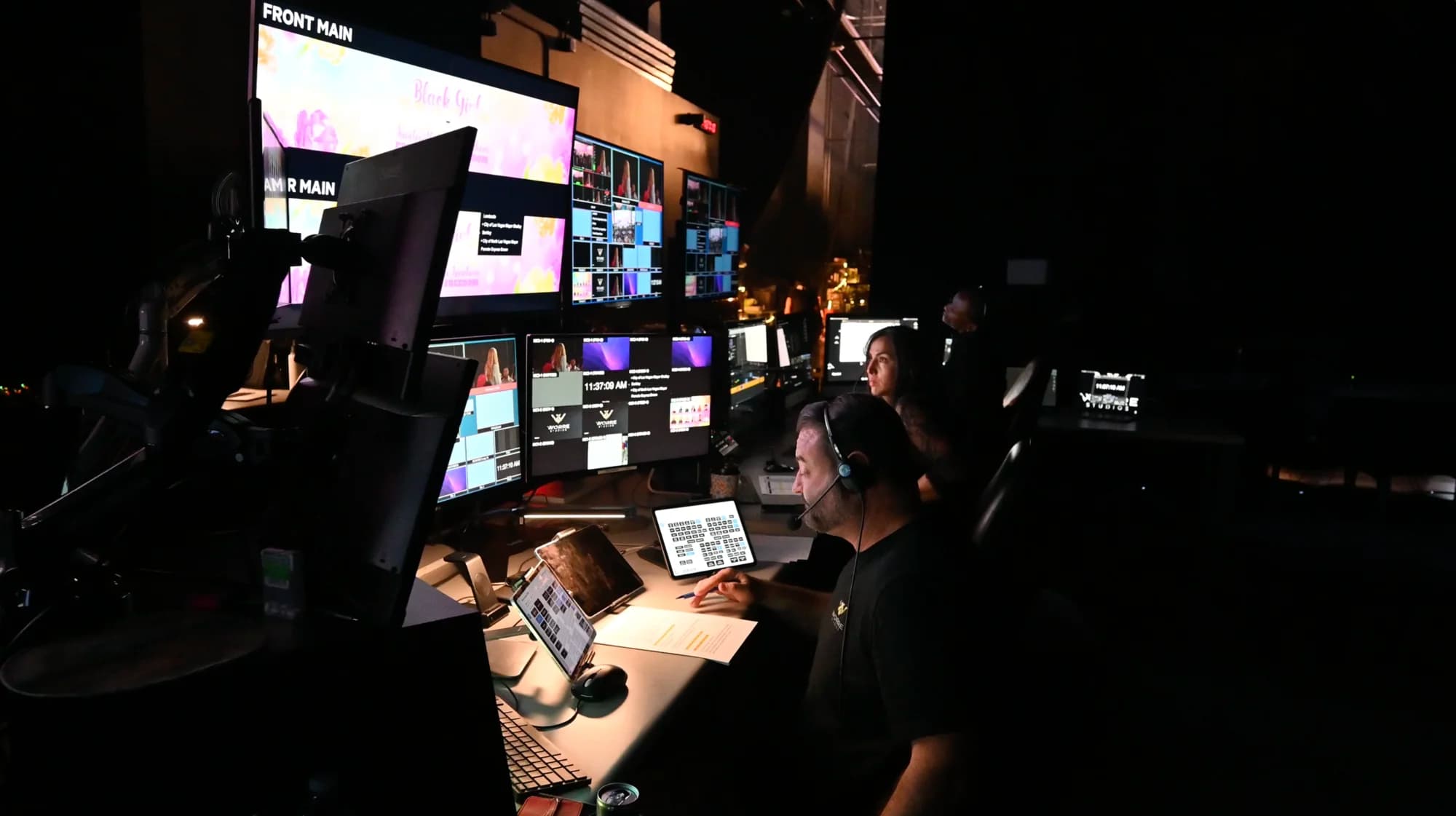
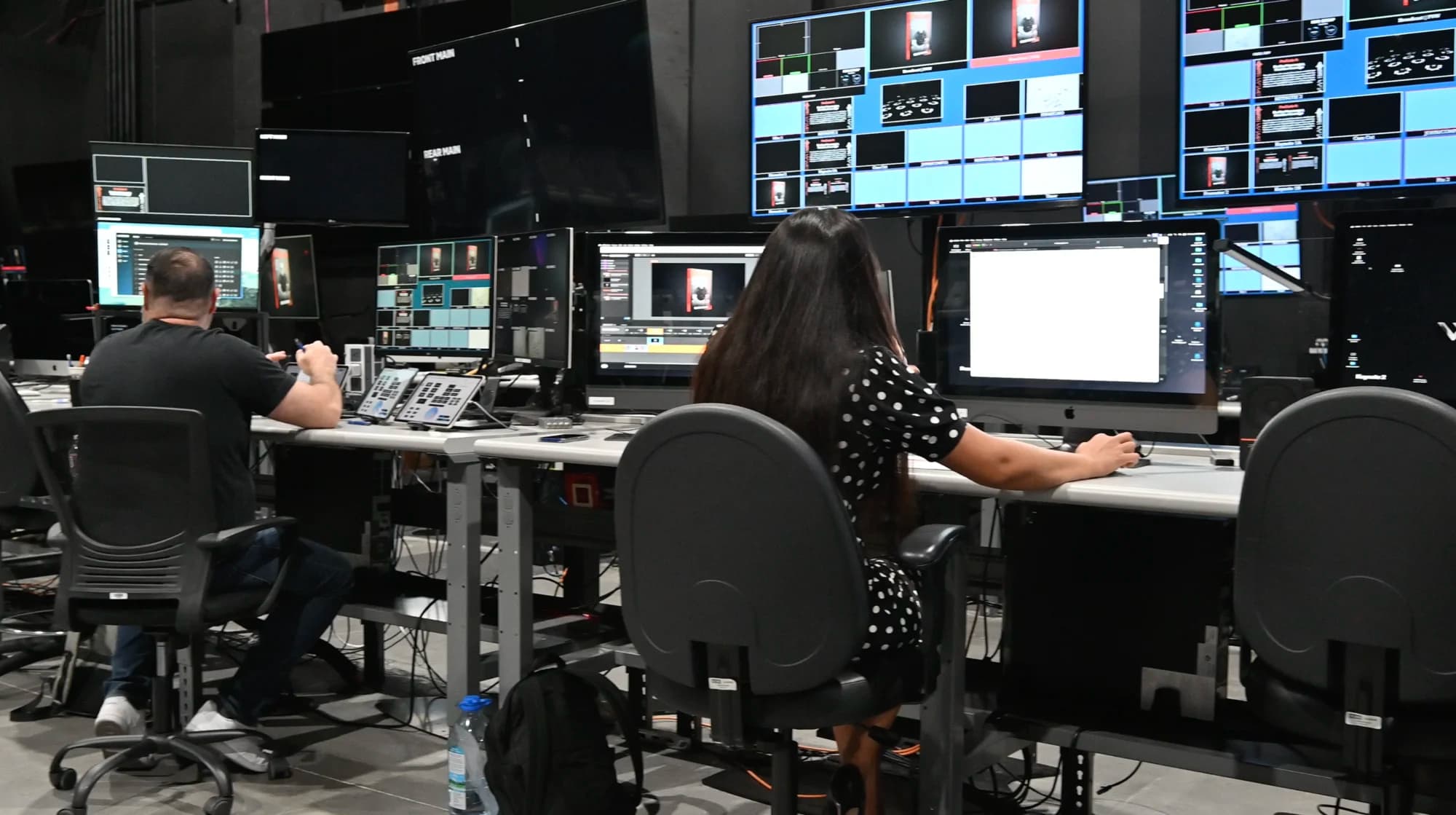
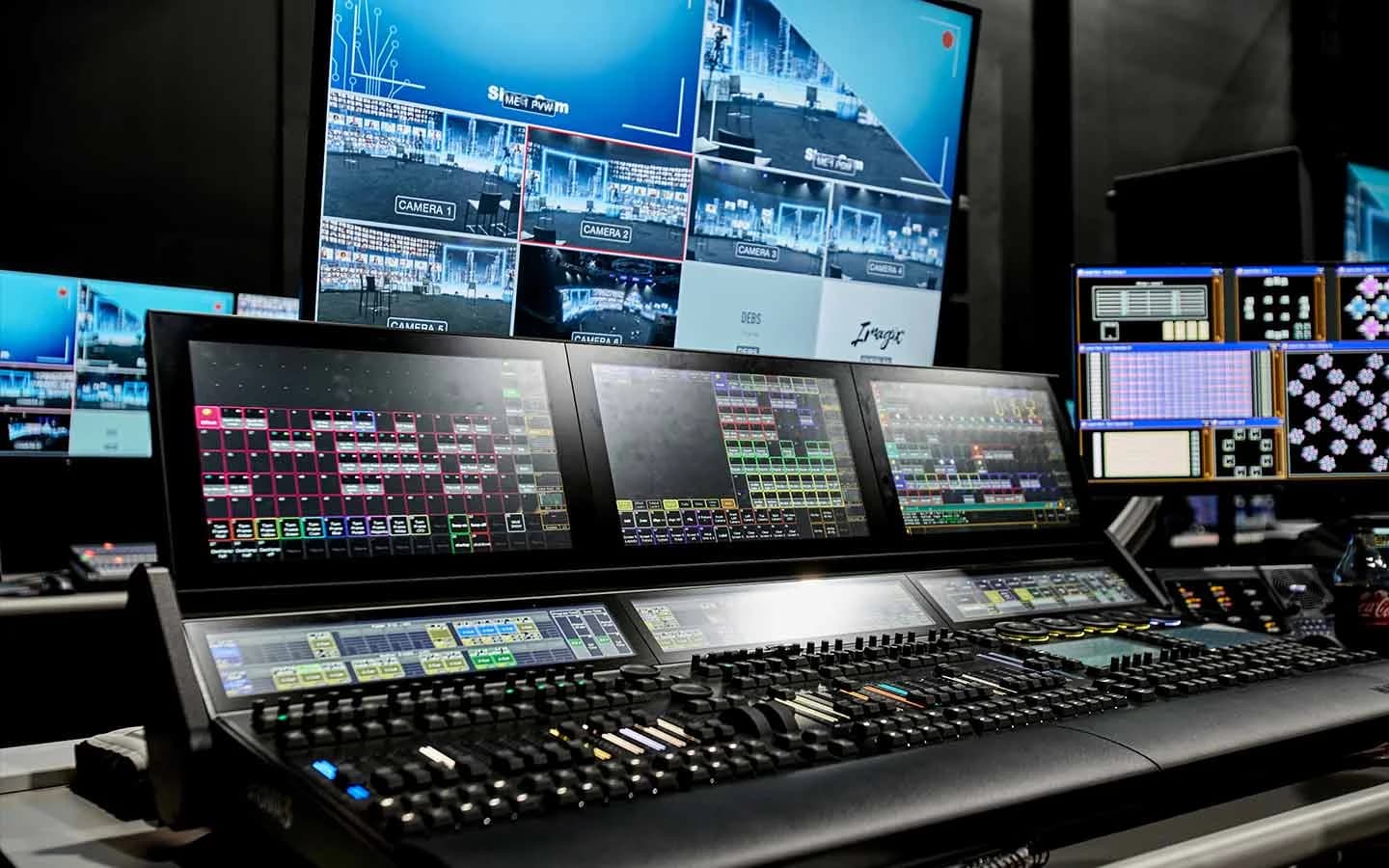
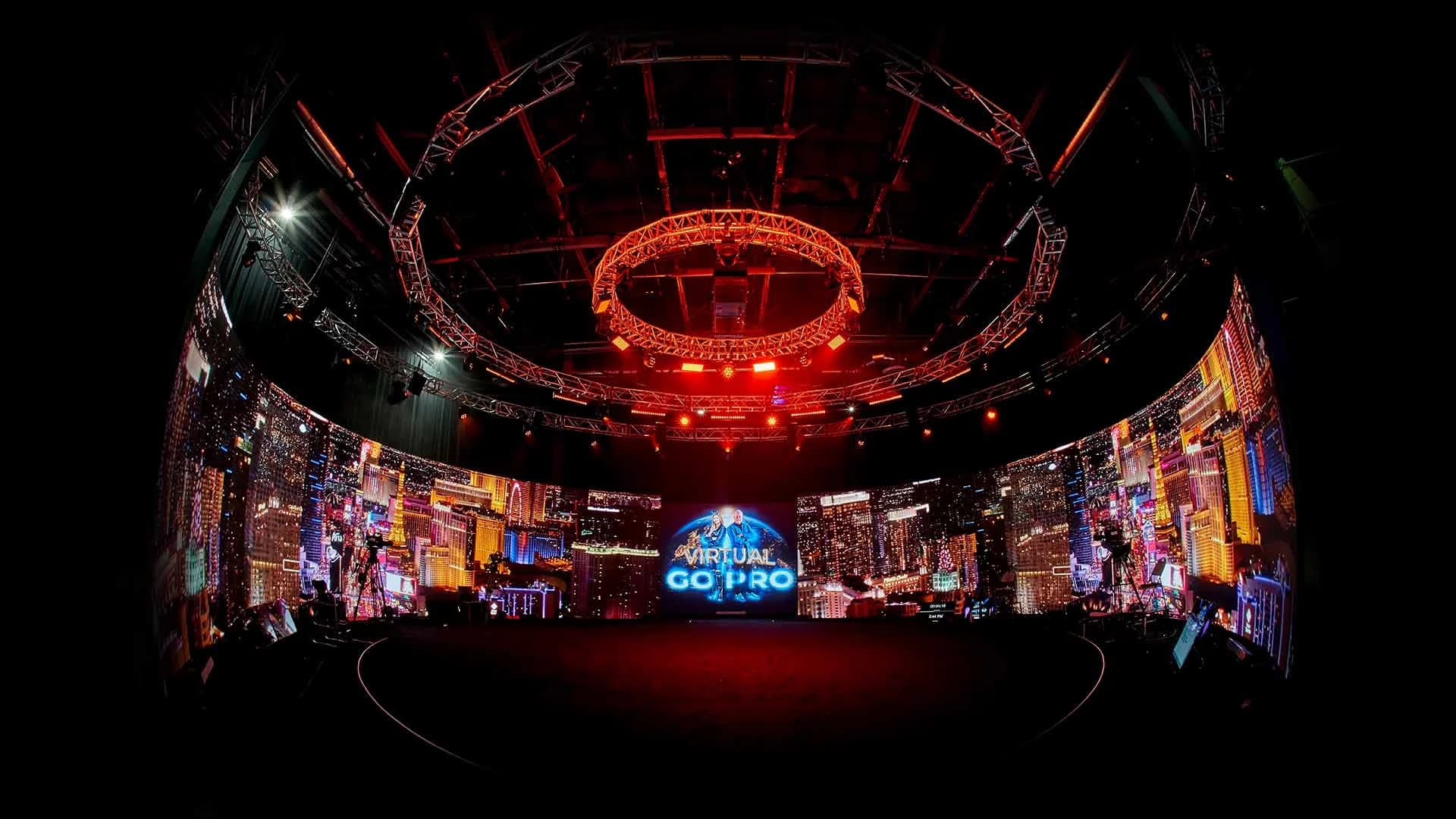
Attention fades when the picture never changes. The usual fix is more slides; the better one is a new environment. Environments on the studio's 360° volume run in Unreal Engine 5 on a custom-built system, and a producer triggers scene changes, reveals and full world swaps live from an iPad.
The studio has built 8–10 distinct environments for a single production, so the keynote, the panel and the awards segment can each happen somewhere different. Custom worlds carry months of lead time, so get the creative brief in early. Here's how rendered environments run during a live event.
7. Break Into Live Rooms, Not Chat Threads
Networking lounges and chat threads give attendees somewhere to type. Breakout rooms give them someone to talk to. In an interactive broadcast, the audience splits into live, face-to-face sessions, such as workshops, regional rooms or VIP groups, and comes back to the main stage together.
Keep breakouts short, give each room a host or a prompt, and bring one or two rooms back to report out on the main stage. The difference between a webinar and an interactive broadcast explains why one format can do this and the other can't.
8. Speak Every Attendee's Language
A global audience tunes out fast when the event isn't in their language. Real-time translation in 100+ languages, live-interpreter or AI-driven, keeps everyone inside one event. Attendees get closed captions plus a translated voice layered over the event's real music, effects and ambiance, so the show still sounds like a show.
Captions matter for accessibility too. The W3C's accessibility guidelines include a success criterion for captions on live audio content, so people who are deaf or hard of hearing can follow a real-time presentation. For the full setup, see how real-time translation works at global events.
9. Keep Live Moments Live
Audiences can tell when a "live" segment was recorded last week, and once they notice, they stop believing the rest. Keep the moments that matter live. When something has to be recorded, introduce it as recorded; a guest video framed honestly plays great.
When the World's Hottest Menopause Party ran from the studio, Halle Berry, Jenny McCarthy and Naomi Watts all appeared live, not pre-recorded, alongside leading menopause doctors, and the event streamed free to women around the world. The live part was the point.
10. Let Attendees Act Inside the Event
Every link that sends attendees to another site is an exit. Keep the action inside. The branded dashboard supports multiple shopping carts in a single event, with different offers for different segments, plus captive downloads and registration flows.
A pre-order, a resource download or next year's presale can happen at the moment attention is highest, without anyone leaving the event.
After the Event: Keep the Audience Coming Back
11. Give the Event a Second Life
Engagement doesn't stop when the stream does. Plan what attendees get afterward: highlights, the sessions they missed, and follow-up content made for them on purpose.
A booked production day often runs ten hours while the event itself runs about three, so the rest of the day can capture evergreen content on the same stage, with the same lighting and environments. The studio's live-to-record approach for multiple deliverables lays out how teams plan those hours.
12. Measure Participation, Not Just Views
A view count tells you how many people saw part of the event. It doesn't tell you who took part. Track participation separately: registrations, live attendance, breakout joins, questions asked, call-ups, offers taken and replay views.
Report the two numbers side by side and judge the event on the second. For why reach only counts once it turns into attendance, see how many people a hybrid event can actually reach.
Engagement at 90,000-Attendee Scale: The McConaughey Broadcast
Most engagement ideas get harder as the audience grows. When Matthew McConaughey needed to lead a multi-hour interactive session from a private studio with no remote capability, his camera feed came to Worre Studios, and a fully interactive event went out at roughly 90,000-attendee scale, breakout rooms included.
The audience joined live sessions inside a branded environment instead of watching a one-way feed. The full McConaughey remote virtual stage story covers how the broadcast was built.
Which Ideas Fit Your Event?
Start with the ideas that match what the event has to achieve.
| Event | Start with | Why |
|---|---|---|
| Company kickoff or town hall | Call-ups (4), audience on the wall (5), translation (8) | Every region sees itself in the event and hears it in its own language |
| Product launch | New environments (6), live moments (9), in-event offers (10) | The reveal lands live, and the pre-order happens in the moment |
| Paid summit or conference | Routing (2), breakout rooms (7), measurement (12) | Each tier gets the experience it paid for, and you can show it |
| Speaker or author session | Call-ups (4), breakout rooms (7), second life (11) | One host feels close to a large audience, and the content keeps working |
Running a company kickoff or town hall? Our guide to running a global company town hall covers time zones, translation and live Q&A.
If your next virtual event needs more than a meeting link, start a studio inquiry and we'll design how your audience takes part from the first planning call.
Frequently Asked Questions
Give them something to do, not just something to watch. Put remote attendees on stage with the host, show the audience on screen, break into live rooms, translate the event into their language, and change the visuals as the show moves. Polls and chat help, but production carries engagement.
They're useful, but nearly every platform offers them, so they rarely make an event memorable. They also keep attendees typing in a sidebar instead of taking part in the event itself. Engagement climbs when attendees can be seen, heard and brought onto the main stage.
Yes, in an interactive broadcast. Remote guests can be pulled up live with the host in real time, face to face, with latency low enough for a normal back-and-forth conversation. In a typical webinar, questions go into a moderator queue instead.
At the studio, up to 2,744 remote guests can be displayed live on the 360° LED wall at the same time, visible to the hosts, the in-room audience and each other. The event itself can reach up to hundreds of thousands of hybrid attendees.
Keep the moments that matter live: the keynote, the reveal, the Q&A. Recorded content works when it's introduced as recorded, such as a message from a guest who couldn't attend. Passing a recording off as live puts the audience's trust at risk if anything slips.
Translate the event in real time and route language groups into their own rooms. Events at the studio run with translation in 100+ languages, live-interpreter or AI-driven, with closed captions plus a translated voice layered over the event's real audio.
Track participation separately from views: registrations, live attendance, breakout joins, questions asked, offers taken and replay views. Views show reach. Participation shows who actually attended, and it's the number to judge the event on.
No. Events produced at the studio come fully crewed and equipped. If your speaker can't travel, the Remote Virtual Stage service takes a camera feed from wherever they are and broadcasts it out as a fully interactive event at scale.

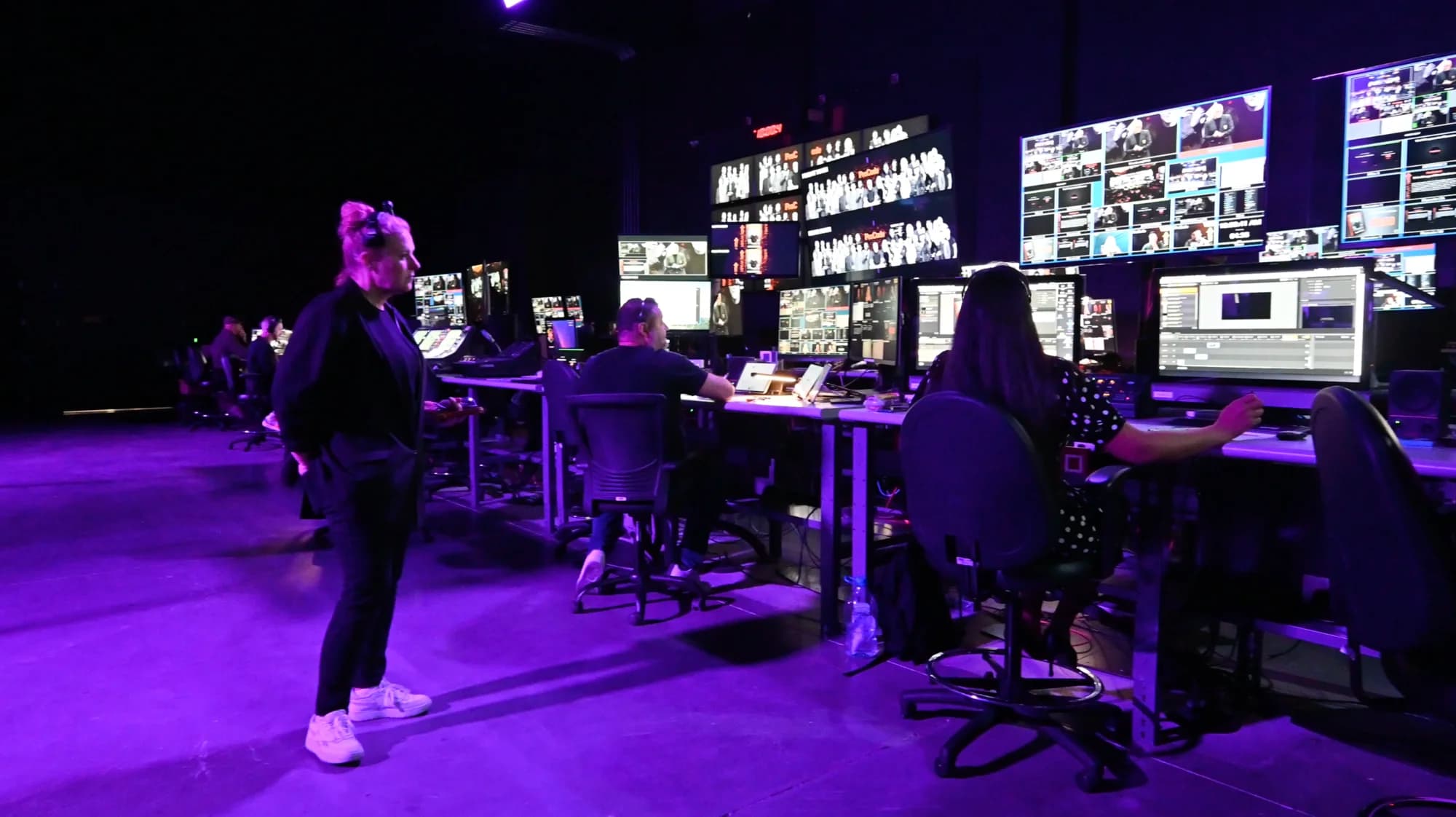
Written by the Worre Studios Content Team and reviewed by Ben Groen, Ticketing & Interactive Platform Lead. Capabilities described reflect the studio's installed infrastructure and delivered productions, including the events named above. The ideas here are production guidance, not a guarantee of attendance or results for any specific event. Last reviewed October 10, 2026.
Give Your Audience Something to Do
Tell us who's attending and what the event has to achieve. We'll walk you through the studio and build the engagement into the production from the first call.