




How to Host a Fireside Chat That Holds the Room
On this page
Pick a guest with a story and a host who interviews rather than moderates. Plan three or four themes, not a script. Stage it close, mic it properly, keep it live, and open the floor to the room and the remote audience before the end.
Key Takeaways
- A fireside chat is a conversation, not a presentation. One host, one guest (two at most), no slides.
- The host makes or breaks it. Choose someone who listens and follows up, and prepare themes together rather than a script.
- Structure still matters. A 45-minute chat needs an opening story, two or three themes, audience questions and a clear close.
- Stage it like a broadcast. Angled seating, hands-free mics, a two-shot plus singles, and a backdrop that sets the mood without shouting.
- The guest doesn't have to be in the room, and neither does the audience. Remote guests and remote attendees can join face to face when the latency is built for conversation.
A great fireside chat feels like a real conversation the audience gets to sit in on: one guest with a story, one host who knows it, a stage close enough to feel personal, and a moment when the audience gets to ask their own questions. Plan the arc rather than a script, mic and shoot it like a broadcast, and give remote attendees a way to take part, not just watch. The format fits naturally into conference and keynote programs, and the same rules hold whether the room seats fifty or the audience reaches around the world.
What Is a Fireside Chat?
A fireside chat is a seated, unscripted conversation between a host and a guest in front of an audience. The name goes back to Franklin D. Roosevelt's radio addresses in the 1930s, remembered for how plainly and personally he spoke. The modern version keeps that tone: no lectern, no slides, just two people talking as if the audience weren't there, while making sure the audience gets everything.
It's easiest to understand next to the formats it's usually confused with.
| Format | Who's on stage | How it feels | Best for |
|---|---|---|---|
| Keynote | One speaker | A prepared talk, often with slides | A clear message delivered once to everyone |
| Panel discussion | A moderator and three to five panelists | A debate across several viewpoints | Comparing perspectives on one topic |
| Fireside chat | A host and one guest, sometimes two | A personal, guided conversation | Stories, decisions and lessons from one person |
| Audience Q&A | A speaker and the audience | Open questions, no set path | Following up a keynote or announcement |
When Should You Choose a Fireside Chat?
Choose a fireside chat when the person matters more than the slides. The format earns its place when:
- The guest is better in conversation than at a lectern. Founders, executives, authors, athletes and entertainers often come alive when they're asked, not when they're presenting.
- The story is personal. Turning points, hard decisions and lessons learned land better told to someone than read from a deck.
- A keynote needs a human follow-up. A fireside chat after the main address lets the audience see the leader behind the announcement.
- The guest has limited prep time. A conversation asks less preparation than a keynote, which can make a busy guest easier to book.
Pick a different format when the content is data-heavy (that's a keynote with visuals) or when you want more than two voices (that's a panel).
How Do You Choose the Host and Prepare the Guest?
The host is an interviewer, not a moderator. A moderator manages turns; an interviewer draws a story out, notices the interesting answer and asks the follow-up. Choose someone who knows the guest's work, is comfortable with silence, and can steer without taking over.
Preparation is where most of the conversation is won:
- Hold a pre-interview call. The host and guest agree on the themes, the stories worth telling, and anything off limits.
- Share themes, not a script. Give the guest the opening question and the three or four areas you'll cover. Leave the follow-ups unscripted so the answers stay fresh.
- Agree on timing signals. A floor manager's cue or a confidence monitor keeps the chat on time without the host checking a watch.
- Rehearse the open and the close. The first two minutes and the last two are the parts most worth getting exactly right.
How Do You Structure a Fireside Chat?
Give the conversation a shape. An unstructured chat drifts; a structured one feels effortless. Here's a run of show for a 45-minute fireside chat.
| Time | Segment | What happens |
|---|---|---|
| 0–3 min | Welcome and introduction | The host introduces the guest in a few sentences and says why this conversation, now |
| 3–10 min | The opening story | Where it started: the origin, the first big decision |
| 10–25 min | The core themes | Two or three themes agreed in the pre-interview, each with a story and a follow-up |
| 25–37 min | Audience questions | Questions from the room and from remote attendees, alternating |
| 37–42 min | The forward look | What's next for the guest, and what they'd tell the audience to do |
| 42–45 min | Close | The host thanks the guest and points the audience to what comes next |
Thirty to forty-five minutes suits most events. Shorter feels like an interview segment; much longer needs a very strong guest.
Question types that work. Skip the long question lists. A few well-chosen types carry a whole conversation:
- Origin: "What were you doing the day before this all started?"
- Turning point: "When did you realize it wasn't going to work the way you planned?"
- The hard call: "What's a decision you'd make differently now?"
- Changed mind: "What did you believe five years ago that you don't anymore?"
- For the audience: "If someone here is facing the same choice, what should they do first?"
Avoid yes-or-no questions and anything already answered in the guest's bio. Those questions use up airtime without adding anything new.
How Should a Fireside Chat Be Staged?
Stage it to feel close and shoot it to look good. The audience should feel like they're sitting near the conversation, and remote viewers should feel the same through the camera.
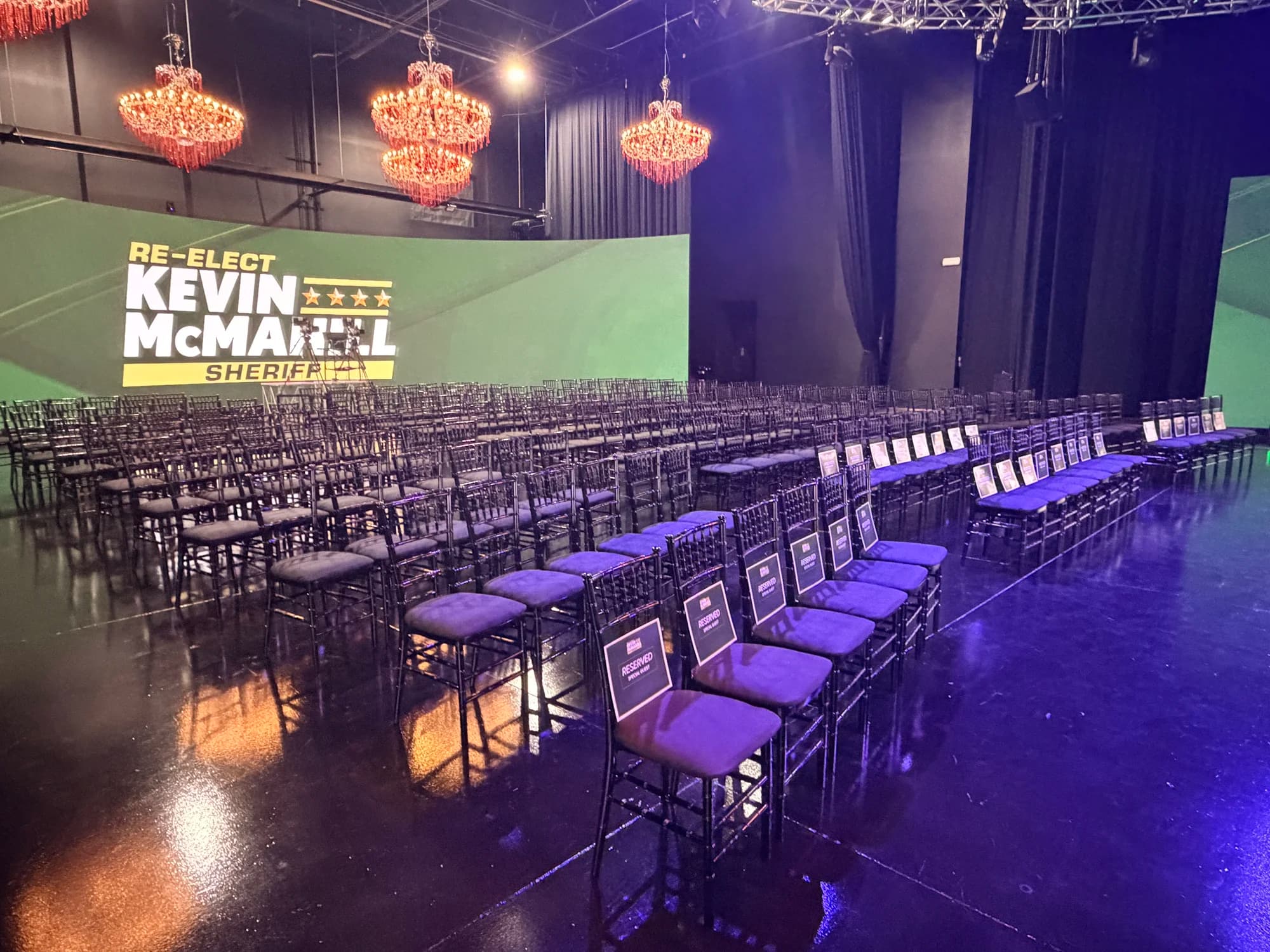
- Seating. Two chairs at the same height, angled toward each other and open to the audience, with a small side table and water. Nobody should have to turn their back to the room.
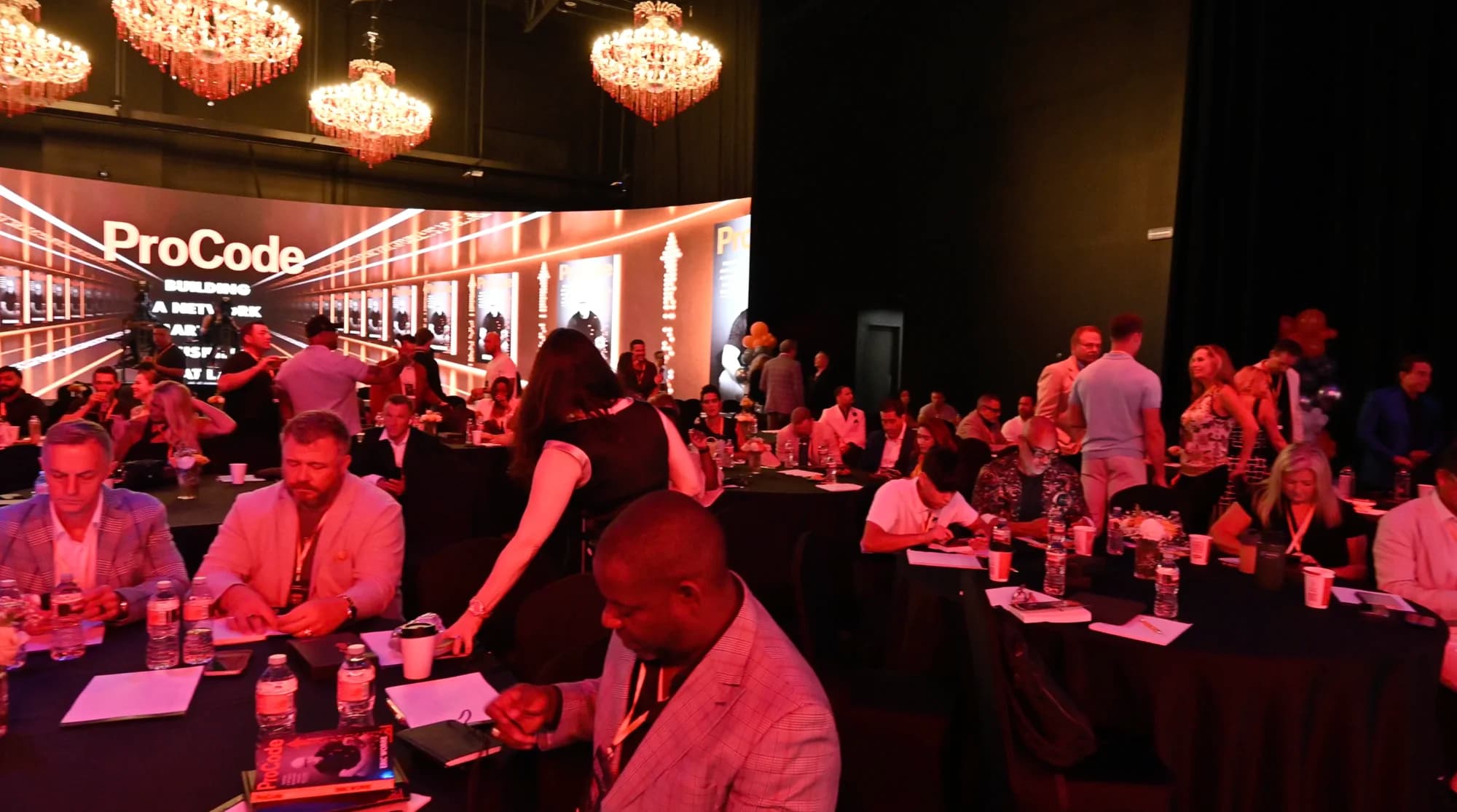
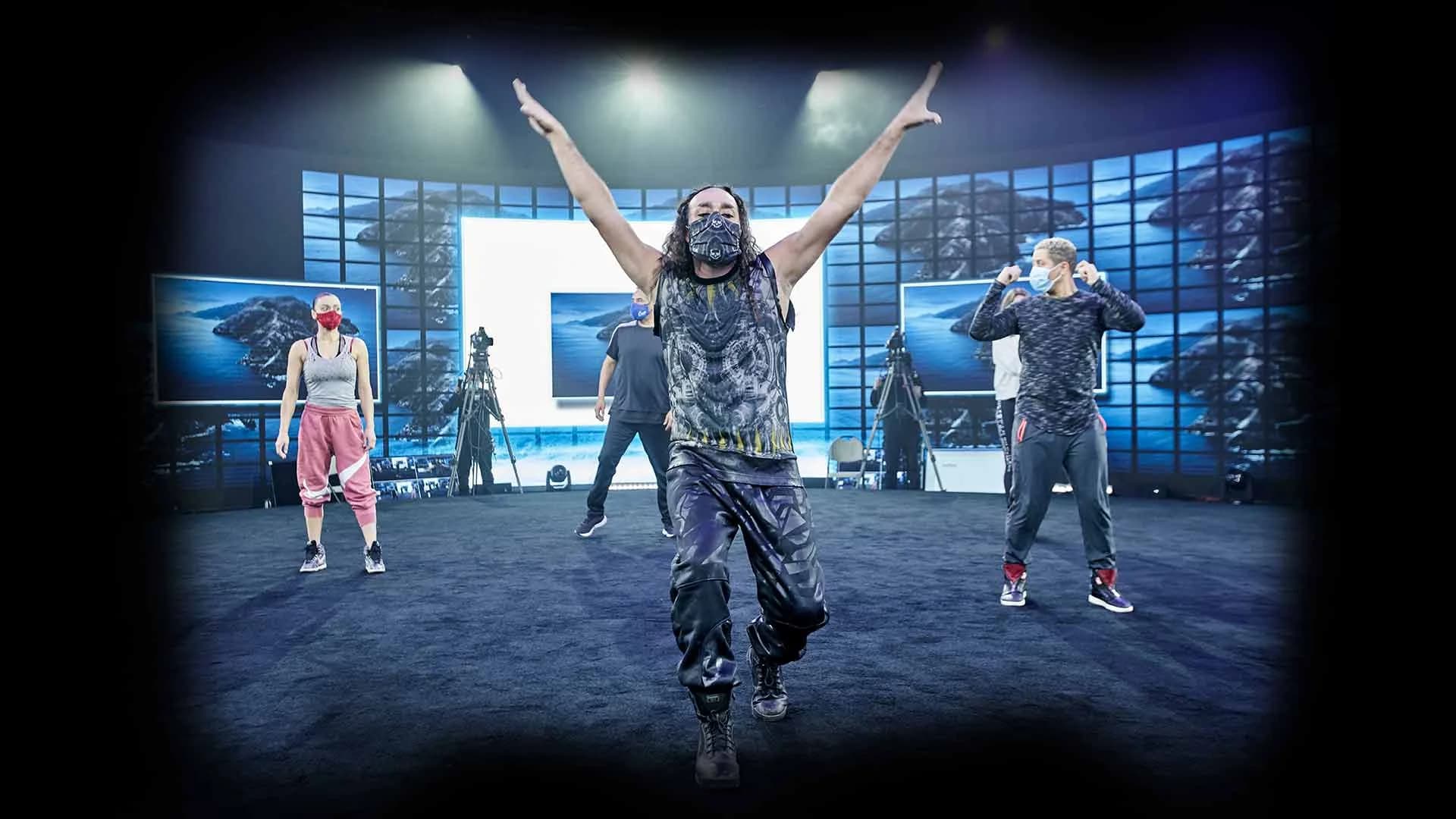
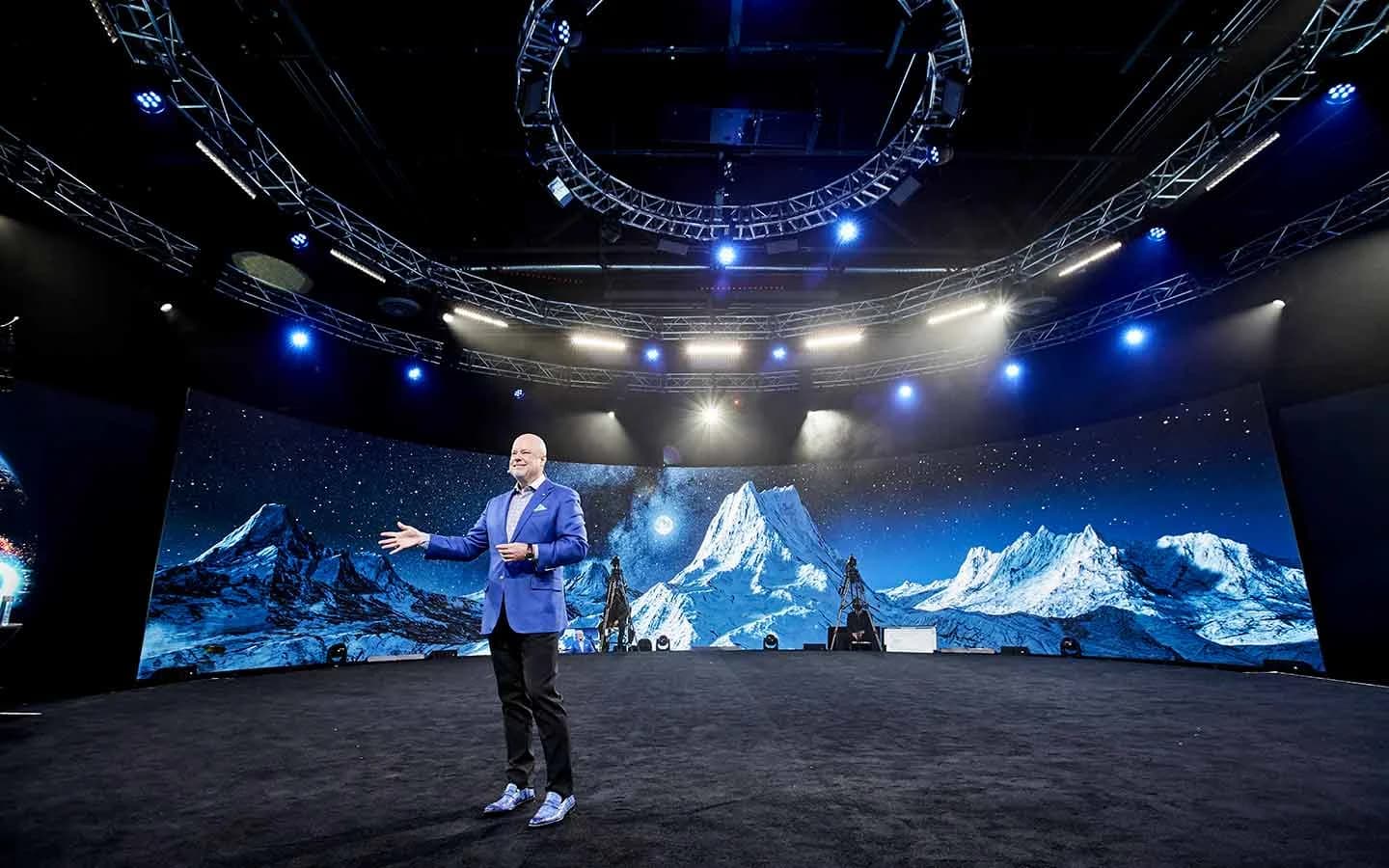
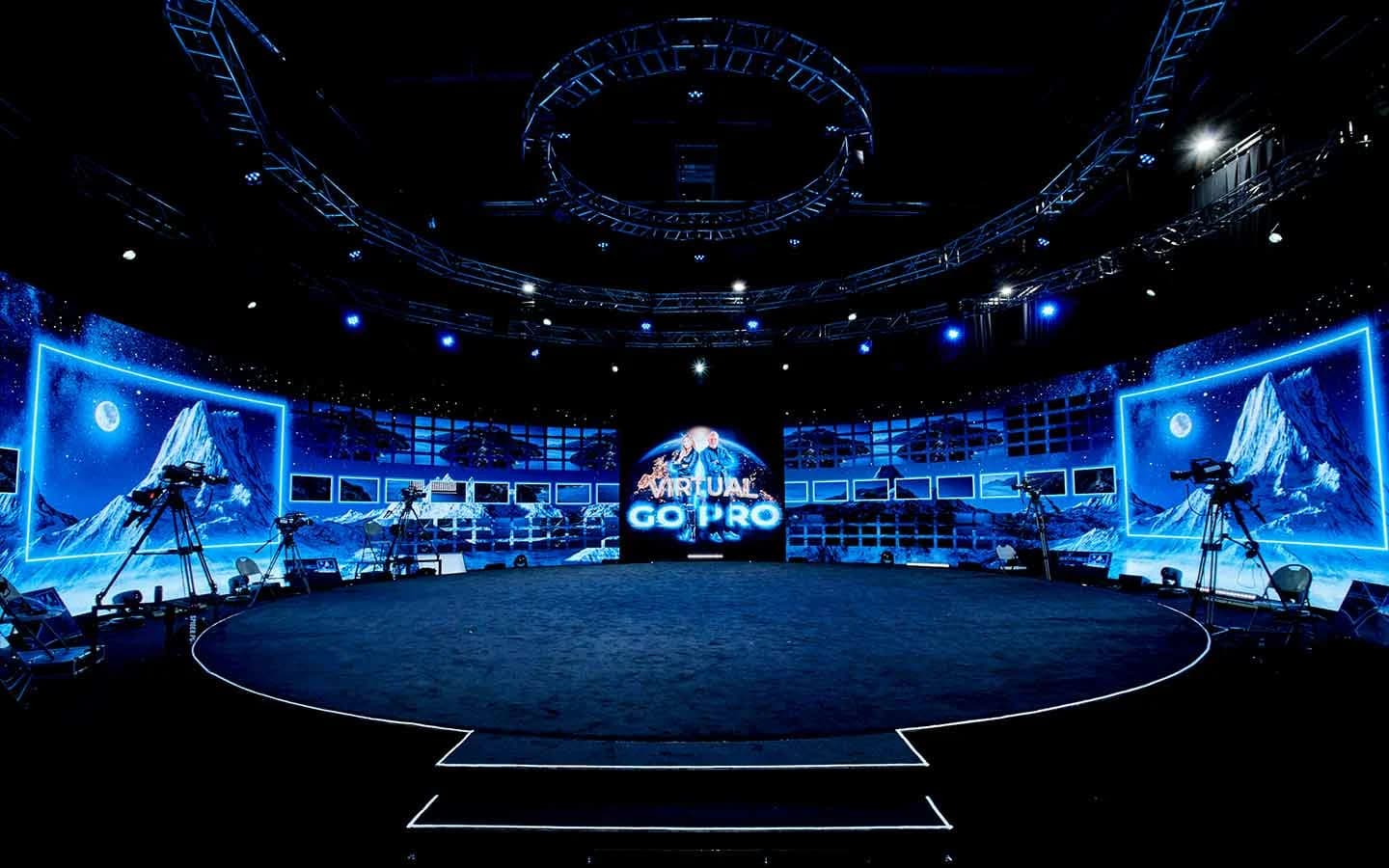
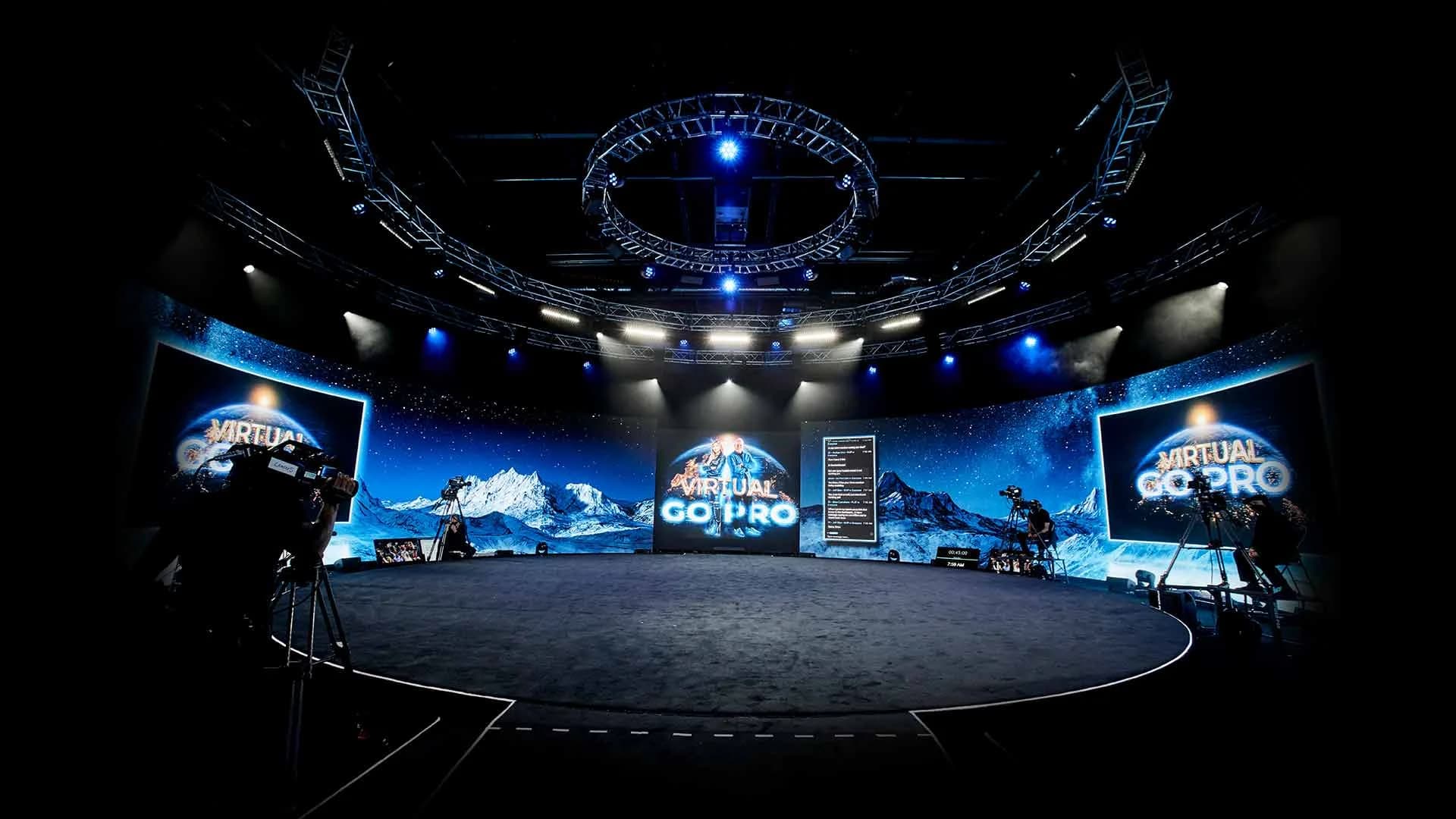
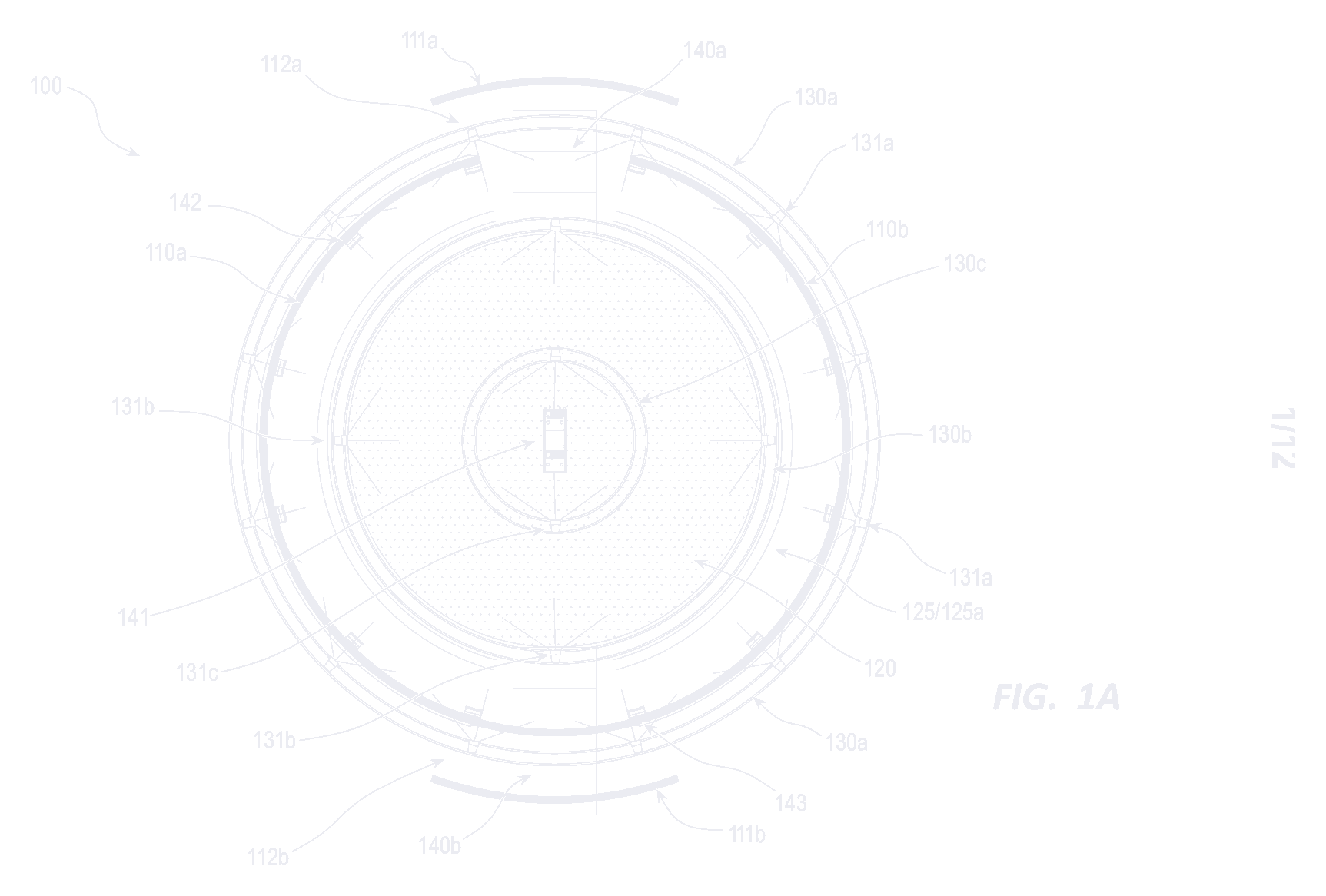
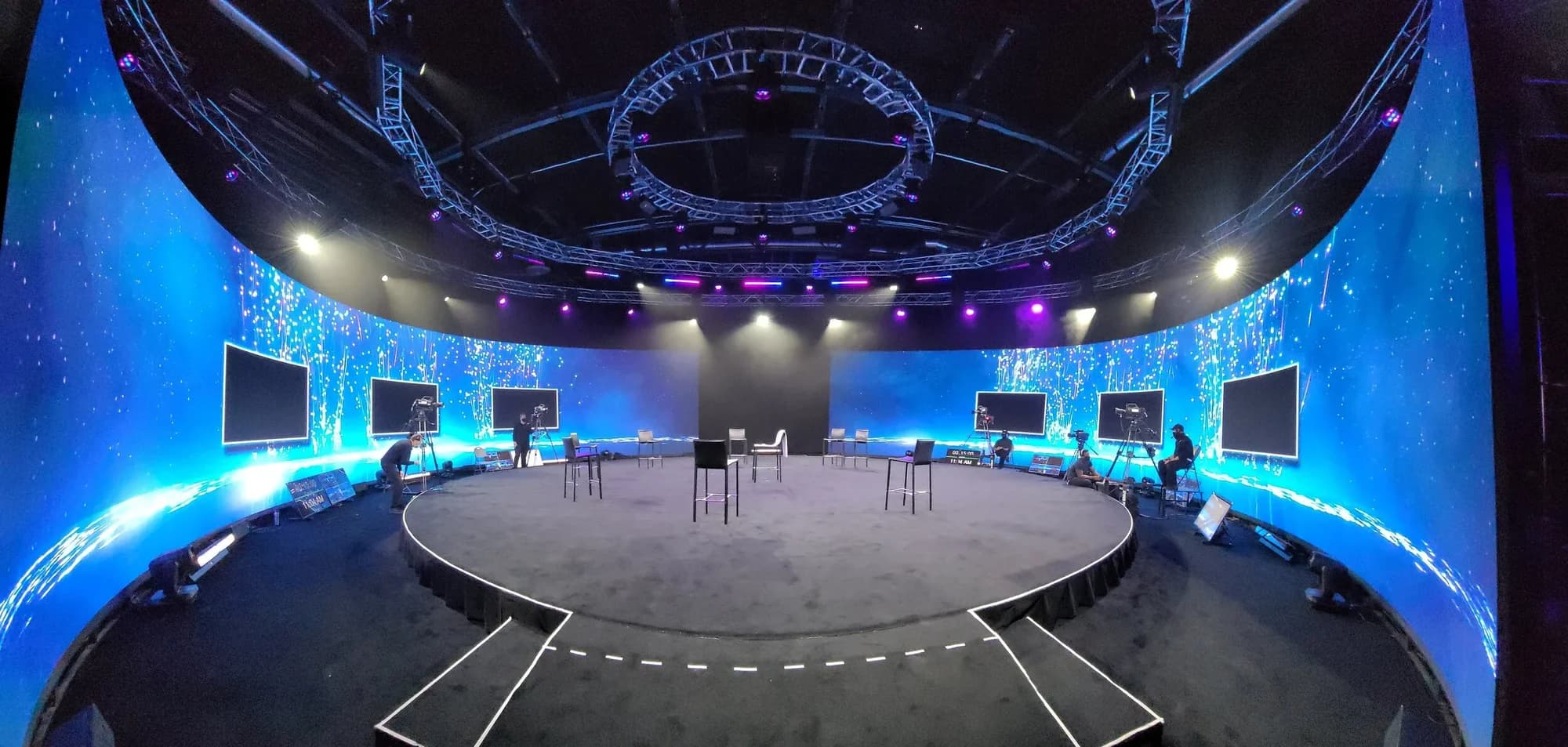
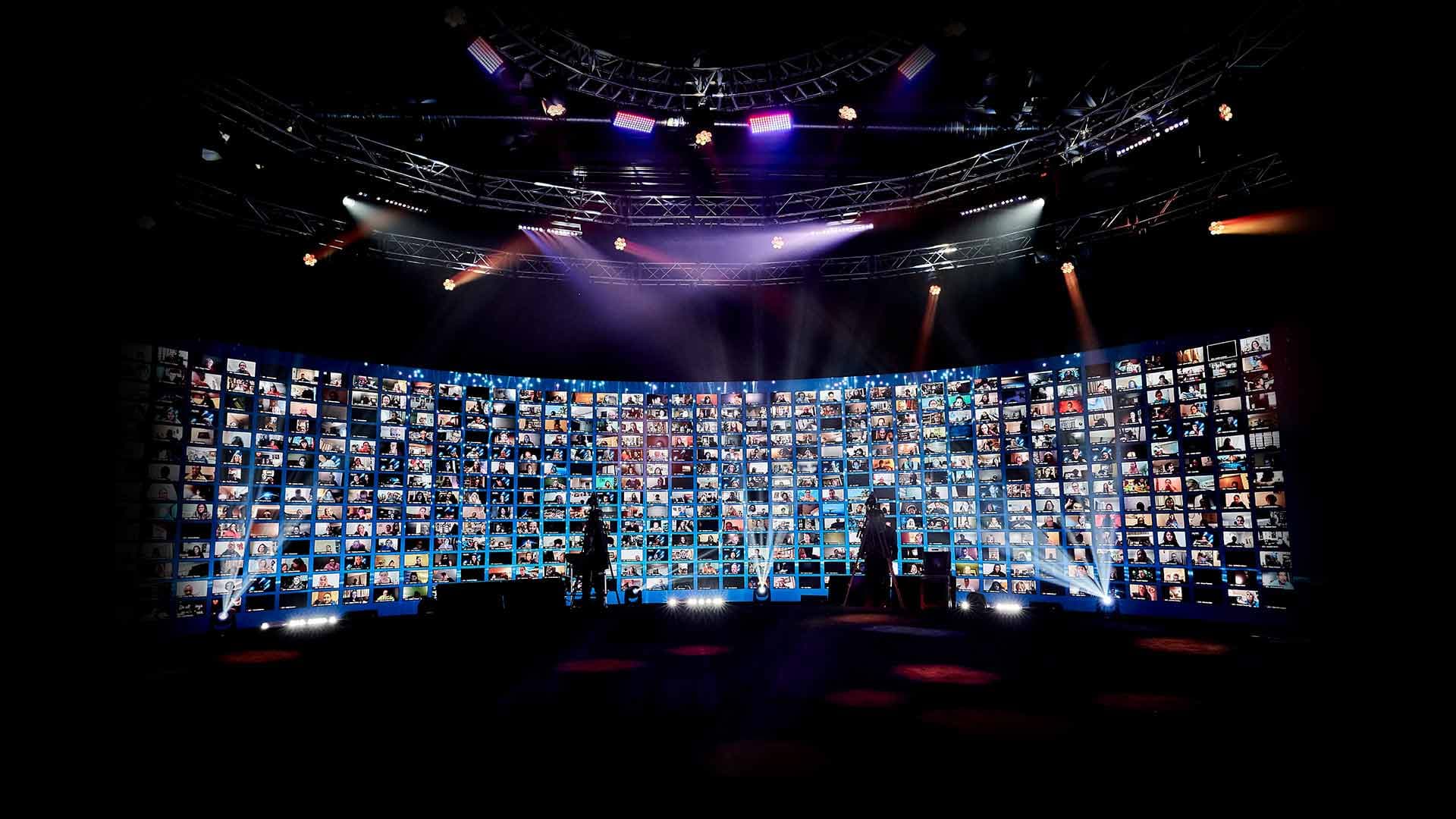
- Distance. Bring the audience in. A stage in the round puts every seat close to the conversation, and on our 360° stage half of the LED wall can move back to open the room to a live audience.
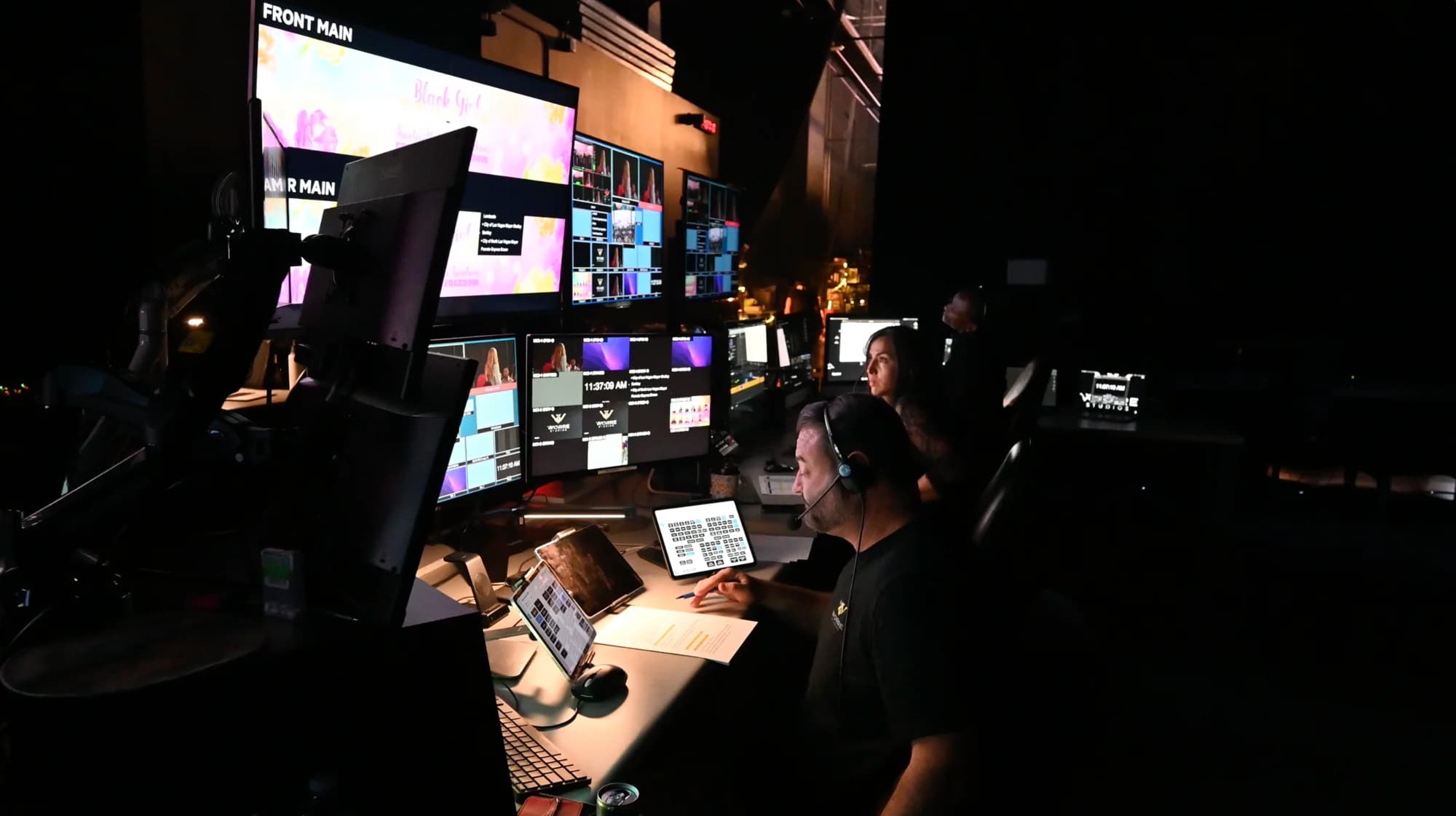
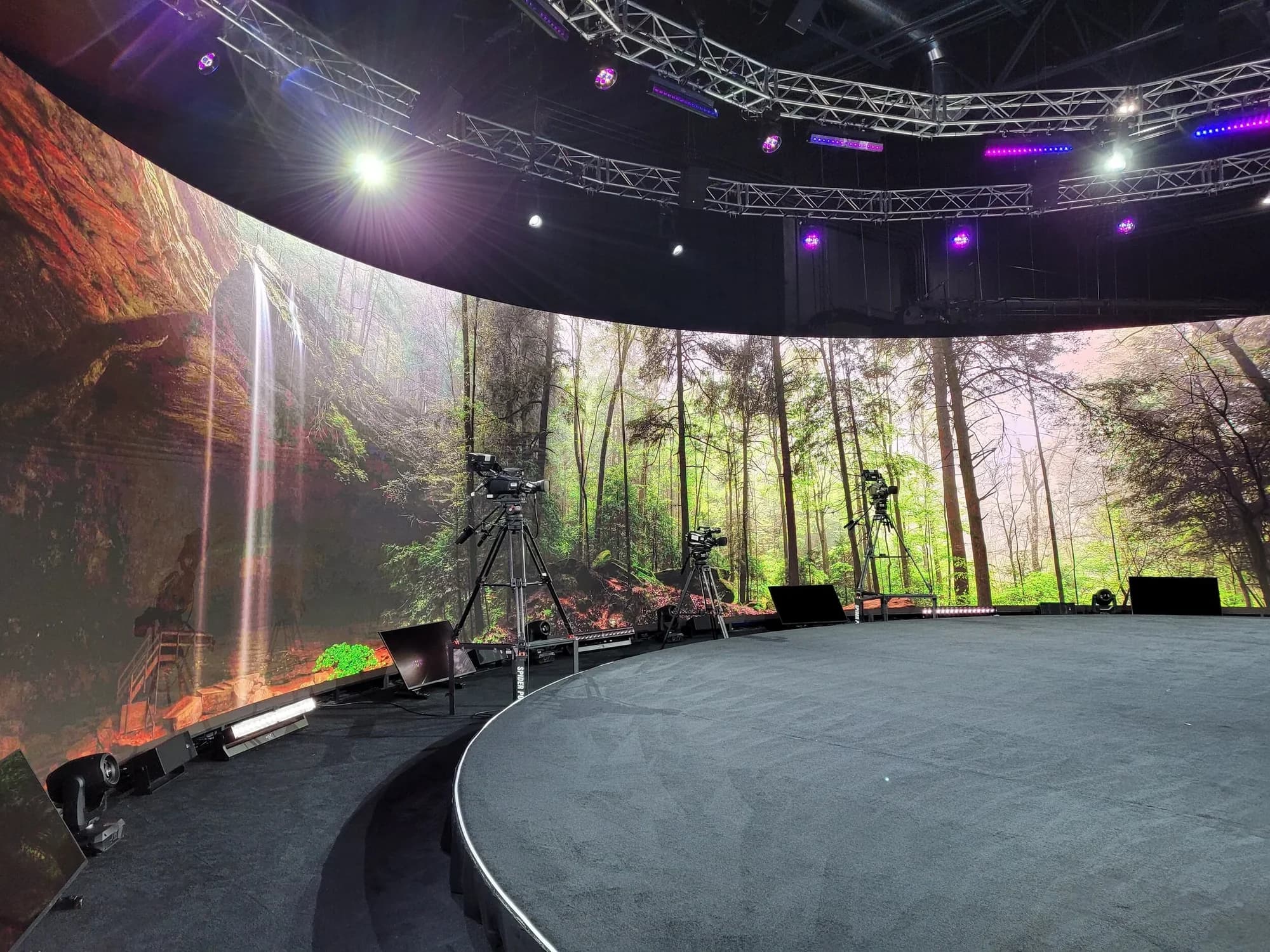
- Backdrop. Set a mood instead of a logo. Rendered environments built in Unreal Engine 5 on a custom-built system can put the chat in a library, a skyline or a warm abstract glow, and a producer can shift the scene from an iPad as the conversation moves. Custom worlds take months of lead time, so brief them early. Here's how rendered environments run during a live event.
- Furniture and set. Match the furniture to the tone of the conversation. At the studio, furniture, content and full set builds are customized to the event, so the stage never has to look like a stock studio set.
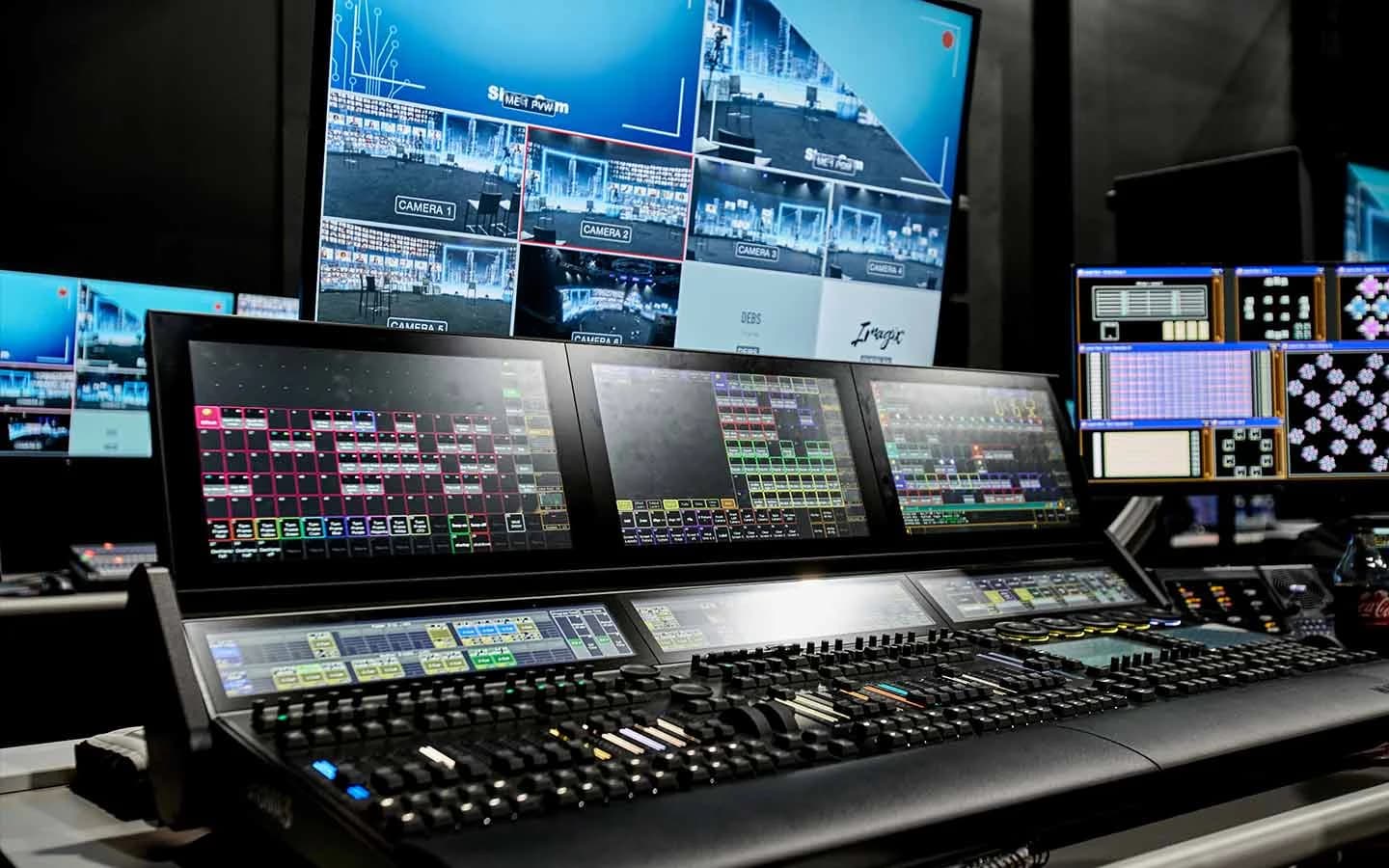
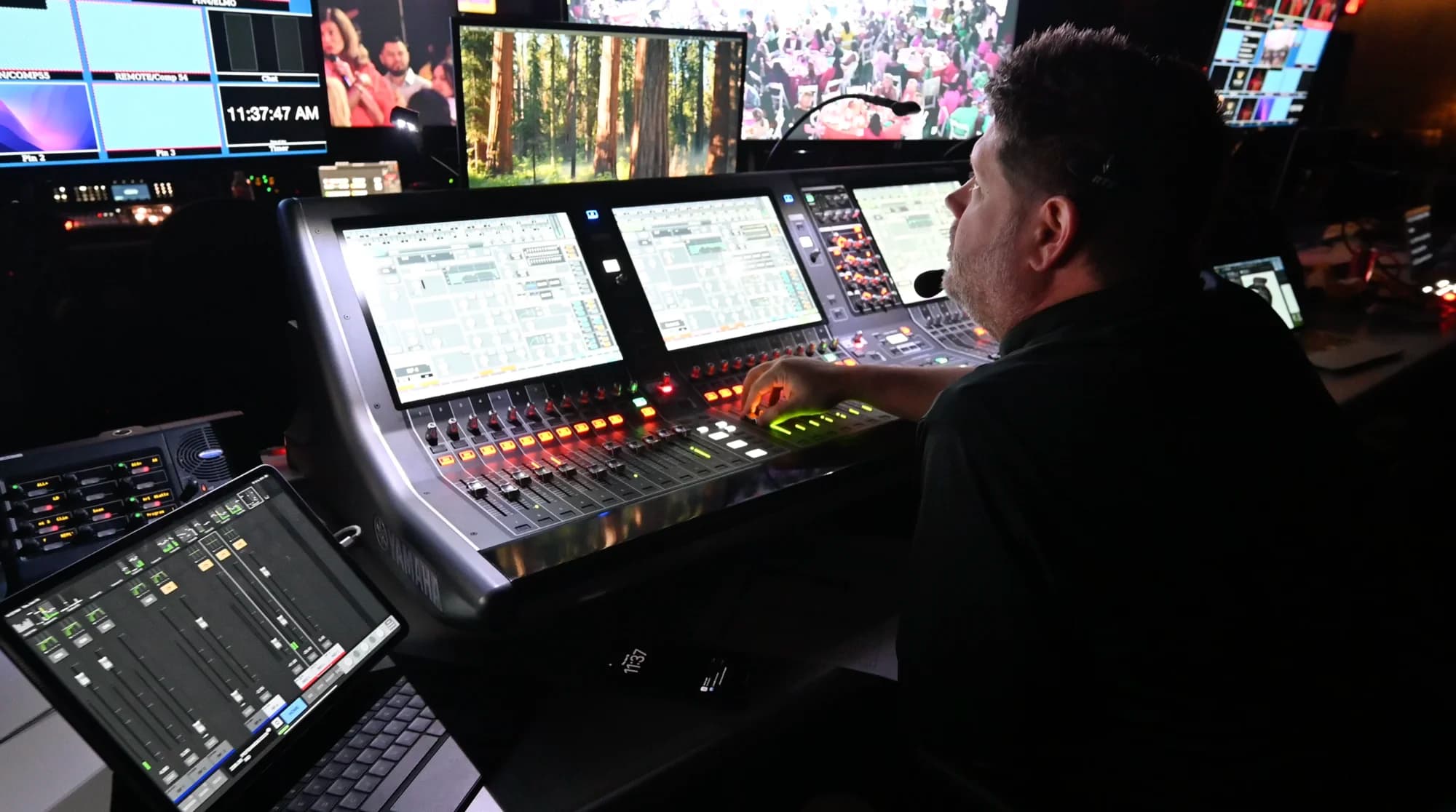
- Sound. Put lapel or headset mics on the host and guest so their hands are free and levels stay steady, and keep handheld mics for audience questions. Never make two people share one handheld. The studio runs Shure Axient wireless microphones.
- Cameras. Plan for a two-shot, a single on each person and a wide of the room, so the director can cut to reactions as well as answers. The studio sources whatever cameras the director prefers.
- Light. Soft, warm and even on both faces, balanced against the LED wall so neither the guests nor the backdrop washes out.
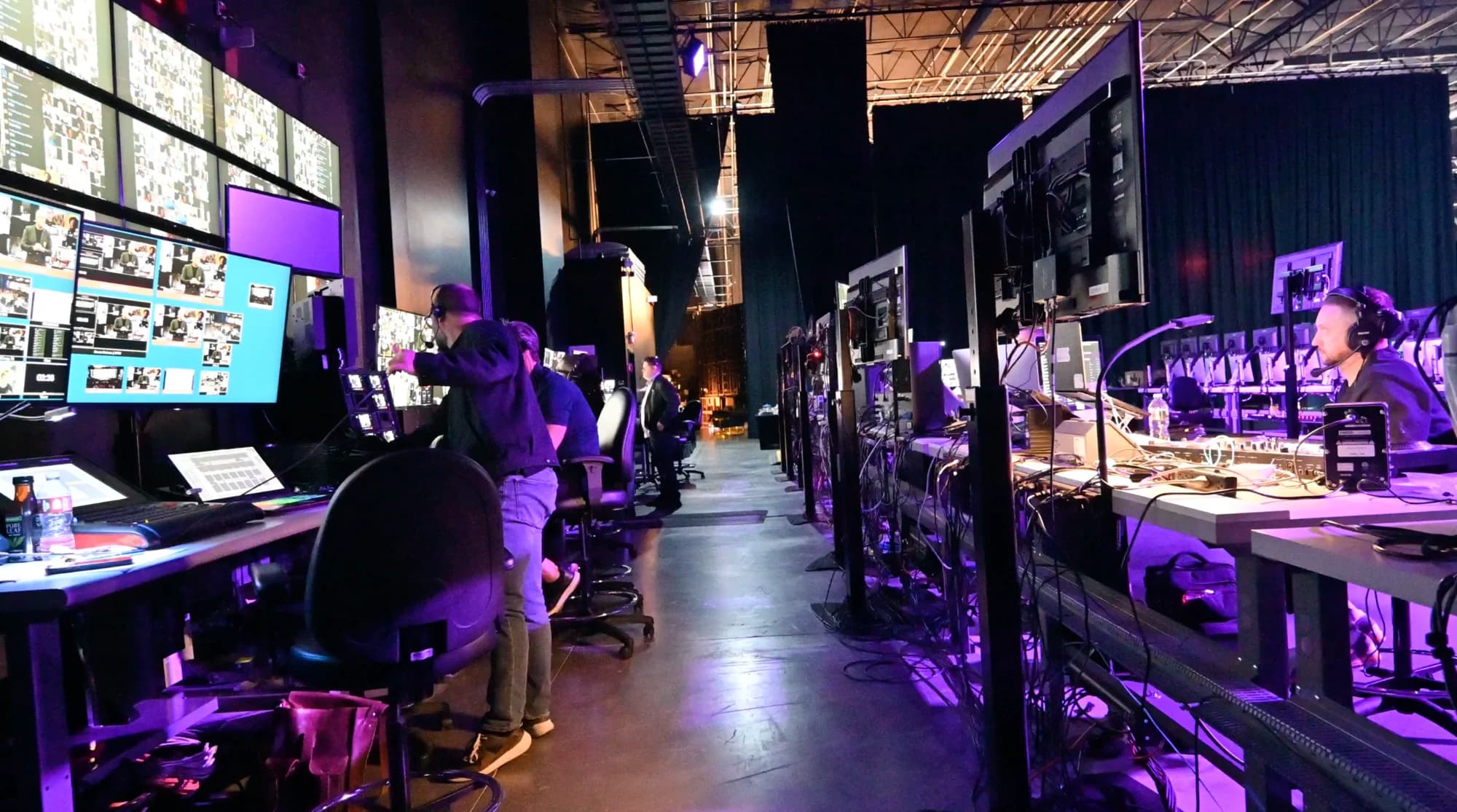
Every system on the stage, from the 12K LED wall to the audio and lighting, is listed in the studio's full technology specification.
Can the Guest or Host Join Remotely?
Yes. A remote guest can appear larger than life on the LED wall, face to face with the host on stage. What makes it work is latency. Our system is engineered for true one-on-one conversation, without the satellite-interview delay that has two people talking over each other, so the back-and-forth feels like a conversation instead of a broadcast with a lag.
A few habits help a remote chat feel in the room:
- Fix the eyeline. Put the remote guest's camera at eye level and ask them to look into the lens when they answer, so they meet the host's gaze on the wall.
- Test the connection in rehearsal. Run the full open with the remote guest, not just a sound check.
- Have a fallback. Agree in advance what the host does if the connection drops, so a pause never becomes dead air.
Sometimes the whole conversation needs to come from somewhere else. With our Remote Virtual Stage, the guest sends their camera feed from wherever they are, and the studio broadcasts it out as a full interactive event. Matthew McConaughey led a multi-hour session from a private studio with no remote capability of its own, and his feed went out the same way, to a fully interactive audience at roughly 90,000-attendee scale. Here's how the McConaughey broadcast was built.

How Do You Bring the Audience Into the Conversation?
Leave room for the audience's questions, and make it as easy for remote attendees to ask as it is for the room.
- Collect questions early. Ask for them at registration and in reminder emails, so the host has strong questions ready before the floor opens.
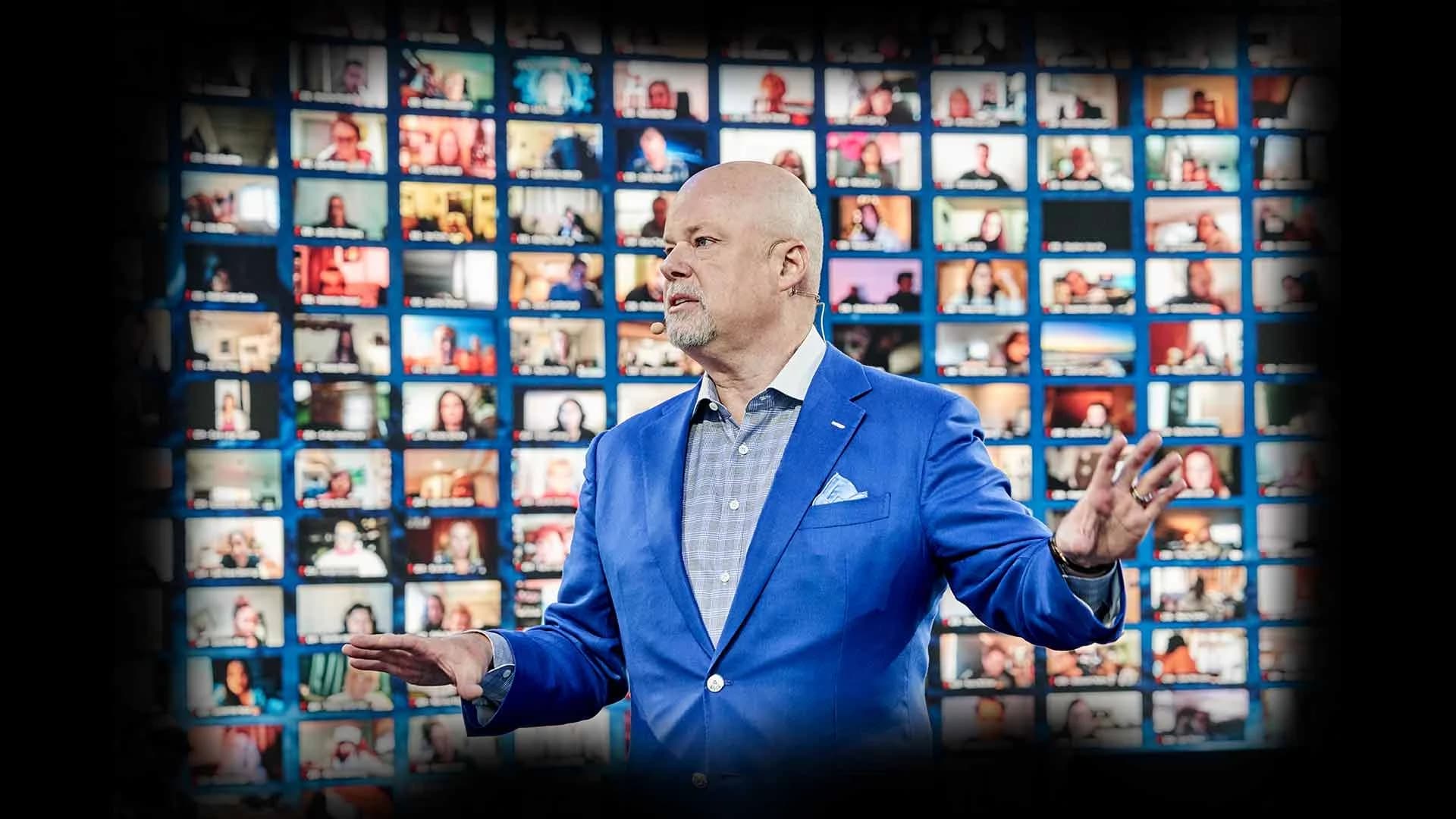
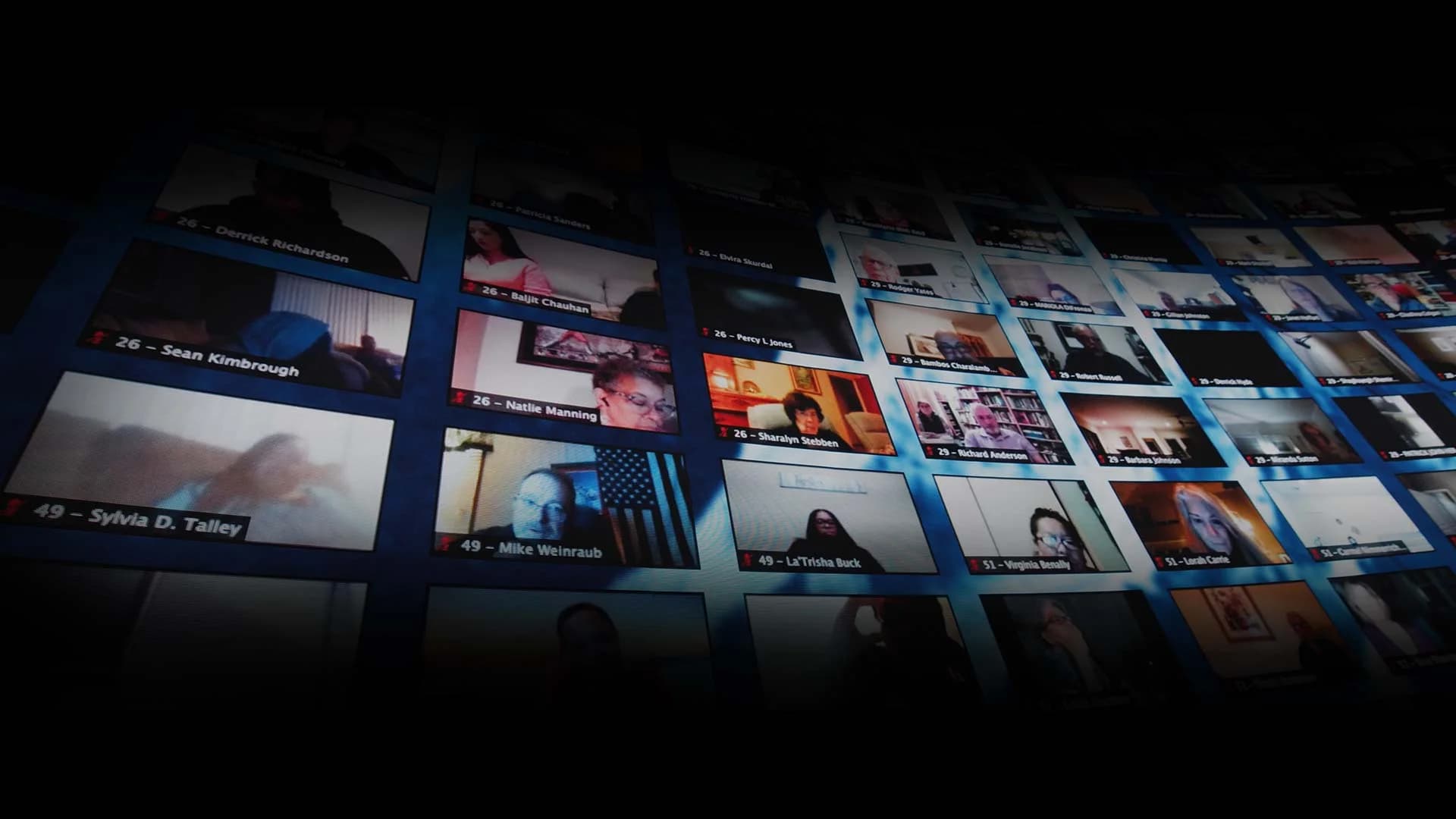
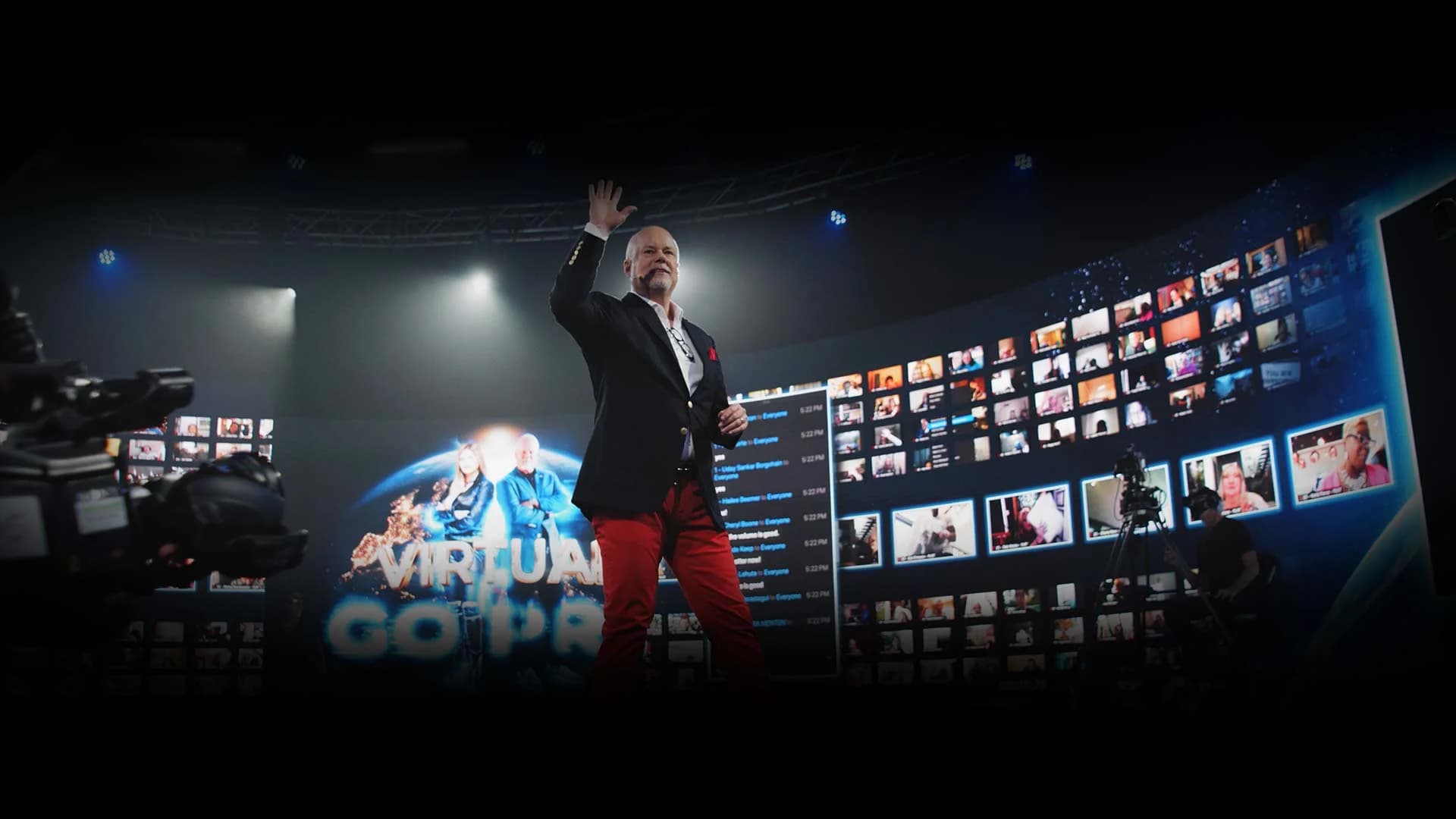
- Let remote attendees ask in their own voice. In an interactive broadcast, a remote attendee can be pulled up live, face to face with the guest, and ask the question themselves. Up to 2,744 remote guests can be displayed on our 360° LED wall at once, so the guest can see the audience they're talking to.
- Alternate the room and the remote audience. Take a question from the room, then one from the wall, so neither audience feels like the second priority.
- Translate the conversation. For a global audience, real-time translation in 100+ languages gives every attendee closed captions plus a translated voice track, with the room's sound layered underneath. Here's how real-time translation works at global events.
- Keep the conversation going afterward. Breakout rooms let attendees discuss what they heard face to face once the chat ends.
For more ways to turn viewers into participants, see these virtual event engagement ideas that go beyond polls and chat.
Should a Fireside Chat Be Live?
Yes, whenever the guest can make it. A fireside chat's appeal is that it's happening now: the unplanned answer, the laugh, the question nobody expected. Audiences can tell the difference.
On our studio floor the rule is simple: live is live, and recorded is recorded. When the World's Hottest Menopause Party ran from the studio, Halle Berry, Jenny McCarthy and Naomi Watts all appeared live, not pre-recorded, alongside leading menopause doctors, and the event streamed free to women around the world. If a guest truly can't join live, a recorded conversation still plays well, as long as the host introduces it as recorded and comes back live afterward. Never pass a recording off as live, and never invite questions to a guest who isn't there to answer them.
For how to split an event between the two, see live vs. pre-recorded virtual events.
What Happens After the Fireside Chat?
A good conversation keeps working long after the chairs are cleared. Capture the full chat as it runs, then give it a second life: a labeled replay, short clips your team cuts from the best answers for social, and quotes for the follow-up email.
Plan extra content while the guest is in the room. A booked production day often runs ten hours while the event runs about three, so teams use the remaining hours to record evergreen content on the same stage, such as short answers to common questions or a short video message for future events.
If the chat also streams to public platforms, keep the numbers apart. One production can push to up to 24 platforms at once while the interactive event runs inside its branded dashboard. Platform views measure reach; the dashboard is where attendance happens. Our guide to streaming an event to multiple platforms at once covers the setup.
When Does a Fireside Chat Call for a Studio?
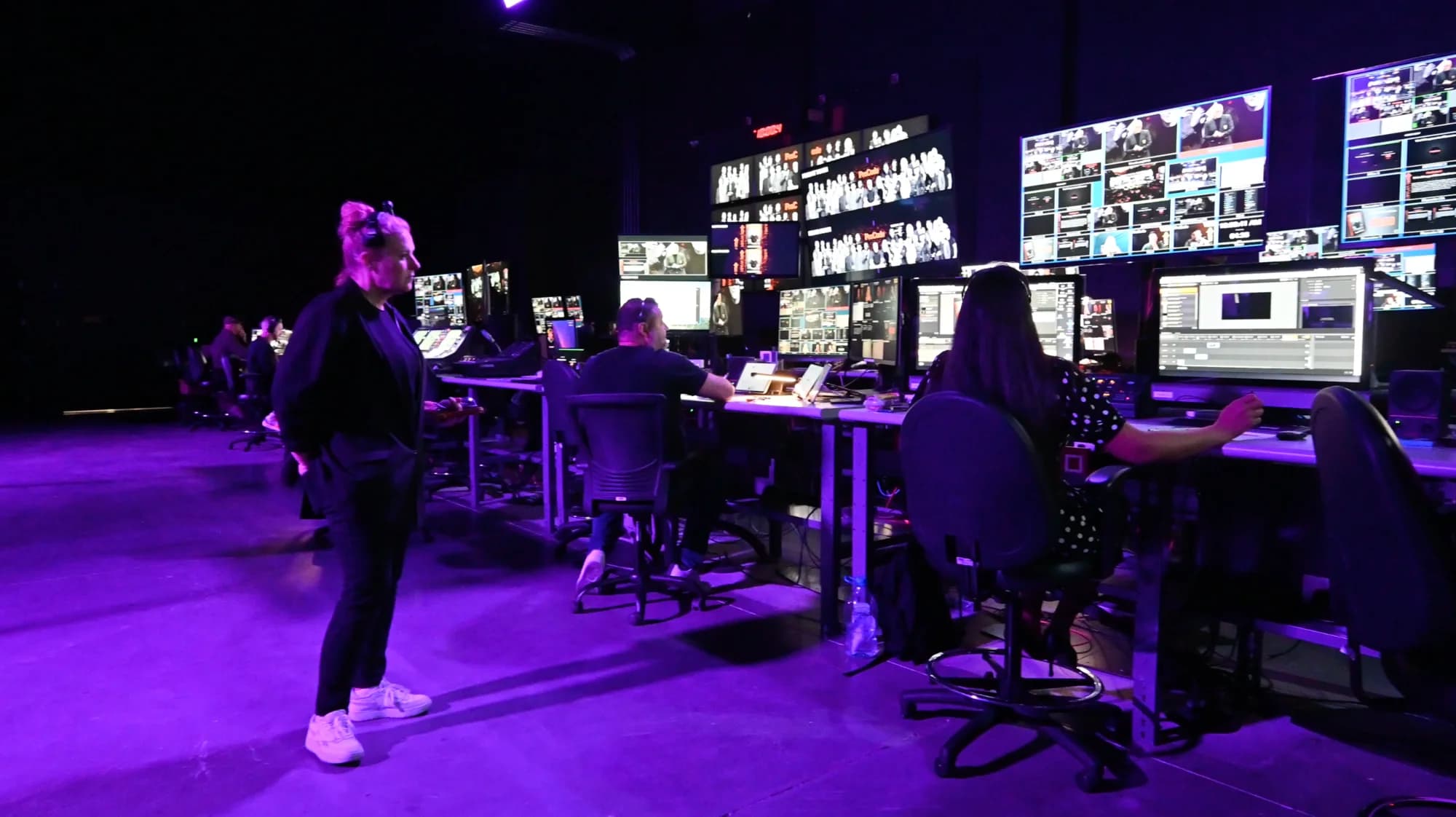
When the guest is a big name, the audience is large or global, or the conversation is the centerpiece of the event. A studio brings the staging, the sound, the cameras, the remote guest connection and the interactive audience together under one booking, with the crew already in the building. Here's why an interactive broadcast isn't a webinar.
We work two ways. A Premium Event stages the chat in the studio: host and guest on the 360° stage, with a room of up to 350, a fully remote audience, or both together as one hybrid event, and reach to hundreds of thousands, every one of them able to take part rather than only watch. If the conversation is happening somewhere else, our Remote Virtual Stage takes the camera feed from wherever you are and broadcasts it as a full interactive event. Here's how the two ways to work with Worre Studios compare.
If you're comparing rooms, start with the questions to ask any venue before you book. When you're ready, start a studio inquiry and we'll build the chat around your guest.
Frequently Asked Questions
What is a fireside chat?
A fireside chat is a seated, unscripted conversation between a host and a guest in front of an audience. It has no slides or lectern, and it feels personal rather than presented. The name comes from Franklin D. Roosevelt's 1930s radio addresses.
How long should a fireside chat be?
Thirty to forty-five minutes suits most events. Leave about a quarter of the time for audience questions. Shorter chats feel like interview segments, and much longer ones need a very strong guest to hold attention.
What's the difference between a fireside chat and a panel?
A panel has a moderator and several panelists comparing viewpoints. A fireside chat has one host and one guest, sometimes two, in a guided conversation about the guest's story. Choose a panel for perspectives and a fireside chat for depth.
How many questions should the host prepare?
Plan three or four themes rather than a long list, each with an opening question and a few possible follow-ups. Share the themes and the opening question with the guest ahead of time, and keep the follow-ups unscripted so the answers stay fresh.
Can a fireside chat be virtual or hybrid?
Yes. A fireside chat can run in a room, online, or both. In an interactive broadcast, remote attendees can be pulled up live to ask their own questions face to face, and real-time translation in 100+ languages makes it work for a global audience.
Can the guest join a fireside chat remotely?
Yes. A remote guest can appear on the LED wall face to face with the host on stage. Latency engineered for one-on-one conversation keeps the back-and-forth natural. If the whole chat needs to come from elsewhere, our Remote Virtual Stage broadcasts the guest's own camera feed as a full interactive event. Remote Virtual Stage is scoped separately and quoted per inquiry.
How do you take audience questions during a fireside chat?
Collect questions at registration, then open the floor for the last part of the chat. Alternate questions from the room and from remote attendees, and let remote attendees ask in their own voice on screen rather than only through a typed queue.
What do you need to stage a fireside chat?
Two chairs at the same height angled toward the audience, a side table, lapel or headset mics, a handheld for audience questions, and cameras for a two-shot, a single on each person and a wide. A warm backdrop and even lighting on both faces finish the look.
Written by the Worre Studios Content Team and reviewed by Ben Groen, Ticketing & Interactive Platform Lead. Studio capabilities reflect installed infrastructure and the delivered events named above; fireside chat practices are described at the category level. Reach capability is not a guarantee of attendance or results for any specific event. Last reviewed November 10, 2026.
More from The Front Row
Give Your Conversation the Room It Deserves.
Tell us who's taking the stage and who's tuning in. We'll walk you through the studio, virtually or in person, and plan a fireside chat your audience feels part of.