


Webinar vs. Interactive Broadcast: What's Actually Different?
On this page
A webinar is a window: attendees watch a feed inside someone else's platform, mostly muted, mostly passive. An interactive broadcast is an environment: attendees enter a dashboard branded entirely as yours, join live face-to-face, break into rooms, hear the event in their own language, and can buy, download, and register without ever leaving. Same internet. Completely different event.
Key Takeaways
- The dividing line isn't audience size or video quality — it's whether remote attendees can be seen, heard, and pulled into the event live.
- In an interactive broadcast, every event runs inside its own branded dashboard. Attendees experience your brand, not a platform's.
- Breakout rooms, audience segmentation, and multiple shopping carts turn the event itself into a revenue and lead-capture surface.
- Real-time translation in 100+ languages keeps global audiences inside the same single event — one message, one time, across the world.
- The underlying streaming tools are commodity plumbing. The interactive layer built on top is the product.
Every planner who walks through the studio eventually asks some version of the same question: how is this different from a really big Zoom call? It's a fair question, and the honest answer isn't a spec sheet. It's a distinction in kind, not degree.
A Webinar Is a Window
Think about what a webinar actually gives an attendee. They click a link, land inside a platform's interface — the platform's colors, the platform's controls, the platform's brand — and watch a feed. Maybe there's a chat box. Maybe there's a Q&A widget where questions go to die in a moderator queue. Their camera is off, their mic is muted, and their attention is one browser tab away from gone.
None of that is a production failure. It's what the format is. A webinar was designed to move information in one direction efficiently, and it does that fine. The problem starts when teams try to run a flagship event — a product launch, a global kickoff, a paid summit — through a format built for one-way delivery. The moment matters, and the window flattens it.
An Interactive Broadcast Is an Environment
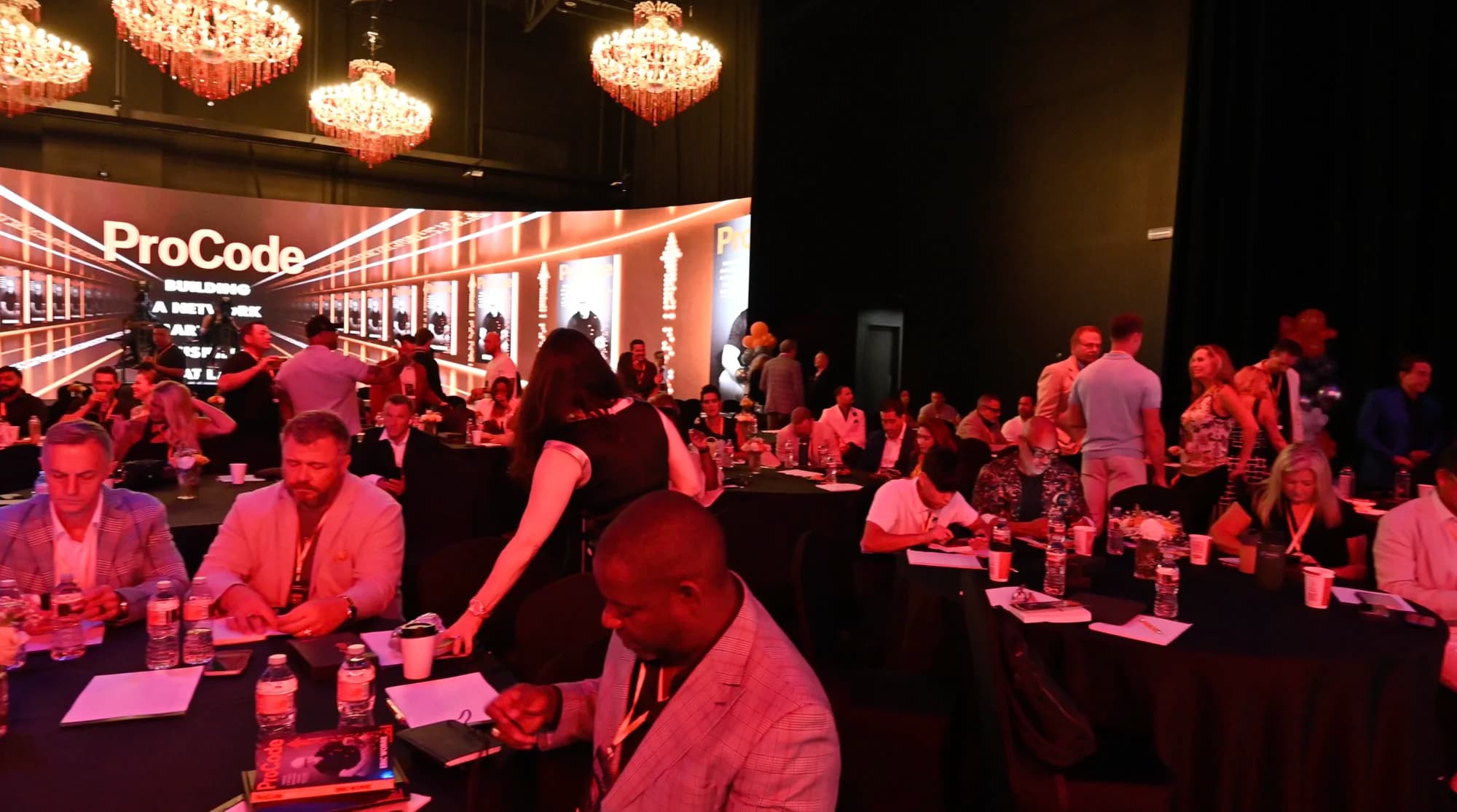
An interactive broadcast starts from the opposite premise: remote attendees are participants in the room, not viewers of it.
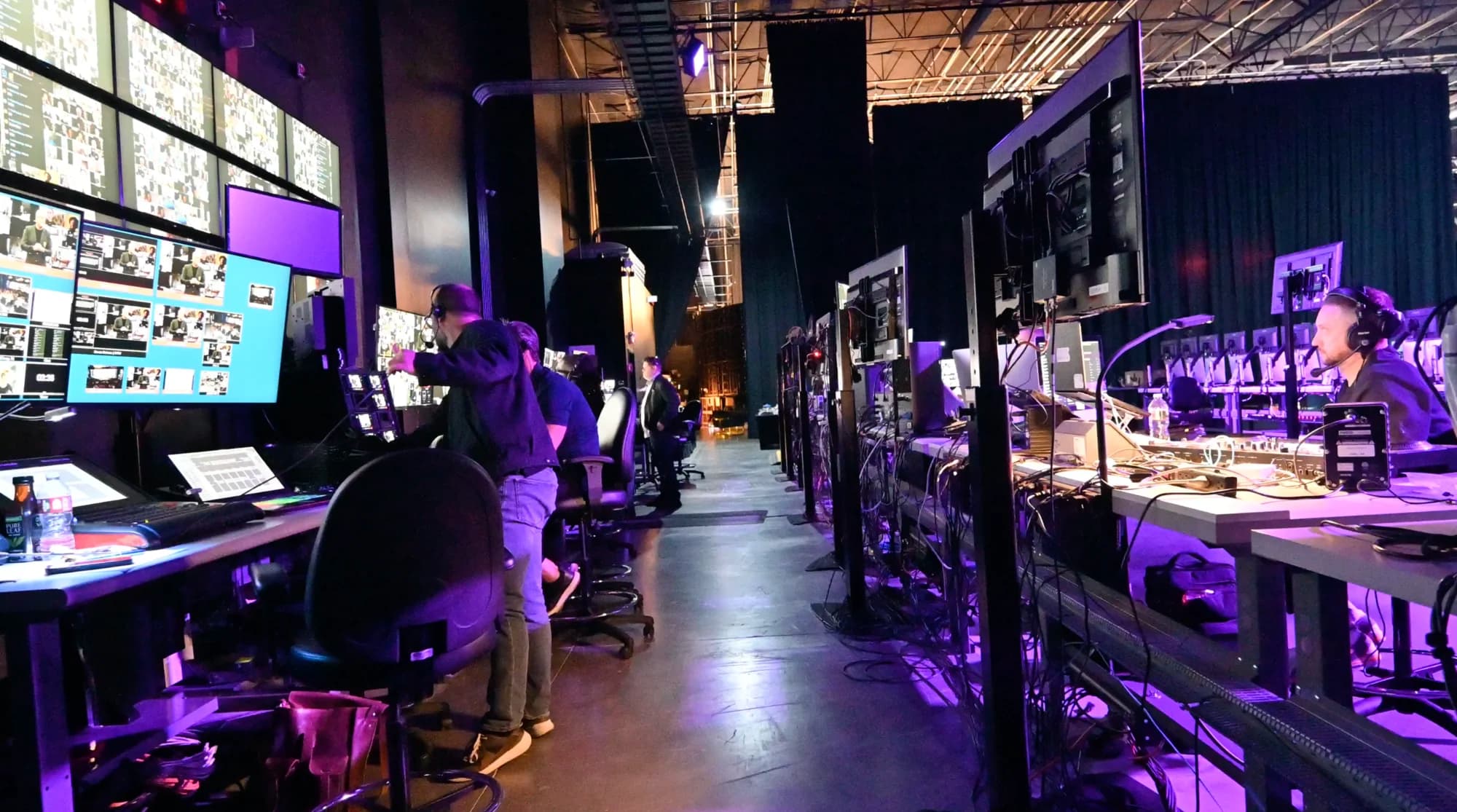
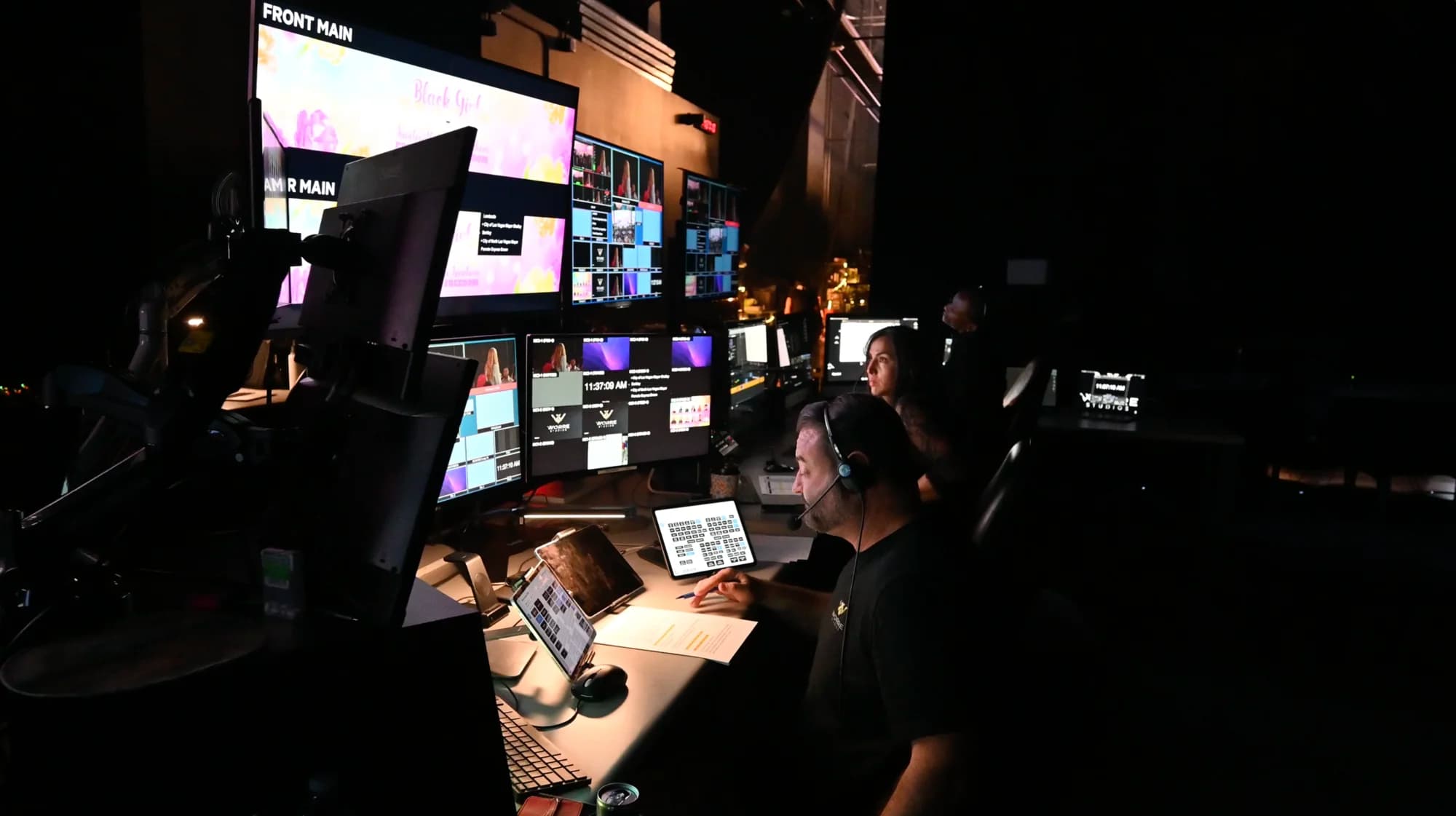
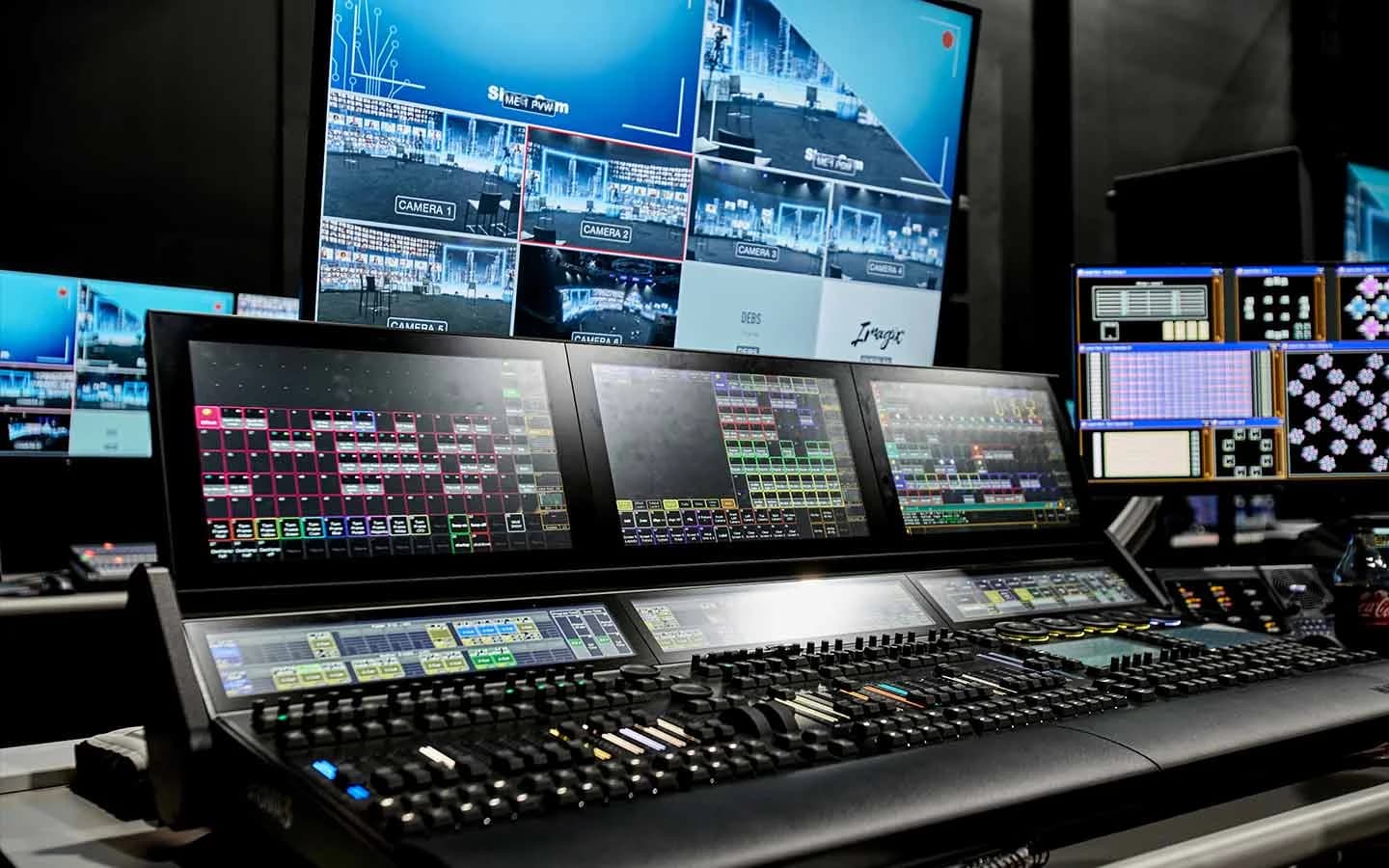
The first difference attendees notice is that there's no platform between them and your brand. Every event produced at the studio gets its own virtual dashboard — built on CANVAS, running on a custom-built system — designed for that event and branded entirely as the client's own. Attendees log into your event: your identity, your structure, your experience. The infrastructure disappears behind it.
Inside that environment, the format opens up in ways a webinar structurally can't:
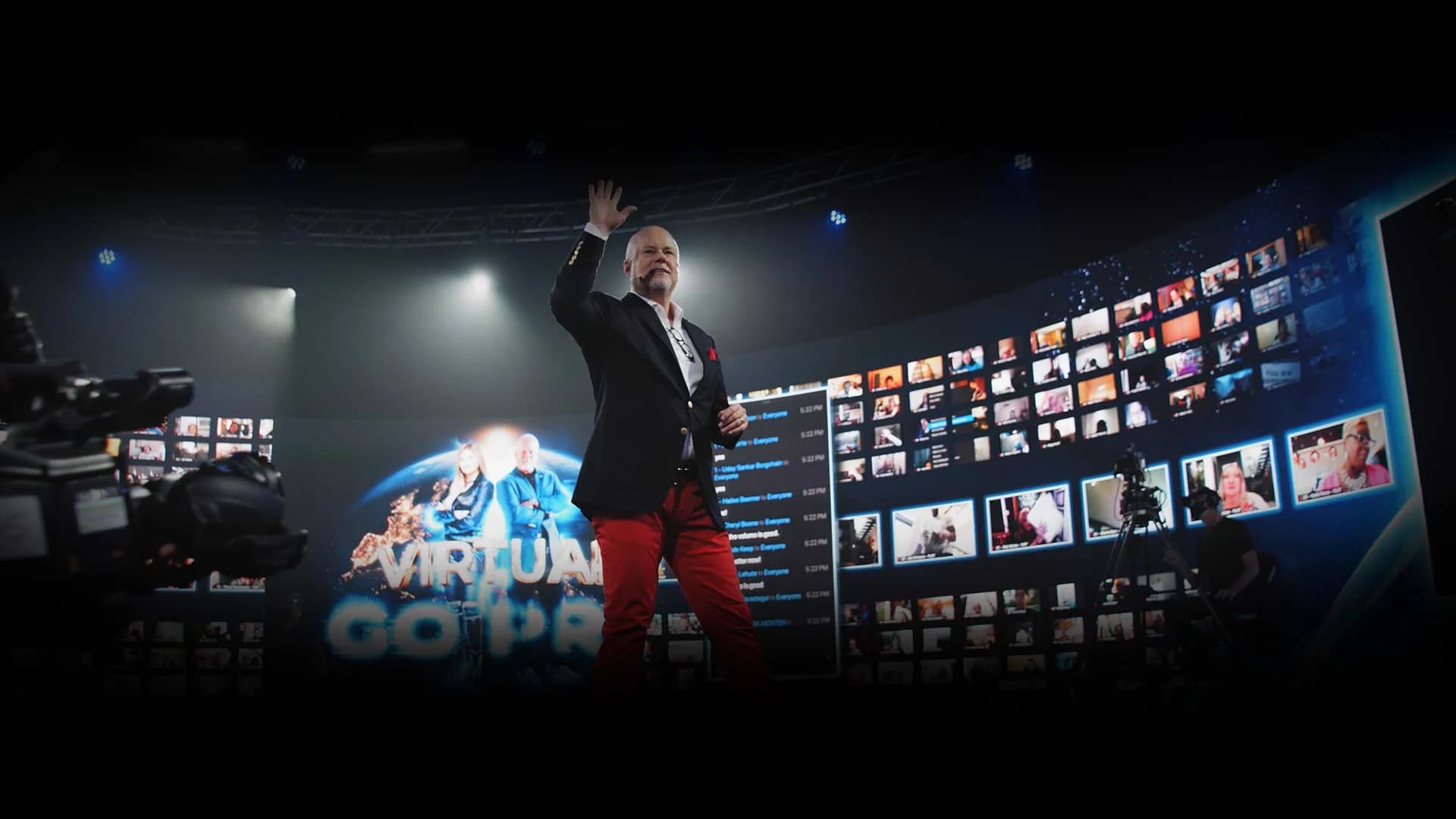
- Attendees go fully live. Remote guests can be brought up on screen with the host in real time — face to face, eye contact, actual conversation. The system is engineered for true one-on-one latency, with none of the satellite-interview delay where two people keep talking over each other.
- Breakout rooms at event scale. The audience can split into live, face-to-face sessions — workshops, regional rooms, VIP groups — and come back to the main stage.
- Segmentation. The audience can be split and routed however the event needs: by ticket tier, region, language, team, or anything else.
- Multiple shopping carts. Different offers, different carts, different audience segments — inside one event. Combined with captive downloads and registration flows, the broadcast becomes a revenue and lead-capture surface, not just a transmission.
For practical ways to turn that participation into a more engaging event, explore these virtual event engagement ideas.
A webinar is a window. An interactive broadcast is a branded, monetizable environment your audience steps inside.
Reach Without Losing the Room
Scale is where the two formats quietly diverge the most. Webinar platforms cap out; more importantly, they degrade — past a certain size, "attendees" become an anonymous view counter.
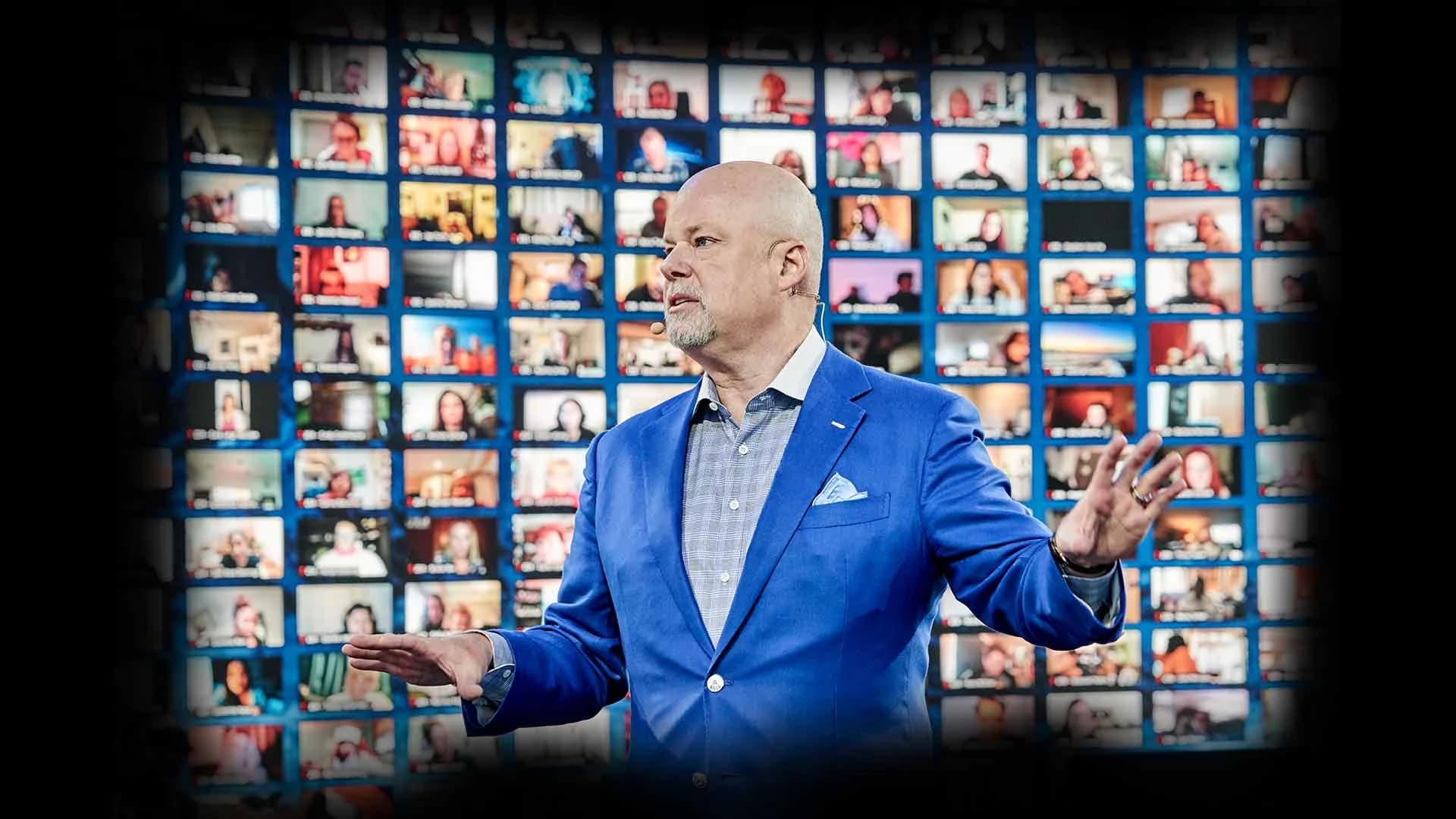
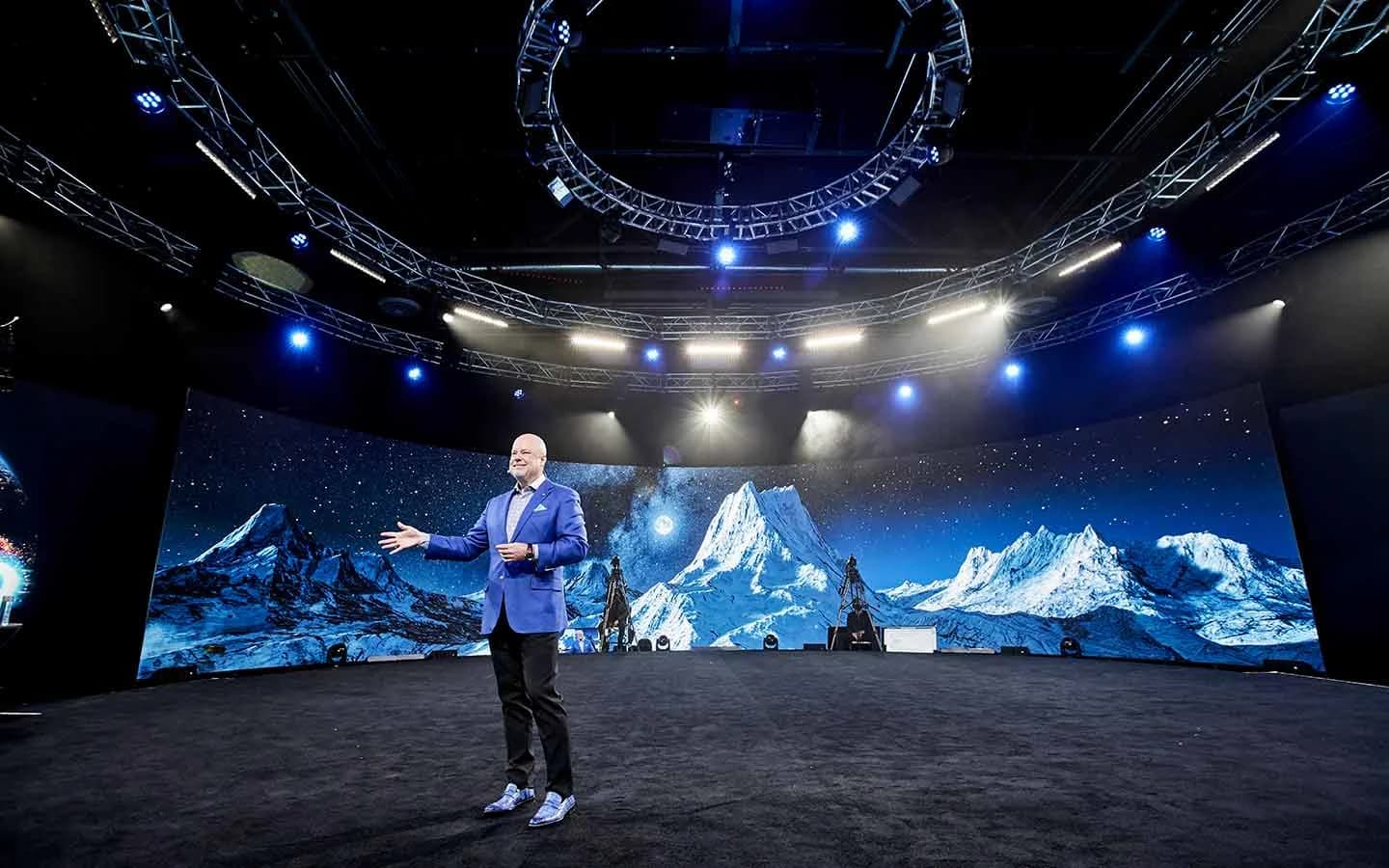
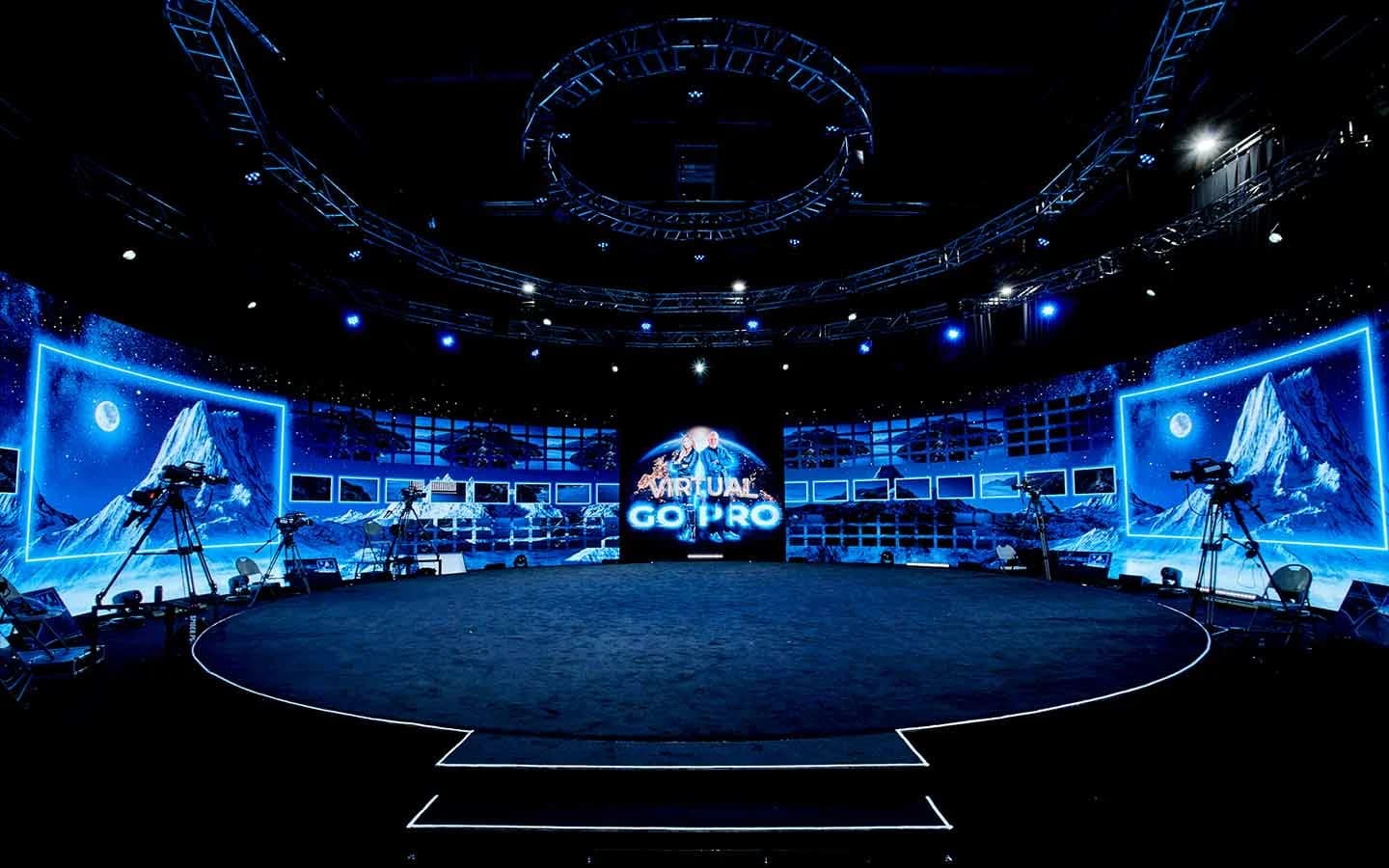
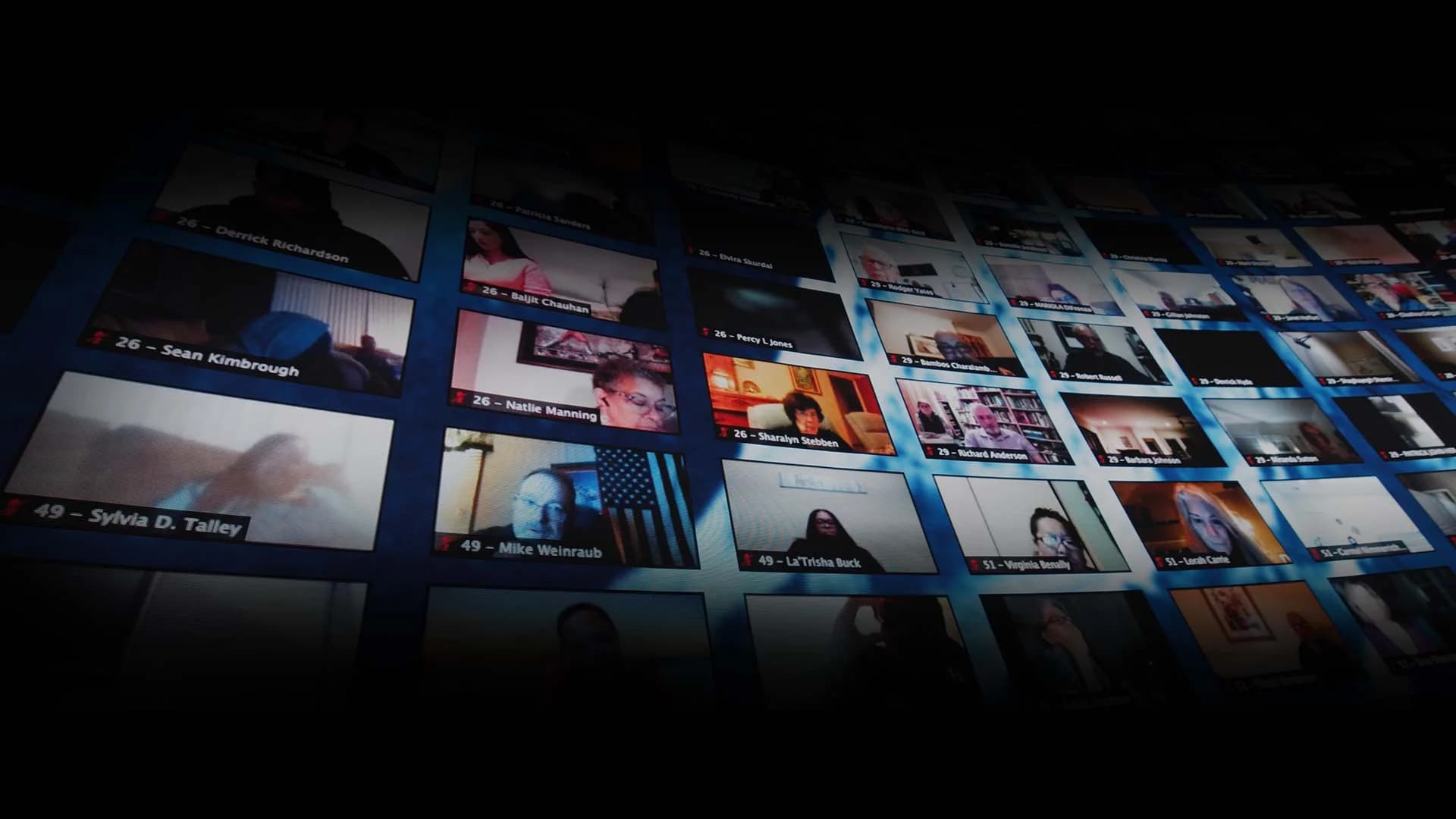
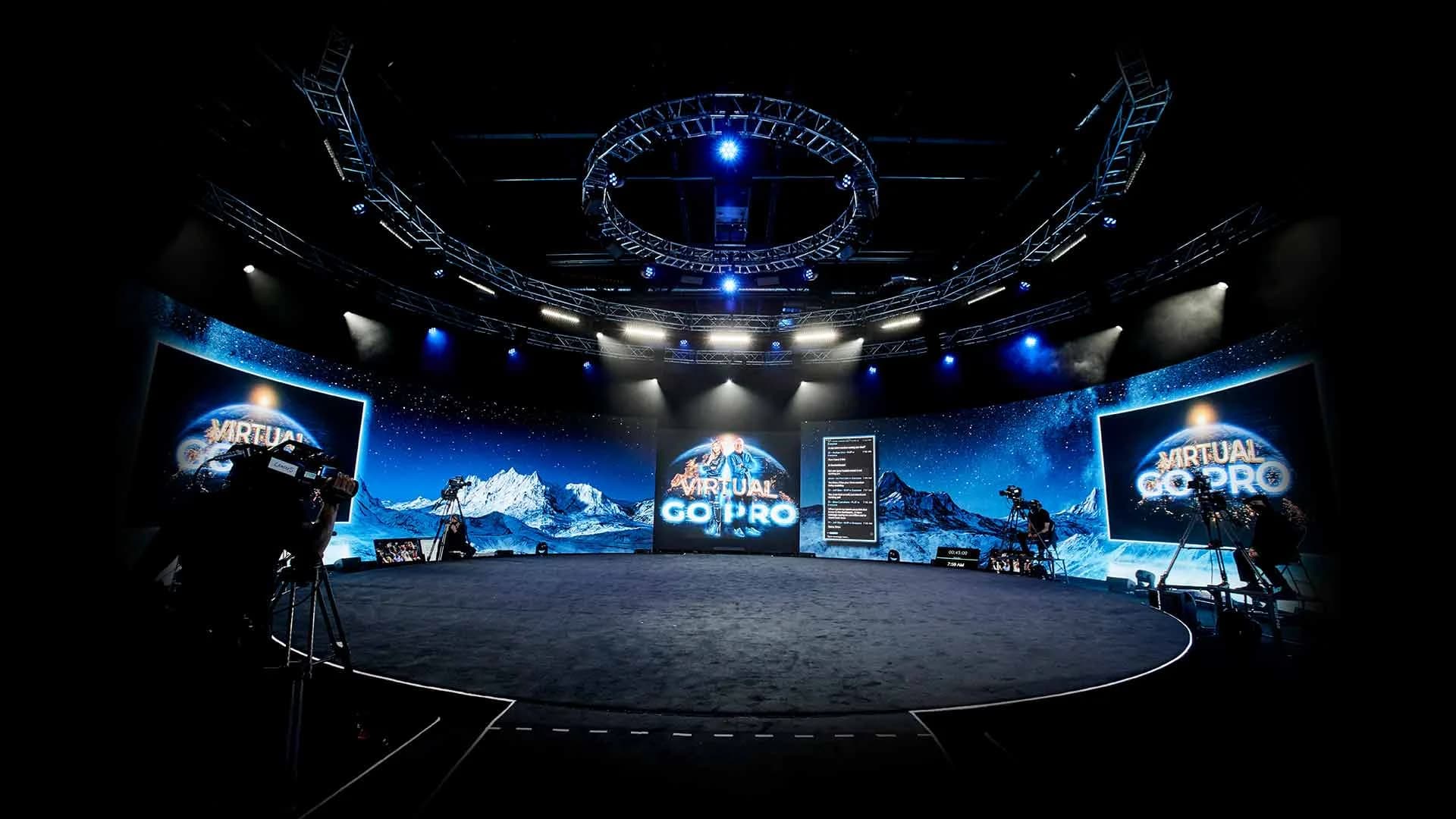
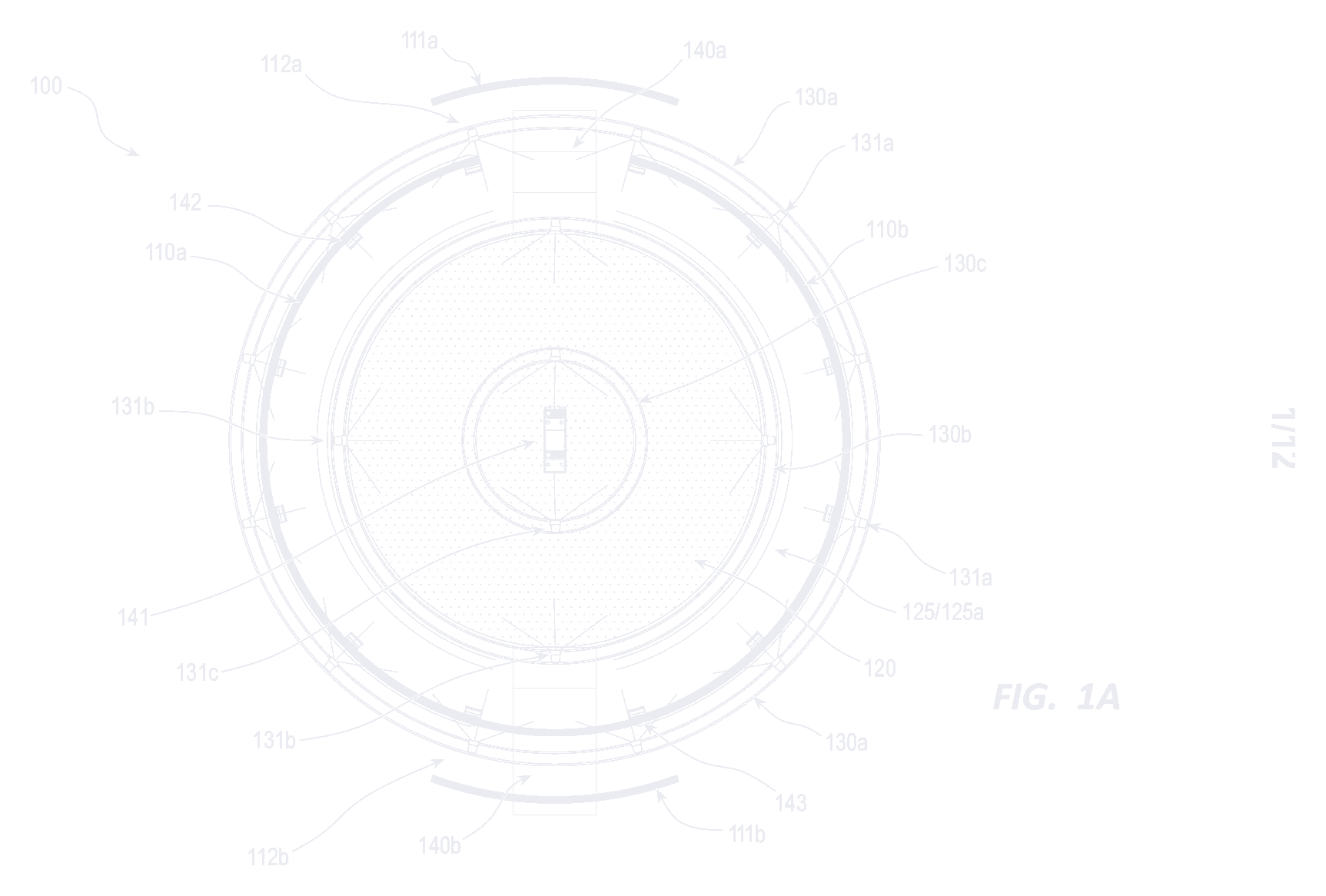
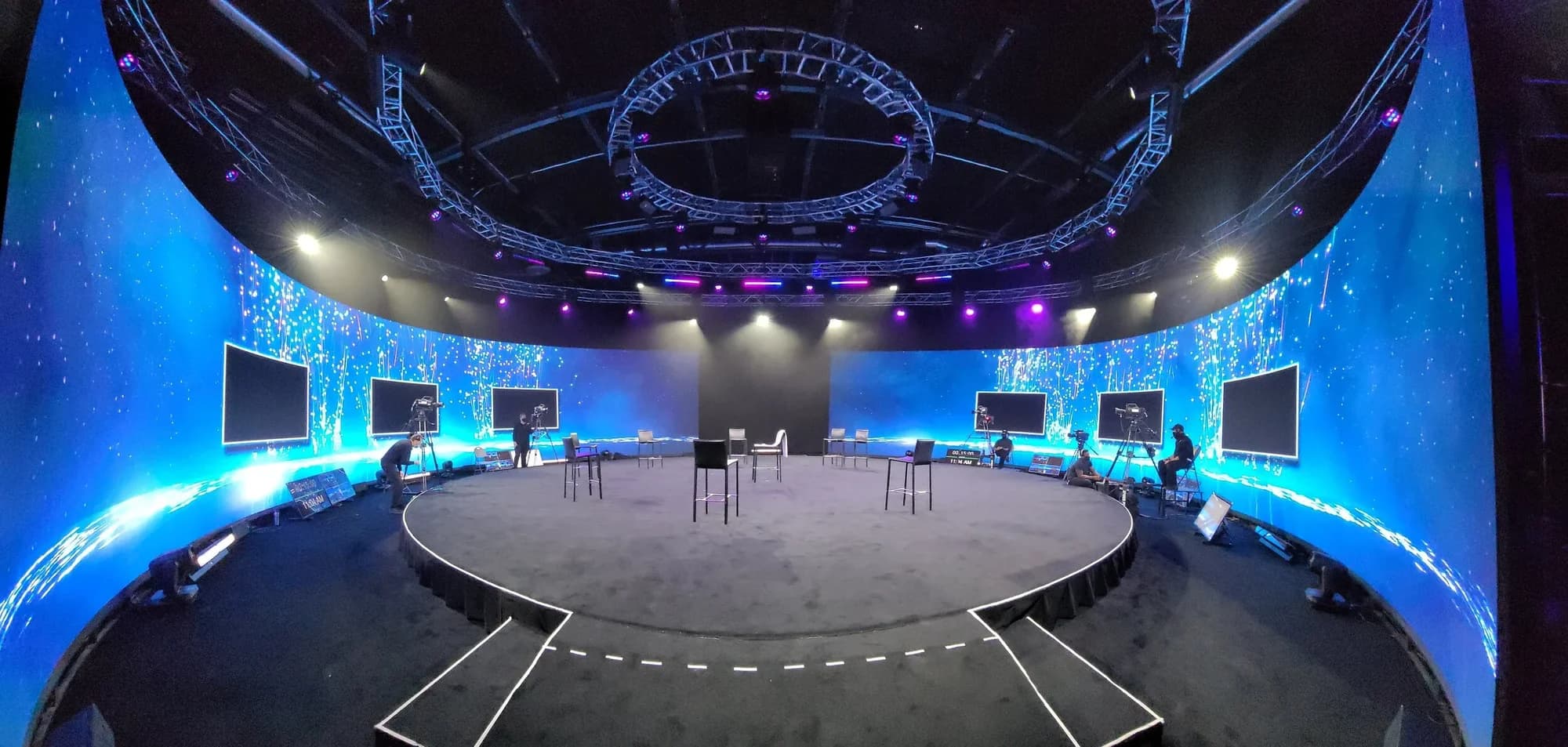
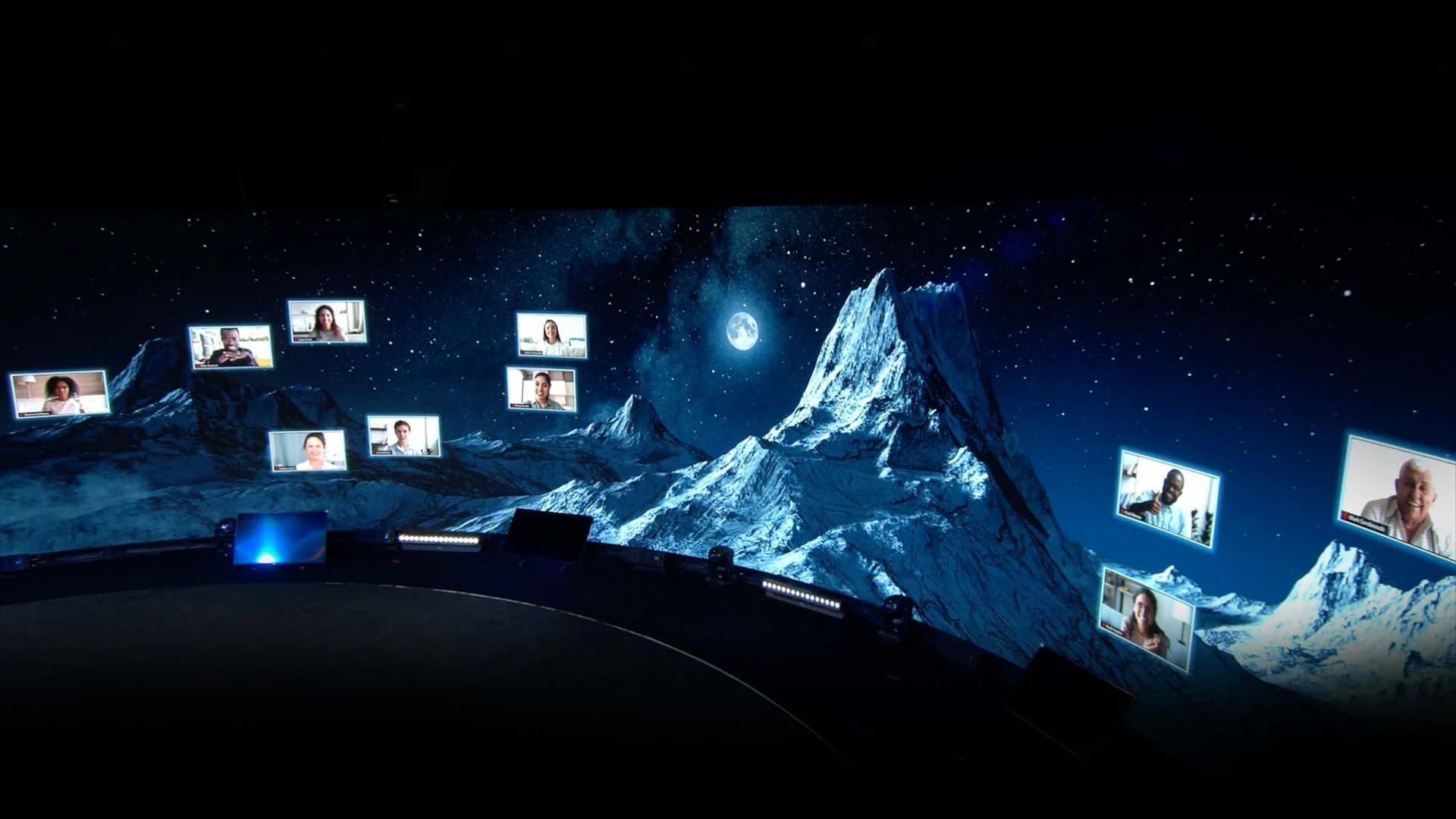
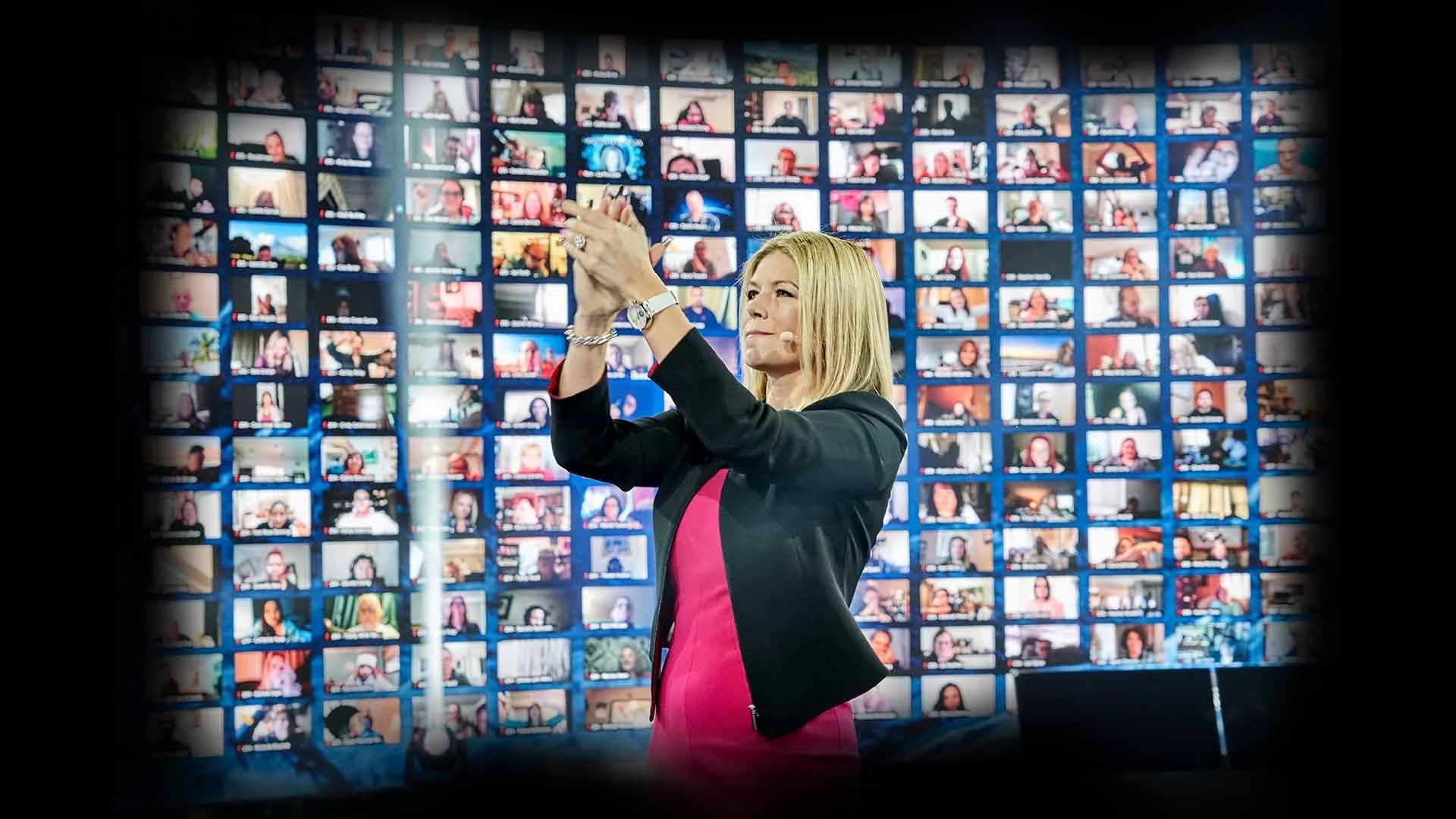
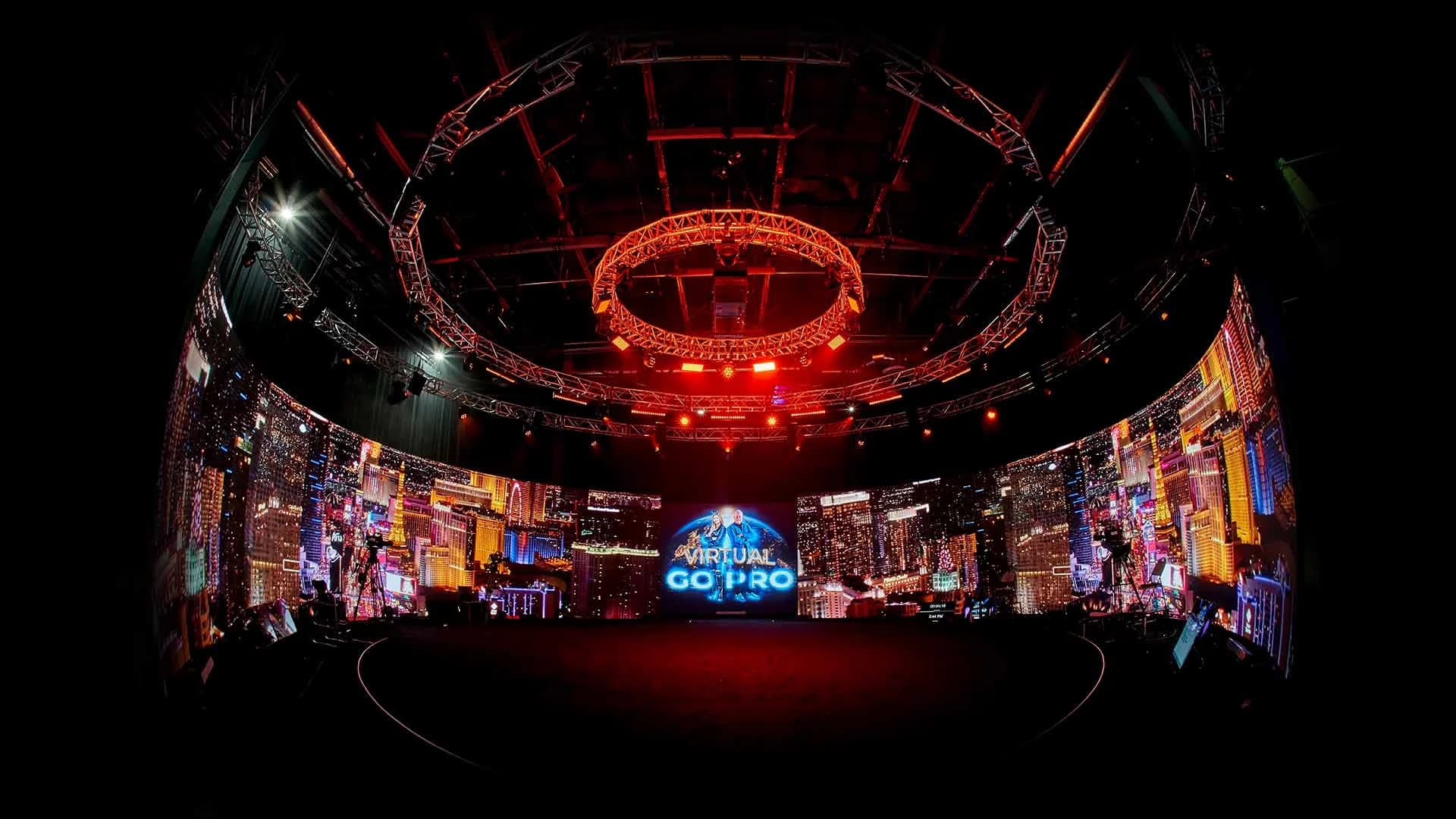
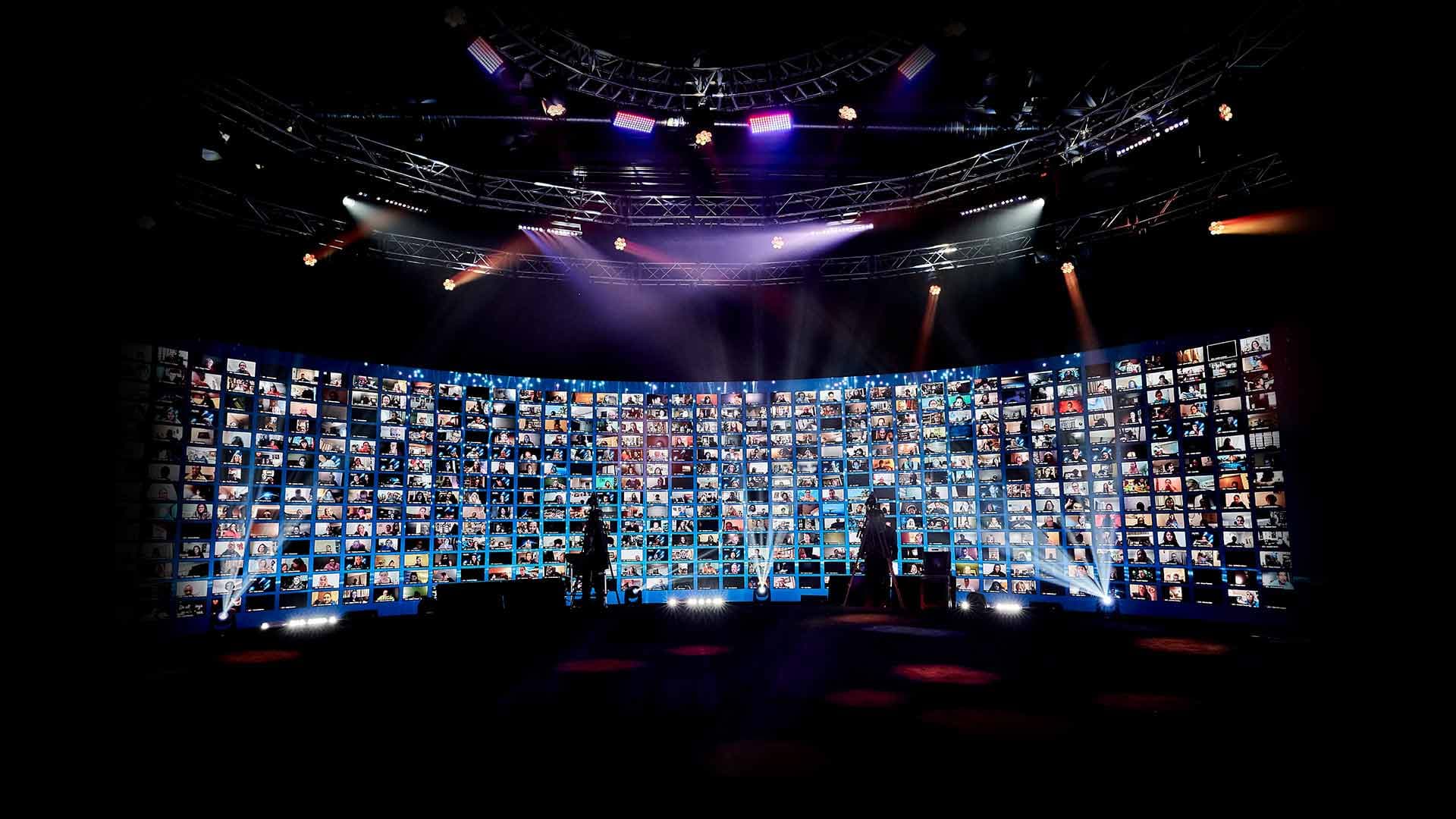
An interactive broadcast holds its interactivity at scale. The studio is built to reach hundreds of thousands of hybrid attendees in a single event, with up to 2,744 remote guests displayed live on the 360° LED wall at once — remote faces surrounding the stage, visible to the people in the room and to each other. And with real-time translation in 100+ languages, live-interpreter or AI-driven, a global audience stays inside the same single event. Attendees don't get a muted feed with a lone interpreter voice; they get closed captions plus a translated voice layered over the event's actual music, effects, and ambiance. One message, one time, across the world — no re-cut regional versions, no game of telephone.
What It Looks Like in Practice
When Matthew McConaughey needed to broadcast a multi-hour interactive session and the private studio he was recording from had no remote capability, Worre Studios acted as the broadcast stage — his camera feed came in, and a fully interactive event went out at roughly 90,000-attendee scale, breakout rooms and all. Nobody in that audience would've described it as a webinar.
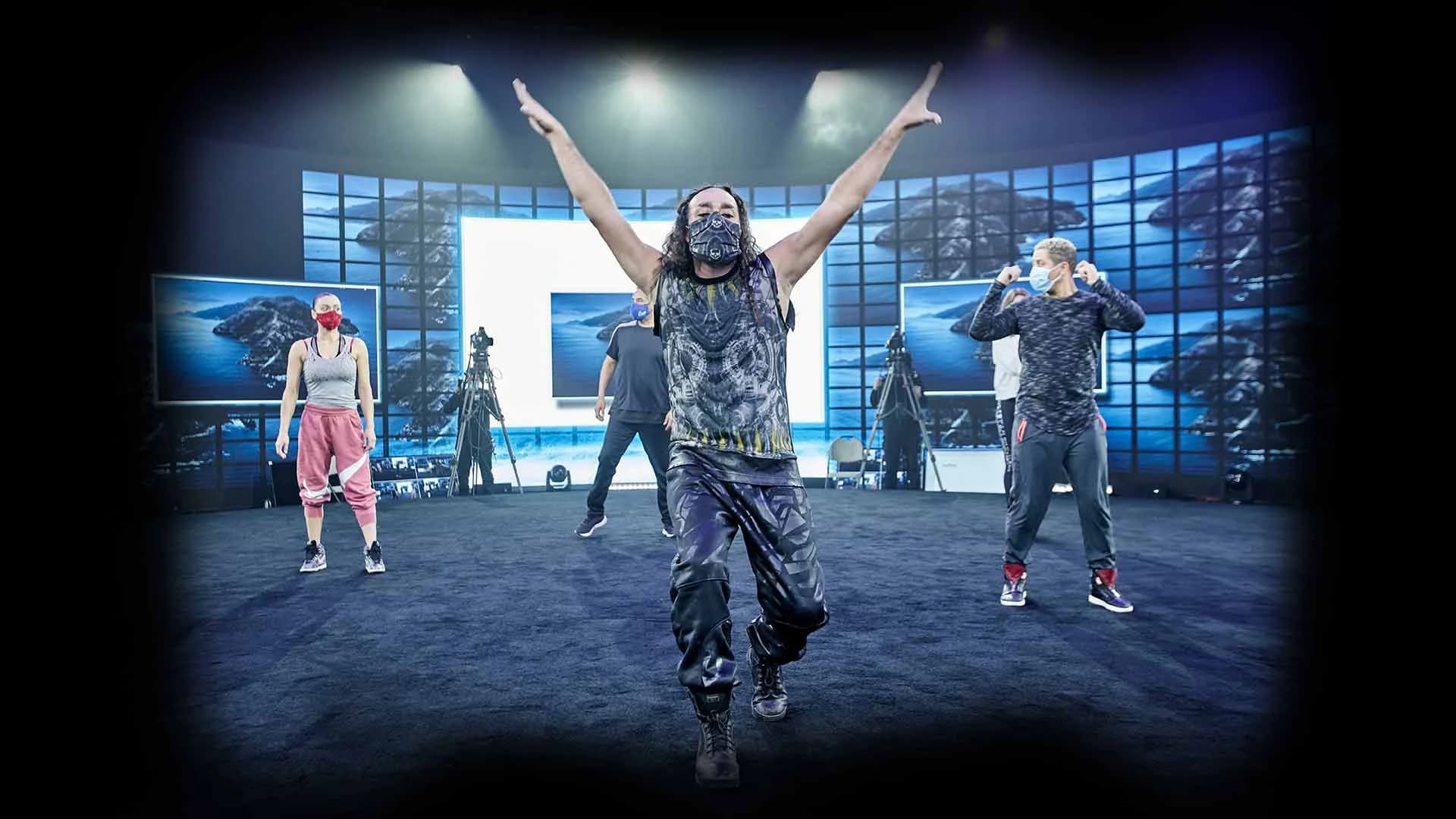
When Dell launched the Alienware 15 and 17 gaming laptops from the studio floor — Chance the Rapper streamed in, hosts live in the round — the broadcast pushed to 24 platforms simultaneously and reached 17.2 million total views across live and social. A window can't do that. An environment with broadcast infrastructure behind it can.
So Which One Does Your Event Need?
If the job is moving information to people who just need to receive it — a monthly update, a training refresher — a webinar is the right tool, and it's the cheaper one. Use it.
If the event is the moment — a launch, a kickoff, a paid summit, anything where attendees should feel they were there — the format has to carry presence, participation, and your brand. An interactive broadcast was built for exactly that job, and it's the difference between an audience that watched and an audience that showed up.
Frequently Asked Questions
Some of the underlying streaming infrastructure is shared — that's the plumbing, not the product. The product is what's built on top: a branded per-event dashboard, live face-to-face interaction between remote attendees and the people on stage, breakout rooms, audience segmentation, and real-time translation. A webinar platform delivers a feed. An interactive broadcast delivers an environment.
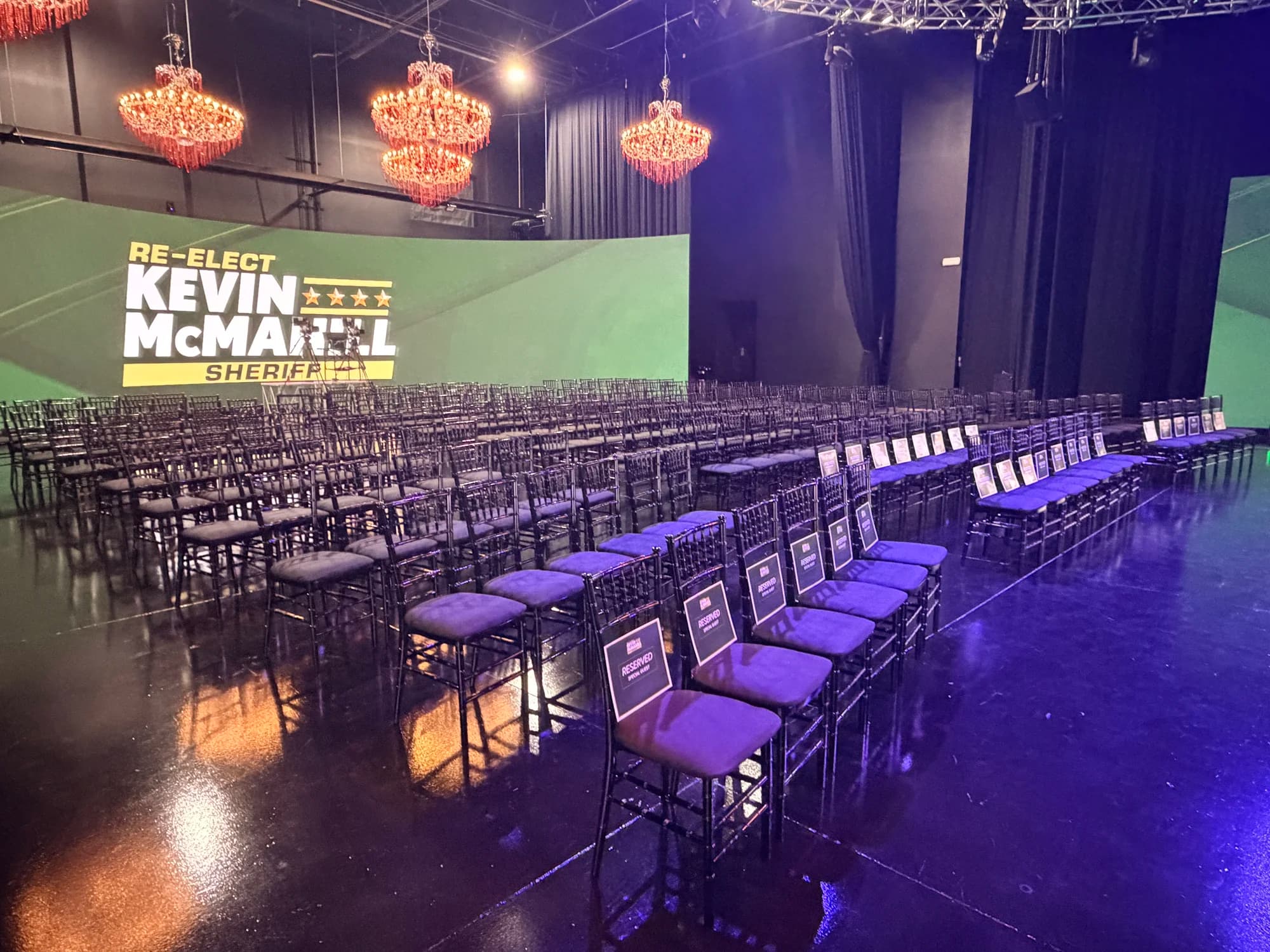
The studio is built to reach hundreds of thousands of hybrid attendees in a single event — total capability tops 500,000+. In the room itself, configurations support up to 350 seated, 500 standing, or 600 for concert-style events, with up to 2,744 remote guests displayed live on the LED wall at once.
Yes. Events run with real-time translation in 100+ languages, live-interpreter or AI-driven. Attendees get closed captions plus a translated voice layered over the event's actual music, effects, and ambiance — not a muted background with a lone interpreter track.
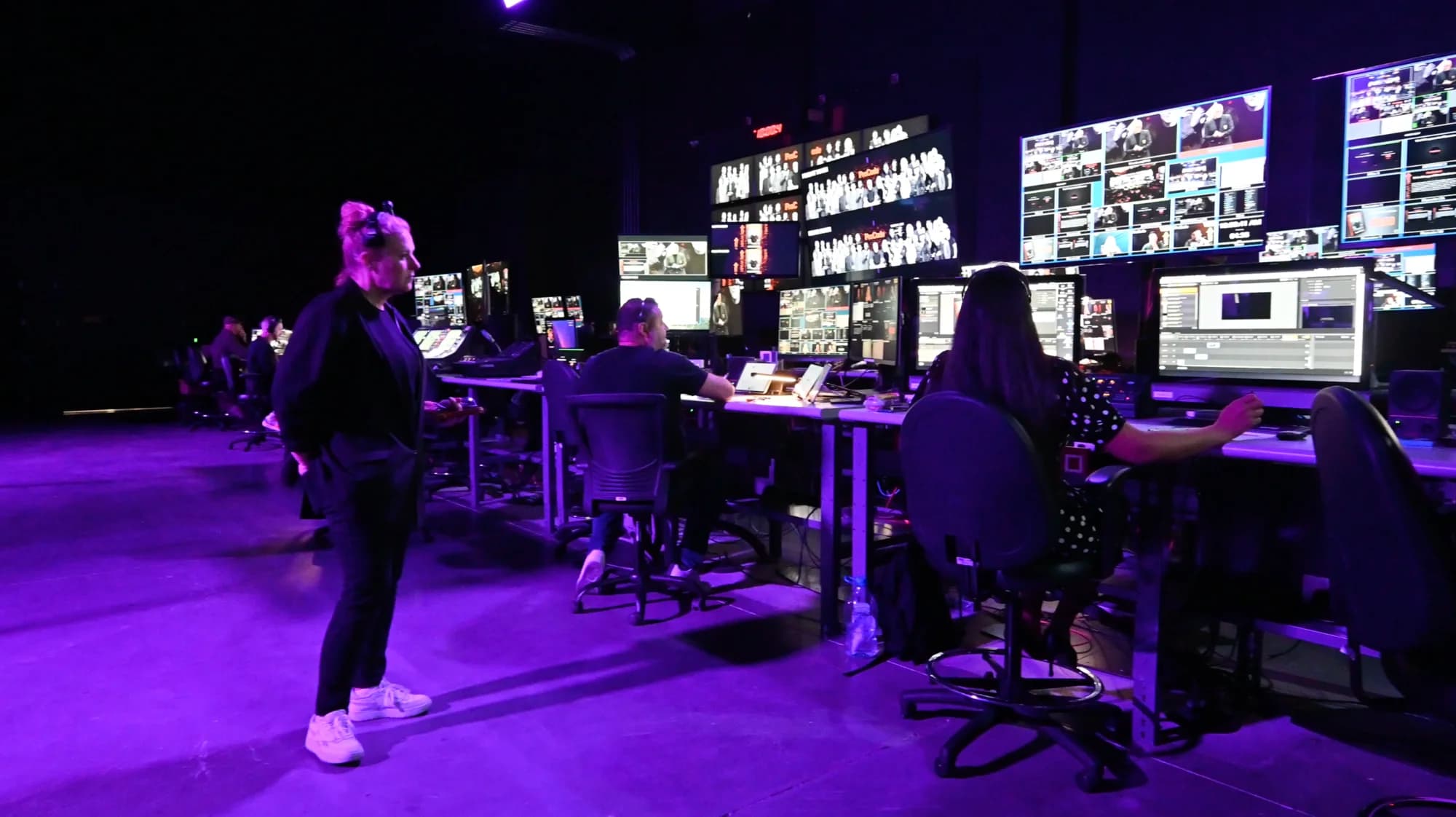
No. If you're producing in Las Vegas, the studio comes fully crewed and equipped. If you can't travel, the Remote Virtual Stage service turns your camera feed — from any location — into a fully interactive broadcast at scale.
Interactive broadcasts produced in the studio are premium events, starting at $100,000 per day. If your host is somewhere else and you only need the broadcast, Remote Virtual Stage is scoped separately and quoted per inquiry. Start a studio inquiry and we'll build a quote around your event.

Written by the Worre Studios Content Team and reviewed by Ben Groen, Ticketing & Interactive Platform Lead. Every capability described here — the branded per-event dashboard, breakout rooms at scale, 100+ language translation, multi-platform output, and one-on-one remote latency — reflects productions delivered at the studio, including the events referenced above. Last reviewed July 5, 2026.
Show Your Audience the Difference.
Tell us about the event you're planning. We'll walk you through the studio and the interactive layer — and build a quote around exactly what it needs.