

What Is a 360° LED Volume — And What Can It Actually Do?
On this page
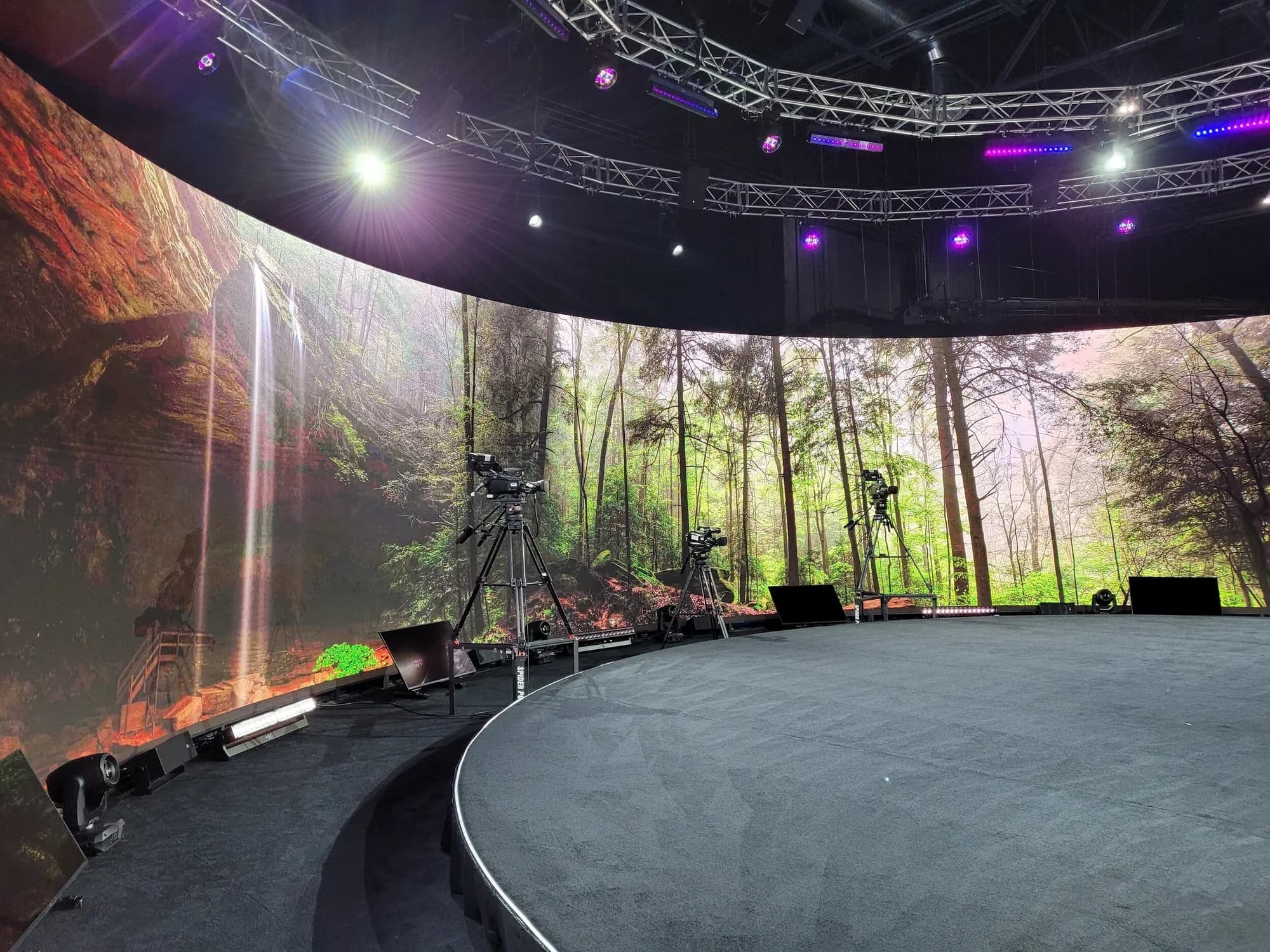
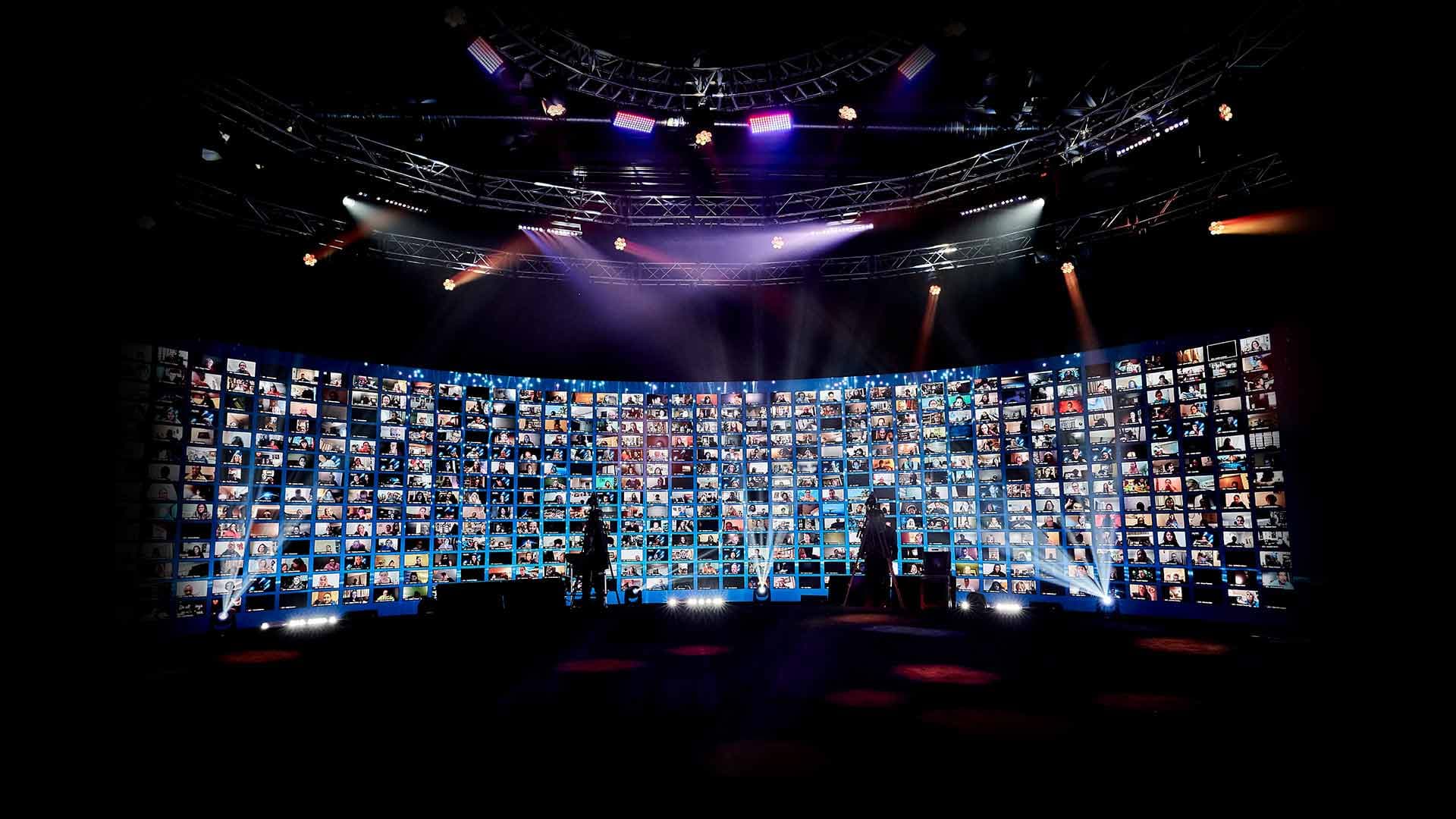
A 360° LED volume is a stage surrounded by high-resolution LED walls on every side — your audience doesn't look at a screen, they sit inside one. The format can place a room anywhere: a rendered world that shifts mid-show, motion running unbroken around the full circumference, remote attendees' faces wrapping the stage. Most teams use a fraction of that, because they've only ever designed for a screen behind a stage. Here's what the room actually does.
Key Takeaways
- A volume surrounds the audience — front, behind, all around — rather than backing the stage with a single screen.
- The environment is live and changeable: full scene swaps, reveals, and rendered worlds can be triggered mid-show.
- The most common mistake is treating the wall as a giant static backdrop — a logo parked on architecture built for motion.
- The walls also work as production infrastructure: keying surfaces for film and VFX work, and a live display surface for thousands of remote faces.
- At Worre Studios, half the 360° wall moves on a track system — the volume opens up for live audiences without giving up the format.
Walk into a conventional event space and the screen is where it's always been: behind the stage, facing the audience, doing what a poster does. Walk into a 360° LED volume and the geometry flips. The screen is everywhere, and you're standing inside it.
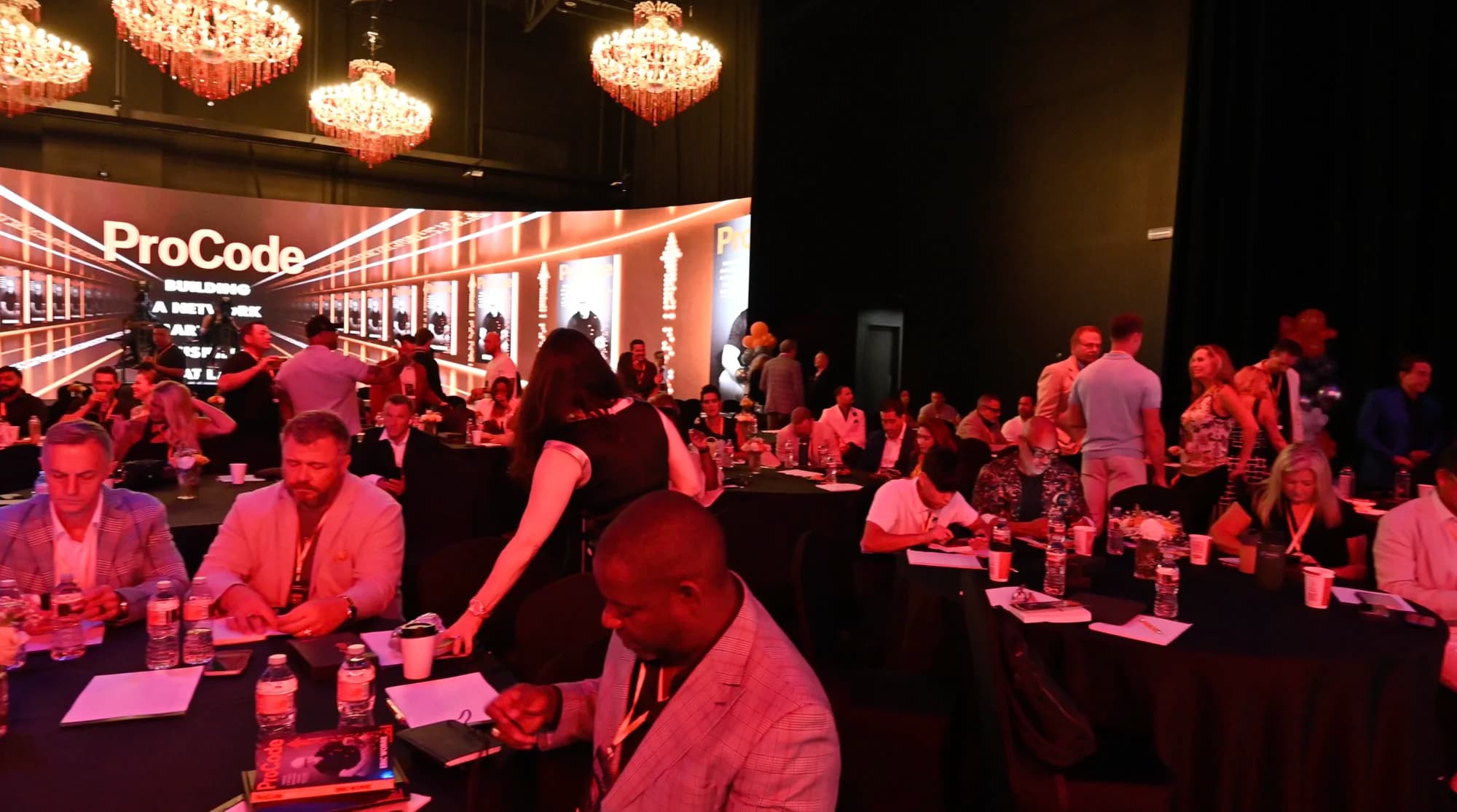
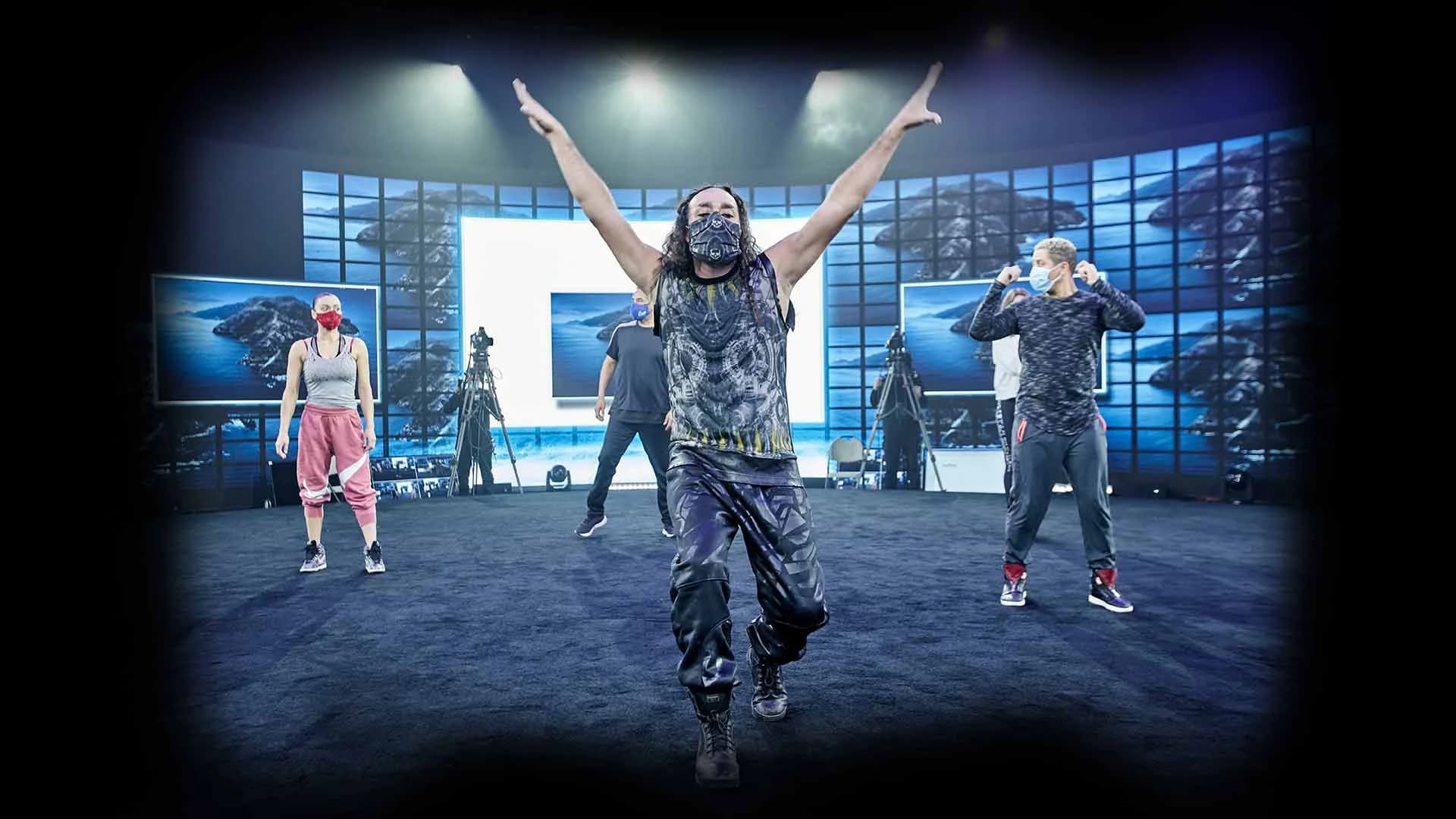
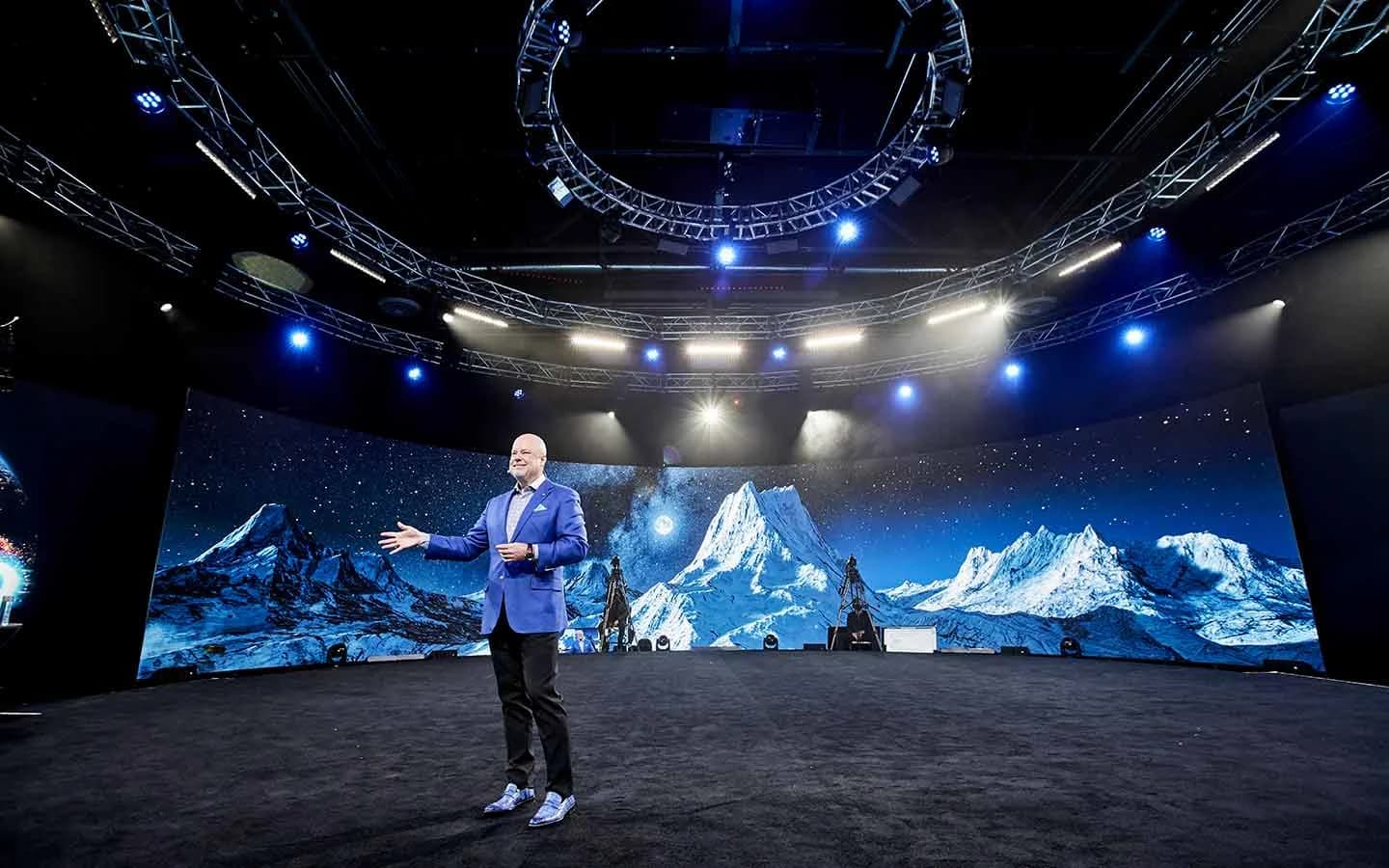
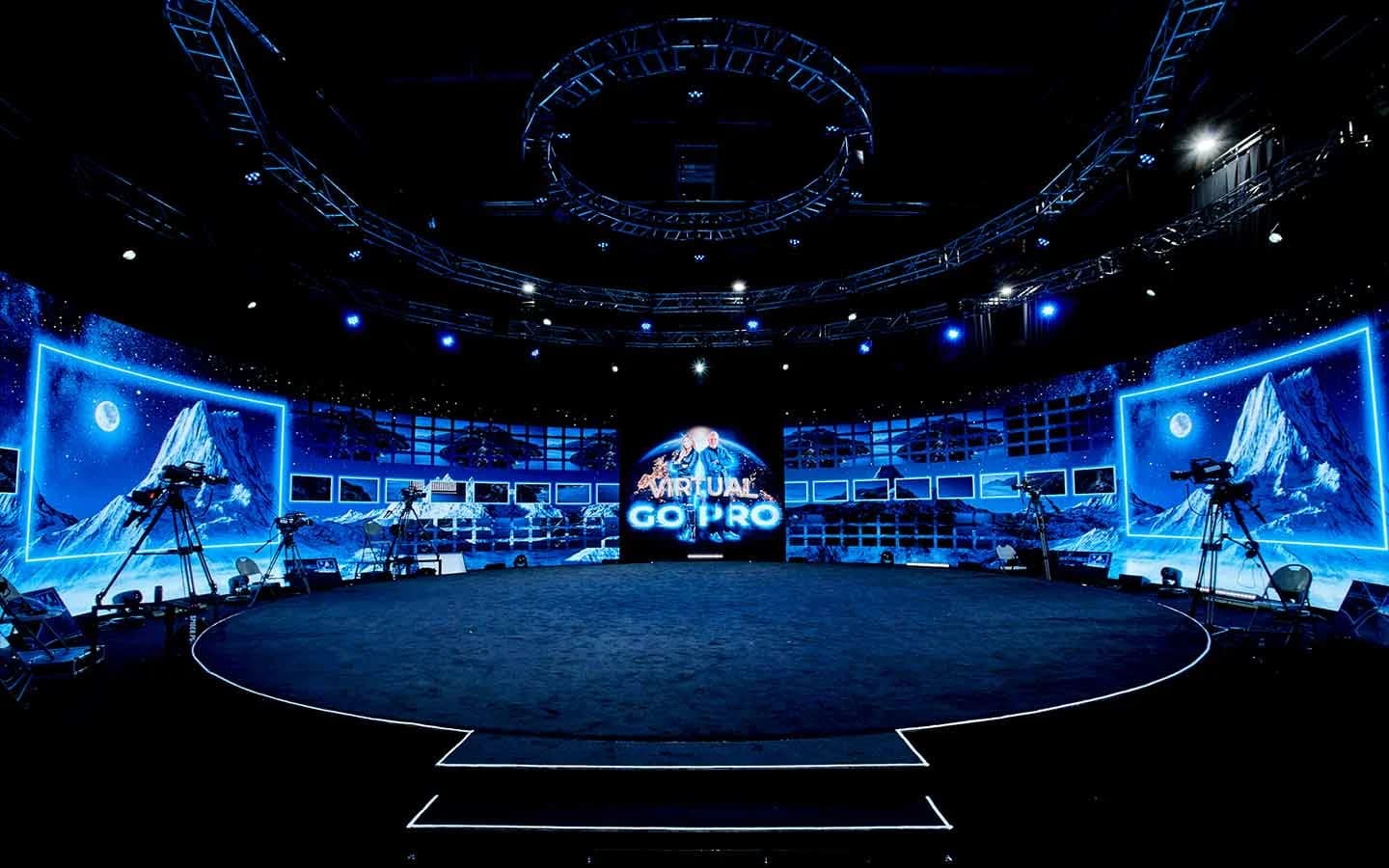
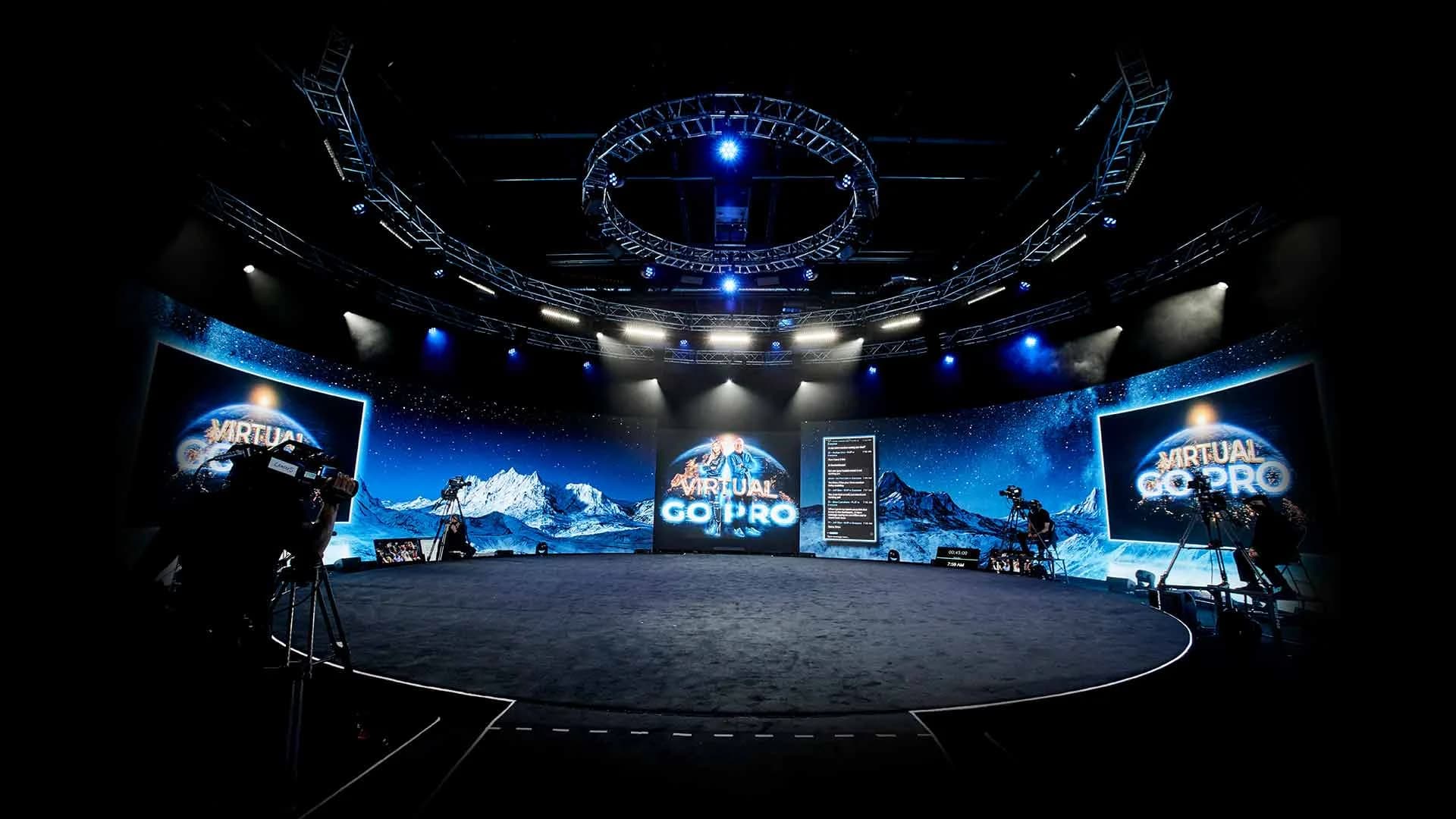
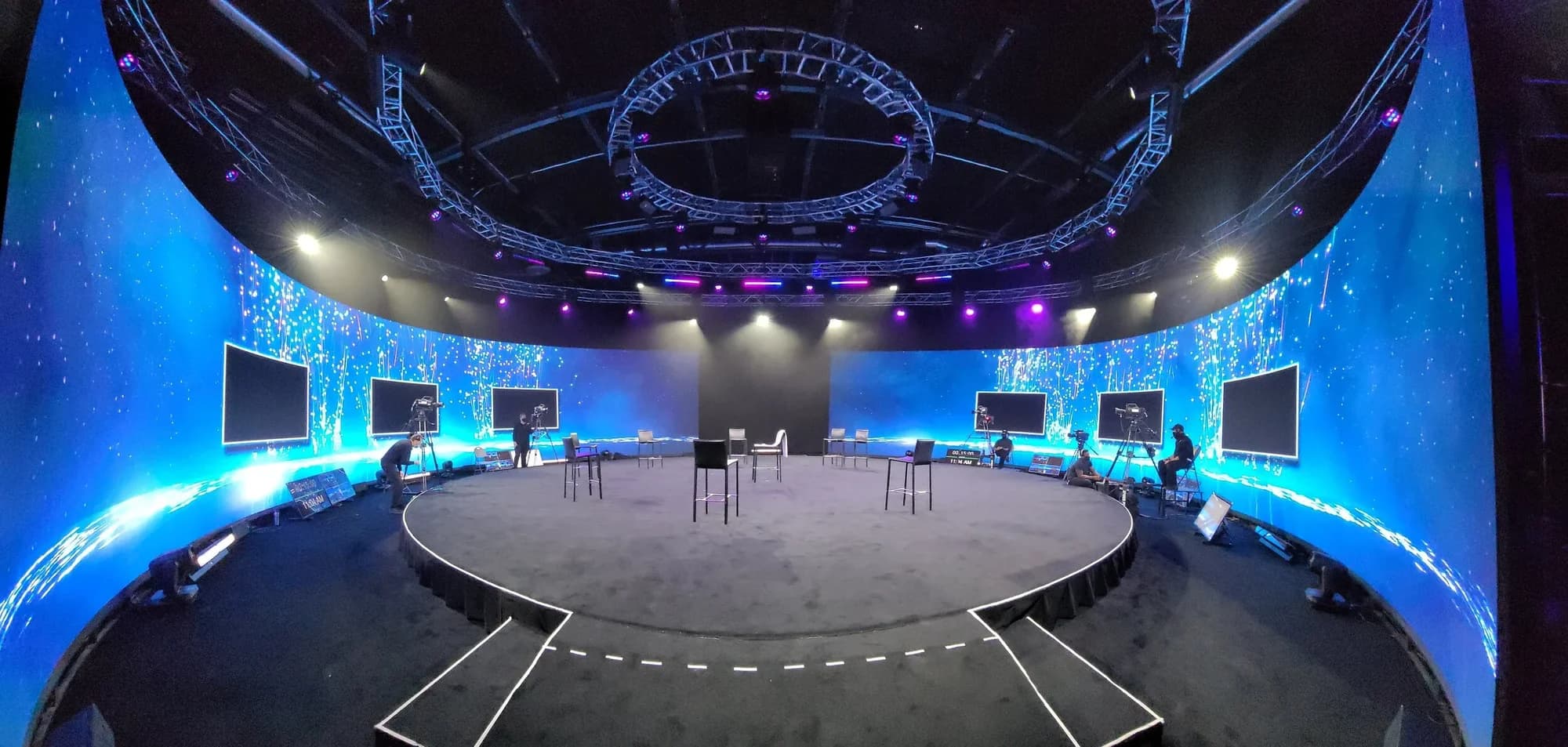
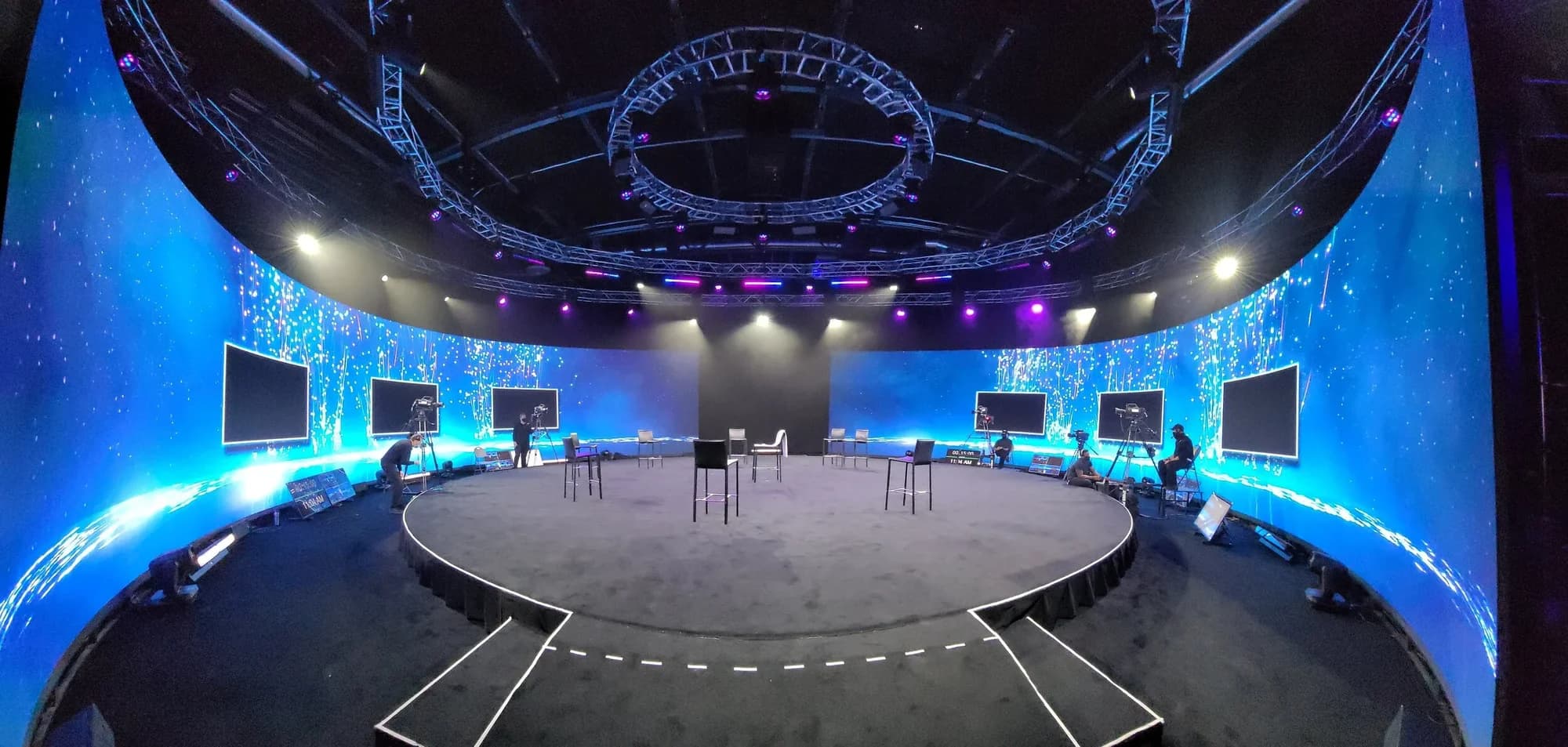
A volume — the term comes from virtual production — is a performance space enclosed by LED walls. At Worre Studios, curved 1.9mm 12K LED surrounds the stage in the round, wrapping the environment around performers and audience alike. The room stops being a room with a display in it. The display is the room.
The Difference the Wraparound Makes
A front-facing screen shows an audience something. A volume puts them somewhere.
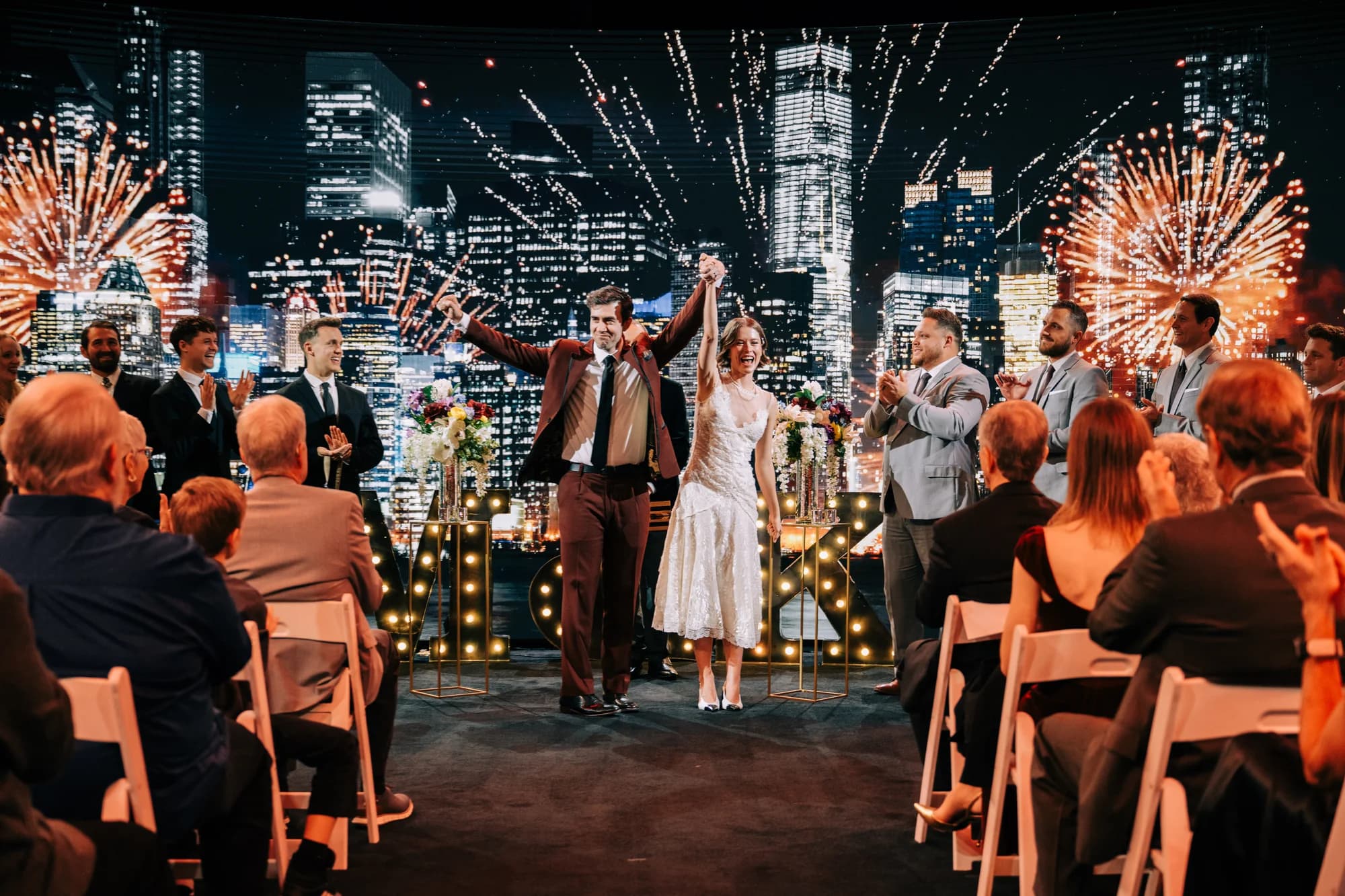
Because the imagery runs on every side, motion can travel the full circumference — a graphic that starts ahead of you sweeps behind you and comes around again. A rendered environment holds up wherever attendees look, so the sense of place never breaks at the edge of a screen, because there is no edge. The event stops borrowing spectacle from a display and starts happening inside one.
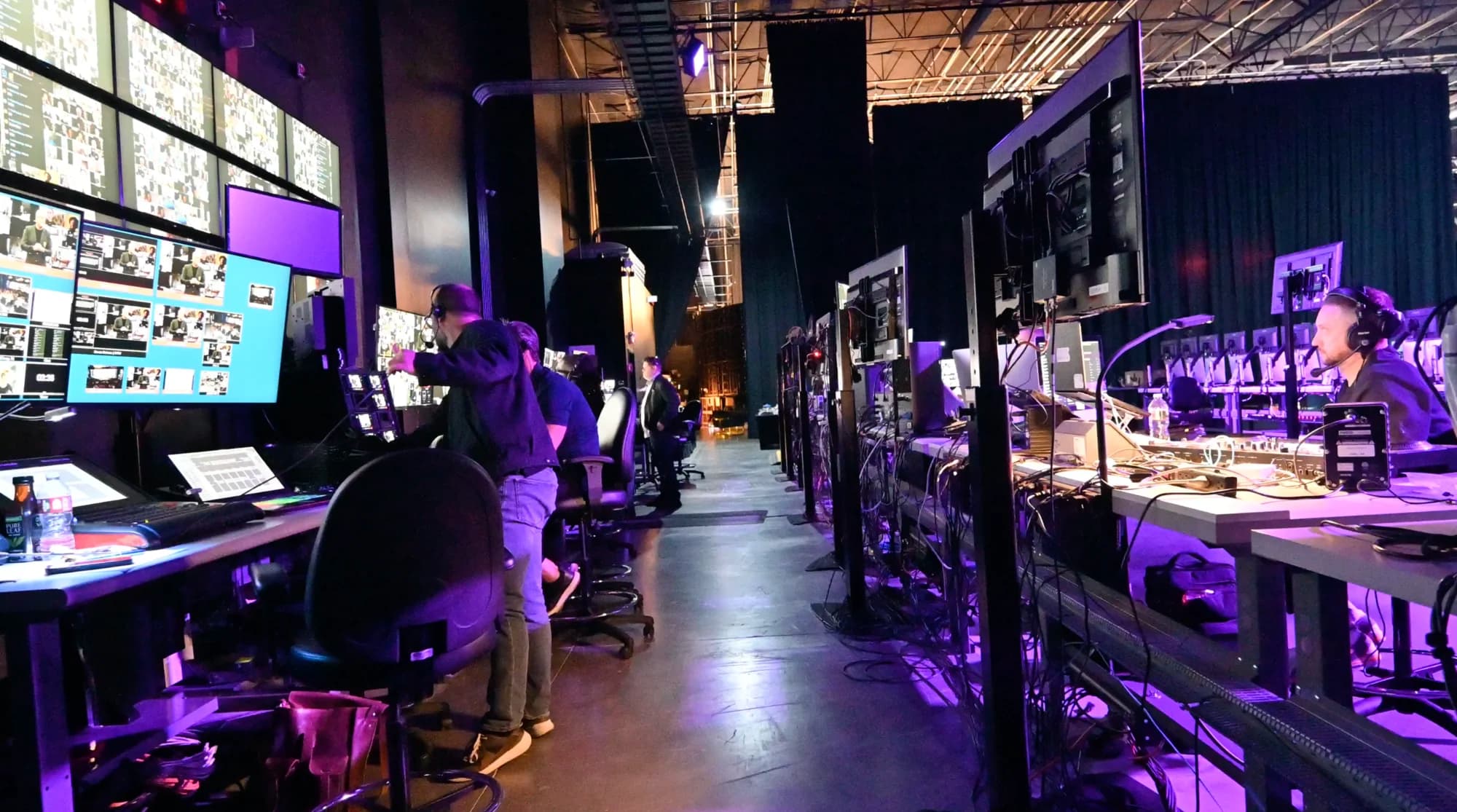
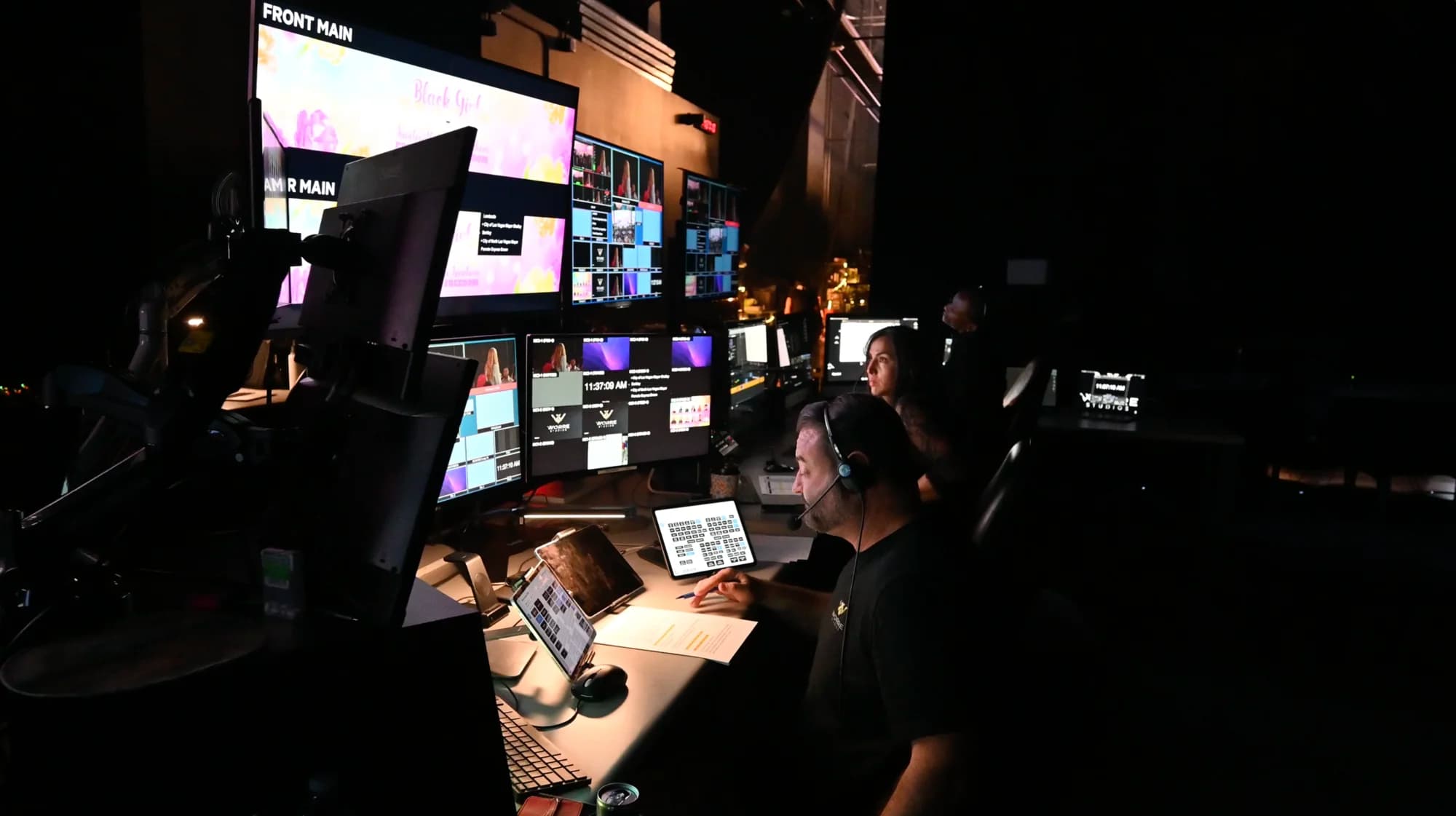
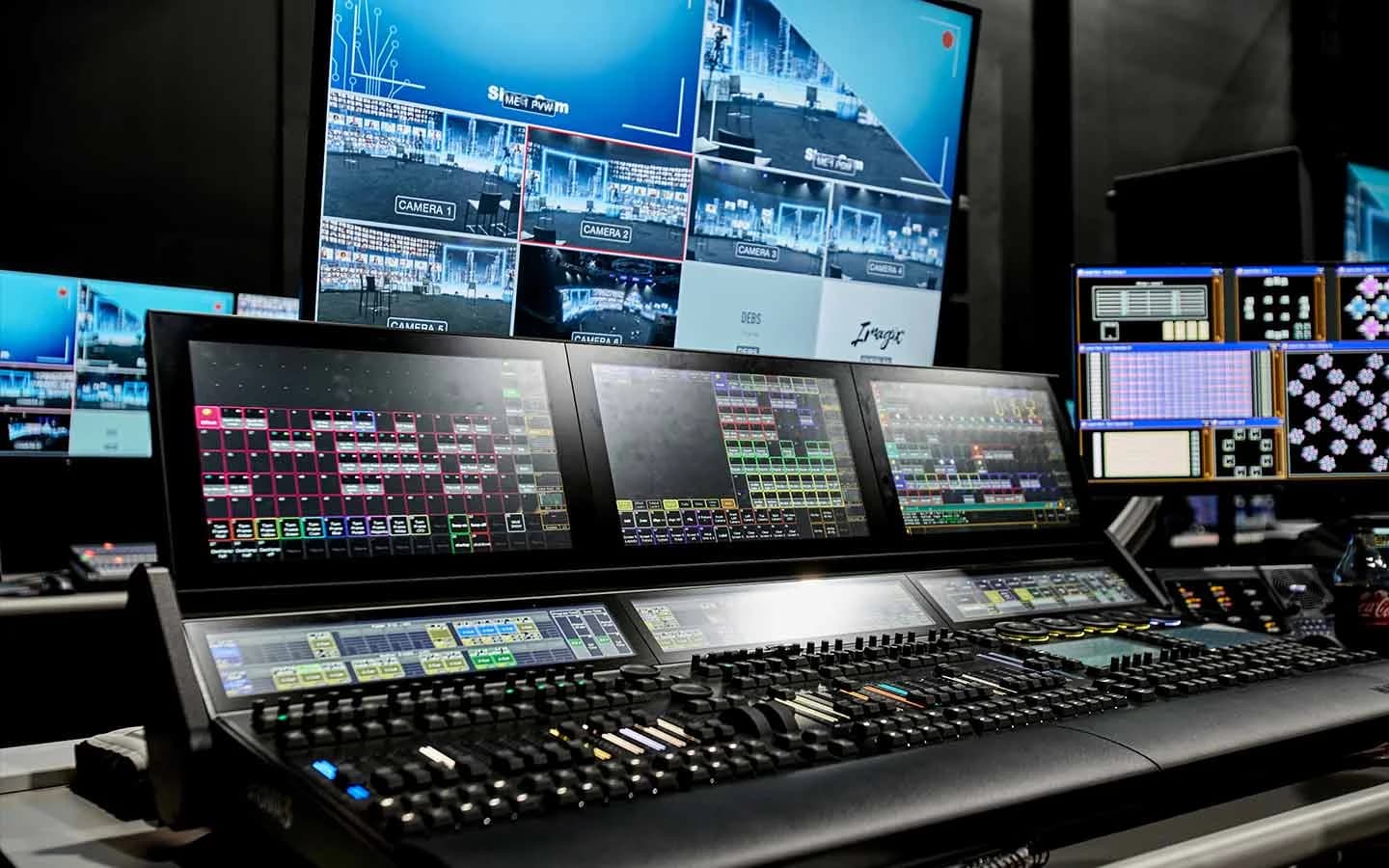
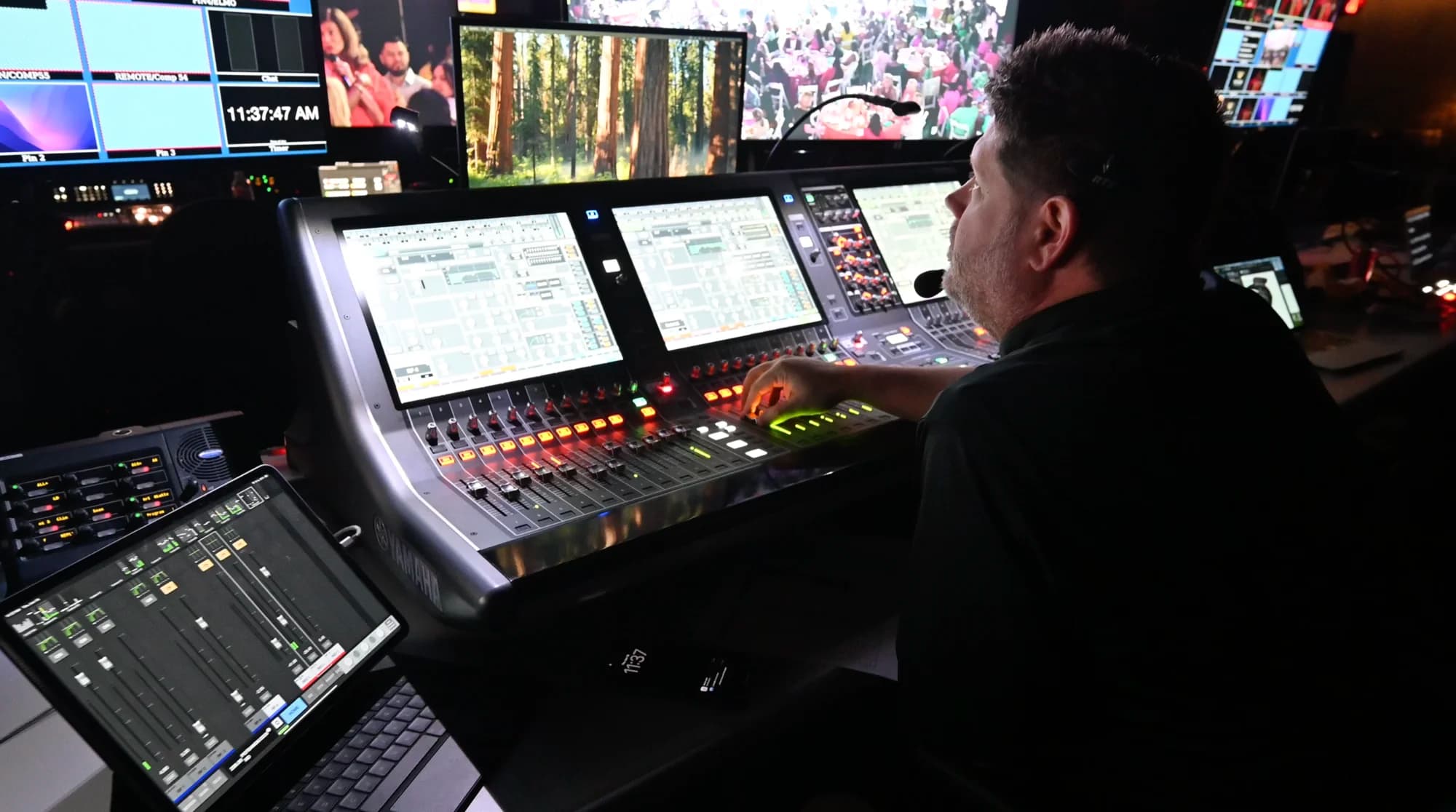
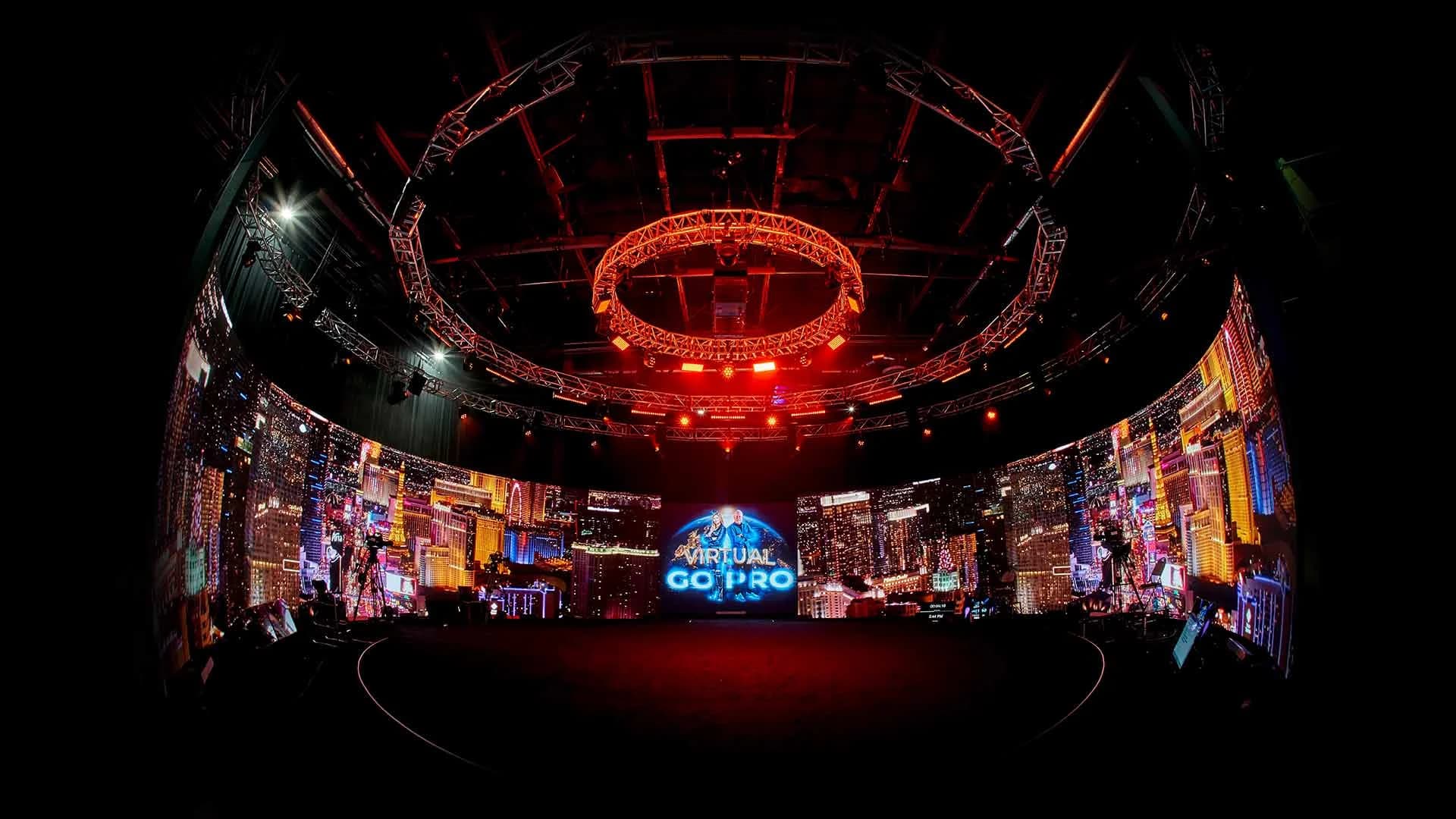
The environment is also alive. The studio's Unreal Engine 5 pipeline runs on a custom-built system with environments pre-built and blended in advance, so during the show a producer triggers scene changes, reveals, and full world swaps live from an iPad — no code, no render pause. One segment happens in a boardroom; the next, the boardroom is gone.
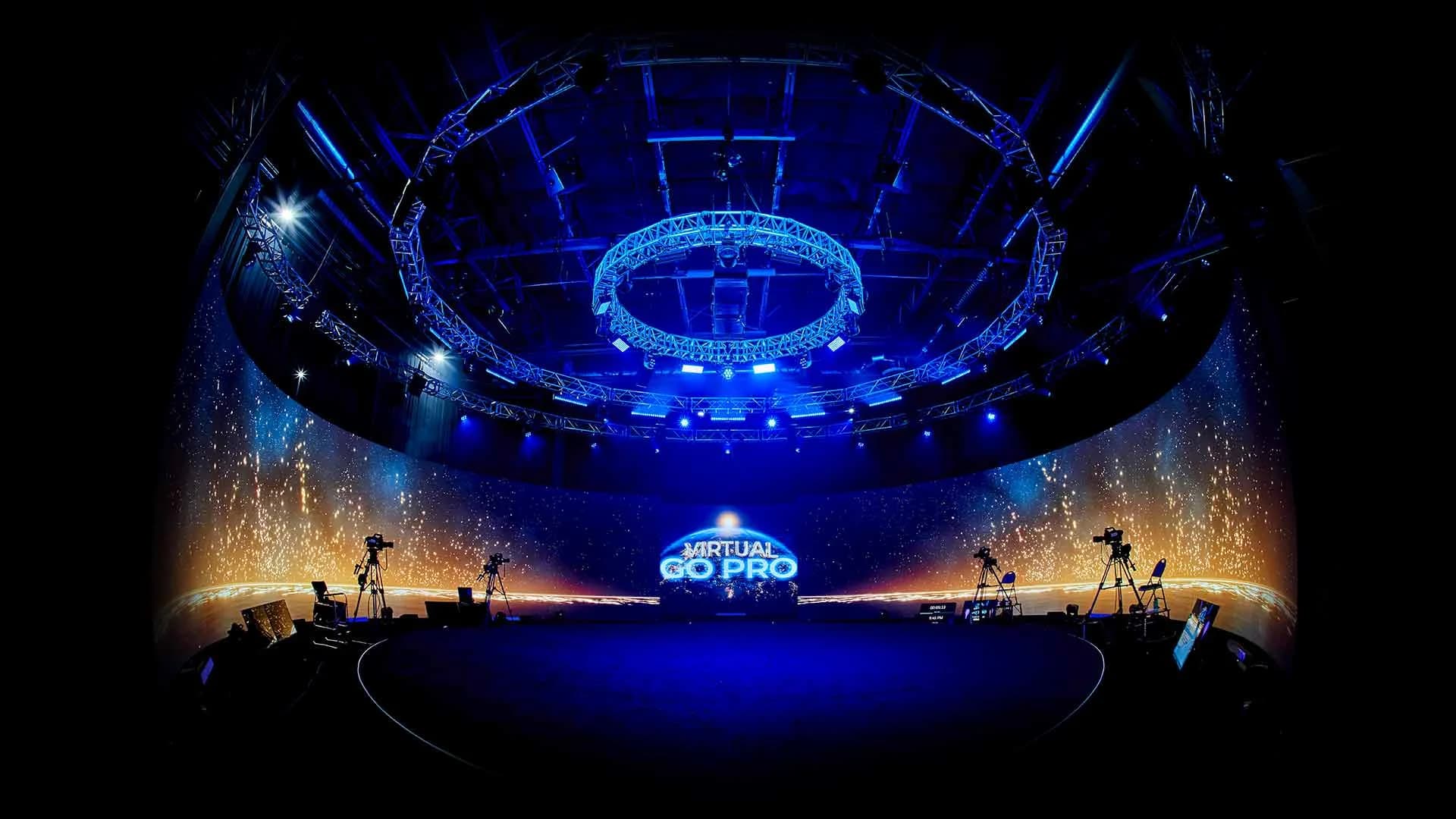
A front-facing screen shows an audience something. A volume puts them somewhere.
What Most Teams Do with It — And What They Could
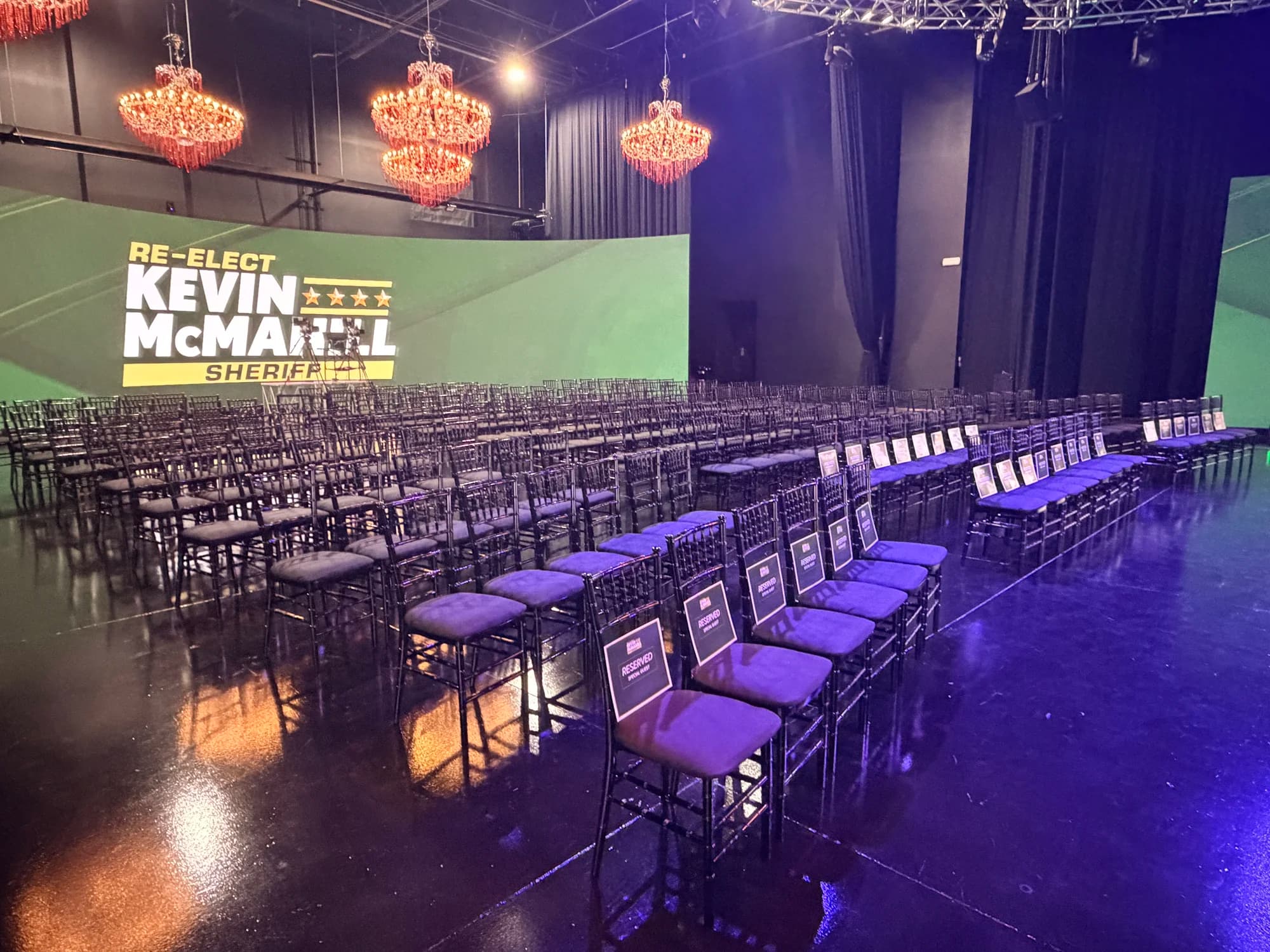
Here's the education gap we see constantly: a team books a wraparound surface of roughly 65 million pixels, and puts a static logo on it.
Nobody's wrong to start there — every instinct planners have was trained on screens that sit behind stages. But the format rewards teams who design for it:
- Full-360 connected motion. Graphics composed as one continuous surface around the room, not four separate screens showing the same slide.
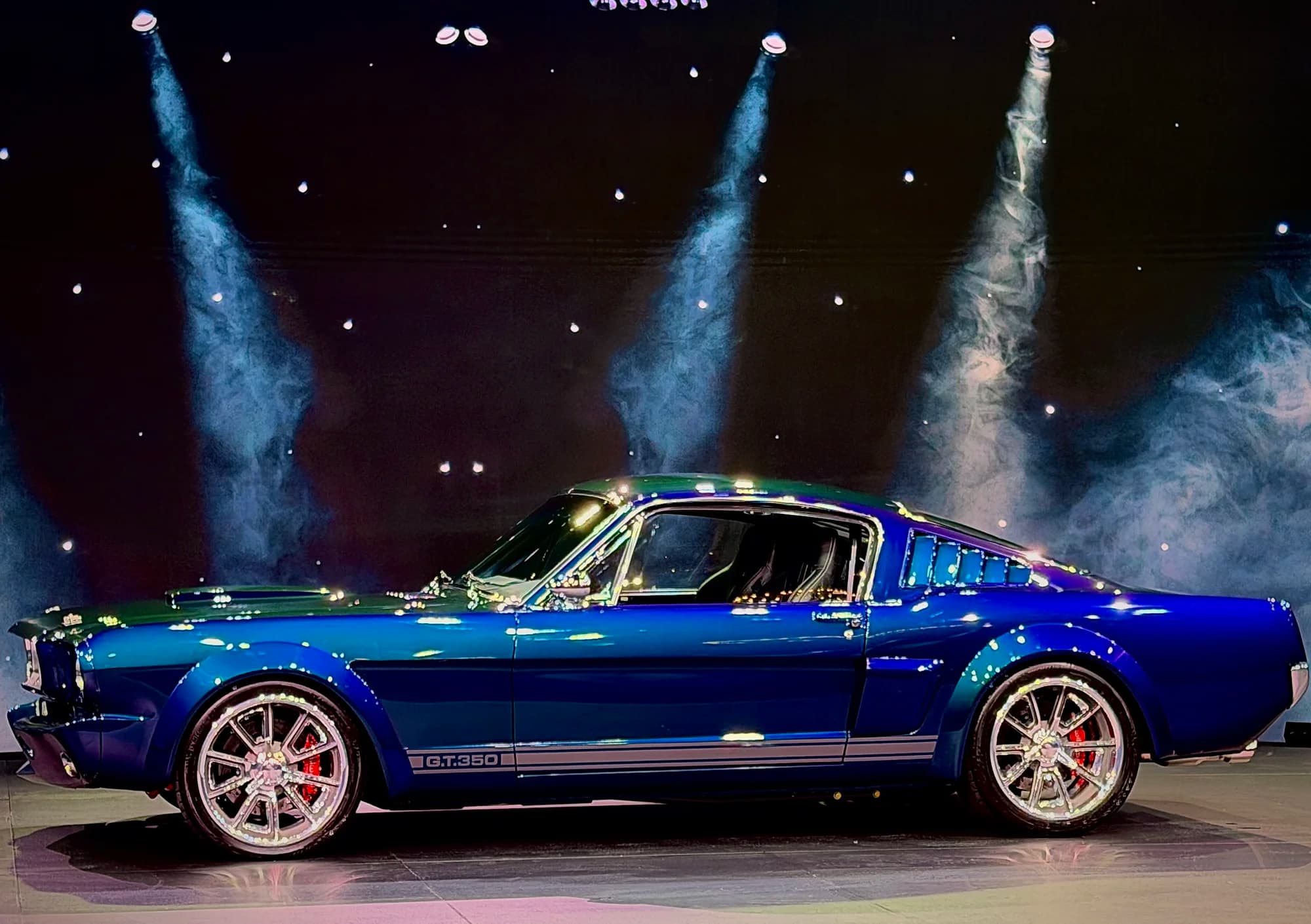
- Immersive scene design. Environments built to the event — the studio has constructed as many as 8–10 distinct environments for a single production, sets so complete that guests have asked, mid-event, "where am I?"
- The logo, exploded. A brand mark treated as spectacle — built, broken apart, and reassembled around the audience — instead of parked in a corner.
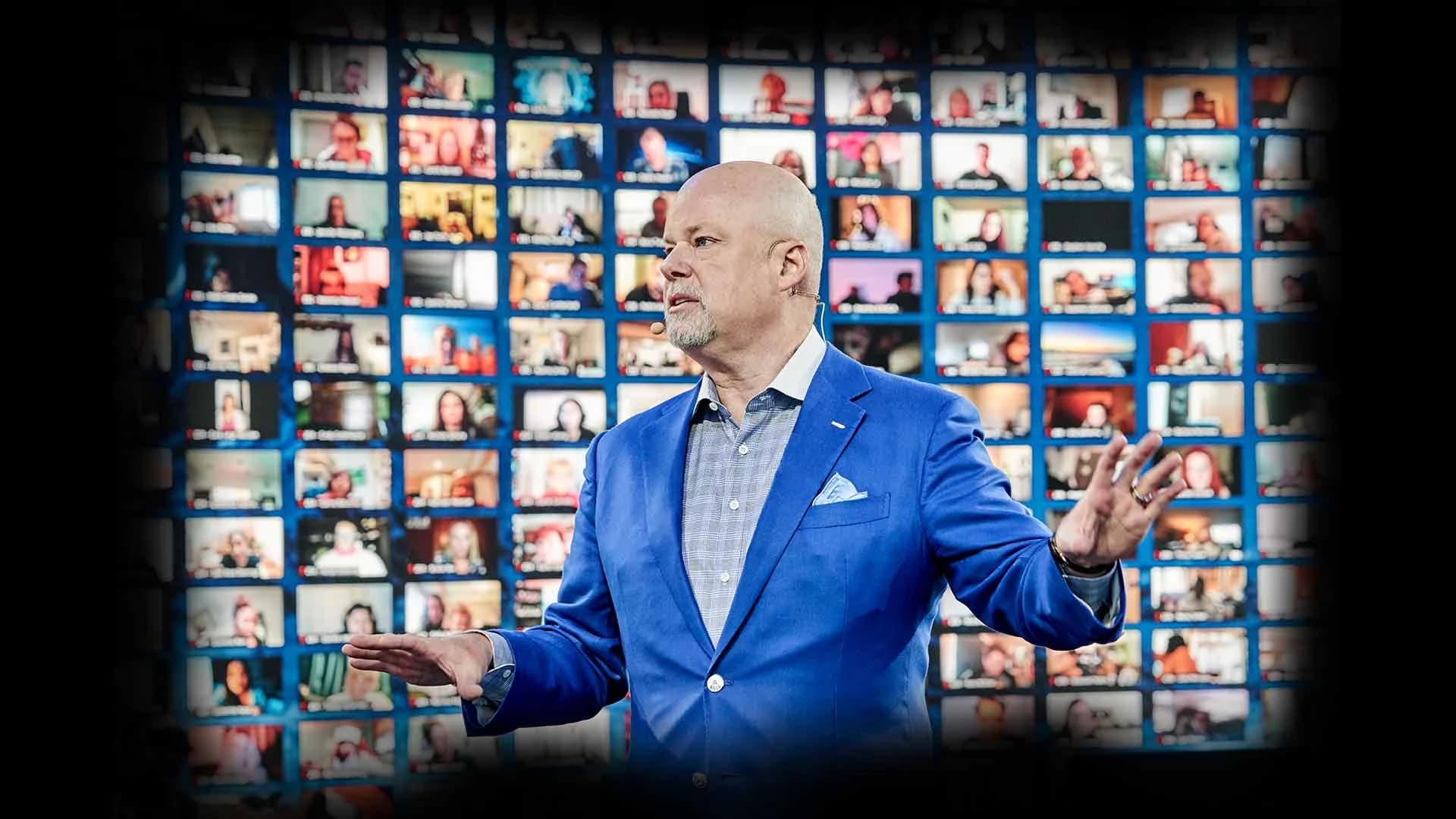
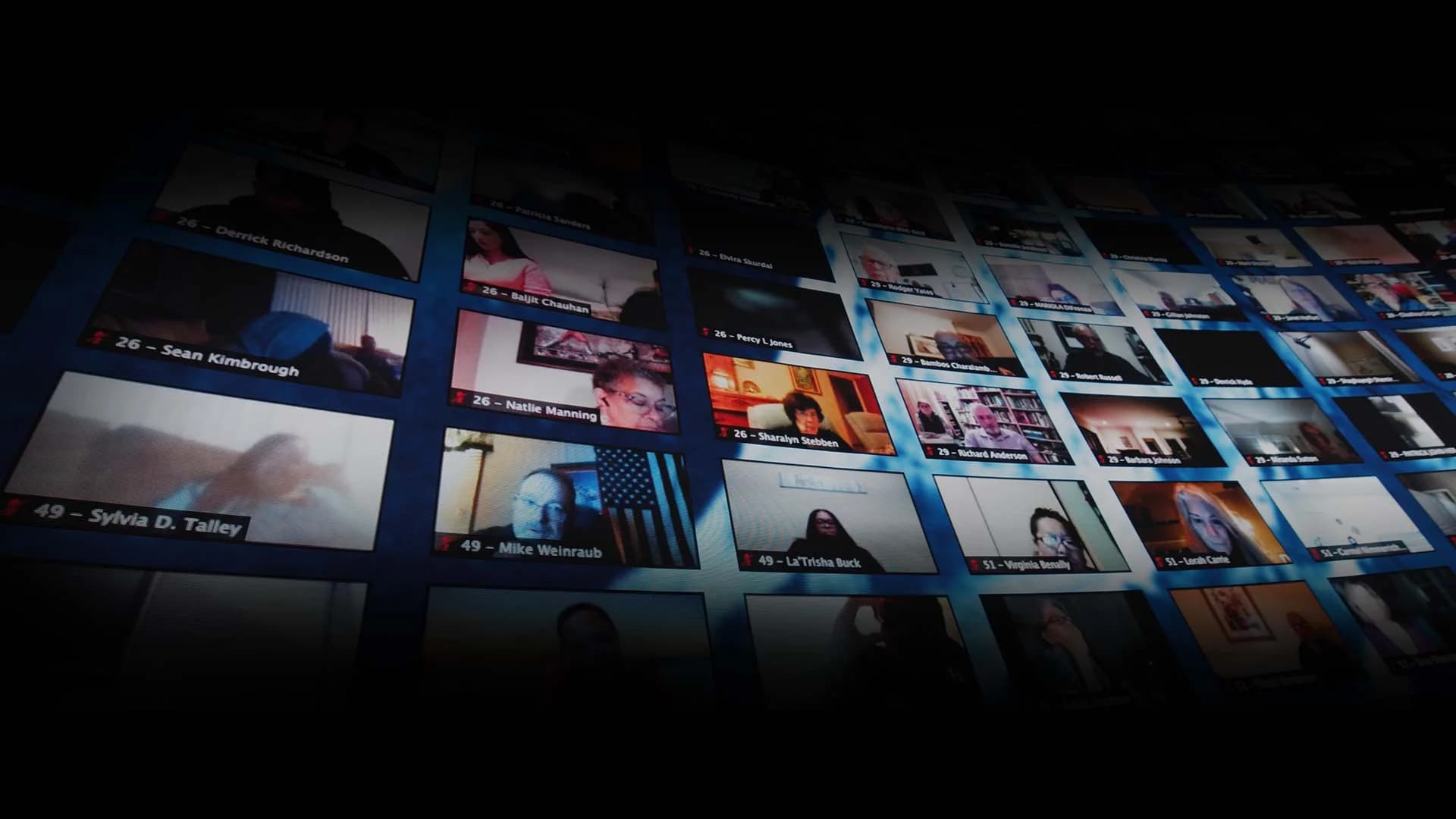
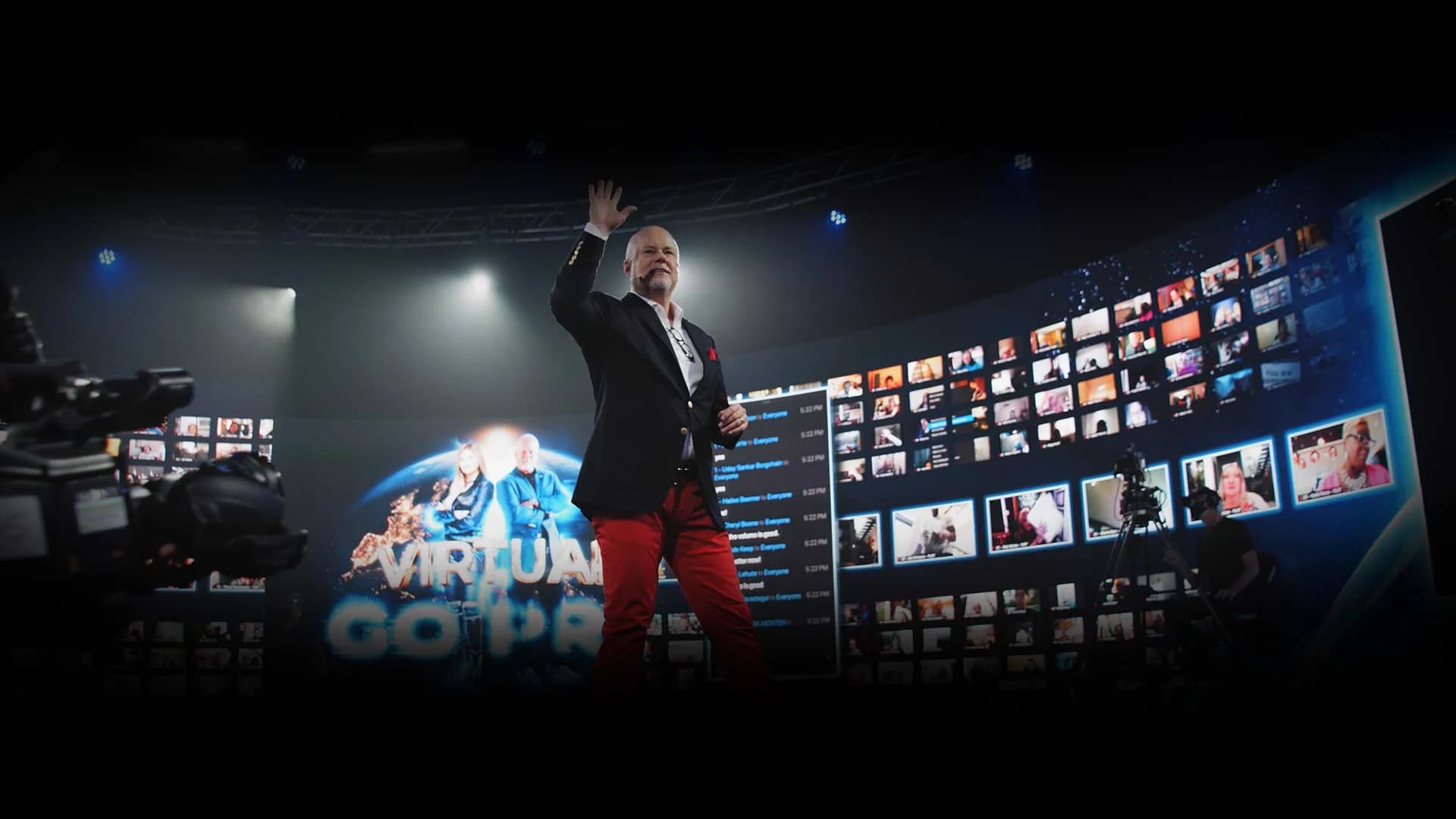
- The audience on the walls. In hybrid events, up to 2,744 remote attendees display live on the LED at once — remote faces surrounding the stage, visible to the room and to each other.
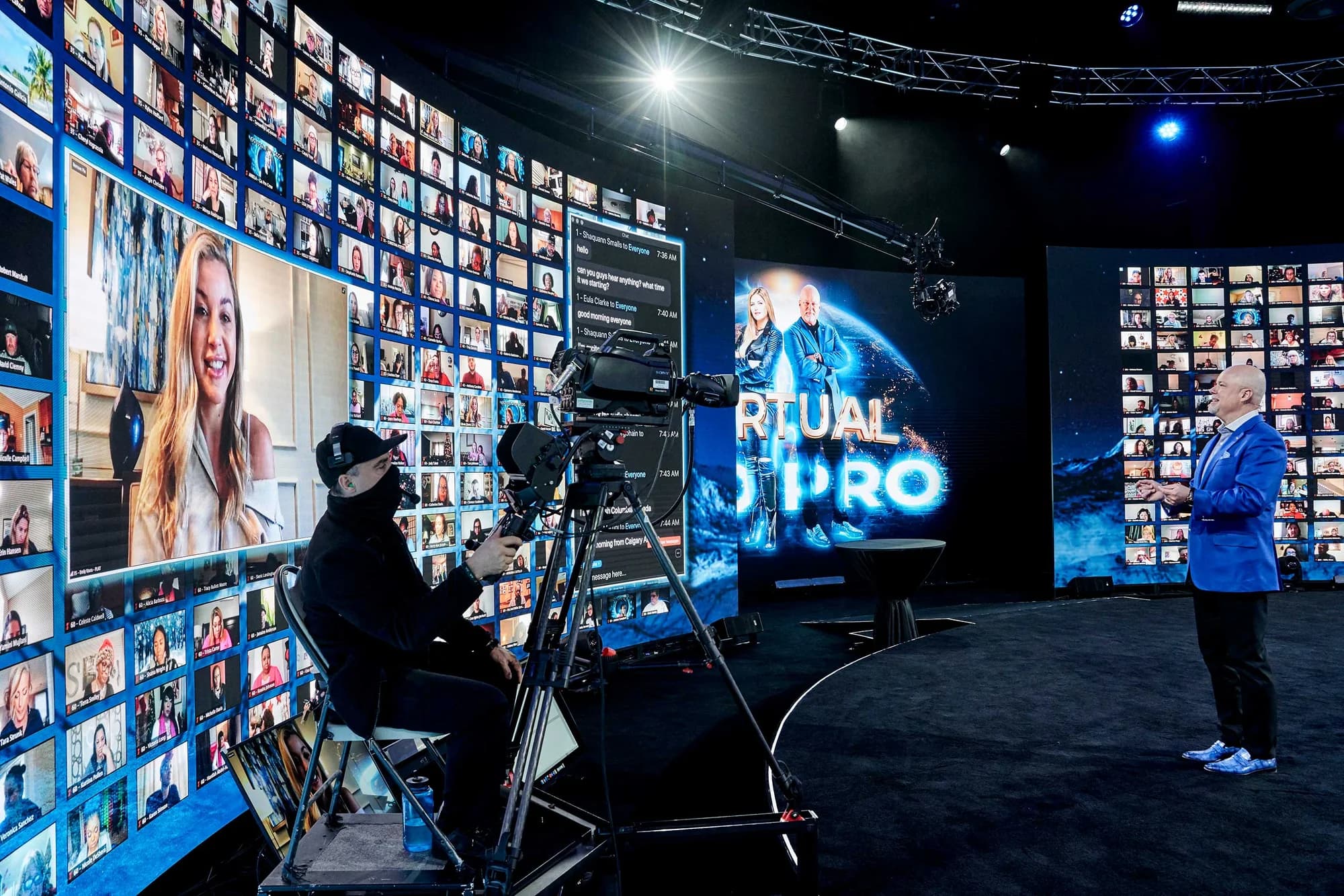
The Volume as Production Infrastructure
The same walls that carry environments also work for the camera. The LED surfaces switch to green or blue for keying, which is why the room hosts film and VFX production alongside events — including a production shoot for a Tron project, with an illuminated set piece keyed against the walls for compositing. One room, two industries' worth of use.
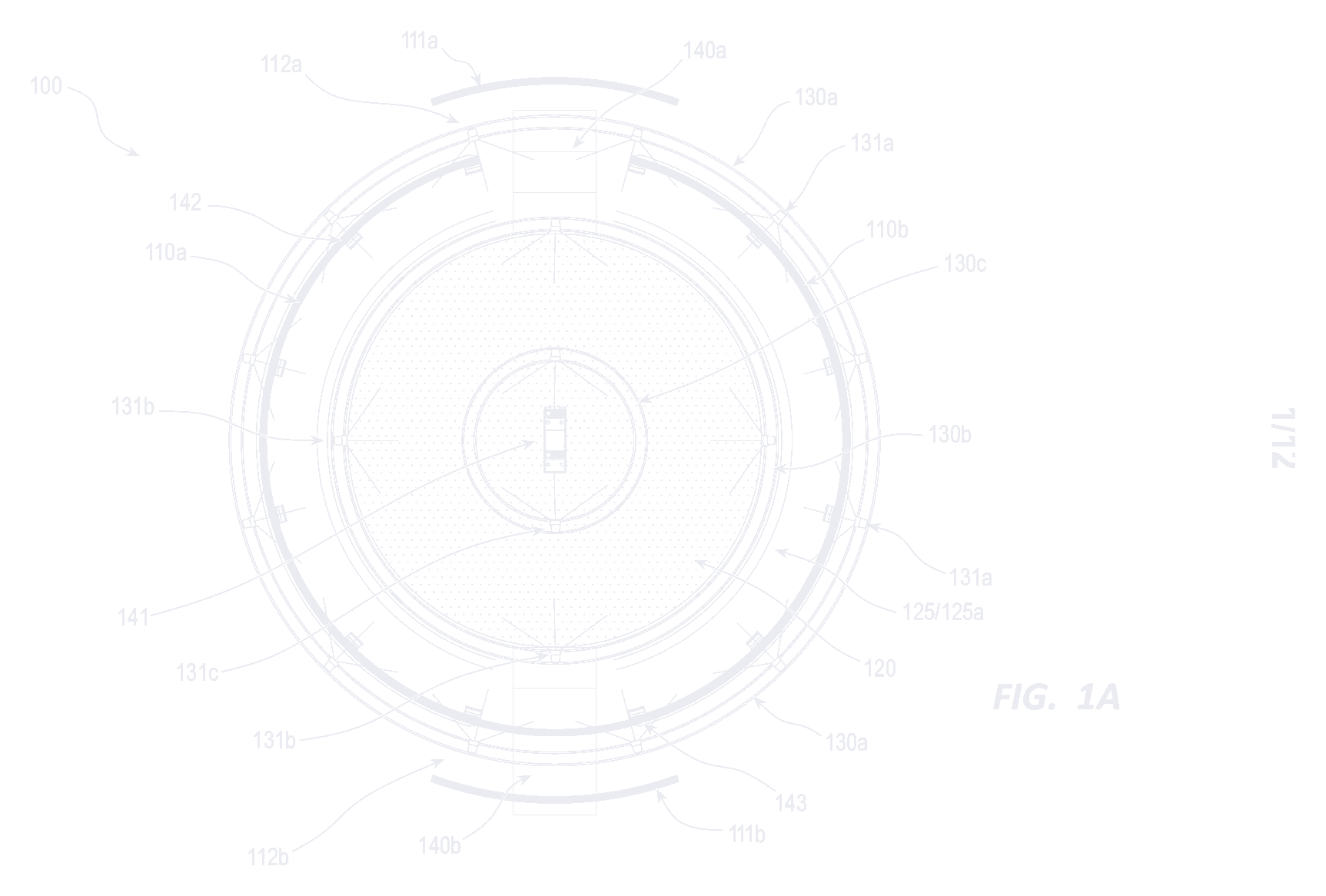
And the format flexes physically: half of the 360° wall moves back on a track system, opening the volume to seat a live audience or expand the floor — the wraparound experience without a fixed footprint.
The full specification for this LED volume studio in Las Vegas — resolution, infrastructure, control systems — lives on the Technology page. For how the volume pairs with remote reach, start with webinar vs. interactive broadcast.
Designing for the Room You Actually Booked
The honest takeaway: a 360° LED volume isn't a bigger screen, and treating it like one leaves most of what you paid for dark. Bring your brand, your content, and your ambitions to the walls early — the studio's team renders custom environments (real lead time; months for full Unreal builds), and the events that stun audiences are the ones designed for the geometry from day one.
Frequently Asked Questions
A wall faces an audience; a volume surrounds one. Content can move around the full circumference, environments hold in every direction, and the audience experiences the imagery as a place rather than a display.
Yes. Environments are pre-built and blended on the studio's Unreal Engine 5 pipeline, running on a custom-built system — a producer triggers scene changes, reveals, and full environment swaps live from an iPad, no code involved.
Yes — up to 2,744 remote guests display live on the LED at one time, surrounding the stage and visible to both the in-room audience and each other.
Plan ahead. Fully custom Unreal environments are rendered by the studio's graphic-artist team and carry months of lead time; simpler motion packages move faster. Scope content early in the booking process.
Yes. Half of the 360° wall moves back on a track system to open the room — configurations support up to 350 seated, 500 standing, or 600 for concert-style events.

Written by the Worre Studios Content Team and reviewed by Ben Groen, Ticketing & Interactive Platform Lead. Capabilities described reflect the studio's installed 360° LED system and delivered productions; full technical specifications live on the Technology page. Last reviewed July 5, 2026.
More from The Front Row
Stop Designing for a Screen. Start Designing for a Room.
Tell us what your event needs to feel like. We'll show you what the volume can do with it — starting with a walkthrough, virtual or in person.